
I often see teams lose trust when a PTZ camera moves and the rules seem to stop making sense. I want my fence lines to stay right where the real world is.
Yes, preset-linked rules7 can switch automatically, but true automatic shifting needs a camera that supports dynamic coordinate mapping8. Most PTZ systems keep rules tied to presets, while high-end systems can track pan, tilt, and zoom changes and keep virtual lines aligned.
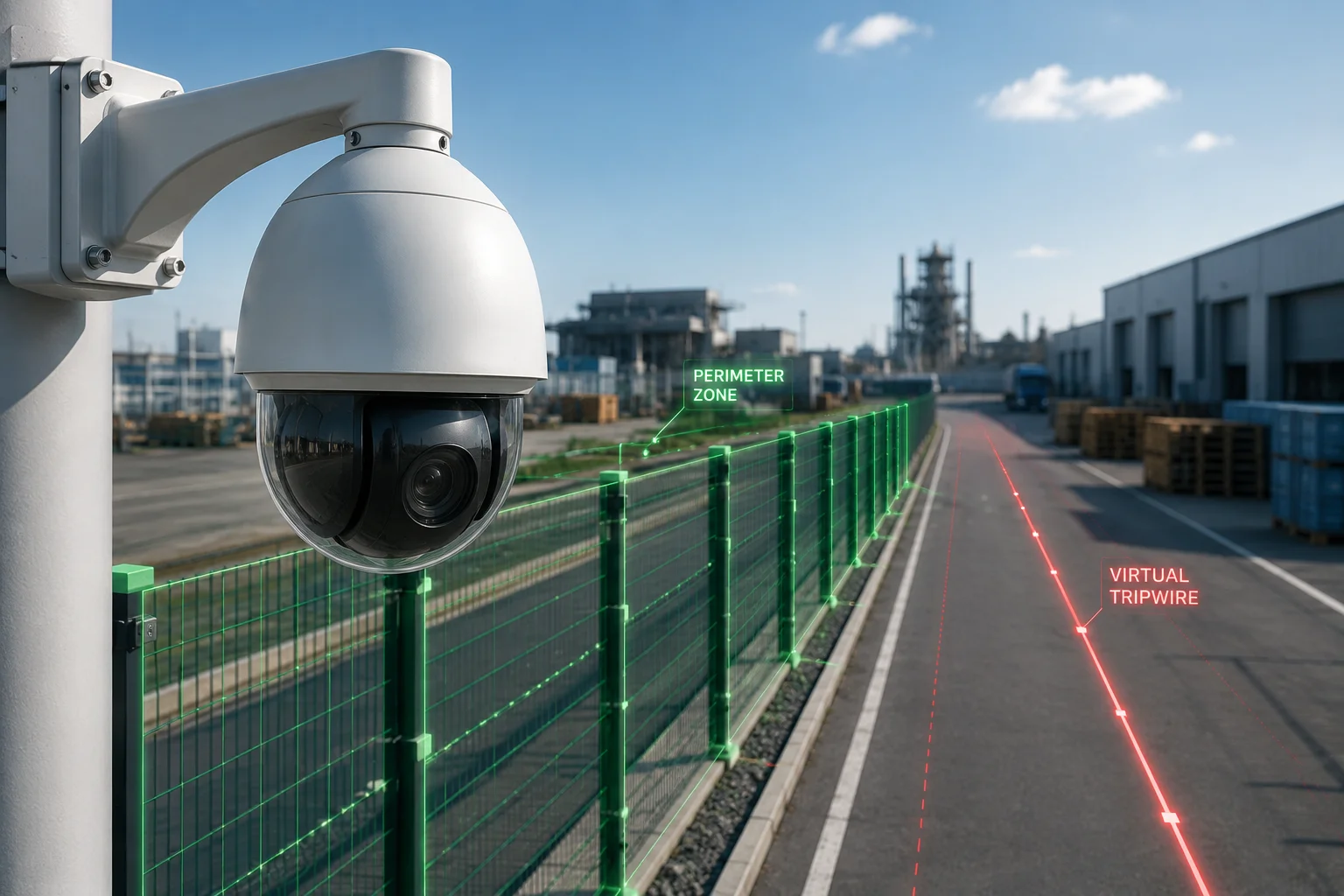
When I compare real projects, I see two very different results. Some systems only work well at preset positions. Others keep the rules attached to the scene even while the lens moves, but that needs better hardware, smarter firmware, and good calibration.
Table of Contents
Does the “Global Coordinate Mapping” ensure my fence lines stay aligned with the physical world?
I have seen this question come up a lot, because nobody wants a virtual fence that floats away from the gate. I want the line to stay on the road, the fence, or the yard, not drift across the screen.
Global Coordinate Mapping can keep fence lines aligned with the physical world if the camera has real position feedback, good calibration, and a strong mapping engine. It is not just a drawing tool. It is a way to link each rule to a fixed spatial position.
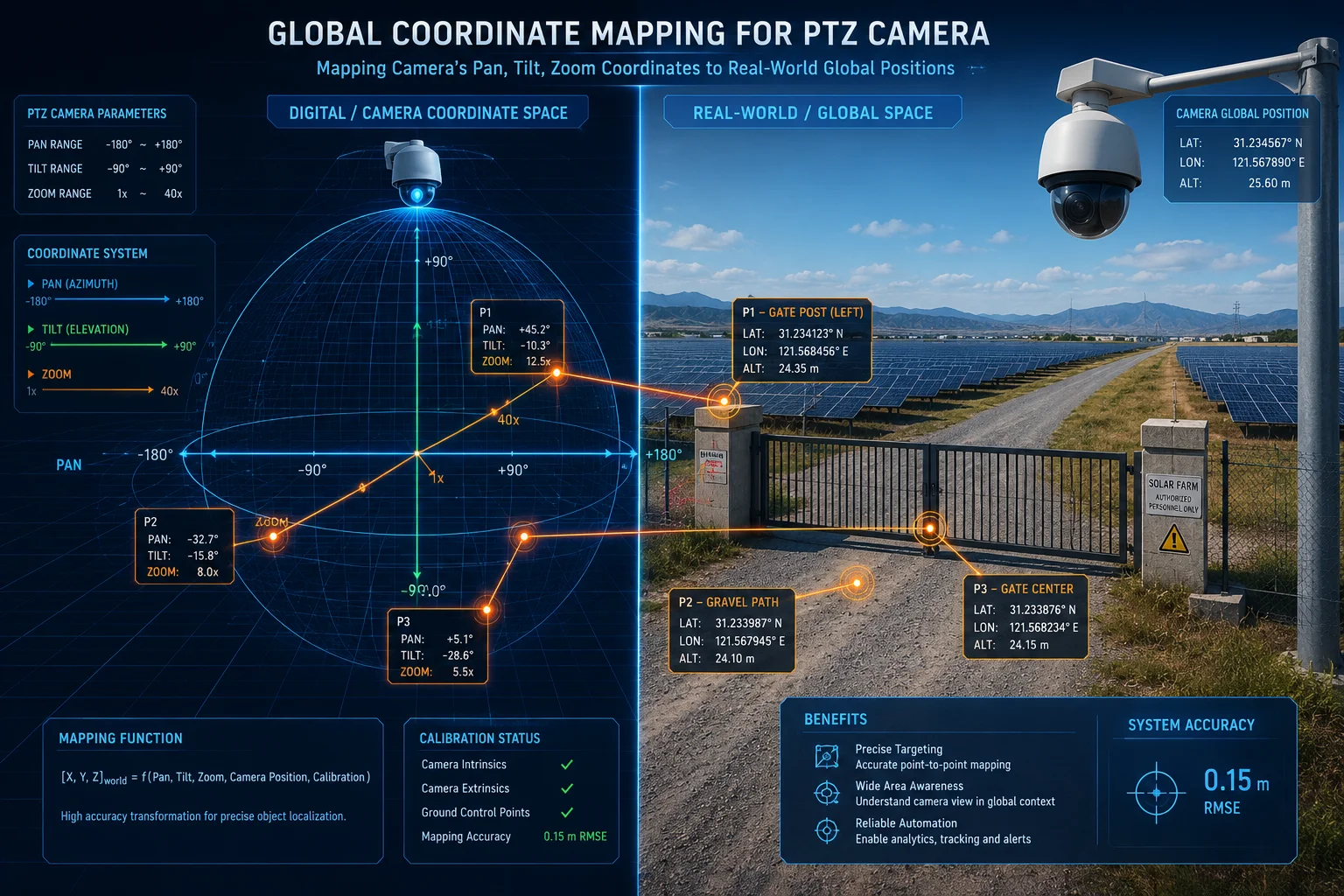
I think the key point is simple: global mapping is only as good as the data behind it. If the camera knows its pan angle, tilt angle, zoom level1 and home point with enough accuracy, it can project the same rule into each new view. That is why the line may appear to “move” on the screen, but it is actually staying in the same real-world place. In practice, this means I can draw a virtual fence once and then let the camera keep updating the image side of that fence as the lens rotates. But I also need to be careful. Small mechanical errors, loose gears, weak encoders, or poor factory calibration can break the match between the image and the ground. If the system loses its reference, the line can drift a little at first and a lot later. That is why I always treat this feature as a mix of software and mechanics. The software can map the world. The hardware must tell the truth about where the lens is pointing. For a project like a solar 4G site or a wide farm gate, this matters even more because the camera may move many times each day.
What I check before I trust a mapping system
| Check item | Why it matters | What I want to see |
|---|---|---|
| Pan/Tilt feedback | The camera must know its exact position | Stable encoder or strong position control |
| Zoom feedback | The rule shape changes with field of view | Accurate zoom reporting |
| Home position | The system needs a fixed base point | Reliable return-to-home behavior |
| Calibration process | The mapping must match the real scene | Simple but repeatable setup |
| Long-term drift control | Rules must stay correct over time | Auto-check or re-calibration support |
Will the virtual rules be recalibrated instantly after a manual PTZ movement or preset call?
I know this can feel risky when I move a PTZ by hand and then expect the rules to keep up. I do not want a delay, because a delay can mean missed events or false alarms.
In a well-designed system, the rules can refresh right after a preset call, but manual PTZ movement is less reliable. Preset moves are easier to track because the camera knows the target point, while manual moves may need a new lock point or a short re-sync step.
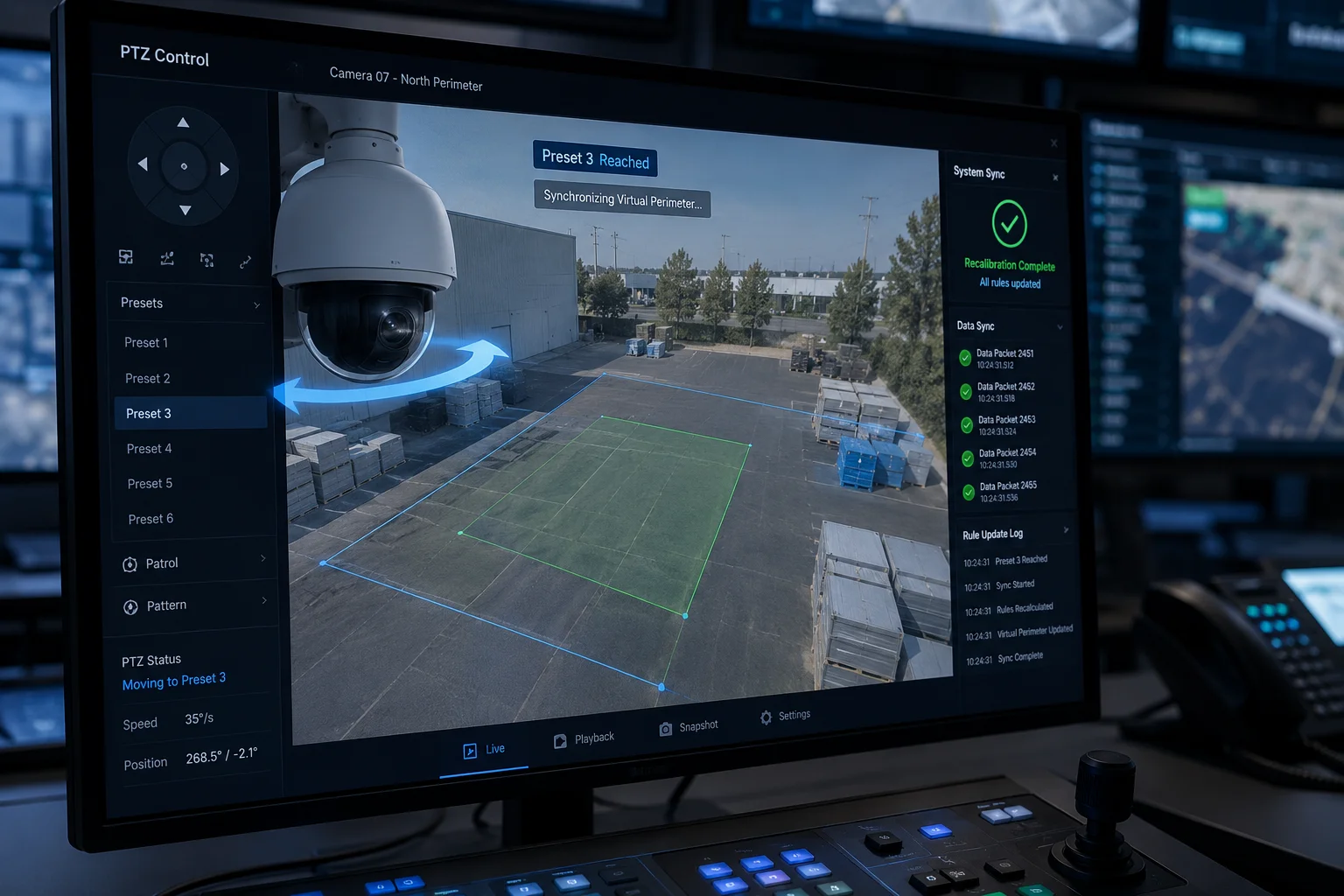
I usually split this into two cases. The first case is preset-to-preset movement. This is the cleanest path. The camera already knows where preset 1, preset 2, and preset 3 are. So when I call a preset, the firmware can switch the related rules or re-project the mapped fence almost at once. The second case is manual movement by joystick, app, or VMS control. Here, the system may not know if I stopped at a valid place, if I passed through a blind zone, or if the zoom changed during the move. So some cameras wait until motion stops and then reload the spatial data. Some cameras only update after a short delay. Some cameras do not update well at all unless the operator sends the camera back to a known preset. That is why I always ask the supplier how the device handles live control, preset calls, and patrol routes. I also ask if the recalibration happens on every move or only on home return. For B2B jobs, this detail matters because the customer does not care about the theory. The customer cares whether the rule stays active when the guard hits “home,” “preset 5,” or a manual sweep.
Typical behavior after movement
| Movement type | Rule update speed | Risk level | My practical view |
|---|---|---|---|
| Preset call | Fast | Low | Best for stable rule switching |
| Patrol tour | Medium to fast | Medium | Needs good firmware logic |
| Manual joystick move | Varies | Higher | Often needs re-sync |
| Return to home | Fast and stable | Low | Best time for recalibration |
How do you prevent “Rule Drifting” after thousands of panning and tilting cycles?
I worry about drift in any moving system, because small errors can grow over time. A camera can look fine on day one and still become a problem after many weeks of motion.
Rule drifting is prevented by strong mechanical design, accurate encoders, regular home-position correction, and sometimes visual auto-calibration. The goal is to keep the software map tied to the real lens angle over the long run.
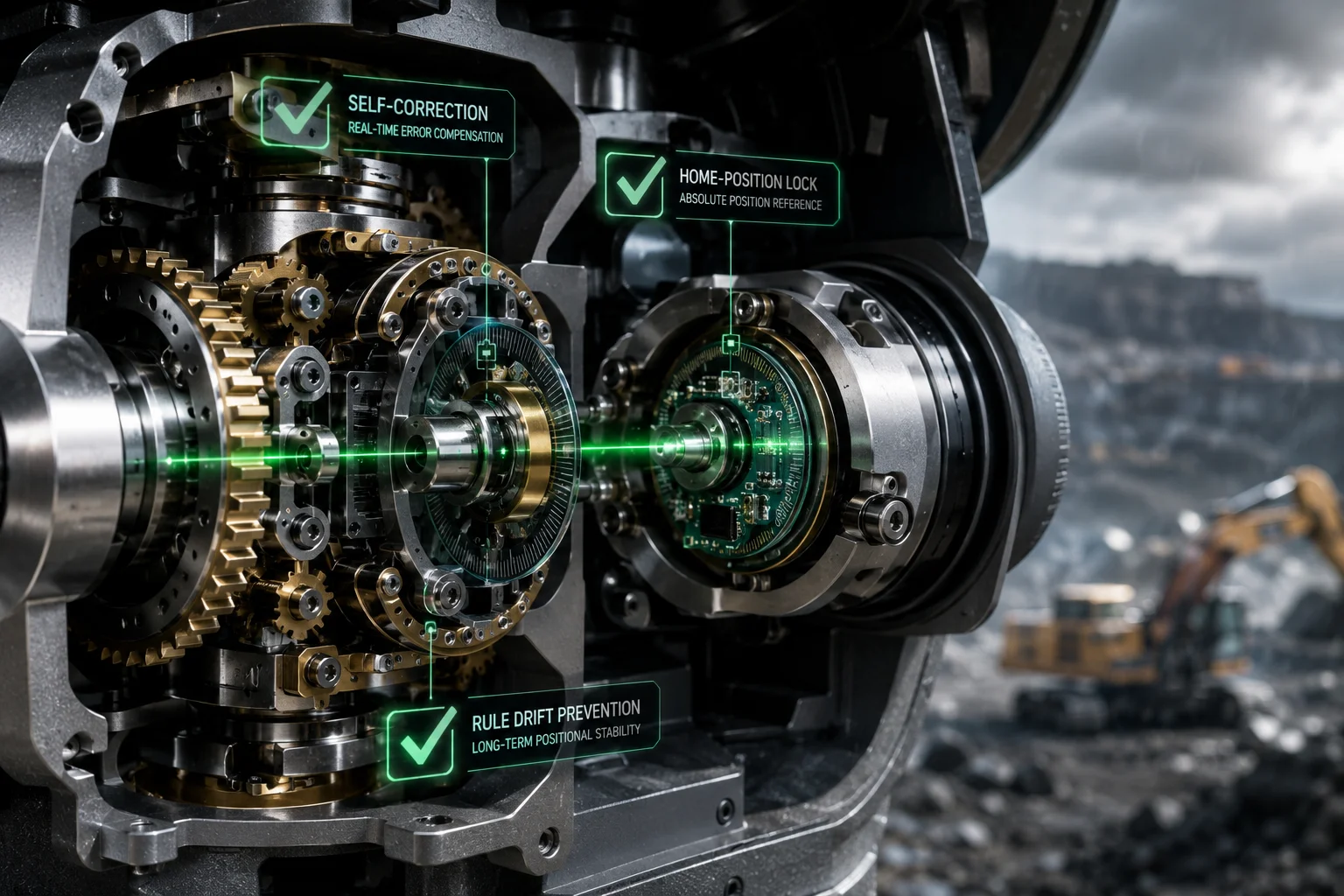
I see rule drift as a slow loss of trust between the camera and the world. The camera may still move, but its internal idea of where it points no longer matches the real scene. This can happen because of gear wear, vibration, temperature change, repeated patrol cycles, or weak calibration. To fight this, I want more than one layer of protection. First, I want a good motor and a solid encoder3. If the camera cannot measure its own position well, no software can save it. Second, I want a clear home position2 that the device can return to often. This gives the system a fixed point to compare against. Third, I want the firmware to support periodic self-checks. Some systems can compare visual landmarks, like poles, walls, or gate corners, and then correct small offsets. Fourth, I want the installation team to test the device under real movement stress, not only in a lab. For a solar PTZ in a remote site, this matters even more, because the camera may run all day, face wind, and keep turning in patrol mode. I also ask if the supplier has a drift limit6, a re-zero method, or a maintenance interval. These are simple questions, but they tell me if the product is built for long use or only for a demo.
My drift-control checklist
| Control method | What it does | My note |
|---|---|---|
| Encoder feedback | Tracks lens position | Must be accurate |
| Home return | Re-locks the base point | Very important |
| Visual re-calibration | Uses scene landmarks | Useful for long-term stability |
| Patrol limit testing | Stresses the motion system | Helps expose weak design |
| Maintenance interval | Keeps the system honest | Better for remote sites |
Is this feature compatible with third-party VMS platforms like Milestone or Blue Iris?
I always care about platform fit, because even a strong camera can become a bad product if it cannot join the system the customer already uses.
Compatibility depends on whether the VMS can read the camera’s PTZ data and metadata. If the camera supports ONVIF, RTSP, and the right event or rule messages, third-party platforms may work well, but advanced dynamic mapping is not always fully exposed.
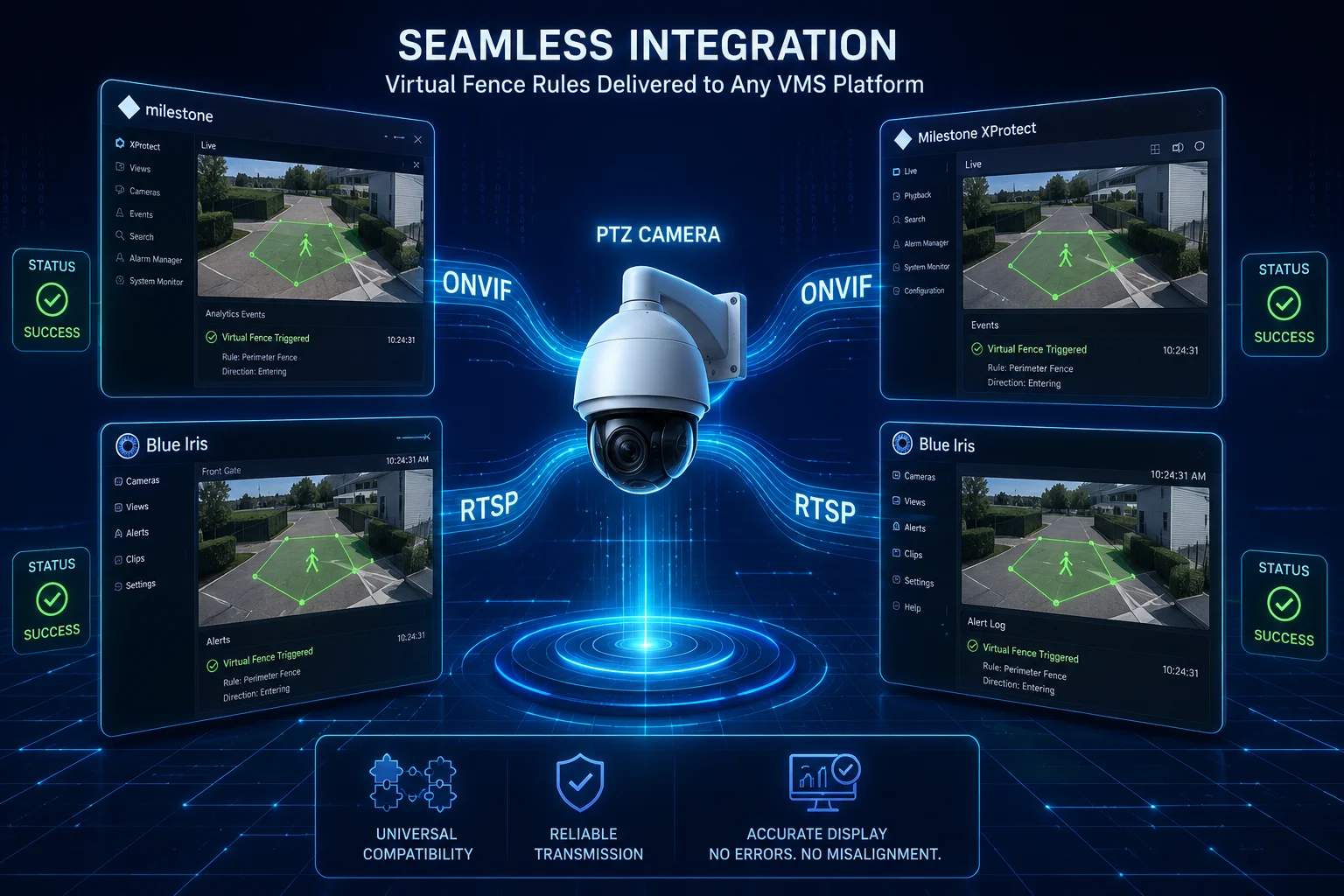
I treat VMS support as two separate questions. The first question is basic video and control. Can the camera stream video? Can the VMS move the lens? Can it call presets? If the answer is yes, then the project can often move forward. The second question is rule intelligence. Can the VMS understand the virtual perimeter, the moving map, the preset-linked rule set, or the dynamic coordinate data? This part is much harder. Some VMS platforms only see the camera as a video source and a PTZ device. They do not fully understand rule positions that change with pan, tilt, and zoom. In that case, the camera may still work, but the smart rule feature may stay inside the camera itself. That is why I always ask for a test with the exact VMS the client uses. Milestone4 and Blue Iris5 can both be useful, but the real answer depends on model, firmware, protocol support, and how the camera sends metadata. For system integrators, this is a big deal because a project can fail at the last step if the camera and VMS do not speak the same language. I think the safest path is to verify ONVIF profile support, PTZ command mapping, event handling, and rule display before a bulk order.
What I verify with a VMS test
| Test point | Why I test it | Good result |
|---|---|---|
| Live video stream | Basic connection | Stable video with low delay |
| PTZ control | Remote movement | Smooth preset and manual control |
| Event output | Alarm logic | Events show up on time |
| Metadata support | Smart rules | Data is readable by the VMS |
| Rule display | Operator trust | Rules stay visible and usable |
Conclusion
I trust preset-linked rules for simple jobs, but I rely on dynamic mapping and calibration only when the camera hardware, firmware, and VMS support it well.
1. Reference for PTZ coordinate fundamentals and how they affect rule positioning. ↩︎ 2. Read about using a fixed home position as a reference for recalibration. ↩︎ 3. Background on rotary encoders used to measure PTZ lens position. ↩︎ 4. See how Milestone XProtect integrates third-party PTZ cameras with virtual rules. ↩︎ 5. Review Blue Iris capabilities for PTZ rule handling and metadata parsing. ↩︎ 6. Check manufacturer‑specified drift limits for long‑term PTZ accuracy. ↩︎ 7. Understand how preset positions automatically activate specific virtual rules. ↩︎ 8. Learn how dynamic coordinate mapping keeps virtual lines aligned during PTZ movement. ↩︎