
I’ve seen too many 4G PTZ cameras1 arrive in Europe and refuse to connect. The root cause? Wrong frequency bands baked into the firmware.
To ensure firmware supports full European bands (B1/B3/B7/B20), you must start with an EMEA-specific 4G module2, verify the firmware band mask is fully unlocked via AT commands3, and confirm the RF front-end hardware actually covers all four frequency ranges with proper antenna matching.
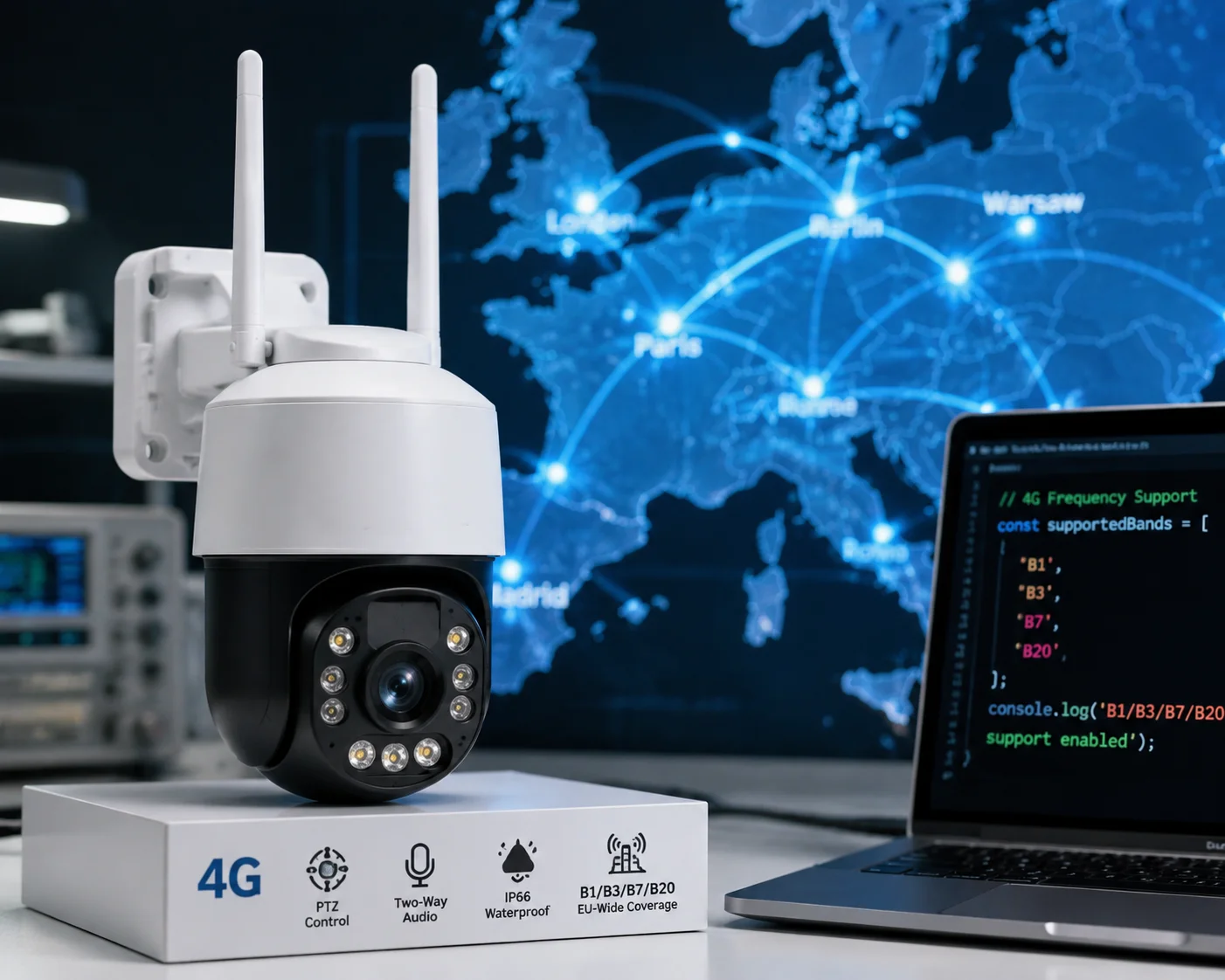
Frequency band issues are one of the most expensive mistakes in cross-border 4G camera sourcing. A camera that works perfectly in Shenzhen can be a dead brick in rural England. Below, I break down the exact technical checks, firmware commands, and compliance steps that protect your deployment — and your budget.
Table of Contents
Does the European Firmware Version Include the “Digital Dividend” Band 20 for Rural UK and EU Coverage?
Band 20 is the one frequency that separates a working European deployment from a failed one. I’ve watched entire shipments get rejected because this single band was missing.
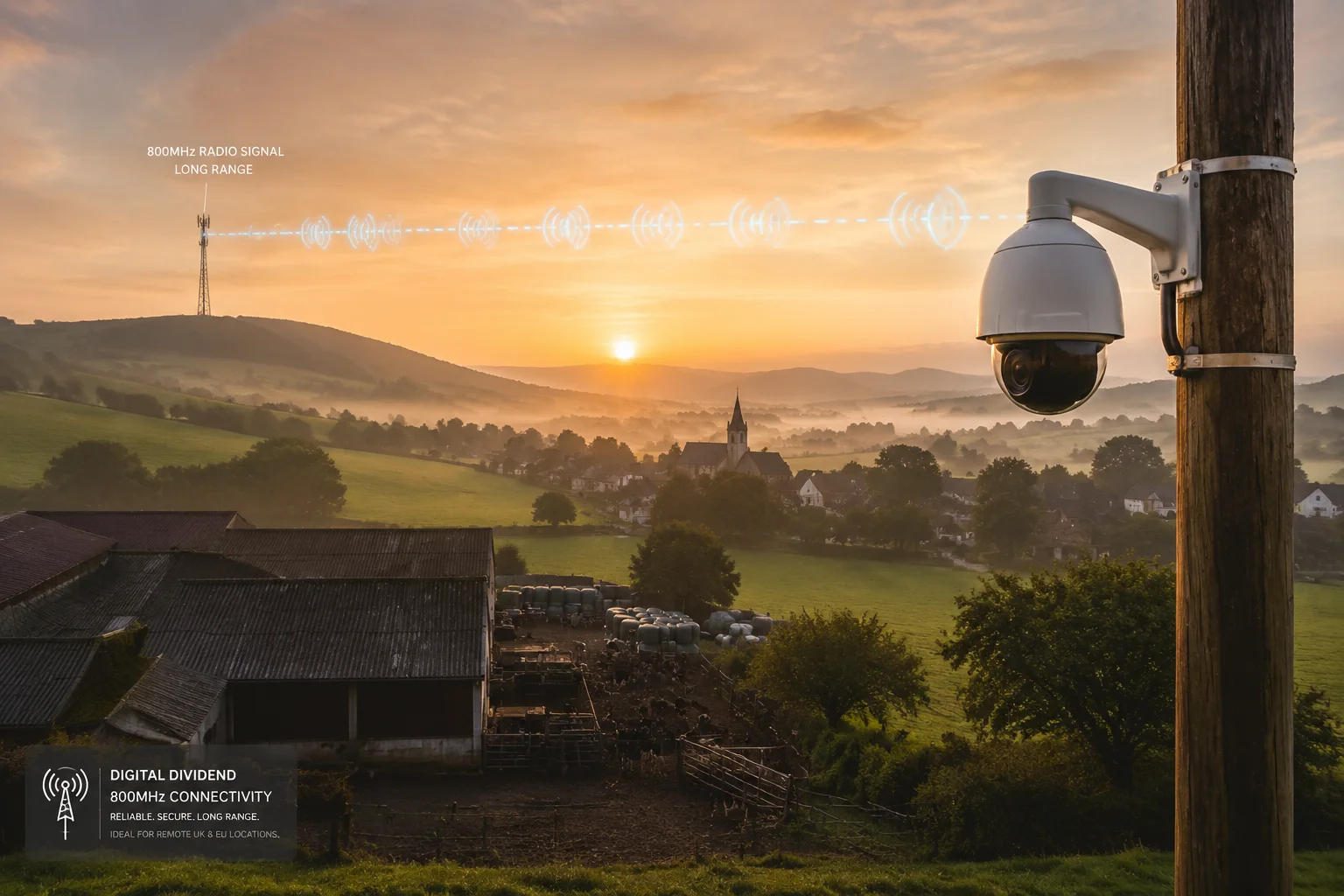
Yes, any properly configured European firmware version must include Band 20 (800 MHz). This “Digital Dividend” frequency is the primary rural and indoor coverage band across the UK and EU. Without it, devices lose connectivity outside dense urban centers.
Why Band 20 Matters More Than You Think
Band 20 operates at 800 MHz. Low frequency means long range and strong wall penetration. In Europe, almost every major carrier — Vodafone, Orange, EE, Telefónica — uses B20 as their backbone for rural areas, coastal zones, and indoor environments. If your 4G PTZ camera is deployed at a farm, a construction site, or a port, B20 is often the only frequency available.
Here’s the problem. Many Chinese-made 4G modules default to China-centric frequency plans. The standard China band set includes B1, B3, B8, B39, B40, and B41. Notice what’s missing? B20 and B7. These are FDD-LTE bands that China doesn’t use domestically, so budget module vendors often skip them to cut costs.
How to Verify B20 Is Actually Active
Don’t trust the spec sheet alone. Spec sheets can say “B20 supported” while the firmware band mask has it turned off. Here is what I recommend:
- Connect to the module’s serial port.
- Send the AT command:
AT+QCFG="band". - Read the returned hex value. For B20 to be active, bit 19 in the FDD band mask must be set.
For example, a hex value of 0x80000F decodes to B1 + B2 + B3 + B4 + B20. If the returned value is 0x0F, B20 is missing.
The Four Core European Bands and Their Roles
| Band | Frequency | Primary Role | Typical Coverage |
|---|---|---|---|
| B1 | 2100 MHz | Urban capacity, 3G fallback | City centers |
| B3 | 1800 MHz | Core data carrier, widest LTE | Nationwide |
| B7 | 2600 MHz | High-speed downlink | Dense urban |
| B20 | 800 MHz | Rural, indoor, coastal | Everywhere else |
When a customer in the UK tells me their camera shows “No Signal” at a coastal wind farm, the first thing I check is B20. Nine times out of ten, that’s the fix.
Can I Switch Between Different European Carrier Profiles Without Flashing New Firmware?
Carrier switching should be simple. But I’ve dealt with cases where customers had to send cameras back to China just to change from Vodafone to Orange. That’s not acceptable.
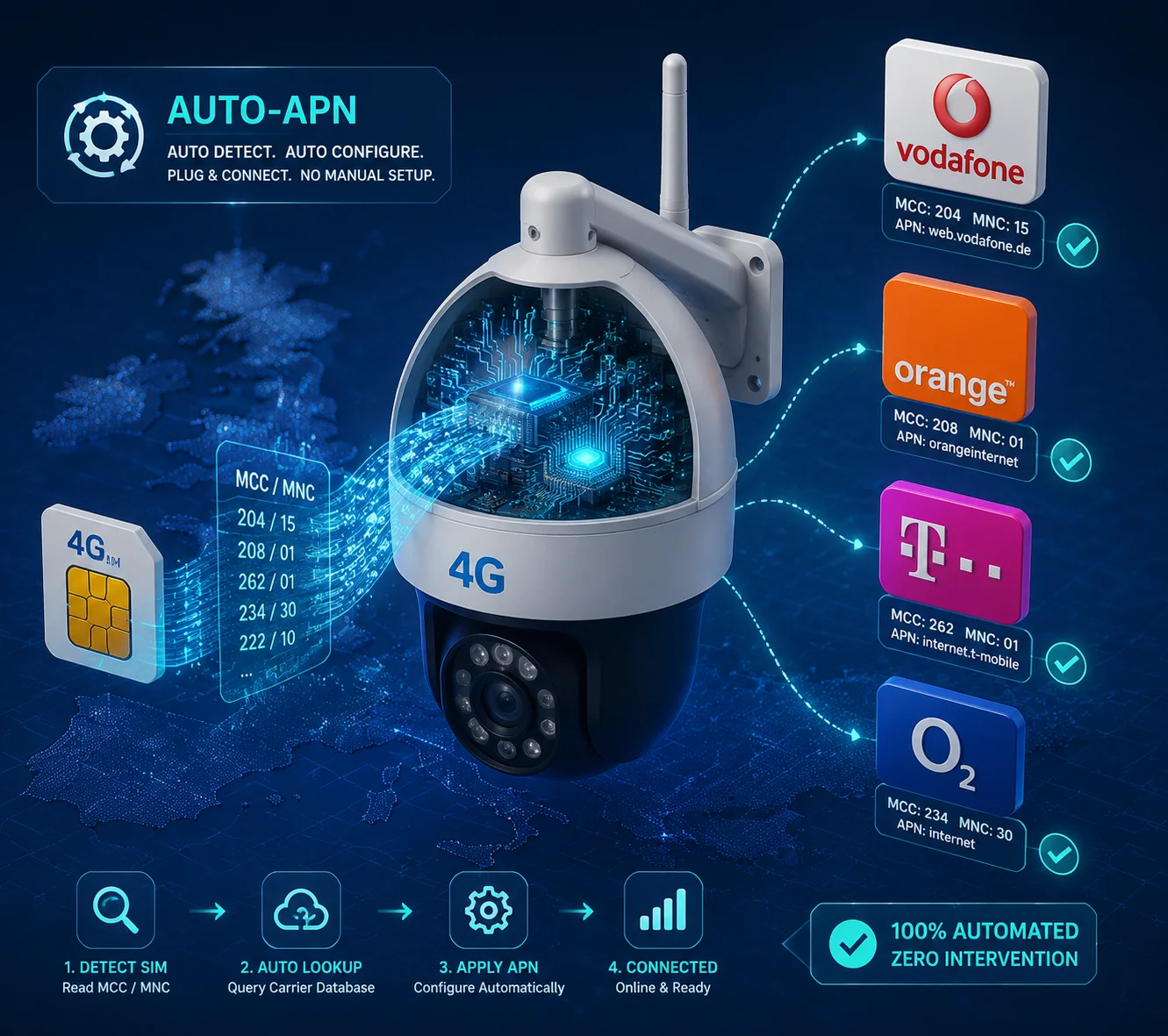
Yes, a well-designed firmware should let you switch between European carrier profiles automatically — without flashing. The firmware must include a built-in APN database4 that reads the SIM card’s MCC/MNC codes and applies the correct connection settings on its own.
How Auto-APN Works Inside the Firmware
Every SIM card carries two key identifiers: the MCC (Mobile Country Code) and the MNC (Mobile Network Code). When you insert a Vodafone UK SIM, the module reads MCC 234 and MNC 15. A good firmware maps this pair to the correct APN — in this case, “internet” or “wap.vodafone.co.uk” — and triggers the data connection automatically.
This matters because European distributors often sell the same camera model to customers on different networks. If your firmware requires manual APN entry, every end user needs a technician to configure it. That’s expensive. From my experience, auto-APN alone reduces support tickets by about 80%.
What the Firmware Database Should Include
The internal APN table should cover at least the major European carriers. Here’s a minimum list I include in every European shipment:
| Country | Carrier | MCC/MNC | Default APN |
|---|---|---|---|
| UK | Vodafone | 234/15 | wap.vodafone.co.uk |
| UK | EE | 234/30 | everywhere |
| Germany | T-Mobile | 262/01 | internet.t-mobile |
| France | Orange | 208/01 | orange.fr |
| Spain | Movistar | 214/07 | movistar.es |
| Netherlands | KPN | 204/08 | internet |
Beyond APN: Carrier-Specific Protocol Requirements
Some carriers have extra requirements. EE in the UK, for example, has specific authentication handshake sequences. Deutsche Telekom sometimes requires PAP or CHAP authentication on their data connections. If the firmware doesn’t handle these, the camera will get a valid signal but fail to establish a data session.
The key point is this: the firmware’s network stack must be flexible enough to handle these variations through its configuration database, not through a full firmware reflash. I always test our cameras with at least three different European SIM cards before approving a batch for shipment. Ask your supplier to do the same — and ask for proof.
How Do You Test for Multi-Carrier Compatibility Across Vodafone, Orange, and T-Mobile Europe?
Testing is where promises meet reality. I’ve learned that no amount of spec-sheet reading replaces plugging in a real SIM card and measuring what happens.
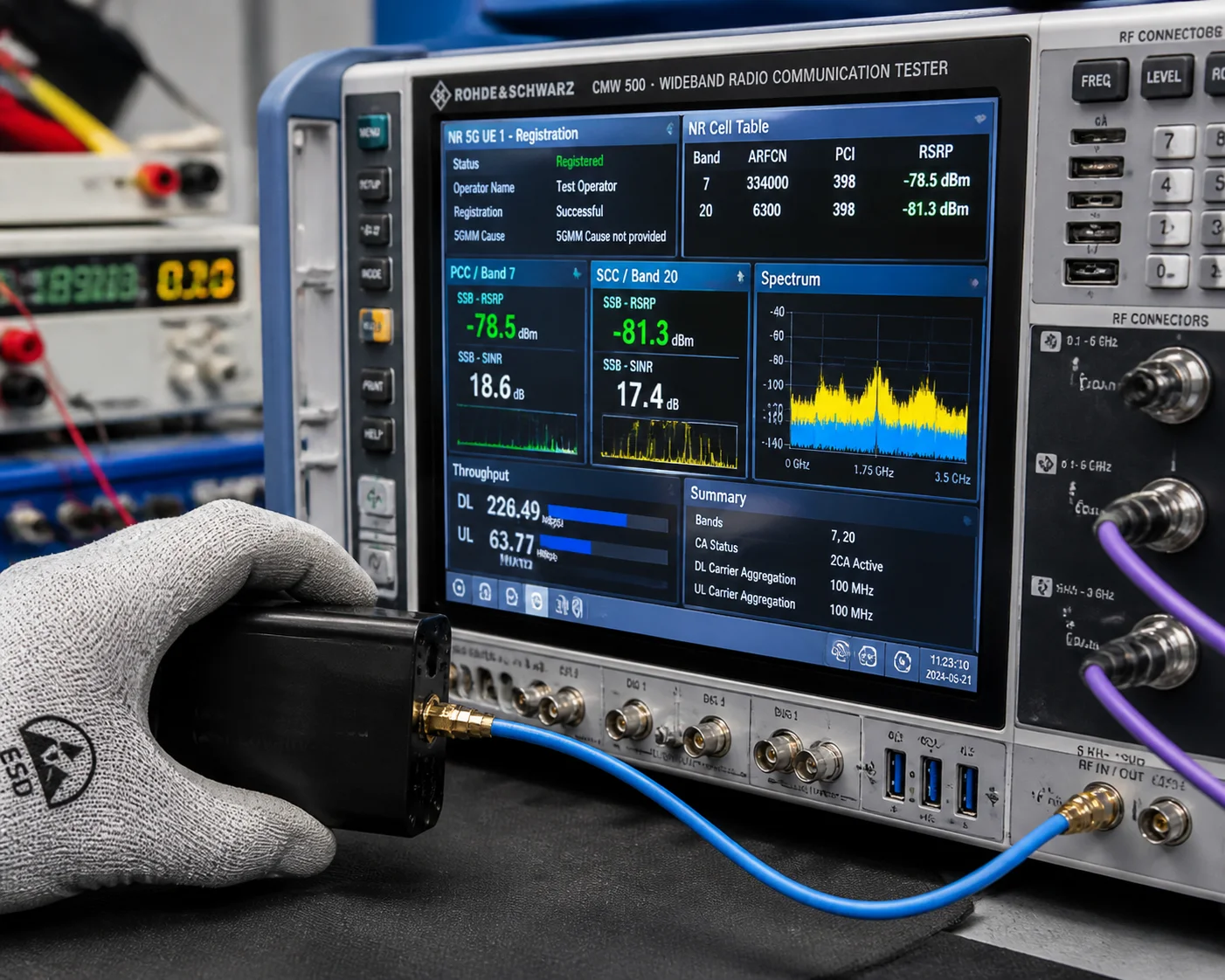
We use a three-step verification process: AT command band confirmation, RF instrument simulation using a CMW500 test set, and live field testing with real SIM cards from Vodafone, Orange, and T-Mobile to measure RSRP and RSRQ7 on each target band.
Step 1: AT Command Transparent Test
This is the fastest check. Before any camera leaves our factory, a technician connects to the 4G module through a serial interface and runs:
AT+QCFG="band"          → Confirms active band mask
AT+QNWINFO              → Shows current registered network and band
AT+CSQ                   → Reports signal strength
AT+CEREG?                → Checks [LTE registration status](https://en.wikipedia.org/wiki/LTE_(telecommunication)#Registration_and_attach_procedure)<sup>[5](#footnote-5){#ref-5}</sup>
The band mask must decode to include B1, B3, B7, and B20 at minimum. If any bit is missing, we fix it before the unit ships. This takes about 30 seconds per device and catches 90% of firmware configuration errors.
Step 2: Lab Simulation With RF Test Equipment
For deeper validation, we use a Rohde & Schwarz CMW500 — an industry-standard RF test instrument. This tool can simulate any European carrier’s network environment, including specific frequencies, bandwidths, and cell configurations.
With the CMW500, we test:
- Band-to-band handover: Can the camera switch from B3 to B20 smoothly when signal conditions change?
- Tx power compliance: Is the transmit power within RED directive6 limits on each band?
- Receiver sensitivity: Can the module decode signals at the minimum power levels expected in rural deployments?
This lab test is especially important for B7 (2600 MHz). High-frequency bands are harder to transmit and receive. If the RF front-end isn’t tuned correctly, the module might technically “support” B7 but deliver poor real-world performance.
Step 3: Live SIM Card Field Test
We keep active SIM cards from several European carriers. Before a batch ships, we insert each SIM, power up the camera, and record:
- RSRP (Reference Signal Received Power): Measures raw signal strength.
- RSRQ (Reference Signal Received Quality): Measures signal quality relative to interference.
- Registered band: Confirms the module selects the correct frequency.
Even though we’re testing from China, roaming behavior gives us a valid indication of whether the firmware correctly identifies the carrier and applies the right settings.
What Good Test Results Look Like
A camera that properly supports all four European bands should show stable registration on each frequency when forced to lock onto a specific band using AT+QCFG="band", 0,single_band,0. If any band fails to register or shows abnormally low RSRP, there’s either a firmware issue or a hardware deficiency in the RF chain.
Is the 4G Module’s Antenna Gain Optimized for the Higher Frequency Bands Used in Urban EU Centers?
A good module with perfect firmware still fails if the antenna can’t handle the frequency. I’ve seen cameras with great specs perform terribly because the antenna was designed for 900 MHz only.
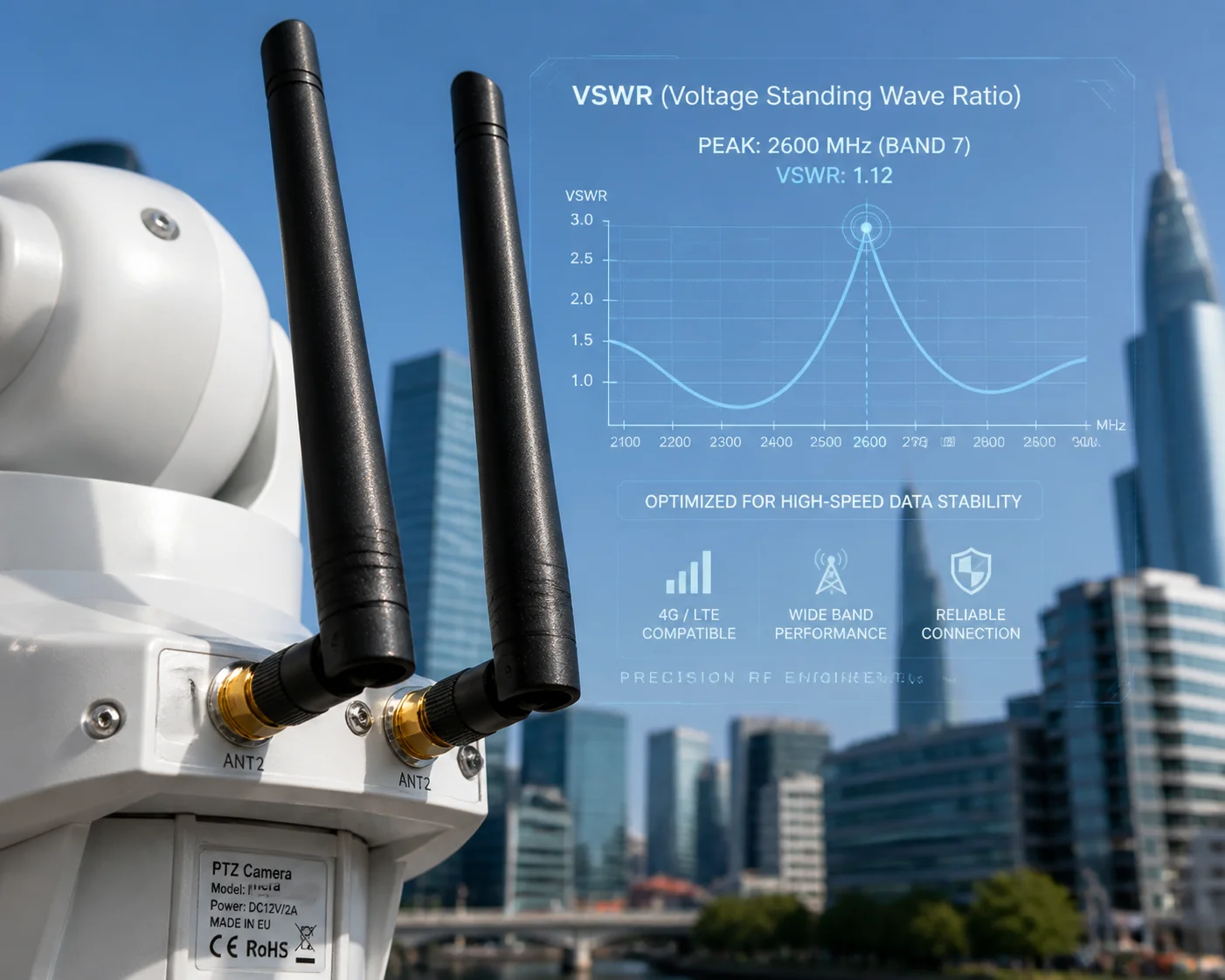
The antenna must be designed to cover the full 700–2700 MHz range with acceptable gain and VSWR across all target bands. For urban European deployments using B7 at 2600 MHz, the antenna’s high-band performance is critical for achieving the download speeds needed for HD video streaming.
Why Antenna Design Is a Hidden Risk
Most buyers focus on the 4G module and firmware. They forget that the antenna is the first and last link in the RF chain. A poorly matched antenna on B7 (2600 MHz) can lose 6–10 dB of signal — that’s the difference between a stable HD video stream and a connection that drops every 30 seconds.
In PTZ cameras, antenna design is even trickier. The camera body is usually metal or thick plastic. The motor, wiring, and other electronics create interference. The antenna must be positioned and tuned to work inside this environment, not just on an open test bench.
Key Antenna Specifications to Request
When evaluating a supplier’s antenna design, ask for these measurements:
| Parameter | Acceptable Range | Why It Matters |
|---|---|---|
| Frequency Range | 700–2700 MHz | Covers B20 (800 MHz) through B7 (2600 MHz) |
| Peak Gain | ≥ 3 dBi across all bands | Ensures usable signal in weak areas |
| VSWR | ≤ 2.0 across all bands | Low VSWR means efficient power transfer |
| Efficiency | ≥ 50% | Higher efficiency = stronger real-world signal |
| Polarization | Omnidirectional or configurable | PTZ cameras rotate, so the antenna must work in all orientations |
Internal vs. External Antenna
For PTZ cameras deployed in fixed outdoor locations, I always recommend an external antenna with an SMA connector. Here’s why:
- External antennas can be mounted above obstructions, away from the camera’s metal housing. This gives 3–6 dB better performance compared to an internal antenna on high bands like B7.
- Internal antennas save cost and simplify installation. But they suffer from the camera body blocking the signal, especially at 2600 MHz where wavelengths are short and easily absorbed by materials.
The B7 Challenge at 2600 MHz
B7 is the most demanding band for antenna design. At 2600 MHz, the wavelength is only about 11.5 cm. Small changes in antenna placement — even a few millimeters — can shift the resonant frequency and kill performance. The PA (Power Amplifier) and LNA (Low Noise Amplifier) in the RF front-end must also be rated for this frequency.
I test every antenna design by measuring the VSWR curve from 700 MHz to 2700 MHz using a network analyzer8. If VSWR exceeds 2.5 on any target band, we go back to the antenna vendor and request a redesign. This step adds a week to development, but it prevents field failures that cost far more.
Practical Advice for Buyers
Ask your supplier for the antenna’s VSWR plot — a simple graph that shows impedance matching across the frequency range. If they can’t provide one, that’s a red flag. A manufacturer who controls their own antenna design and RF testing (like we do at Loyalty-Secu) can share this data quickly. A reseller or assembler usually cannot.
Conclusion
Full European band support requires the right module hardware, unlocked firmware band masks, proper antenna tuning, and verified RED compliance — check all four before you buy.
1. Learn about PTZ camera technology and typical 4G cellular integration. ↩︎ 2. Quectel’s LTE modules often have regional variants optimized for EMEA bands. ↩︎ 3. Standard reference for AT commands used to configure modem settings. ↩︎ 4. Community-maintained list of APN settings for carriers worldwide. ↩︎ 5. Overview of how LTE devices register with a network. ↩︎ 6. EU Radio Equipment Directive (2014/53/EU) compliance requirements for wireless devices. ↩︎ 7. Technical definitions of LTE signal strength and quality metrics. ↩︎ 8. Instrument used to measure VSWR and impedance of antennas. ↩︎