
I’ve seen too many bulk orders fail at the last mile — cameras arrive in the U.S., SIM cards go in, and nothing connects. The root cause is almost always the wrong cellular module.
To ensure your PTZ camera supports North American bands like B13 (Verizon) or B14 (FirstNet), you must verify the internal cellular module model, confirm it carries PTCRB and carrier-specific certifications, and validate real-world band connectivity with a sample unit before placing a bulk order.
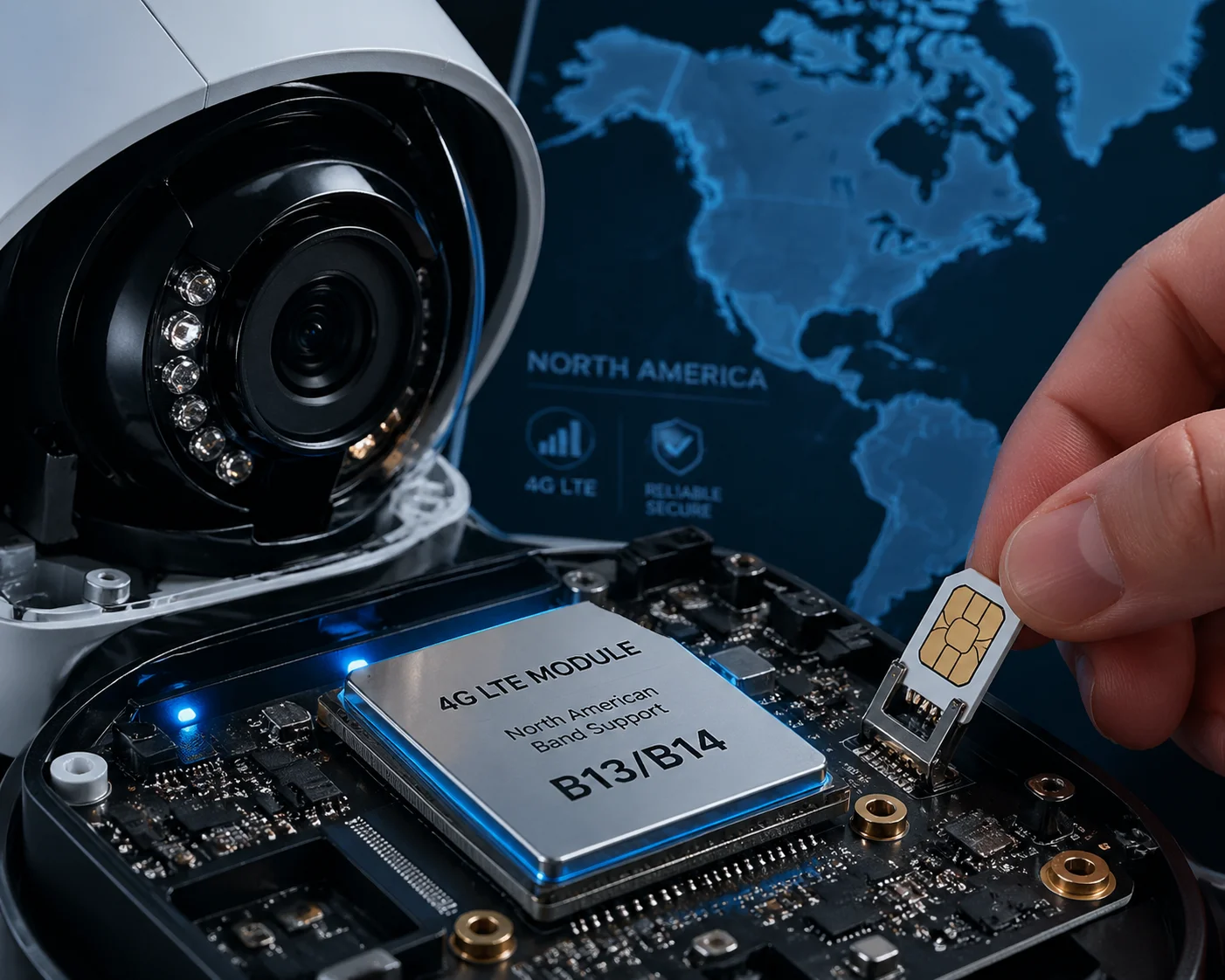
Band support is not a software toggle. It is baked into the hardware — the cellular module, the antenna design, and the RF tuning. Below, I break down each critical question so you can make a confident purchasing decision and avoid costly field failures.
Table of Contents
Does My PTZ Camera Support Band 13 for Optimal Penetration in Indoor/Wooded Areas?
Many buyers assume “4G support” means all bands are covered. That assumption has cost project managers thousands in failed deployments across rural America.
Band 13 (700 MHz) is Verizon’s backbone LTE frequency. Your PTZ camera supports it only if the internal cellular module — not the camera itself — is a North American variant like the Quectel EC25-AFX 1 or SIMCom SIM7600NA-H, which include B13 at the hardware level.
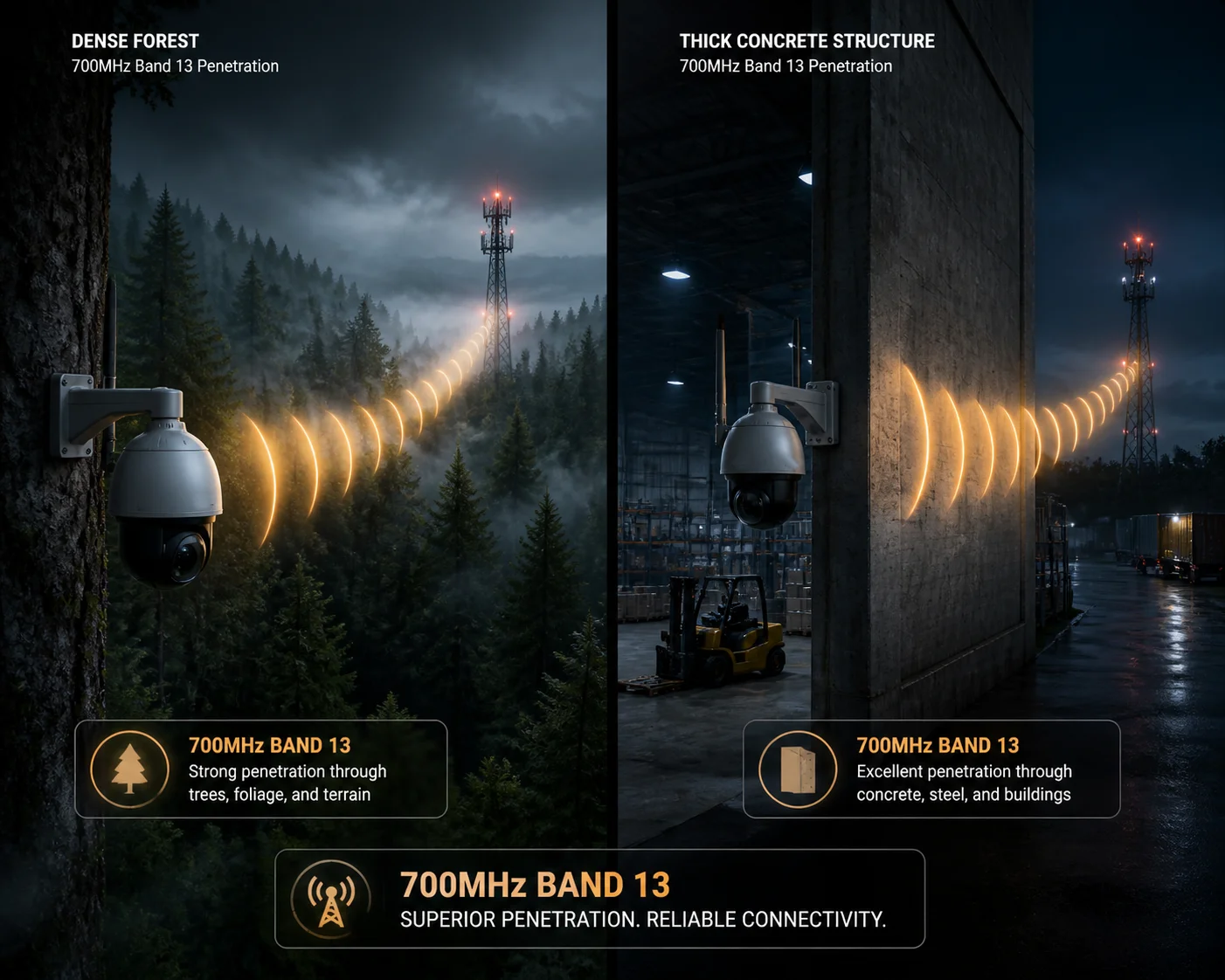
Why Band 13 Matters for Field Deployments
Band 13 operates at 700 MHz. Lower frequencies travel farther and penetrate obstacles better than higher ones. This makes B13 critical for three common deployment scenarios:
- Wooded areas — tree canopy absorbs higher-frequency signals quickly.
- Indoor installations — concrete and steel walls block signals above 1 GHz far more aggressively.
- Rural coverage — Verizon relies heavily on B13 to cover vast, low-density regions where tower spacing is wide.
If your camera’s module does not support B13, it might connect on B4 or B2 in urban areas. But the moment you deploy it on a remote farm, a forest trail, or inside a warehouse, it will either drop to unusable speeds or lose connection entirely.
How to Check: Module Model Is Everything
The camera body does not determine band support. The cellular module inside it does. Here is what to ask your supplier:
| Question | What You Need to See |
|---|---|
| What is the exact cellular module model? | Quectel EC25-AFX, SIMCom SIM7600NA-H, or equivalent North American SKU |
| Does the module datasheet list B13? | Yes — explicitly listed under “LTE FDD Bands” |
| Is the module on Verizon’s Open Development approved list? | Yes — with a valid FCC ID you can cross-check |
The Global Module Trap
This is where most bulk orders go wrong. Chinese manufacturers often default to the Quectel EC25-E (Europe/global version) or EC25-G (global fallback). These modules cover many bands, but they do not include B13. The “E” and “G” variants are designed for European and international markets.
If your supplier says “our camera supports 4G,” that is not enough. You need the specific module SKU. At Loyalty-Secu, we use the EC25-AFX for all North American orders. We can provide the module datasheet and FCC ID before you commit to a single unit.
Antenna Considerations for 700 MHz
Even with the right module, a poorly matched antenna will kill your B13 performance. Band 13 at 700 MHz requires antennas physically tuned for low-frequency reception. Our PTZ cameras ship with dual MIMO antennas optimized for 700 MHz and above. If your installation site has extremely weak signal, we provide standard SMA connectors so you can attach a third-party high-gain directional antenna without any modification.
Can I Use Band 14 to Access Public Safety Networks During Emergency Deployments?
FirstNet exists for one reason — to give first responders priority network access when commercial networks are overloaded. If your project involves government or emergency services, B14 is not optional.
Yes, you can access FirstNet 2‘s public safety network via Band 14, but only if your camera’s cellular module explicitly supports B14, has passed AT&T/FirstNet certification, and is paired with a valid FirstNet SIM card. Hardware support alone is not sufficient — carrier approval is mandatory.
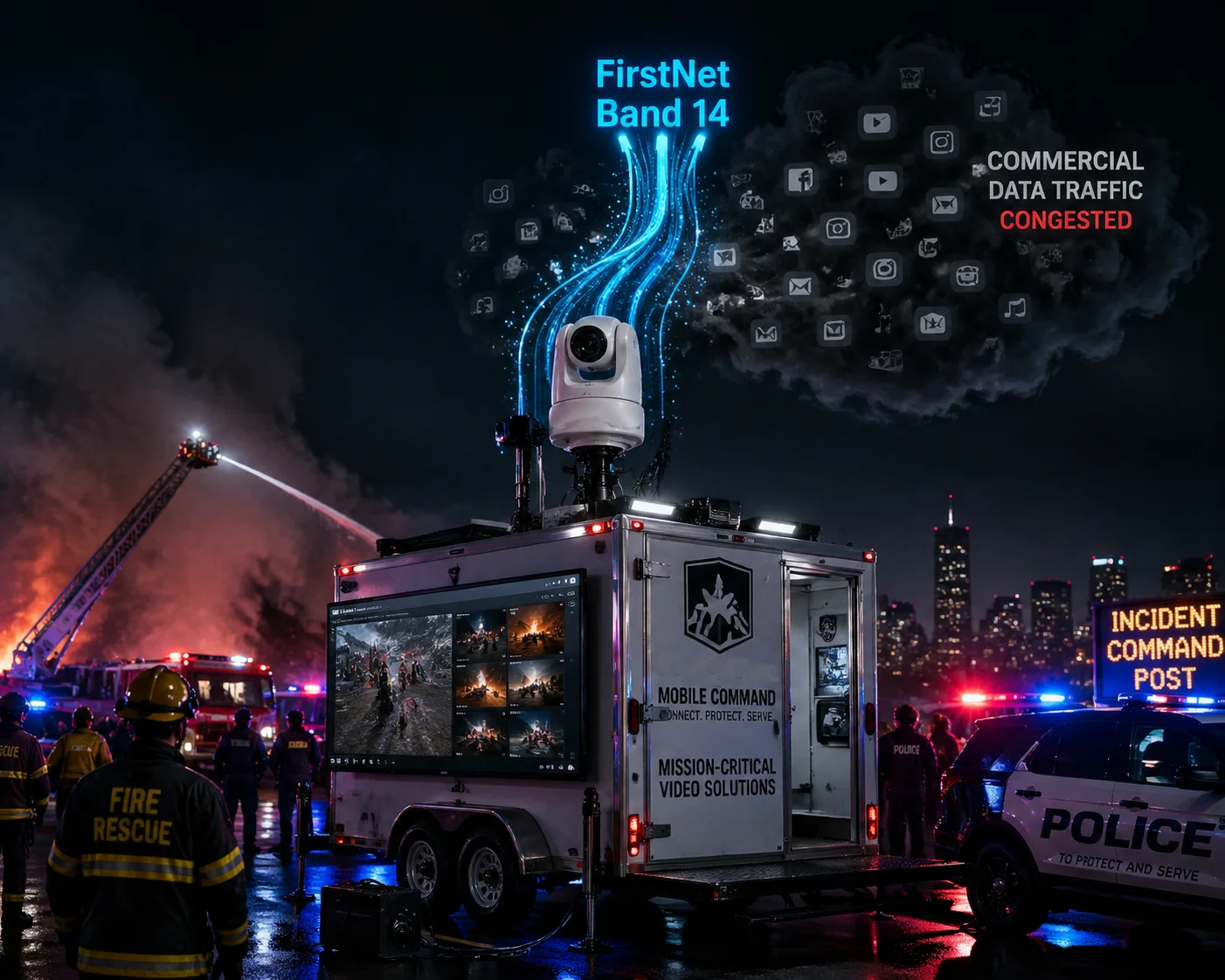
What Makes Band 14 Different from Other Bands
Band 14 is not just another frequency. It is a government-allocated spectrum reserved for public safety communications under the FirstNet Authority. Here is what sets it apart:
| Feature | Band 14 (FirstNet) | Band 13 (Verizon) |
|---|---|---|
| Frequency | 700 MHz (758–768 MHz uplink / 788–798 MHz downlink) | 700 MHz (777–787 MHz uplink / 746–756 MHz downlink) |
| Primary User | First responders, government agencies | General Verizon subscribers |
| Preemption | Yes — priority traffic displaces commercial users | No |
| SIM Requirement | FirstNet-specific SIM from AT&T | Standard Verizon SIM |
| Certification | AT&T + PTCRB + FirstNet device approval | Verizon Open Development |
The Preemption Mechanism
This is the key reason agencies choose FirstNet. During a natural disaster, a mass shooting, or a large public event, commercial networks get congested. Thousands of people are streaming, calling, and texting at the same time. On a normal AT&T or Verizon connection, your surveillance camera’s video feed would compete with all that traffic.
On FirstNet with Band 14, your device gets preemption rights. The network actively deprioritizes commercial traffic to ensure your video stream stays live. For a PTZ camera streaming real-time footage of an active emergency scene, this is not a nice-to-have. It is mission-critical.
Hardware and Certification Requirements
To access Band 14, you need three things in place:
- Module hardware support — The cellular module must include B14 in its frequency list. The Quectel EC25-AFX supports B14. Not all North American modules do. Always check the datasheet.
- PTCRB certification 3 — This is the baseline RF certification required for any device connecting to AT&T’s network. Without it, AT&T may reject the device at the network level.
- FirstNet device approval — FirstNet maintains its own list of approved devices. If your PTZ camera or its module is not on that list, it cannot register on the FirstNet core network, even if the hardware technically supports B14.
Our Approach for FirstNet Projects
When a client tells us their project involves public safety or government contracts, we flag the order internally. We configure the firmware with FirstNet APN settings pre-loaded. We also provide a North American 4G Band Compatibility Test Report showing real RSRP and RSRQ measurements on B14. I always recommend ordering a sample unit first and testing it with a FirstNet SIM in your actual deployment area before committing to volume.
How Do I Verify the Hardware Band Support Before Placing a Bulk Order from China?
Trust but verify. I have worked with enough integrators to know that a supplier’s word alone is not enough — especially when you are committing to hundreds of units shipping across the Pacific.
To verify hardware band support, request the exact cellular module model and its datasheet, cross-check the module’s FCC ID 4 on the FCC database, confirm it appears on Verizon’s Open Development or AT&T’s approved module list, and run a physical sample test with a local SIM card before signing any bulk purchase agreement.
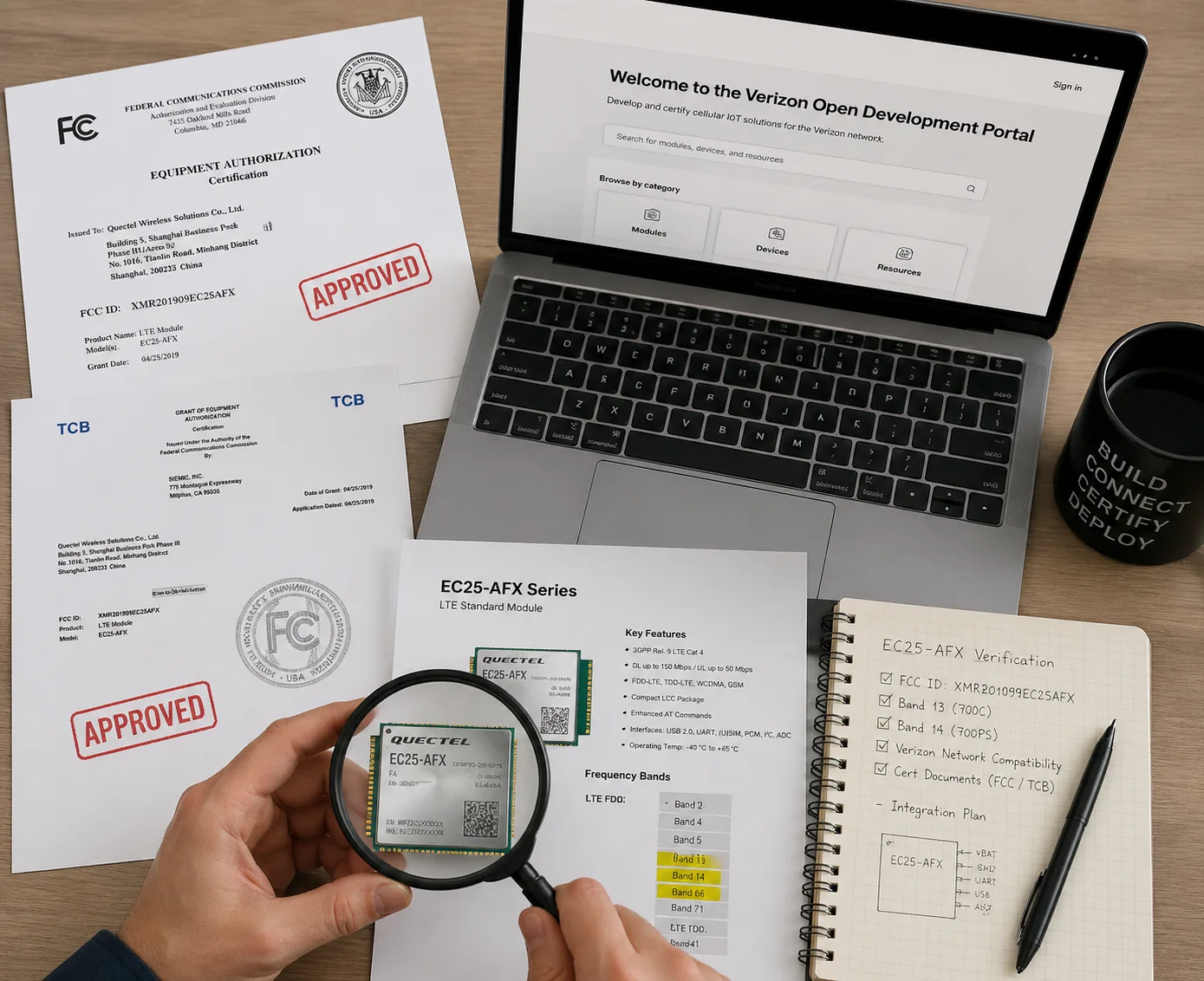
Step-by-Step Verification Process
Here is the exact process I recommend to every buyer:
Step 1: Get the Module Datasheet
Ask your supplier: “What is the cellular module model inside this camera?” Do not accept vague answers like “Quectel” or “4G module.” You need the full SKU — for example, EC25-AFXGA-512-SGNS. Then go to the module manufacturer’s website and download the official datasheet. Look for the section labeled “LTE FDD Bands” or “Supported Frequency Bands.” B13 and B14 must be explicitly listed.
Step 2: Cross-Check the FCC ID
Every cellular module sold in the U.S. must have an FCC ID. Ask your supplier for it. Then go to the FCC’s equipment authorization search page and enter the ID. The database will show you the RF test reports. These reports list every band the device was tested on. If B13 or B14 does not appear in the test report, the module was not certified for those bands — regardless of what the sales brochure says.
Step 3: Check Carrier Approval Lists
For Verizon, visit the Open Development portal and search the approved modules list. For AT&T/FirstNet, check the PTCRB certified device database. If the module is not listed, it may still technically work on those bands, but the carrier can block it at any time. Verizon in particular maintains a strict IMEI whitelist. If your module’s IMEI is not registered, it will not get an IP address.
Step 4: Order a Sample and Test On-Site
This is non-negotiable for any serious buyer. Order one or two units. Insert a Verizon SIM and an AT&T SIM. Access the camera’s web interface or use AT commands (like AT+QENG="servingcell") to see which band the module is currently connected to. Drive to a rural area where B13 is the only available Verizon band. If the camera connects and streams video, you have real confirmation.
What to Write into Your Purchase Contract
| Contract Clause | Specific Language |
|---|---|
| Module specification | “Internal cellular module must be Quectel EC25-AFX or equivalent, supporting LTE FDD B2/B4/B5/B12/B13/B14/B66/B71” |
| Documentation | “Supplier must provide module datasheet, FCC ID, and carrier certification documents before production” |
| Sample approval | “Bulk production shall not begin until buyer confirms sample passes on-site band connectivity test” |
| Non-compliance | “If delivered units contain a different module than specified, buyer reserves the right to reject the entire shipment” |
At Loyalty-Secu, we include the module datasheet and FCC ID in our quotation package by default. We do this because we know our buyers — people like David — will verify everything independently. And they should.
Will the Camera Automatically Switch to B2 or B4 if the Primary Band Is Congested?
Network congestion is real. During peak hours or large events, a single band can become overloaded. If your camera is locked to one band, it will suffer.
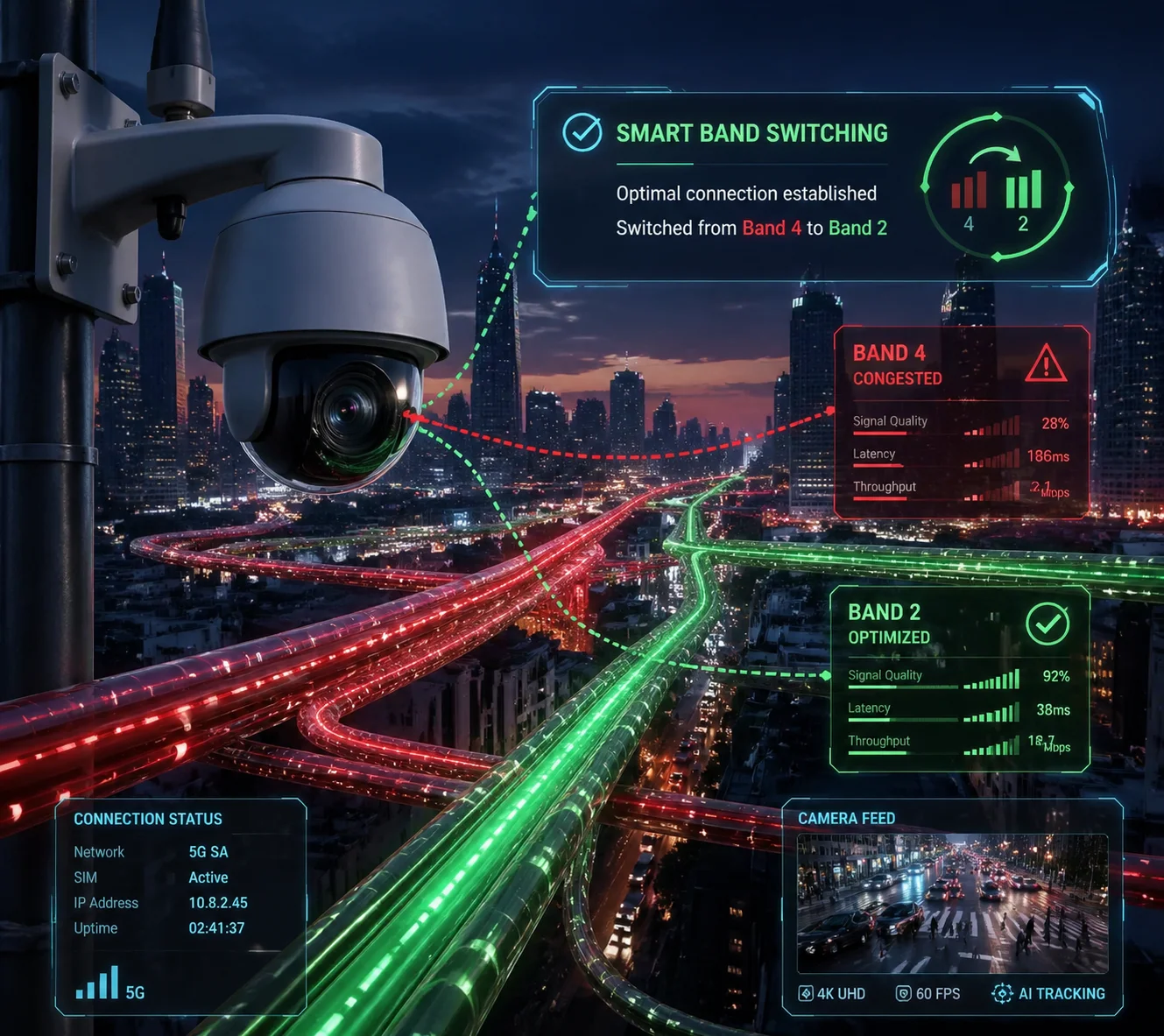
Yes, modern 4G modules like the Quectel EC25-AFX support automatic band selection. The module continuously monitors signal quality across all supported bands and will hand off to B2, B4, B66, or any other available band when the primary band becomes congested or signal quality drops below a threshold.
How Automatic Band Selection Works
The cellular module does not connect to a “band” the way you tune a radio to a station. Instead, it registers with the carrier’s network, and the network assigns it to the best available band based on signal strength (RSRP), signal quality (RSRQ), and current load.
When conditions change — maybe a tower gets congested, or the camera is physically moved — the module performs a cell reselection or handover. It scans adjacent bands and cells, measures their quality, and switches if a better option is available. This happens automatically. No user intervention is needed.
When You Might Want to Lock a Band
In some edge cases, automatic selection can cause problems. For example, if the module keeps bouncing between B13 (strong but slow due to congestion) and B4 (weaker but faster), the constant switching can cause brief video interruptions. In these situations, you can use AT commands to lock the module to a specific band.
At Loyalty-Secu, our firmware exposes a band-lock setting in the web interface. You do not need to SSH into the device or send raw AT commands. You simply select which bands to enable or disable from a dropdown menu. This gives integrators like David full control without requiring deep RF engineering knowledge.
APN Auto-Configuration
Band switching is only half the equation. The module also needs the correct APN (Access Point Name) to establish a data session. Our North American firmware ships with pre-configured APN profiles:
- Verizon: vzwinternet
- AT&T: broadband
- FirstNet: firstnet
- T-Mobile: fast.t-mobile.com
When you insert a SIM card, the firmware detects the carrier automatically and applies the correct APN. No manual configuration. No typos. No support tickets. The camera connects, starts streaming, and you move on to the next installation.
Real-World Reliability
I always tell our clients: the best camera is the one you install and forget. If you have to drive two hours to a remote solar-powered PTZ site because it dropped off the network, the cost of that truck roll exceeds the cost of the camera itself. That is why we invest heavily in module selection, antenna optimization, and firmware-level network management. Every unit goes through a 48-hour burn-in test before shipping, including simulated network congestion scenarios.
Conclusion
Ensuring North American band support comes down to three things: the right cellular module, proper carrier certification, and on-site sample testing. Get these right, and your PTZ deployment will connect reliably from day one.
1. Quectel EC25-AFX datasheet with North American LTE bands. ↩︎ 2. FirstNet public safety network Band 14 requirements. ↩︎ 3. PTCRB certification for cellular devices on AT&T network. ↩︎ 4. FCC ID database for cellular module band verification. ↩︎ 5. Verizon Open Development approved module list. ↩︎ 6. SIMCom SIM7600NA-H North American frequency support. ↩︎ 7. RSRP and RSRQ signal quality metrics for LTE bands. ↩︎ 8. MIMO antenna design for 700MHz frequency deployment. ↩︎ 9. AT command set for cellular module band locking. ↩︎ 10. FirstNet device approval list for Band 14 compatibility. ↩︎