
I build industrial PTZ cameras3 for B2B projects, so I know heat is not a small detail. If I ignore it, my customer gets risk, failure, and extra service cost.
Yes, my LinkSecure system is designed so its maximum temperature rise stays within the limits needed for UL 62368-11 and CSA C22.2 No. 62368-12 compliance. I keep the metal housing surface near the safe touch range, and I keep internal parts below their rated thermal limits under full load.
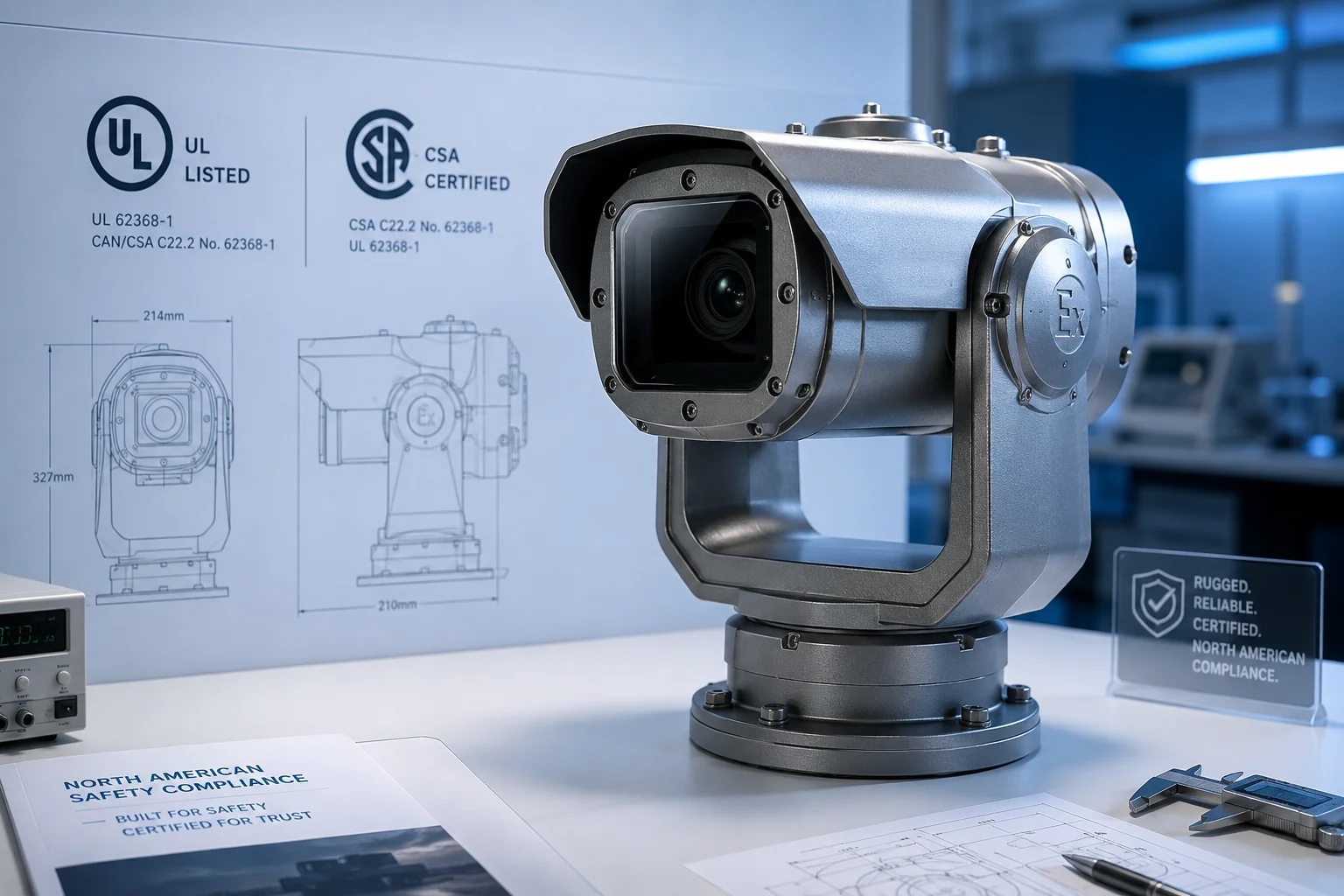
When I talk with buyers in the U.S. and Canada, I always start with heat. A camera can look strong on paper, but if the shell gets too hot, the project will fail in the field. That is why I treat thermal design as part of safety, not just performance.
Table of Contents
Is the outer housing surface temperature safe for human contact (UL/CSA standards) under full load?
I know this is one of the first questions David Miller will ask me. He does not want a camera that works for one week and then causes trouble later. He wants a safe product that can run all day, in hot weather, with no surprise.
Yes, the outer housing is designed to stay safe for human contact under full load when the system runs inside the expected ambient range. I aim to keep the surface temperature in the safe zone for metal parts, so it stays within the contact limits used in UL 62368-1 and CSA C22.2 No. 62368-1 testing.
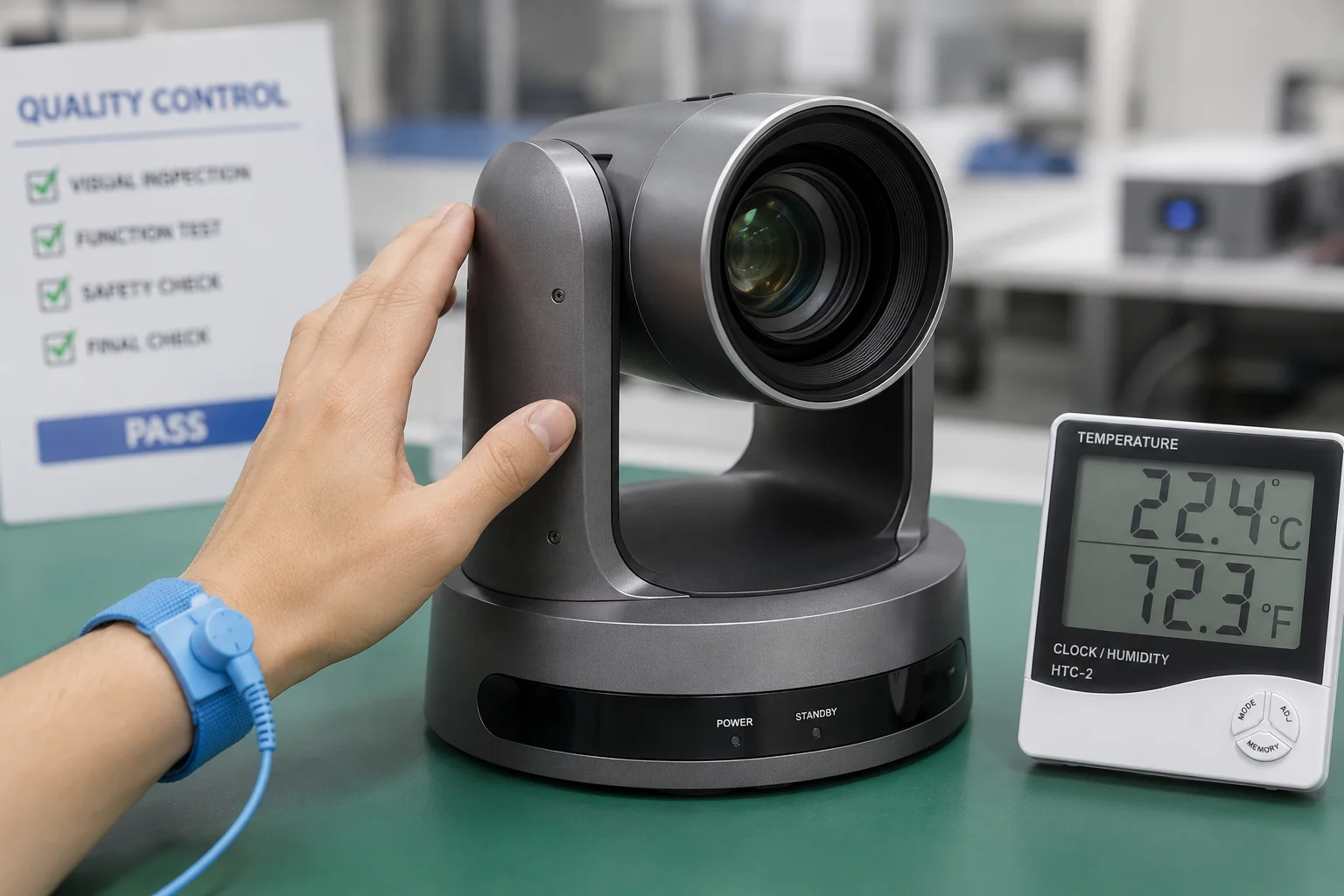
I usually explain this in a simple way. If the air is already hot, the camera surface will also rise. So I do not only watch the chip temperature. I also watch the outside shell temperature, because this is what a person can touch. For a B2B buyer, this matters because safety approval is not only about the lab. It is also about how the unit behaves on a real site.
Why surface temperature matters in North America
In North America, safety rules care about more than just function. They care about burn risk, fire risk, and long-term material stress. A camera that feels “too hot” can create a problem even if it still works. That is why I design the housing to spread heat across a larger metal body instead of letting one spot become too hot.
What I check in real use
| Test item | What I watch | Why it matters |
|---|---|---|
| Full load operation | AI, IR, 4G, and PTZ movement | Heat goes up fast when all parts run together |
| Surface touch area | Housing points that people may touch | Prevents burn risk |
| Ambient heat | Hot weather site conditions | Real sites are often much hotter than lab rooms |
| Long run stability | Heat after hours of work | Short tests can miss slow heat rise |
I also care about the difference between the average surface temperature and the hot spot temperature. If one corner is much hotter than the rest, that means the thermal path is not balanced. In my work, I try to move heat into the shell evenly. That helps me avoid a sharp hot spot near the chip or power section.
How I keep the surface safe
I use a thick metal shell, proper thermal pads7, and a layout that gives heat a short path to the outside. I also reduce heat at the source. For example, I do not let the AI board and the power board sit too close if that would trap heat. I want the housing to act like a heat spreader. That is better than trying to fix heat after the camera is already assembled.
I also know that outdoor buyers often place cameras in direct sun. That is a different problem from indoor testing. Sun adds extra heat before the camera even starts working. So if I design only for room temperature, I am not doing my job. I need to leave enough margin for summer heat, reflected ground heat, and full-load operation at the same time.
How do you manage the “Heat Index” inside a sealed IP67 box during a 115°F day in Arizona?
I see sealed outdoor boxes as a heat trap if I do not plan them carefully. In Arizona, a 115°F day can push a system into danger fast. That is why I treat the inside of an IP67 enclosure like a closed thermal room that needs smart control.
I manage the internal heat index by reducing heat at the source, spreading heat across the housing, and keeping the layout open enough for natural conduction. Even in a sealed IP67 box, I can control the temperature rise if I design the internal path well and keep the power parts under strict limits.
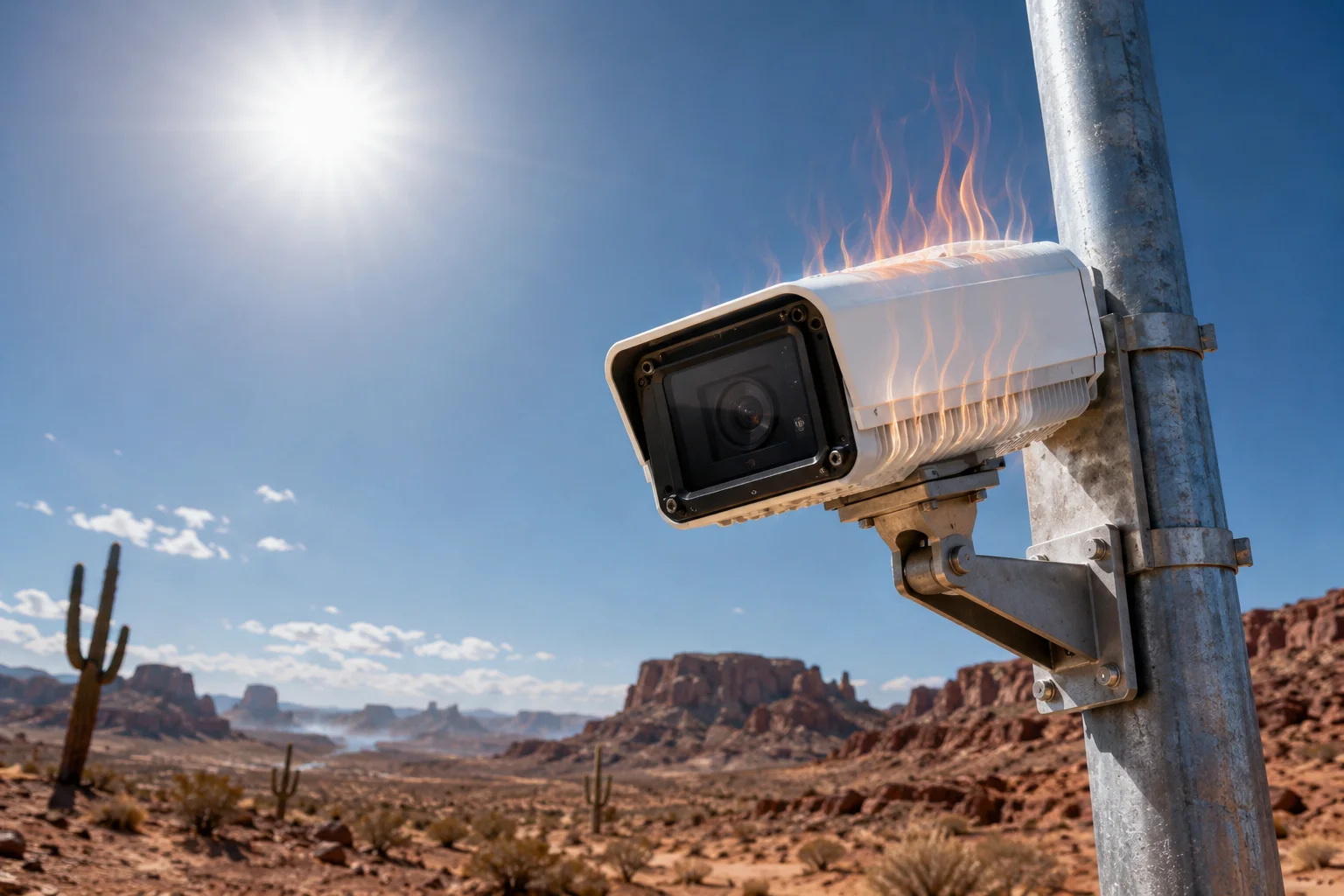
I do not rely on air flow inside a sealed box, because sealed products do not get easy convection cooling. Instead, I use the case itself as the main thermal path. That means every board, chip, and power block must send heat into the body in a clean way. If one section is blocked, that section will run hot first.
Why a sealed box is harder to cool
A sealed IP67 camera protects against rain, dust, and harsh outdoor weather. But the same seal also blocks natural air exchange. So heat cannot leave the box easily. In a hot place like Arizona, the outside air may already be very warm. The sun can add more heat on top of that. If I ignore this, the internal temperature can climb much faster than the outside temperature.
My thermal control method
| Control method | What I do | Result |
|---|---|---|
| Heat source control | Lower power where possible | Less heat from the start |
| Heat spreading | Use metal shell and thermal pads | Heat moves away from one point |
| Part placement | Keep hot parts apart | Less local heat build-up |
| Solar load planning | Consider direct sun in design | Better real-world stability |
I also look at the whole working day, not only the first ten minutes. Some systems pass a short bench test, but they fail after two or three hours under sun. That is not good enough for my customers. I want the camera to keep a stable internal heat index for the full duty cycle. If the AI module runs all day, I expect the thermal design to support that load without forcing the unit into unsafe heat.
What I tell my customers
I usually tell my customers that a sealed IP67 product is not “cool” by nature. It must be engineered to stay safe in heat. That means I use conservative power design, strong thermal contact, and a housing that acts like one big heat sink. If the site is very hot, I also recommend testing the final install point, not only the camera on a desk. A real roof, pole, or wall can change the thermal result a lot.
Can I get a thermal imaging report4 showing the “Hot Spots” of the camera under full AI compute?
I think thermal imaging is one of the best ways to prove my thermal design. A spec sheet is useful, but a heat image shows the truth. My customers do not want guesses. They want proof.
Yes, I can provide a thermal imaging report that shows the hot spots under full AI compute, and I use that data to check whether the camera stays in a safe thermal range during real use. This report helps me see where heat gathers, and it helps my customer judge the design with more trust.
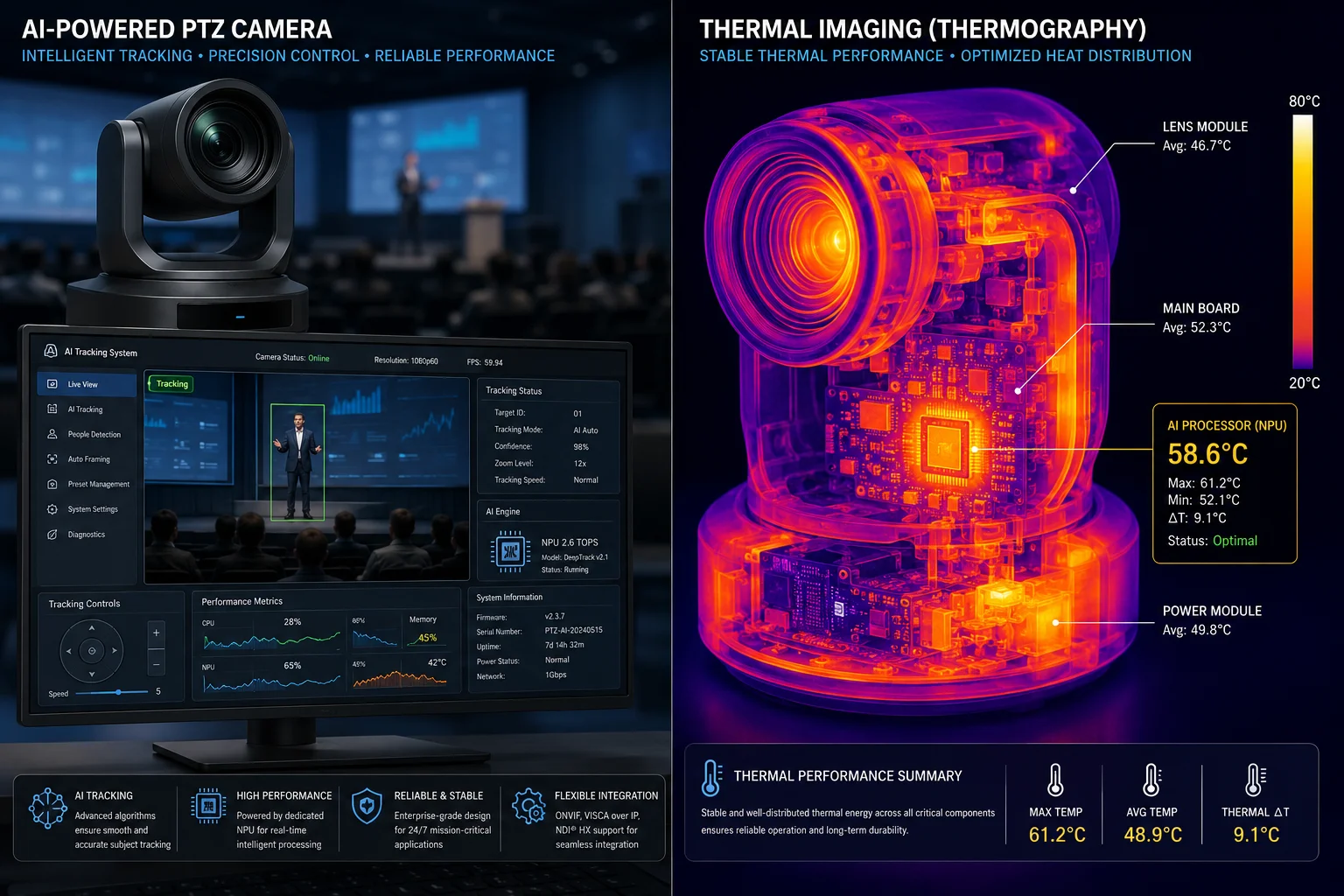
When I run thermal tests, I do not only look for the highest number. I also look at the shape of the heat map. A small red point near a chip may be normal if it is stable and far below the limit. But if I see a large hot region spreading across nearby parts, I know the layout needs work. That can mean a bad pad, a poor board position, or too much heat from one module.
What I look for in a thermal report
| Thermal point | What I check | What it tells me |
|---|---|---|
| AI chip area | Peak temperature | Shows core compute heat |
| Power section | Converter and regulator heat | Shows power efficiency |
| IR and lighting area | Heat from night vision parts | Shows load during night mode |
| Housing edges | Heat spread pattern | Shows if the shell is doing its job |
I use thermal imaging in both early samples and final samples. Early samples help me catch design errors. Final samples help me prove that the finished product meets the target. If I see a hot spot, I do not hide it. I fix it. That is better for my brand and better for the installer who must support the camera later.
Why full AI compute is the real test
Many cameras look fine when they are idle. But David’s team will not install an idle camera. They will run analytics, motion detection, tracking, video streaming, and maybe LTE at the same time. That is the real load. I want my thermal imaging report to reflect that real load, because that is the only test that matters in a serious project.
How I use the report with buyers
I can share the report with a system integrator, a distributor, or a project owner. If they need technical proof, I can show them where the heat sits, how much margin I have, and how the design keeps the system safe. This helps reduce doubt, and it also helps avoid later service calls. A heat report is not just a lab paper. For me, it is a sales tool, a quality tool, and a trust tool.
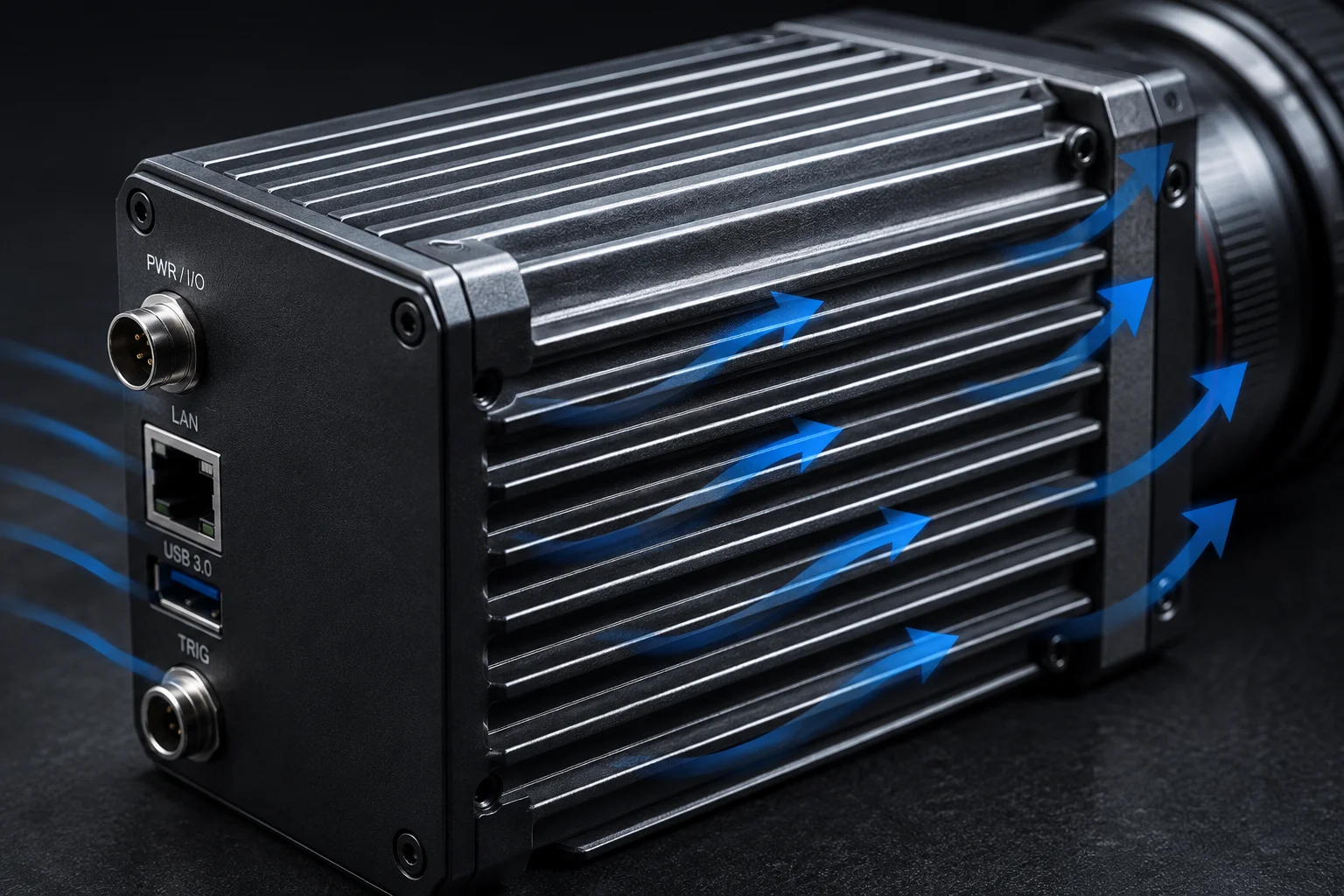
Does the housing design include “Convection Fins5” to maximize passive air cooling?
I get this question often because many buyers think fins are always the answer. I understand why. Fins sound simple, and they look like a clear sign of cooling strength. But in a sealed outdoor camera, the answer is more complex than that.
My housing design can include convection fins when they make sense for the product, but I do not depend on them alone. For a sealed IP67 or NEMA 4X6 style design, passive cooling comes more from heat spreading, shell area, and material choice than from open airflow. So I use fins as one part of the system, not the whole solution.
What fins can do well
Convection fins can increase surface area. More surface area can help the housing release heat into the air faster. In a product that has room to breathe, fins can give a real boost. They can also improve the look of a rugged industrial camera, which some buyers like.
What fins cannot do alone
Fins do not solve everything. If the box is sealed, the air inside does not move much. If the sun is strong, the whole body can heat up before fins help enough. If the internal layout is poor, heat still stays near the chip. So I do not want a buyer to believe that fins are magic. They are only one tool.
Housing cooling options compared
| Cooling feature | Strength | Limitation |
|---|---|---|
| Convection fins | Better surface area | Weak if the enclosure is sealed |
| Thick metal shell | Strong heat spreading | Can add weight |
| Thermal pads | Direct heat transfer | Needs careful assembly |
| White coating | Reduces sun heat gain | Does not remove internal heat by itself |
I prefer to build cooling from the inside out. First, I reduce heat at the source. Second, I move heat into the shell. Third, I let the shell release heat as evenly as possible. If fins fit the mechanical design, I use them. If they do not fit, I focus on other methods that are stronger in sealed outdoor work.
What matters more than fins
For my customers, the real question is not “Does it have fins?” The real question is “Does it stay safe and stable in the field?” That means I care about thermal path, ambient rating, sun load, load balance, and long-run testing. If the camera can pass those checks, the design is good. If it cannot, the fins do not matter much.
Conclusion
I design my PTZ systems so thermal safety, surface touch safety, and hot-weather stability all work together for North American field use.
1. Learn about the UL safety standard for audio/video, information and communication technology equipment. ↩︎ 2. The Canadian standard for safety of equipment considered part of the IEC 62368-1 framework. ↩︎ 3. Pan-tilt-zoom cameras are used for surveillance and monitoring; this article explains their design and use. ↩︎ 4. Thermal imaging helps visualize hot spots and verify cooling design in electronics. ↩︎ 5. Fins increase surface area to improve passive cooling via convection; this page explains the principle. ↩︎ 6. NEMA 4X enclosures are weatherproof, corrosion-resistant, and suitable for outdoor industrial applications. ↩︎ 7. Thermal pads fill gaps between components and heat sinks, improving heat transfer. ↩︎