
I manage hundreds of 4G solar PTZ cameras1 in off-grid sites. Last month, my data bill jumped 40%. I needed to find out if AI tracking2 was the cause.
AI auto-tracking runs entirely on the camera’s local chip, so the tracking itself uses zero 4G data. The real data cost comes from what happens after tracking triggers — cloud video uploads3, snapshot bursts, and live preview sessions. Metadata alone adds less than 1% to your bandwidth.

Below, I break down exactly where your data goes, how much each action costs, and how to keep your 4G bill4 under control across large-scale deployments. Let’s get into the details.
Table of Contents
Is the AI Metadata Compressed Separately from the Video Stream to Save Bandwidth?5
I used to think metadata was bundled inside the video stream and eating up my data plan. I was wrong. Understanding how metadata travels changed the way I budget for 4G.
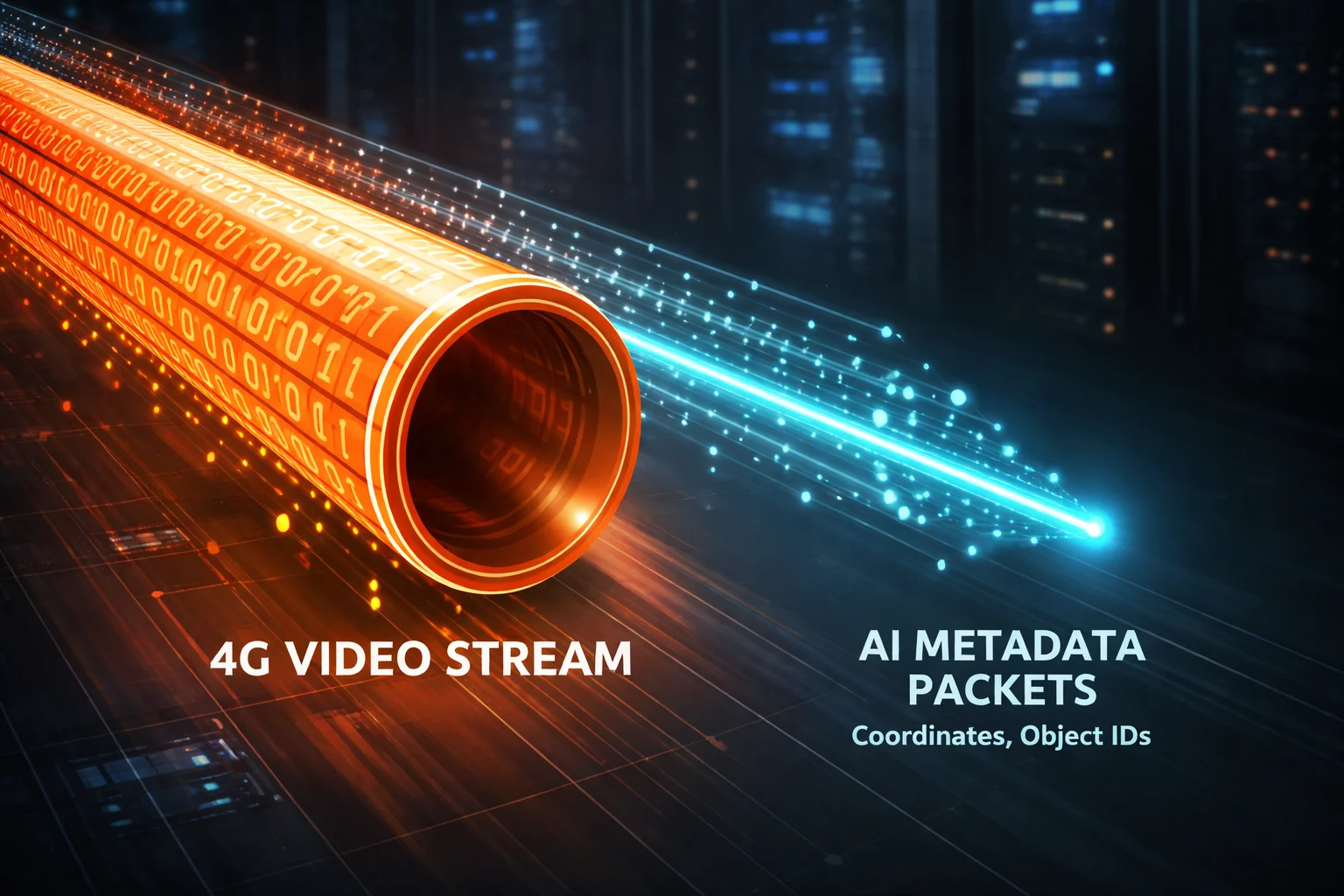
Yes, AI metadata is handled separately from the video stream. The camera’s SoC6 generates tiny coordinate packets — bounding box positions, object IDs, and timestamps — that travel as lightweight data alongside the video. These packets are so small they barely register on your data usage.
How Metadata Actually Travels
To understand this clearly, you need to know what happens inside the camera. The AI chip does all the heavy lifting locally. It detects a person or vehicle, draws a bounding box, and calculates the coordinates. These coordinates are just numbers. A single frame’s metadata might look like this: {x: 320, y: 240, w: 80, h: 160, class: "human", confidence: 0.92}. That is a few hundred bytes at most.
The video stream, on the other hand, is a completely different animal. Even a sub-stream7 at 0.5 Mbps generates about 3.75 MB per minute. The main stream8 at 2 Mbps? That is 15 MB per minute. Metadata sits in a separate channel — usually transmitted via a lightweight protocol like JSON9 over MQTT10 or a proprietary binary format.
Size Comparison: Metadata vs. Video
| Data Type | Size Per Second | Size Per Hour | % of Total Bandwidth |
|---|---|---|---|
| AI Metadata (coordinates + labels) | ~1–2 KB | ~3.6–7.2 MB | < 1% |
| Sub-stream Video (0.5 Mbps) | ~62.5 KB | ~225 MB | ~15–20% |
| Main-stream Video (2 Mbps) | ~250 KB | ~900 MB | 80–85% |
As you can see, metadata is almost invisible compared to video. Even if your camera tracks 100 events per day and sends metadata for each one, you are looking at maybe 5–10 MB total. That is less than a single 30-second video clip.
Why This Matters for Your 4G Budget
Here is the key point. If someone tells you “AI tracking uses too much data,” they are confusing the tracking logic with the video that gets triggered by tracking. The metadata itself is not your problem. Your problem is what your camera does with that metadata — does it upload a video clip? Does it send 10 snapshots? Does it wake up your app so you open a live stream?
I always tell my clients: separate the metadata cost from the video cost in your mind. Once you do that, you can make smart decisions about which actions to enable and which to turn off.
Can I Disable Metadata Uploading While Keeping the Local AI Tracking Active?
I had a client in Texas who wanted AI tracking on 200 solar cameras but zero cloud data transfer. He asked me this exact question. The answer surprised him.
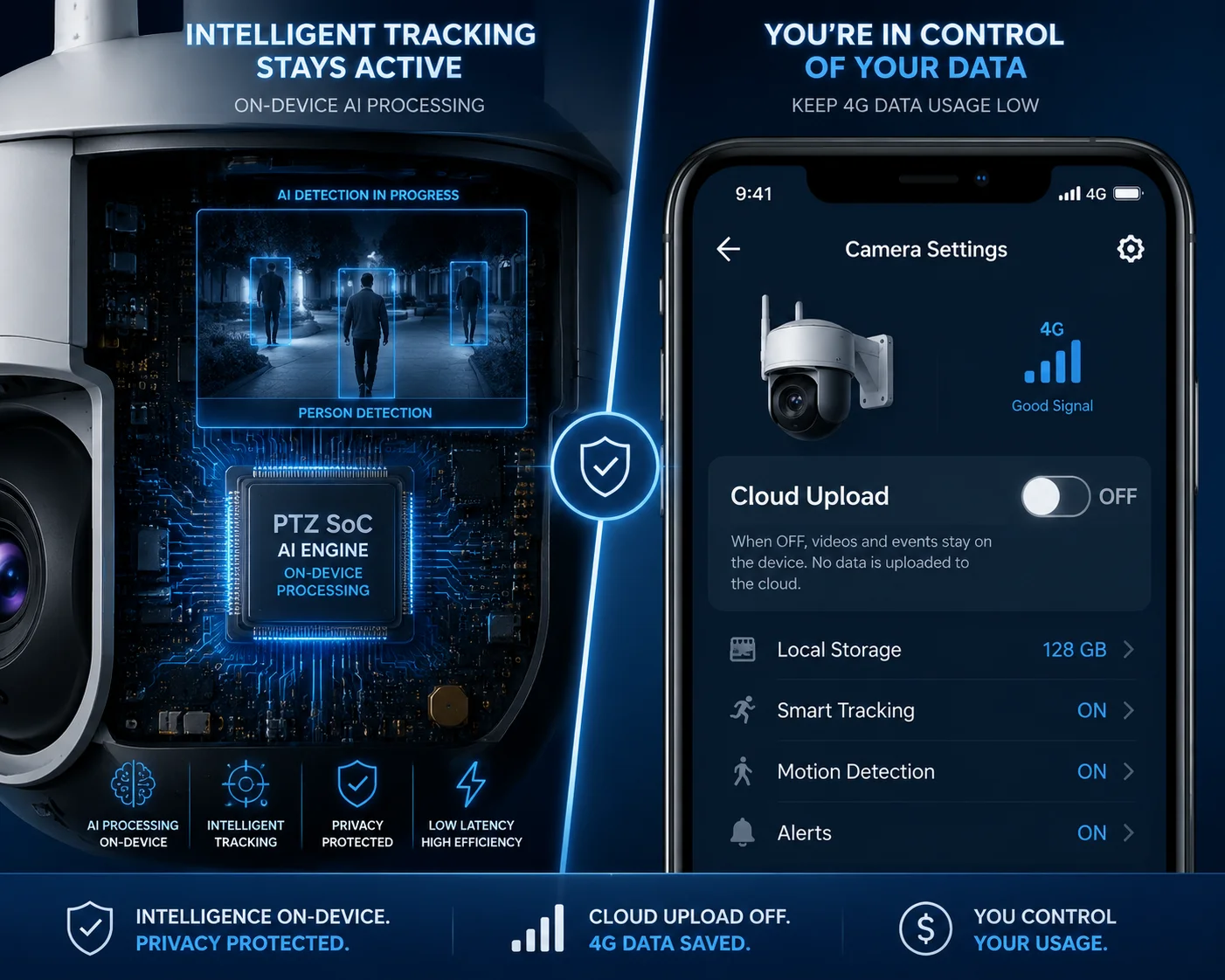
Yes, you can absolutely keep AI tracking running locally while disabling all metadata uploads. The tracking algorithm lives on the camera’s processor. It will still detect, classify, and follow targets — it just won’t send any data to your phone or cloud platform unless you tell it to.
Understanding the Two Layers of AI Tracking
Think of AI tracking as having two separate layers. Layer one is the local engine. This is the neural network running on the camera’s SoC. It processes every frame, identifies humans or vehicles, and sends motor commands to the PTZ11 mechanism. This layer uses zero network bandwidth. It runs whether your SIM card is active or not.
Layer two is the notification and upload layer. This is where the camera decides: “Should I tell someone about what I just saw?” This layer handles push notifications, metadata streaming to apps, snapshot uploads, and video clip transfers. You have full control over this layer through the camera’s configuration interface.
Configuration Options You Should Know
Most professional PTZ cameras, including ours at Loyalty-Secu, offer granular control over what gets sent and what stays local. Here is a breakdown of typical settings:
| Feature | Can Be Disabled? | Data Impact When Enabled | Data Impact When Disabled |
|---|---|---|---|
| Local AI Tracking (motor control) | No (always on when enabled) | 0 MB (runs locally) | N/A |
| Metadata Upload (bounding boxes to app) | Yes | ~1–2 KB/sec | 0 MB |
| Push Notification12 with Snapshot | Yes | ~100 KB per event | 0 MB |
| Event Video Clip Upload | Yes | 5–20 MB per event | 0 MB |
| Live Preview on App | Yes (user-initiated) | 3.75–15 MB per minute | 0 MB |
The “Local-Only” Strategy
For large-scale deployments, I often recommend what I call the “local-only” strategy. Here is how it works. You enable AI tracking on all cameras. The cameras follow targets, record everything to the local SD card13, and keep a log of all events. But they send nothing over 4G unless you specifically request it.
When you need to review an incident, you connect to the camera remotely and pull just the clip you need. This way, you only pay for the data you actually use — not for thousands of automated uploads that nobody watches.
This approach works especially well for remote sites like farms, construction zones, and pipeline monitoring stations. These are places where events are rare but important. You do not need real-time alerts for every rabbit that walks past the camera. You need reliable footage when something actually happens.
When Should You Keep Metadata Uploading On?
There are cases where disabling metadata upload is a bad idea. If you are monitoring a high-security perimeter and need instant alerts, you want that push notification. The trick is to filter aggressively. Set the camera to only send notifications for humans and vehicles. Ignore everything else. This way, you get the alerts that matter without drowning in false triggers.
How Many Megabytes of Extra Data Will a Busy Day of Tracking Add to My Bill?
I ran a real-world test on one of our 4G solar PTZ cameras at a construction site. The results gave me a clear picture of exactly where the data goes.
On a busy day with 50 tracking events, AI metadata alone adds less than 5 MB to your bill. But if each event triggers a 30-second video upload, that same day could cost you 250–1,000 MB — depending on your stream quality settings.

Breaking Down a Real-World Scenario
Let me walk you through a typical busy day at a construction site. The camera is set to track humans and vehicles. Between 7 AM and 6 PM, it detects and tracks about 50 events. Some are workers walking through the frame. Some are trucks arriving. A few are false triggers from shadows or flags blowing in the wind.
Here is what each configuration choice costs you in data:
Scenario A: Metadata Only (No Video Upload)
If you only send metadata and a small push notification for each event, your total data cost for the day is tiny. Fifty events at roughly 100 KB each (notification + thumbnail) equals about 5 MB. That is nothing. You could run this for an entire month and use less than 200 MB.
Scenario B: Metadata + Event Video Clips
Now let’s say you enable 30-second event clip uploads at sub-stream quality. Each clip is about 5 MB. Fifty events means 250 MB in one day. Over a month, that is 7.5 GB. If you use main-stream quality, each clip jumps to 15–20 MB. Fifty events now cost you 750–1,000 MB per day. That is 22–30 GB per month from one camera.
Scenario C: Metadata + Clips + Live Preview
This is where things get expensive. If you also open live preview 10 times a day for 2 minutes each at main-stream quality, you add another 300 MB per day. Combined with event clips, you could easily hit 1.3 GB per day from a single camera.
| Scenario | Events/Day | Data Per Event | Daily Total | Monthly Total |
|---|---|---|---|---|
| A: Metadata + Push Only | 50 | ~100 KB | ~5 MB | ~150 MB |
| B: Metadata + Sub-stream Clips | 50 | ~5 MB | ~250 MB | ~7.5 GB |
| C: Metadata + Main-stream Clips + Live Preview | 50 | ~20 MB + preview | ~1.3 GB | ~39 GB |
How to Pick the Right Scenario for Your Deployment
For most of my B2B clients, Scenario A or B is the sweet spot. Scenario A works for low-risk sites where you just need to know something happened. Scenario B works for medium-risk sites where you want visual proof without opening a live stream.
Scenario C should be reserved for high-security sites where real-time response is critical. Even then, I recommend using sub-stream for live preview. It cuts your preview data by 80% and the quality is still good enough to see what is going on.
The Multiplier Effect at Scale
Here is what keeps David Miller up at night. If you have 1,000 cameras and each one runs Scenario C, you are looking at 39 TB of 4G data per month. At typical US carrier rates, that could cost $50,000–$100,000 per month in data alone. Switch to Scenario A, and your monthly data cost drops to about 150 GB total — maybe $500–$1,000. That is a 100x difference. Configuration is everything.
Does the P2P Server Filter Out Redundant Metadata Before Sending It to My Mobile App?
I once watched my app receive 15 nearly identical tracking alerts in 2 minutes — all from the same person walking slowly across a parking lot. That is when I started asking about server-side filtering.
Yes, a well-designed P2P server14 can and should filter redundant metadata before it reaches your app. This means merging duplicate events, suppressing repeated alerts for the same target, and only forwarding meaningful state changes — like a new person entering the scene or a tracked target leaving the frame.

What “Redundant Metadata” Actually Looks Like
When a camera tracks a person walking across a 100-meter area, it generates continuous metadata. Every frame produces updated coordinates. If the camera runs at 25 fps, that is 25 sets of coordinates per second. Over a 30-second tracking event, the camera generates 750 data points for a single person doing a single thing — walking.
Your app does not need all 750 data points. It needs to know: “A person entered Zone A at 10:32 AM, moved through Zone B, and exited at 10:33 AM.” That is three data points, not 750. A smart P2P server compresses this timeline into a single event summary.
How Server-Side Filtering Works
The filtering process happens in several stages. First, the server receives raw metadata from the camera. Then it applies deduplication logic. If the same object ID appears in consecutive frames with minimal position change, the server merges those frames into one event. It only creates a new event when something meaningful changes — a new object appears, an existing object changes direction sharply, or an object leaves the frame.
Edge-Side vs. Server-Side Filtering
There are two places where filtering can happen. The first is on the camera itself — this is called edge-side filtering15. The camera’s firmware can be configured to only report new events, not continuous updates. This is the most data-efficient approach because redundant data never leaves the camera.
The second is on the P2P relay server. This is useful when the camera sends raw data but you want the server to clean it up before forwarding to the app. This approach gives you more flexibility because you can change filtering rules on the server without updating camera firmware.
At Loyalty-Secu, our cameras support both approaches. For 4G deployments, I always recommend edge-side filtering as the first line of defense. The camera should be smart enough to know that sending 750 coordinate updates for one person walking is wasteful. It should send one alert when the person is detected, and one summary when the person leaves. That is it.
The Impact on Your Data Plan and Your Sanity
Filtering is not just about saving data. It is about saving your attention. If you manage 200 cameras and each one sends 50 unfiltered alerts per day, you are dealing with 10,000 notifications daily. Nobody can process that. You stop reading them. You miss the one alert that actually matters.
Good filtering turns 10,000 raw events into maybe 500 meaningful alerts. Each alert tells you something useful. Each alert deserves your attention. And each alert costs a fraction of the data that 10,000 raw pushes would consume.
For David and other system integrators managing large fleets, this is not a nice-to-have feature. It is a requirement. When you evaluate a camera supplier, ask them: “How does your system handle redundant metadata?” If they cannot give you a clear answer, that is a red flag.
Conclusion
AI tracking metadata costs almost nothing in data. Your real 4G expense comes from video uploads and live previews. Filter smartly, configure carefully, and your bill stays low.
1. Learn about 4G solar PTZ cameras used in off-grid surveillance applications. ↩︎ 2. Understand the fundamentals of AI-powered automatic target tracking in surveillance cameras. ↩︎ 3. Learn how cloud video storage can drive up data usage in surveillance systems. ↩︎ 4. Compare 4G data plans and costs for large-scale camera deployments. ↩︎ 5. Understand techniques for compressing metadata to minimize bandwidth usage. ↩︎ 6. Discover how System-on-Chip integrates AI processing locally in cameras. ↩︎ 7. Read about dual-stream technology and how sub-streams use less bandwidth. ↩︎ 8. Understand main-stream video quality and its impact on data consumption. ↩︎ 9. Find out how JSON structures metadata for easy parsing and transmission. ↩︎ 10. Explore the lightweight messaging protocol commonly used for IoT metadata transmission. ↩︎ 11. Learn about Pan-Tilt-Zoom cameras and their motorized tracking capabilities. ↩︎ 12. Explore how push notifications deliver alerts and associated data usage. ↩︎ 13. Find out how local SD card recording can reduce cloud data needs. ↩︎ 14. Understand how peer-to-peer relay servers manage camera-to-app data streams. ↩︎ 15. See how filtering at the camera edge reduces data uploads and saves bandwidth. ↩︎