
I’ve watched too many remote PTZ feeds freeze mid-zoom. The culprit is almost always the cellular module, not the camera itself.
For PTZ cameras streaming over 4G LTE, Cat.6 with Carrier Aggregation is significantly more stable than Cat.4. Cat.6 bonds multiple frequency bands at once, so when one band gets congested or drops signal, the other keeps your video stream alive. This matters most in urban areas with heavy cell tower loads.
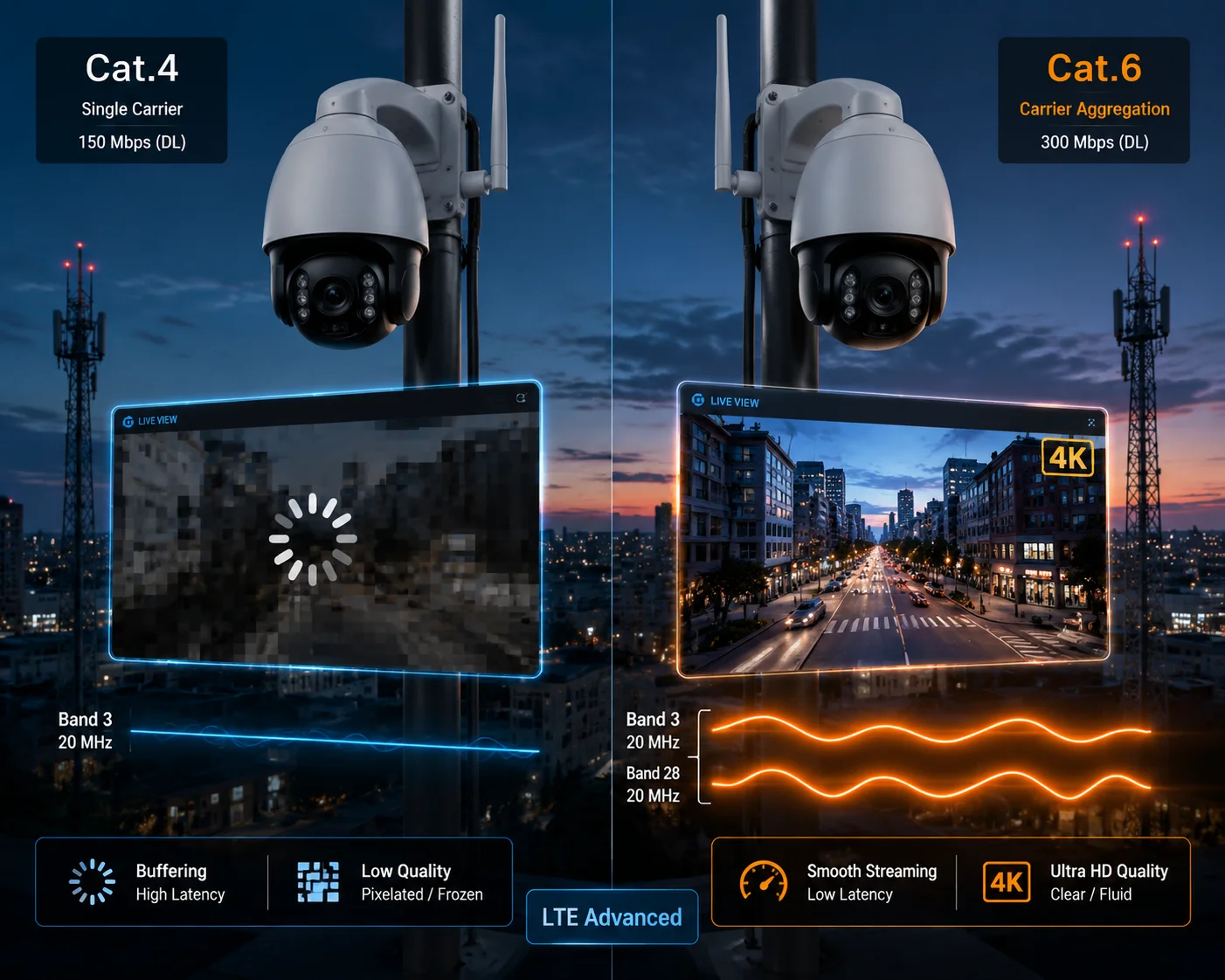
Below, I break down the four questions I hear most from integrators deploying cellular PTZ systems across North America. Each answer includes real-world context, not just spec-sheet theory.
Table of Contents
Does Cat.6 Carrier Aggregation Significantly Reduce Video Buffering in Congested U.S. Cells?
I’ve had customers call me frustrated because their 4K PTZ feed turns into a slideshow every afternoon. Same camera, same tower, same location. The only thing that changed was the number of people on that cell.
Yes, Cat.6 CA reduces buffering in congested cells. It combines two frequency bands at once, so your camera gets a wider data lane even when the tower is busy. In dense urban areas, this can mean the difference between a smooth 4K stream and constant frame drops.
Why Congestion Kills Cat.4 First
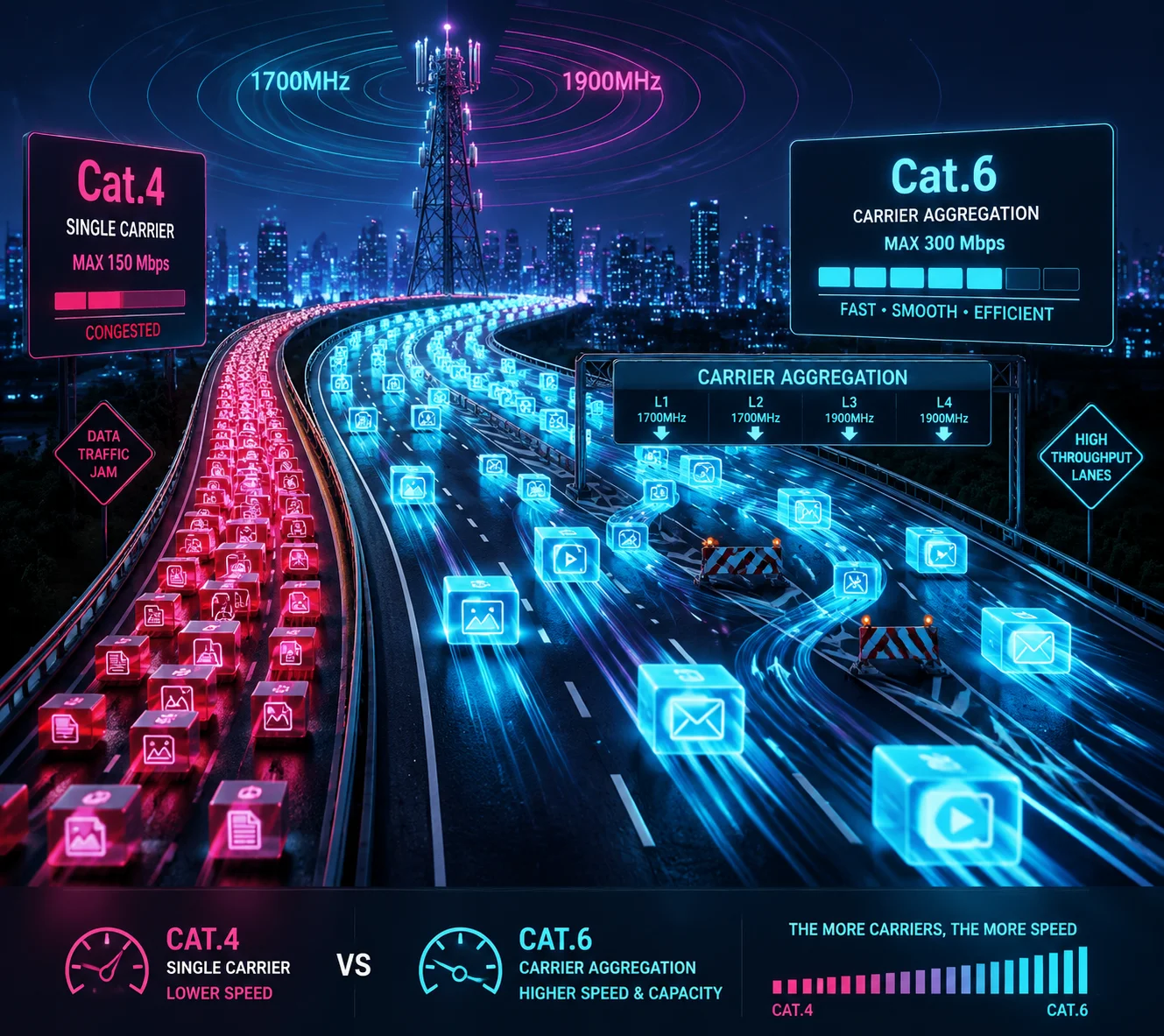
Think of a cell tower like a highway. During rush hour, every device on that tower is fighting for lane space. Cat.4 can only use one lane at a time — one frequency band. If that band is packed, your PTZ camera’s upload gets squeezed.
Cat.6 opens a second lane. It bonds two bands together. For example, it can combine Band 2 (1900 MHz) and Band 4 (1700 MHz) at the same time. If Band 2 gets crowded, Band 4 picks up the slack. Your video stream stays smooth because the total available bandwidth is wider and more resilient.
The Asymmetric Bandwidth Problem
Here is something most people miss. In the U.S., carriers like AT&T and T-Mobile often allocate asymmetric bandwidth5 across their bands. One band might have 5 MHz of spectrum, another might have 15 MHz. Cat.4 technically supports 2-carrier aggregation, but it can only bond symmetric bandwidths (like 10 MHz + 10 MHz). Cat.6 handles asymmetric combinations (like 5 MHz + 15 MHz) without any issue.
This is a big deal. Most real-world U.S. tower configurations are asymmetric. So Cat.4’s CA capability is often useless in practice, while Cat.6’s CA actually works.
Real-World Buffering Impact
| Scenario | Cat.4 Behavior | Cat.6 Behavior |
|---|---|---|
| Off-peak hours, strong signal | Smooth 4K stream | Smooth 4K stream |
| Peak hours, moderate signal | Frequent buffering, auto-downgrades to 1080p | Maintains 4K with minor bitrate adjustments |
| Peak hours, weak signal (-110 dBm) | Stream drops to 720p or disconnects | Holds 1080p, occasional brief buffering |
256QAM: More Data Per Signal Pulse
Cat.6 also supports 256QAM modulation1, while Cat.4 maxes out at 64QAM6. In simple terms, 256QAM packs about 33% more data into each radio signal pulse. When your camera has decent signal strength, this means Cat.6 pushes more video data through the same amount of spectrum. The result: your stream holds its target bitrate longer before it has to downgrade.
For a PTZ camera doing continuous 4K upload, this extra efficiency is not a luxury. It is the margin between “works fine” and “keeps dropping.”
Will the Increased Throughput of Cat.6 Improve the Responsiveness of My Remote PTZ Controls?
I once watched a technician try to zoom in on a license plate 300 meters away using a Cat.4-connected PTZ. He overshot the target three times because the pan command kept arriving late. That is not a camera problem. That is a latency problem.
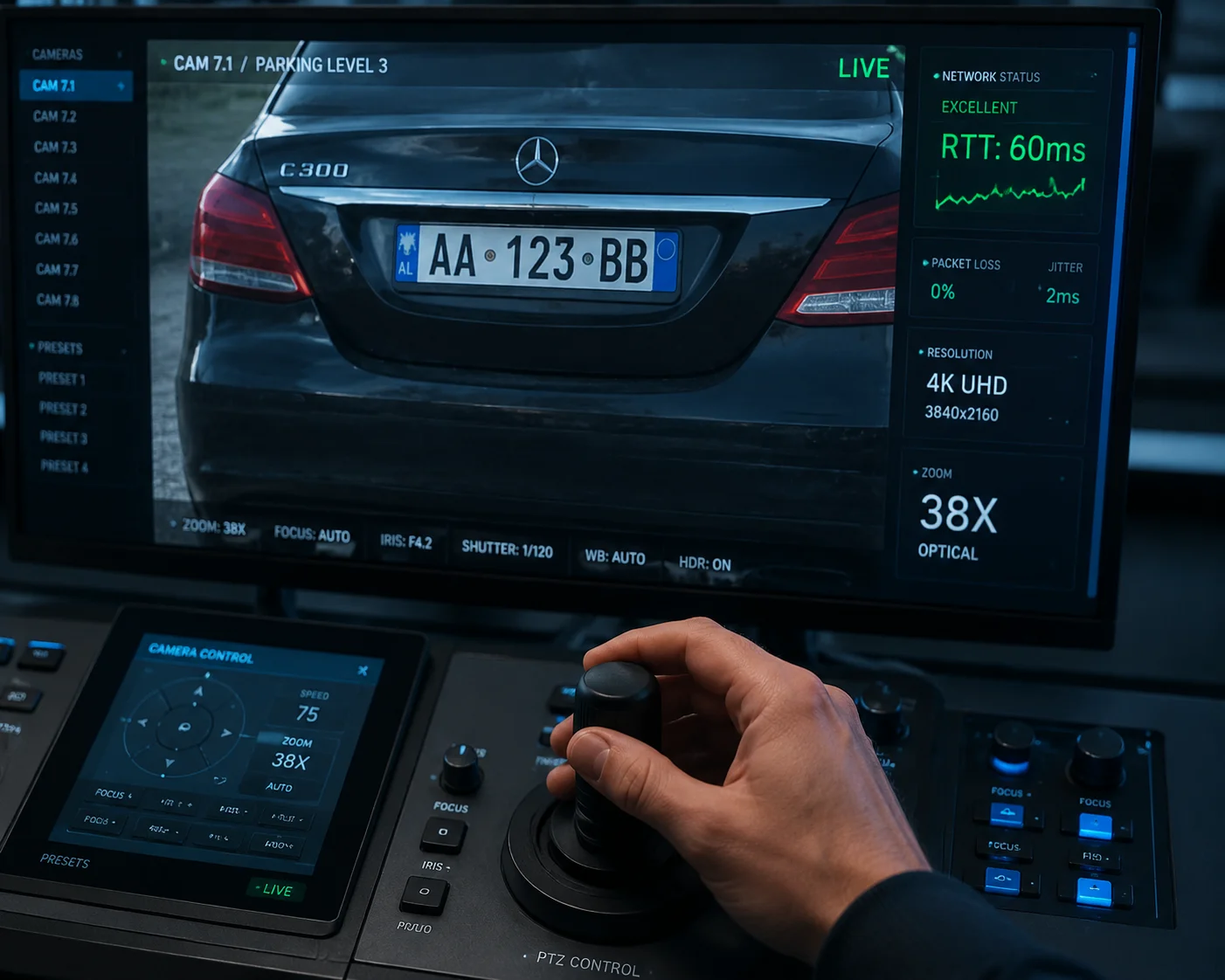
Yes, Cat.6 improves PTZ control responsiveness. Its higher spectral efficiency and carrier aggregation reduce round-trip time (RTT), so your pan, tilt, and zoom commands reach the camera faster. This is critical for high-zoom operations where even 200ms of extra delay causes overshoot.
Why Latency Matters More Than Speed for PTZ Control
When you send a PTZ command — say, “pan left 15 degrees” — the command travels from your control station to the cell tower, through the carrier’s network, to the remote tower, and finally to the camera. The camera executes the command and sends back a video frame showing the new position. This full loop is called Round-Trip Time (RTT)2.
For a fixed camera, high RTT is annoying but tolerable. For a PTZ camera at 38X zoom, high RTT is a disaster. At that magnification, a tiny pan movement covers a huge area. If your command arrives 400ms late, the camera has already moved past your target. You overshoot. You correct. You overshoot again. This “hunting” wastes time and makes precise surveillance impossible.
How Cat.6 Reduces RTT
Cat.6 does not magically lower the physical distance between your control station and the camera. But it does reduce queuing delay8 — the time your command packet spends waiting in line at the cell tower.
Here is why: Cat.6’s higher throughput and more efficient resource scheduling mean the tower processes your data faster. When the tower is busy, Cat.4 packets sit in a longer queue. Cat.6 packets get through quicker because the module can use wider, aggregated bandwidth and more efficient modulation.
PTZ Control Latency Comparison
| Network Condition | Cat.4 Typical RTT | Cat.6 Typical RTT |
|---|---|---|
| Low congestion, strong signal | 80–120 ms | 60–100 ms |
| Moderate congestion | 200–400 ms | 100–200 ms |
| High congestion, weak signal | 500 ms+ (unusable for PTZ) | 200–350 ms (usable with care) |
The Zoom Factor
This matters more as your zoom level increases. At 5X zoom, a 300ms delay is manageable. At 38X zoom, the same delay makes the camera nearly impossible to control precisely. If your deployment involves high-magnification surveillance — reading license plates, identifying faces at distance, tracking a moving vehicle — Cat.6’s lower latency is not optional. It is a requirement.
I always tell my customers: if you are buying a 38X or 40X PTZ camera and connecting it over 4G, do not pair a high-end optic with a low-end modem. The modem becomes the bottleneck, and your expensive zoom lens becomes useless for real-time control.
Is the Stability of a Cat.4 Module Sufficient for a Single 4K Stream on a Rural T-Mobile Tower?
I get this question a lot from integrators working on farm and ranch projects. They want to save money on the modem because the site is remote and “there’s nobody else on the tower anyway.”
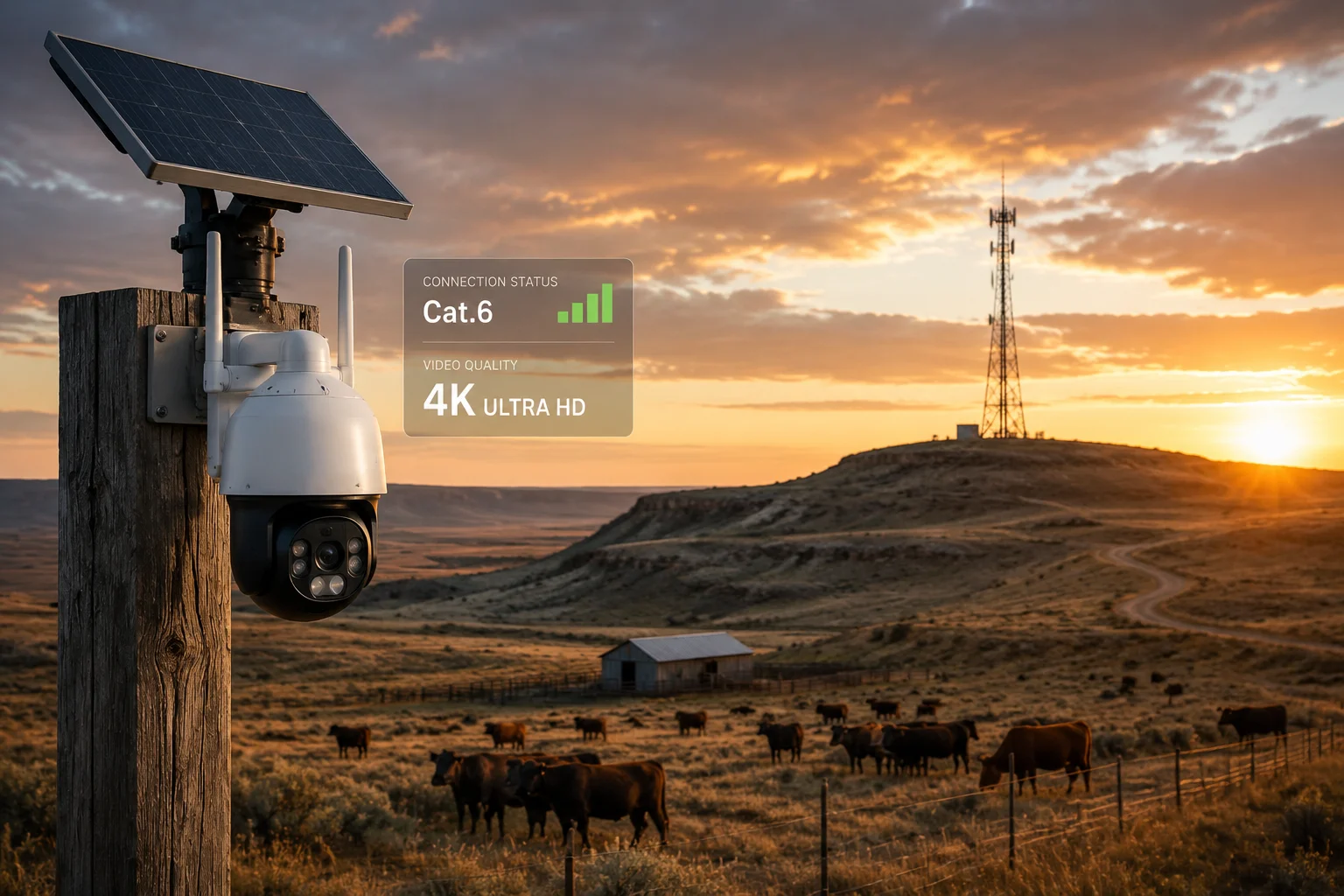
In many rural areas, Cat.4 can handle a single 4K stream — but only if the signal is strong and the tower is lightly loaded. The problem is that rural towers often have narrow bandwidth and weak signal. In those conditions, Cat.4 frequently drops from 4K to 1080p or lower, and you lose the detail you paid for.
The Rural Signal Reality
Rural T-Mobile towers in the U.S. often rely on low-frequency bands like Band 71 (600 MHz) or Band 12 (700 MHz). These bands travel far and penetrate obstacles well, which is why they are used for rural coverage. But they are also narrow — often only 5 or 10 MHz wide.
A 4K video stream at 30fps with H.265 encoding3 typically needs 6–12 Mbps of sustained upload bandwidth. Cat.4’s theoretical upload peak is 50 Mbps, which sounds like plenty. But on a narrow rural band with signal strength around -115 dBm, the actual usable upload often drops to 2–5 Mbps. That is not enough for 4K. Your camera’s encoder will automatically downgrade to 1080p or even 720p to avoid breaking the stream entirely.
When Cat.4 Works in Rural Areas
Cat.4 is fine for rural deployment if all of these conditions are true:
- Your camera is within 3–5 km of the tower (signal strength better than -100 dBm)
- The tower has at least 10 MHz of bandwidth on your band
- You are streaming 1080p, not 4K
- You use event-triggered recording, not 24/7 continuous streaming
- There are very few other devices on that tower
If any of these conditions are not met, Cat.4 will struggle.
When You Need Cat.6 Even in Rural Areas
Cat.6 helps in rural areas more than people expect. Even if the tower only has one carrier (so CA is not active), Cat.6’s 256QAM modulation still gives you about 33% more data efficiency when signal quality is decent. And if the tower does support two bands — which is increasingly common even in rural areas as carriers upgrade — Cat.6 can bond them for a much more stable connection.
My Recommendation for Rural 4K PTZ
If you are deploying a 4K PTZ camera in a rural area and you need reliable continuous streaming, do not rely on Cat.4. The cost difference between a Cat.4 and Cat.6 module is small — usually $15–$30 per unit at the module level. But the cost of sending a technician to a remote farm to troubleshoot a stream that keeps dropping is $200–$500 per visit. The math is simple.
Also, regardless of which Cat level you choose, make sure the module supports Band 714 (600 MHz) for T-Mobile rural coverage. Without this band, neither Cat.4 nor Cat.6 will connect reliably in many rural U.S. locations.
How Does the Power Consumption of a Cat.6 Module Affect My Solar Battery’s Runtime?
Every watt matters when your camera runs on solar. I have seen projects fail not because of the camera or the network, but because the battery died at 3 AM and the system went dark for six hours.
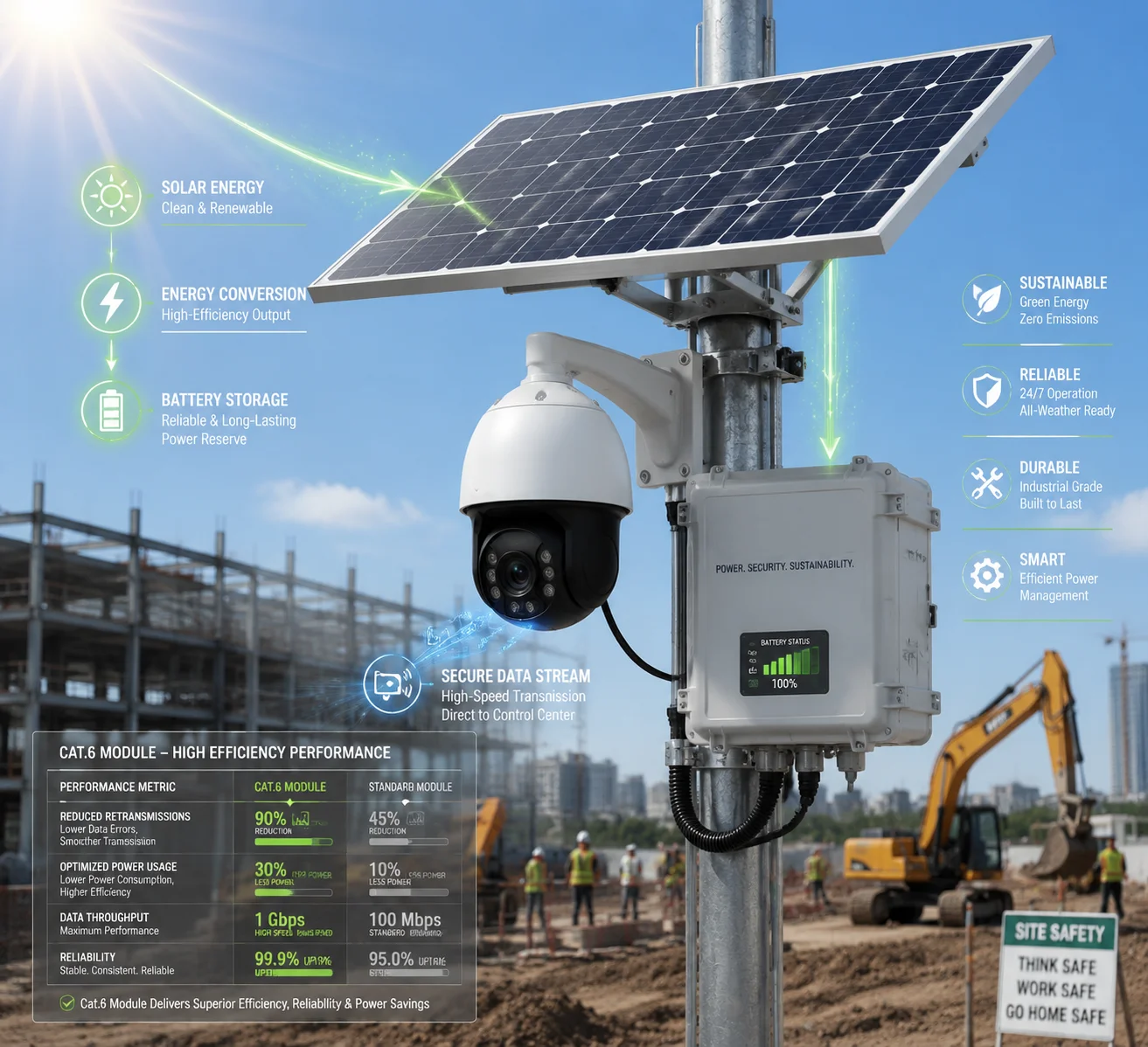
A Cat.6 module draws about 10–20% more power than a Cat.4 module during active data transmission. For a solar-powered PTZ system7, this means you need a slightly larger battery or panel. But the stability gains of Cat.6 often reduce retransmissions and reconnections, which can partially offset the extra power draw.
Power Draw: Cat.4 vs Cat.6
The actual power difference depends on the specific module, the chipset, and how often CA is active. Here is a general comparison based on common modules used in PTZ camera designs:
| Power State | Cat.4 Module (Typical) | Cat.6 Module (Typical) |
|---|---|---|
| Idle / Sleep | 10–15 mA | 12–18 mA |
| Connected, low data | 150–200 mA | 180–250 mA |
| Active upload (4K stream) | 400–600 mA | 500–750 mA |
| Peak (CA active, max throughput) | N/A (no effective CA) | 700–900 mA |
At 12V, a Cat.6 module during active 4K streaming draws roughly 6–9W, compared to 4.8–7.2W for Cat.4. Over a 24-hour period of continuous streaming, that is an extra 15–40 Wh of energy consumption.
What This Means for Your Solar System
A typical solar PTZ system uses a 100Ah 12V battery (1,200 Wh usable capacity). The extra 15–40 Wh per day from a Cat.6 module is about 1.3–3.3% of your total battery capacity. This is manageable. You do not need a dramatically larger battery or solar panel.
However, there is a hidden factor that works in Cat.6’s favor: retransmission overhead. When Cat.4 struggles with congestion or weak signal, it retransmits packets more often. Each retransmission costs power. Cat.6’s more stable connection means fewer retransmissions, fewer reconnection cycles, and less time spent in high-power “searching for network” states. In practice, the net power difference between Cat.4 and Cat.6 is often smaller than the raw module specs suggest.
Practical Solar Sizing Advice
If you are designing a solar PTZ system with Cat.6, I recommend adding about 10–15% extra capacity to your solar panel and battery compared to a Cat.4 design. For most of our systems at Loyalty-Secu, this means going from a 60W panel to a 80W panel, and from a 50Ah battery to a 60Ah battery. The cost increase is minimal, and the reliability improvement is significant.
Also, consider using event-triggered streaming9 instead of 24/7 continuous upload. When the camera is in standby mode (motion detection active but not streaming), both Cat.4 and Cat.6 modules drop to low-power idle states. The power difference between them in idle mode is negligible. This approach gives you Cat.6 stability when you need it, without draining your battery when you do not.
Conclusion
Cat.6 with Carrier Aggregation is more stable than Cat.4 for PTZ cameras in most real-world conditions. But the module alone is not enough — frequency band coverage, antenna design, and platform maturity matter just as much. Choose your modem like you choose your optics: match it to the job site, not just the spec sheet.
1. Understand quadrature amplitude modulation and how 256QAM packs more data per signal. ↩︎ 2. Learn about network latency measurement and its impact on real-time control. ↩︎ 3. Understand the video compression standard that reduces bandwidth requirements for 4K streaming. ↩︎ 4. Details on LTE Band 71 (600 MHz) used for rural coverage by T-Mobile. ↩︎ 5. Learn how asymmetric band allocation affects carrier aggregation performance. ↩︎ 6. Compare 64QAM with 256QAM modulation for understanding data efficiency differences. ↩︎ 7. Basics of solar power systems and considerations for remote camera installations. ↩︎ 8. Understand how network queuing affects packet transmission times. ↩︎ 9. Learn about motion-activated recording to save bandwidth and power. ↩︎