
I have seen cold weather turn a good camera into a bad project fast. When the heater stays off, I care most about the first power-up and the parts that must move.
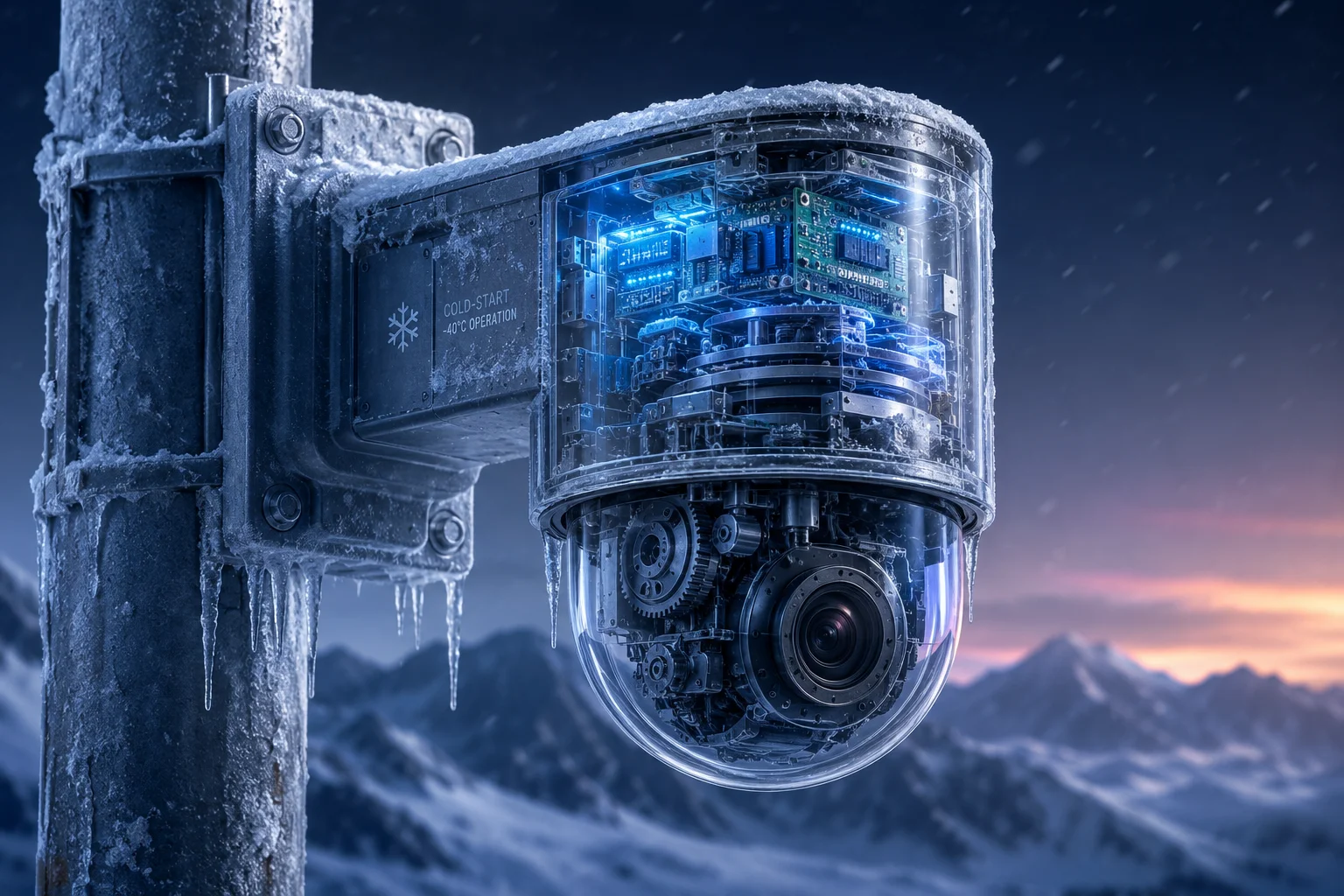
For an industrial PTZ camera1, the minimum reliable cold start temperature2 without the heater active is usually around -20°C (-4°F)3. Above this point, most industrial parts can boot safely, but the motor, grease, and power design still need margin.
 industrial ptz cold start reliability
I do not trust a camera just because it powers on once. I want to know what happens when the grease thickens, the modem starts, and the PTZ tries to move in real winter air.
Table of Contents
Will the internal components and 4G modem boot up safely at -20°C (-4°F) without pre-heating?
I ask this question because I have seen many field jobs fail at the first cold morning. A camera that looks fine in the lab can still struggle in the real world.
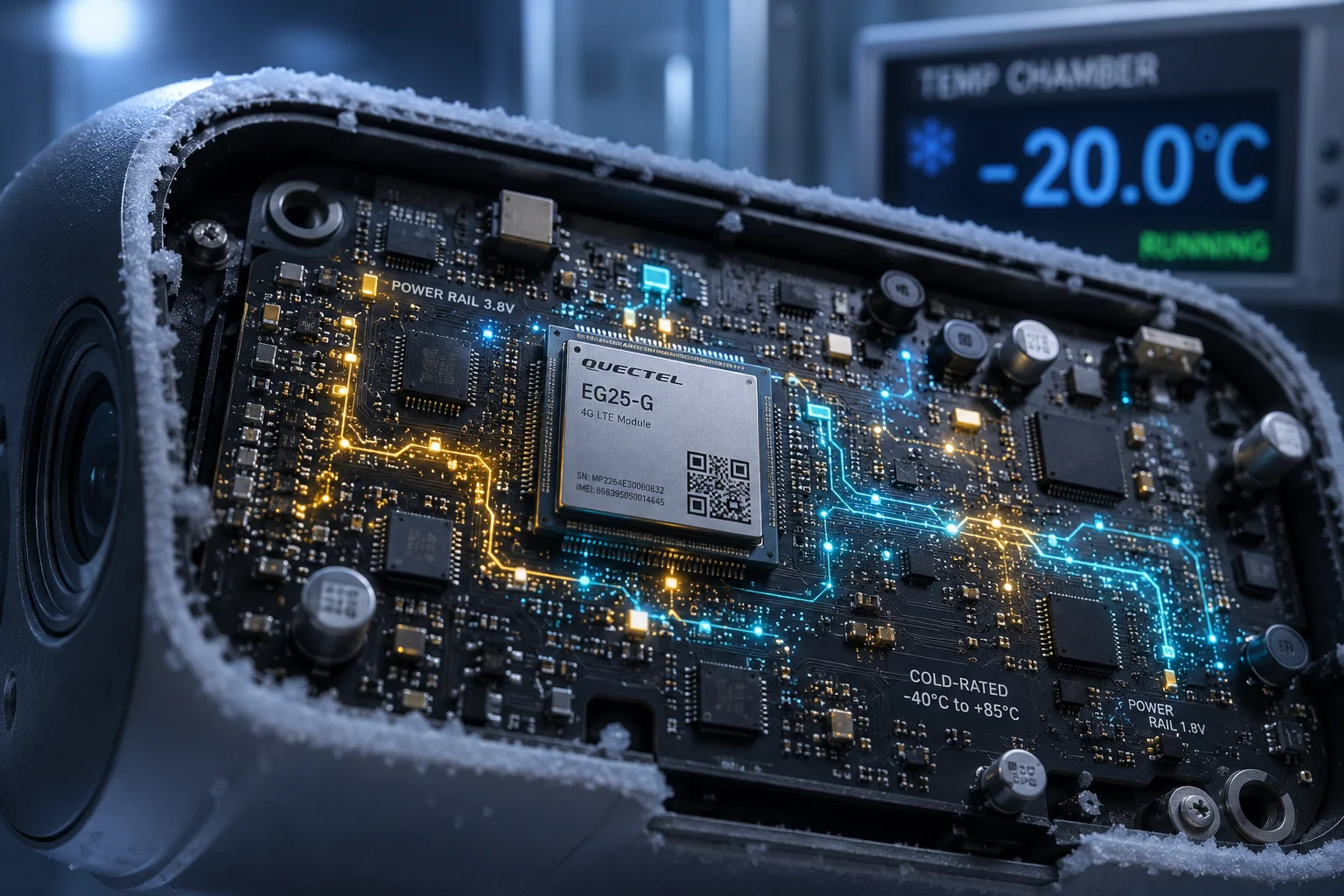
Yes, many industrial-grade internal parts and 4G modems can boot safely at -20°C (-4°F) without pre-heating, if the design uses cold-rated chips, capacitors, and a stable power path.
 4g modem cold boot reliability
At this temperature, I still watch three things very closely. First, I check the SoC4 start-up behavior, because the main chip must finish POST without delay. Second, I check the electrolytic capacitors5, because low temperature can reduce their usable capacity. Third, I check the 4G modem6, because it can draw a sharp current burst when it searches for a network. If the power rail is weak, the unit may enter a boot loop7. I also care about voltage drop from long solar cable runs. In cold weather, the battery often has less output, and that makes the first boot even harder. So, I treat -20°C as a workable point, but not a casual one. I want a good power reserve, clean firmware, and a stable board layout. If those parts are weak, the camera may still fail even when the temperature is technically inside the safe range.
Main cold-start parts I check
| Part | Cold-start risk | What I want to see |
|---|---|---|
| SoC | Low to medium | Stable POST and no boot delay |
| Electrolytic capacitor | Medium | Enough pulse current support |
| 4G modem | Medium to high | No boot loop during network search |
| Power rail | High | No voltage sag at start-up |
Does the system perform a “Mechanical Self-Check” to detect frozen joints before moving the PTZ?
I care about this step because the first move can hurt the whole camera. A frozen joint can turn a simple self-check into a stalled motor or a broken gear.
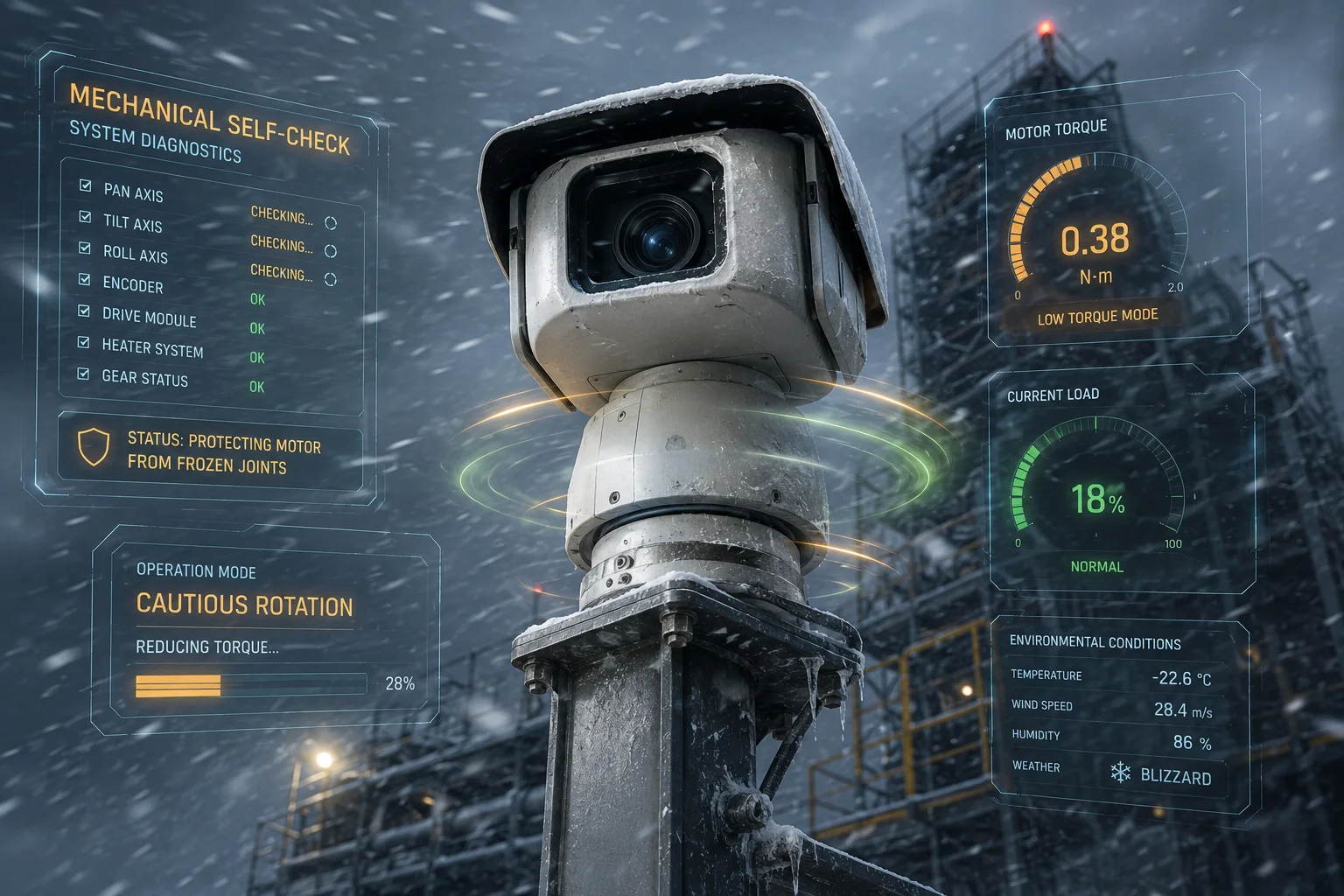
A mechanical self-check8 is useful, but it is not always a true frozen-joint detector. In many PTZ systems, the camera makes a short movement test, and the firmware can notice abnormal resistance, motor stall, or over-current, then stop movement.
 ptz mechanical self check
I do not assume every self-check is smart enough to protect the hardware. Some systems only do a basic pan and tilt move. Some systems also watch motor current, move speed, or time-to-position. That helps, but it is still not the same as a real frozen-joint sensor. If the grease becomes too thick, the motor may pull too much current before the system reacts. If the gear train is stiff, the camera may make a small noise, then stop, then try again. That is risky. I usually want firmware logic that delays PTZ movement for a short time after boot. I also prefer a soft-start method, where the camera first powers the board and modem, then waits for a little internal heat before moving the lens head. This is much safer in winter. If the design includes current monitoring, it can catch a stall early and protect the motor. But I still do not call that a perfect frozen-joint check. It is better to think of it as a damage-reduction step, not a magic fix.
Self-check methods and what they really do
| Method | What it detects | Limit |
|---|---|---|
| Basic movement test | PTZ motion response | May miss early stalling |
| Motor current monitor | Over-current during motion | Reacts after load starts |
| Speed or timeout logic | Slow or blocked movement | Does not measure grease quality |
| Warm-up delay | Low-temperature stiffness | Needs firmware support |
Is the internal grease rated for low-temperature fluidity to prevent motor stalling in winter?
This is one of the first things I ask when I review a cold-weather PTZ. A lot of people focus on chips and forget the grease, but grease can decide whether the camera moves or dies.
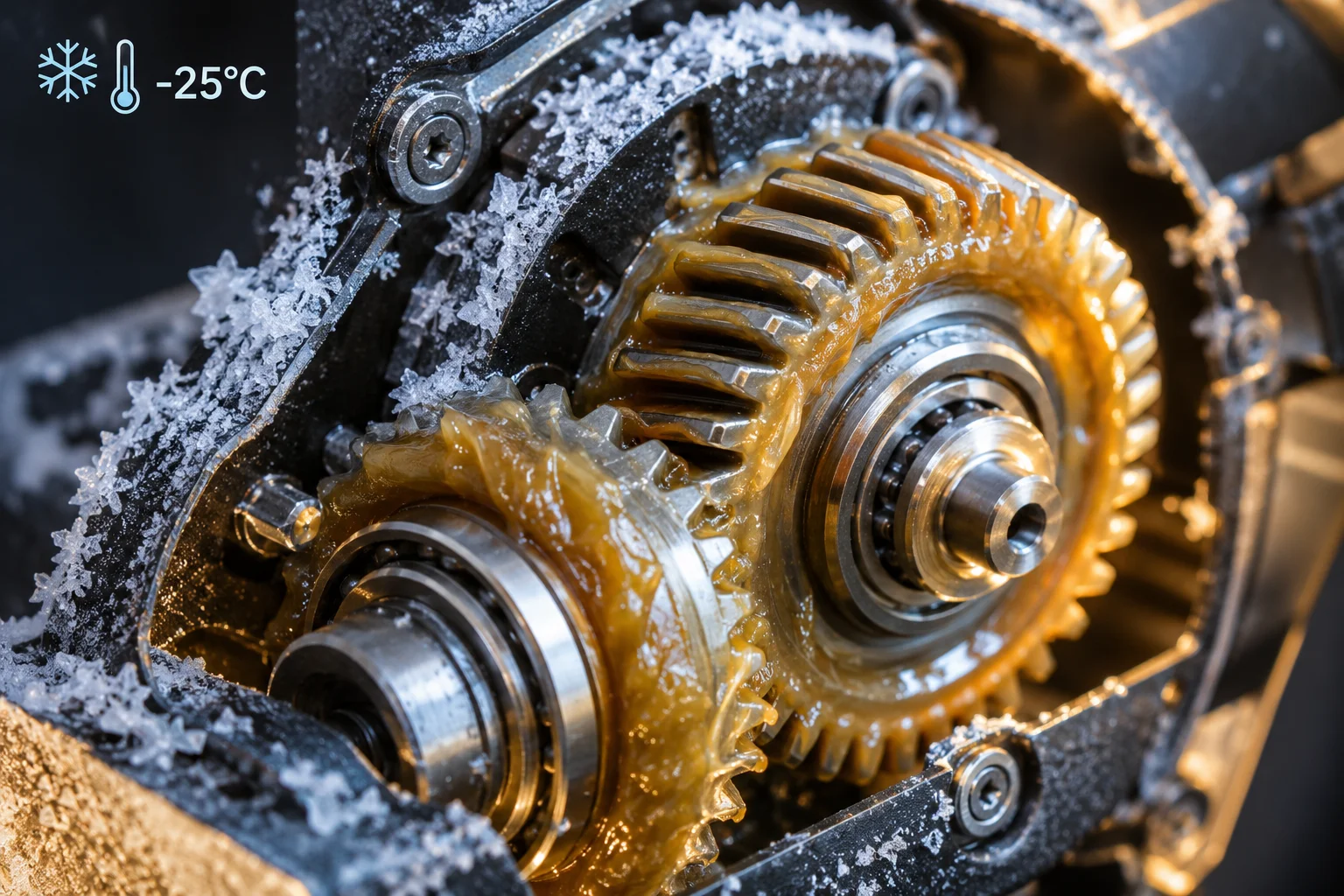
Yes, the internal grease must be rated for low-temperature fluidity. If the grease turns too thick below about -25°C, the PTZ motor can stall, draw excess current, or fail during the first movement.
 low temperature grease ptz
I have seen this problem in real projects. The board may boot fine, the modem may connect, and the image may come online. Then the client asks the camera to pan, and the motor cannot break free. That is when the hidden weak point shows up. Thick grease creates strong drag. The motor needs more torque9. The current rises. The driver heats up. If the design has weak protection, the system may shut down or damage the motor path. That is why I always ask about grease grade, bearing type, and gear material. I also want to know if the factory uses a low-temp lubricant tested for winter use. If the product is sold for northern states, Canada, or alpine areas, this is not a small detail. It is a key spec. I also believe the camera should be tested after a long cold soak, not just after short lab cooling. Real winter is not a quick test. It is hours of dead cold. Then the first move matters most. If the grease stays fluid enough, the camera can survive. If it does not, the rest of the design cannot save it.
Grease behavior by temperature
| Temperature range | Grease behavior | PTZ risk |
|---|---|---|
| Above -10°C | Usually normal | Low |
| -10°C to -20°C | Thicker, but often workable | Medium |
| -20°C to -25°C | High drag starts to appear | High |
| Below -25°C | Very stiff in many products | Very high |
How much extra power is drawn during a cold start compared to a standard room-temp boot?
I care about power because cold-weather projects often run on solar and battery. If the start-up spike is too high, the system may fail even when the camera itself is fine.
A cold start usually draws more power than a room-temperature boot, because the motor load, modem search current, and capacitor stress all rise at low temperature. The extra draw can be moderate to large, depending on the heater, PTZ motion, and power design.
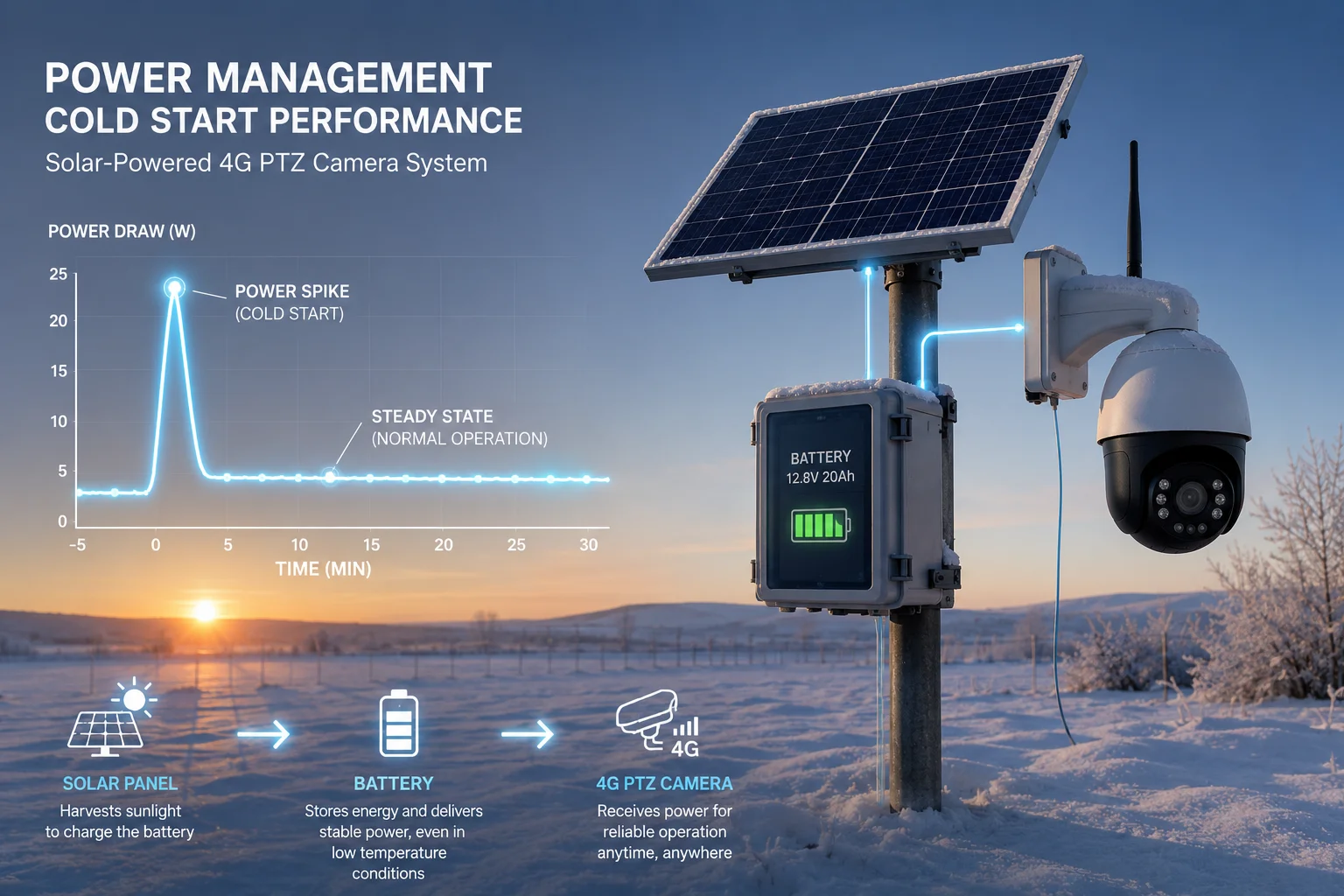 cold start power draw
I do not like to give one fake number here, because the answer depends on the build. A simple fixed camera may only show a small rise. A PTZ camera with 4G, IR, and a motor self-check can draw much more. If the camera tries to move while the grease is thick, the current spike can be sharp. If the modem starts at the same time, the pulse can get even worse. I also watch battery voltage in the cold. A battery that looks fine at room temperature may sag fast in winter. That sag can make the system restart again and again. This is why I prefer a staged boot. I want the board to wake first, then the modem, then the lens system, then PTZ motion later. That order lowers the peak load. It also gives the internal parts a chance to warm up a little from their own waste heat. For solar jobs, this can make the difference between a stable morning boot and a support ticket. I also tell customers that cold start testing should happen under load, with real cable length, real battery state, and real winter timing. Bench power is not enough.
Power draw pattern in winter
| Boot stage | Typical power effect | Risk level |
|---|---|---|
| Board power-on | Baseline rise | Low |
| 4G network search | Short pulse increase | Medium |
| PTZ self-check move | Large spike if stiff | High |
| Full system warm state | Lower than start peak | Low |
Can I rely on a cold start in a solar 4G deployment without a heater?
I ask this because this is the exact kind of field job that causes pain later. The site is far away, the weather is cold, and the client wants no failure.
I can rely on a heater-off cold start only if the full design is built for it. That means cold-rated electronics, low-temperature grease, stable batteries, controlled firmware logic, and a start plan that avoids PTZ movement too early.
I work from a simple rule. If the site is near the edge of the spec, I do not let the system behave like a normal warm-weather product. I treat it like a cold-weather machine. That means I check the battery chemistry, the enclosure seal, the board coating, and the modem boot profile. I also think about the time of day. Early morning is often the coldest time, so I avoid full mechanical action then. I prefer a delayed boot after sunrise when the panel and enclosure start to gain heat. If the camera must stay alive overnight, I like low-power standby more than a full power-off state, because a warm-ish board is easier to wake than a dead-cold board. I also like firmware that can separate video, network, and PTZ functions. That way, the system can come up in stages. For a customer like David Miller, this kind of design matters because one failed winter reboot can cost more than the camera itself. In my view, reliability is not just about passing a lab test. It is about not making a truck roll in snow.
Winter deployment choices
| Choice | What it gives me | Trade-off |
|---|---|---|
| Full power-off overnight | Saves power | Harder cold start |
| Low-power standby | Keeps internal heat | Uses some battery |
| Delayed PTZ motion | Protects motor and grease | Slower first movement |
| Heater active | Highest safety | Higher power use |
Conclusion
I trust a heater-off cold start near -20°C only when the electronics, grease, and boot logic all work together. I prefer staged power-up, delayed PTZ motion, and real cold testing.
1. Learn about industrial PTZ camera specifications and cold weather options. ↩︎ 2. Understand the concept of cold start in electronic systems and its challenges. ↩︎ 3. Convert between Celsius and Fahrenheit for temperature specifications. ↩︎ 4. Understand System on Chip startup behavior and POST requirements. ↩︎ 5. Learn how electrolytic capacitors behave at low temperatures and how it affects startup. ↩︎ 6. Explore 4G modem specifications and power consumption during cold boot. ↩︎ 7. Troubleshoot boot loop issues caused by power instability in cold conditions. ↩︎ 8. Discover how PTZ cameras perform self-checks and detect frozen joints. ↩︎ 9. Understand motor torque requirements and how thick grease increases load. ↩︎