
I have watched too many integrators overspend on switches, NVR1s, and hard drives — all because they picked the wrong codec for their 4K cameras2.
H.265+3 (Smart Codec) can cut bandwidth4 and storage use by 70% to 80% compared to H.264, and by 30% to 50% compared to standard H.265. This means triple the storage time on the same hard drive and stable 4K streaming over existing Cat5e cabling on any U.S. local network.
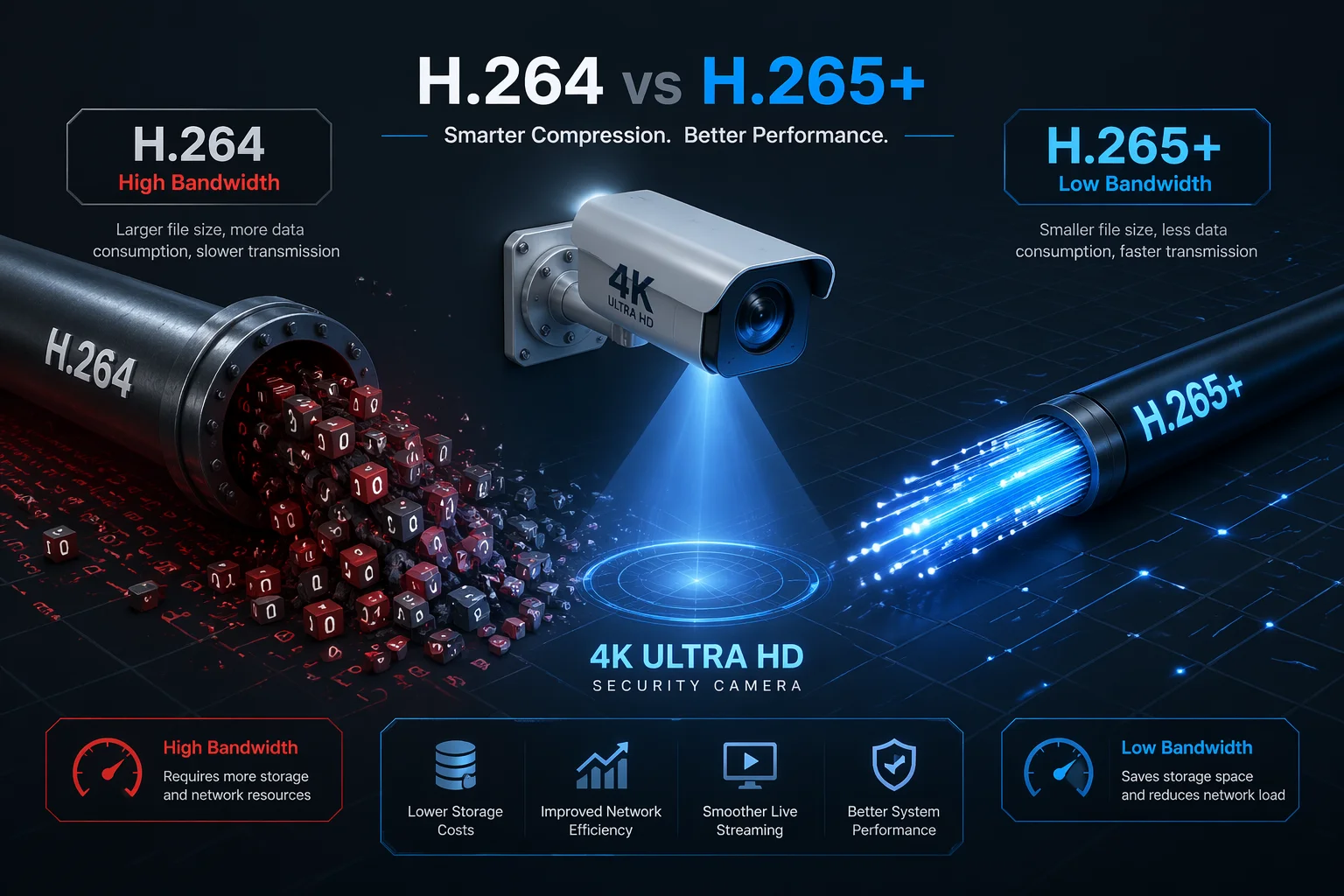
Below, I break down the real numbers behind H.265+. I cover storage savings5, image quality6 trade-offs, VMS compatibility7, and how many 4K cameras your network can actually handle. Every answer comes from projects I have worked on with integrators across the U.S.
Table of Contents
How Much Storage Space Can I Save on My NVR by Using H.265+ Compression?
I have seen integrators quote clients for 40TB of storage when 12TB would have done the job. The codec choice made all the difference.
With H.265+ compression8, you can store 3 to 5 times more footage on the same NVR hard drive compared to H.264. A 10-camera 4K system on H.265+ needs roughly 15–20 Mbps average bandwidth, letting 1TB hold 5 to 7 days of video instead of less than 1 day on H.264.
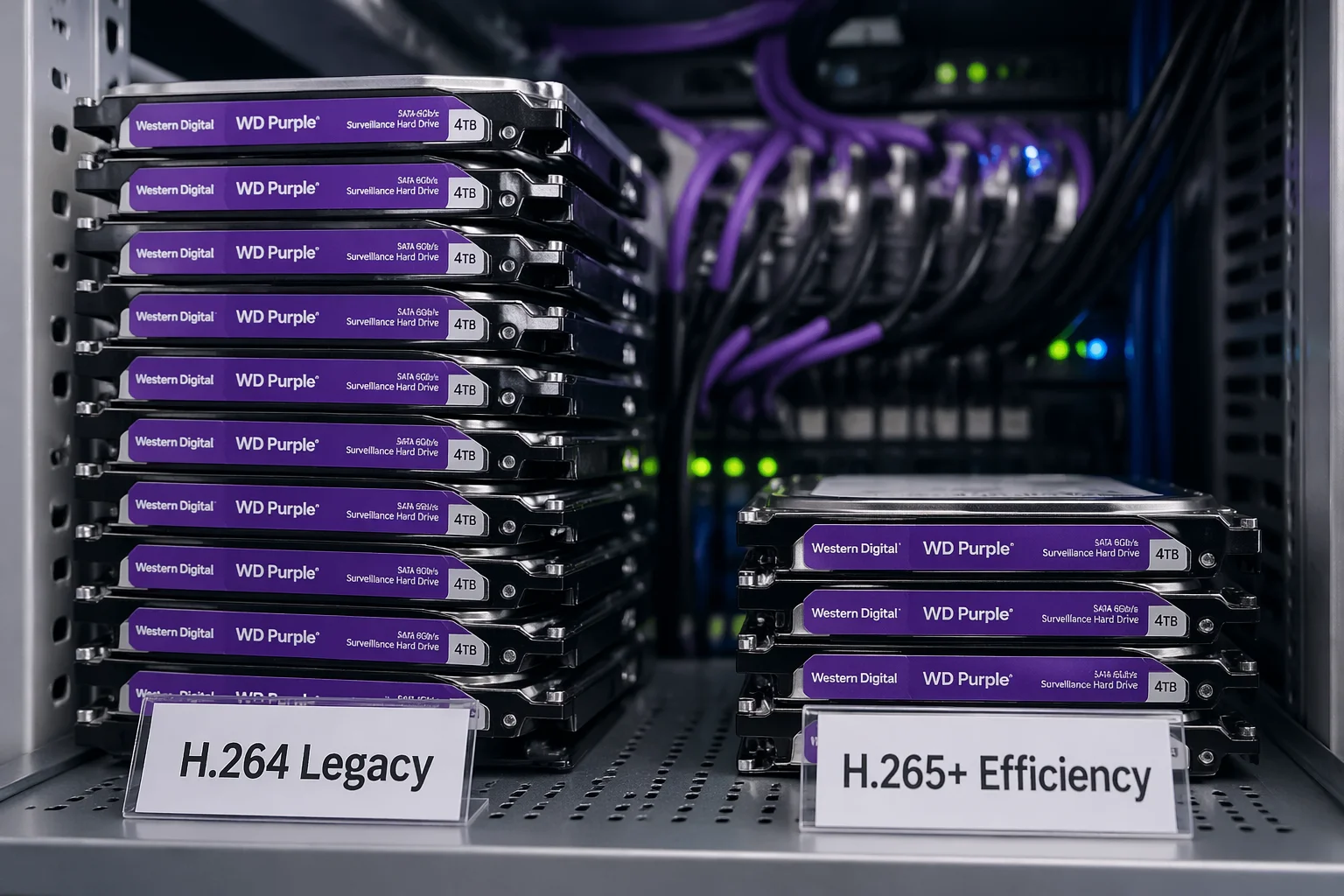
Real Numbers for a 10-Camera 4K Project
Here is a comparison I share with every integrator who asks:
| Codec | Avg. Bandwidth (10x 4K Cameras) | Storage per 1TB | Hard Drives Needed (30 Days) |
|---|---|---|---|
| H.264 | 80–100 Mbps | Less than 1 day | 30–40 TB |
| H.265 | 40–50 Mbps | About 2 days | 15–20 TB |
| H.265+ (Loyalty-Secu9) | 15–20 Mbps | 5–7 days | 5–8 TB |
Will H.265+ Affect the Image Detail in My High-Resolution Security Footage?
H.265+ does not reduce image detail on moving objects or areas of interest. It only aggressively compresses static background10 regions. Forensic-level detail on people, vehicles, and license plates stays intact because the codec allocates high bitrate11 to motion zones in real time.

At Loyalty-Secu, our H.265+ uses real scene analysis12. Our algorithm separates foreground and background at the chip level. I worked with our R&D team to optimize it for the wide, open scenes common in U.S. projects — large parking lots, farm perimeters, and logistics yards.
Can My Current Milestone or Blue Iris Platform Fully Decode the H.265+ Stream?
Most third-party VMS platforms like Milestone and Blue Iris can decode standard H.265 streams without issues. But H.265+ is a vendor-specific smart codec13 layer. If your VMS does not support that specific H.265+ implementation, it will fall back to standard H.265.
My Recommendation: The Dual-Stream Strategy
Here is how I tell integrators to set it up. Use two streams from each camera:
- Main stream: H.265+ at full resolution for recording. Send this to the NVR that supports H.265+ natively.
- Sub stream: Standard H.265 at lower resolution for live preview. Send this to your VMS or mobile app.
How Many 4K Cameras Can I Run on a Standard 100Mbps Upload Connection?
On a standard 100Mbps connection using H.265+, you can run about 5 to 6 cameras at 4K resolution with comfortable headroom. With standard H.264, the same connection supports only 1 to 2 cameras before it starts dropping frames.
| Codec | Avg. Bitrate per 4K Camera | Max Cameras on 100 Mbps (80% Rule) |
|---|---|---|
| H.264 | 8–12 Mbps | 1–2 cameras |
| H.265 | 4–6 Mbps | 3–4 cameras |
| H.265+ (Loyalty-Secu) | 1.5–3 Mbps (avg.) | 5–6 cameras |
For any serious project with more than 4 cameras, I push integrators toward Gigabit switches14. A good investment removes the bandwidth bottleneck entirely. For remote sites using 4G LTE, H.265+ is not optional — it is required to maintain stable 4K transmission.
Conclusion
H.265+ saves 70–80% bandwidth over H.264. It cuts storage costs, fits more cameras on your network, and keeps full detail where it matters most.
-
Find out which NVRs support H.265+ for optimal performance and storage efficiency. ↩
-
Discover the limitations and capabilities of running multiple 4K cameras on your network. ↩
-
Explore how H.265+ can significantly reduce bandwidth and storage needs for video surveillance. ↩
-
Understanding bandwidth is crucial for optimizing video streaming and ensuring smooth playback. ↩
-
Learn about the impressive storage savings H.265+ offers, which can save you money on hardware. ↩
-
Explore how H.265+ maintains high image quality while reducing file sizes. ↩
-
Check compatibility of your VMS with H.265+ to maximize your video surveillance system’s efficiency. ↩
-
Gain insights into video compression techniques and their impact on video quality and storage. ↩
-
Find out how Loyalty-Secu’s solutions leverage H.265+ for efficient video surveillance. ↩
-
Explore how H.265+ optimizes compression for static backgrounds to save bandwidth. ↩
-
Learn about the importance of high bitrate for maintaining video quality during streaming. ↩
-
Discover how scene analysis techniques enhance video compression efficiency. ↩
-
Learn about smart codecs and their role in optimizing video compression and quality. ↩
-
Understand the advantages of Gigabit switches for handling high-resolution video streams. ↩