
I’ve lost critical alert images on remote job sites because the 4G link choked at the worst possible moment. If you deploy solar cameras off-grid, you know this pain.
When 4G bandwidth drops, the system activates a tiered QoS algorithm1 that sends metadata first, then a compressed thumbnail, and finally the full 4K snapshot. This ensures you receive the most critical alert data even when the link is barely alive.
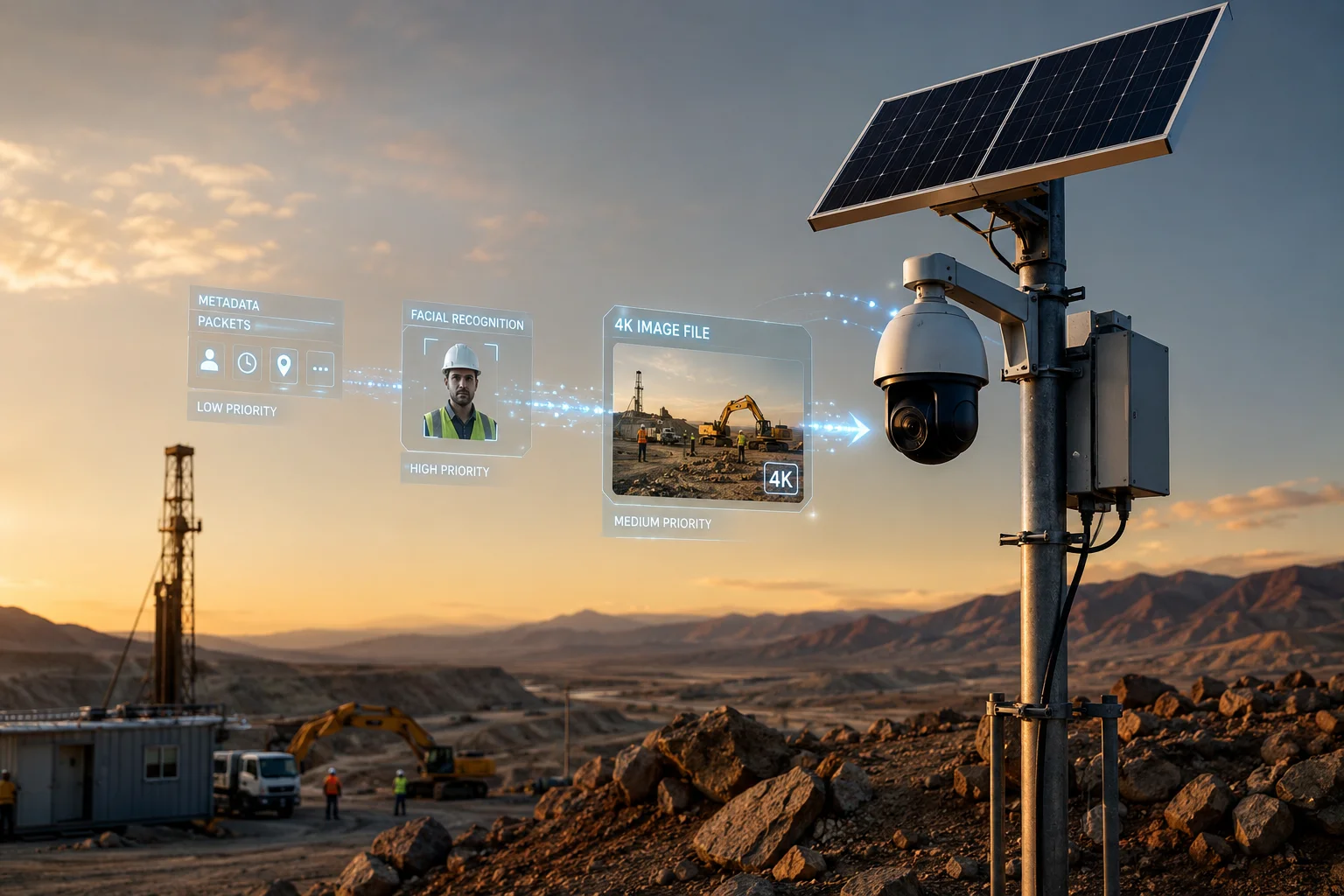
Below, I break down exactly how this priority logic works, whether you can limit transmission to snapshots only, how the system captures the intruder’s face before the link dies, and how to pull full video from the SD card after recovery.
Table of Contents
Will the Camera Send a Clear 4K JPEG Alert Even if the Live Video Stream Is Lagging at 128kbps?
I used to assume that if my live view was buffering, my alerts were also stuck in a queue somewhere. That assumption cost me usable evidence on two projects.
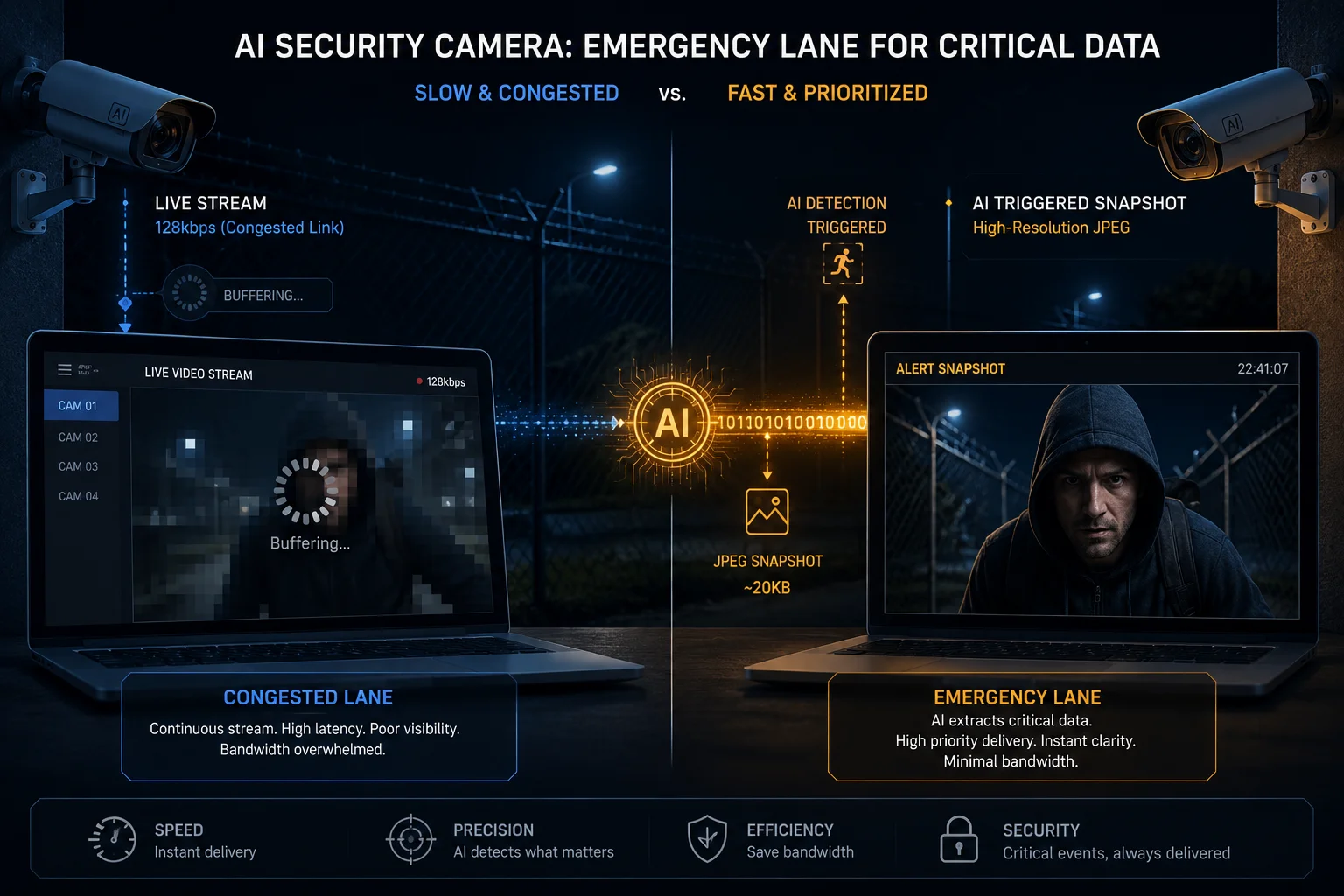
Yes, the camera separates alert snapshots from the live video stream. Even at 128kbps, the system suspends the video feed and redirects all available bandwidth to push the AI-triggered JPEG alert through first.
How the System Splits Video and Snapshot Traffic
The key thing to understand is that live video and AI snapshots travel through different logical channels inside the camera’s firmware. Think of it like a highway with a dedicated emergency lane. When traffic jams up, the ambulance still gets through.
At 128kbps, a full 4K JPEG (typically 2–4 MB) would take over two minutes to upload raw. The system does not attempt that. Instead, it follows a strict downgrade path2:
The Downgrade Path at 128kbps
| Step | Action | Data Size | Time at 128kbps |
|---|---|---|---|
| 1 | Send metadata (alarm type, timestamp, GPS) | ~2 KB | < 1 second |
| 2 | Send ROI crop3 (face or plate only, 720p) | ~80 KB | ~5 seconds |
| 3 | Queue full 4K JPEG for async upload | 2–4 MB | Sent when bandwidth recovers |
So the answer is: you will not get the full 4K image in real time at 128kbps. But you will get a clear, usable crop of the target area within seconds. The full 4K original uploads later when the link improves.
Why the ROI Crop Is Often Enough
The camera’s AI engine identifies the region of interest before compression. If it detects a human face, it crops a tight frame around that face and encodes it at high quality. The background gets discarded for this priority transmission. In my experience, this cropped image is sharp enough for identification because the AI preserves the bit rate on the subject while throwing away the sky, the fence, and the grass.
Smart H.265+ Compression on the Full Image
When the system finally sends the full 4K JPEG, it uses Smart H.265+4 encoding logic. The AI-locked target area keeps high bit rate. Everything else gets compressed aggressively. This cuts the file size by 40% to 60% compared to a standard JPEG at the same resolution. On a weak 4G link, that difference can mean the image arrives in one minute instead of three.
MTU Optimization for Weak Links
One practical tip: if you operate in areas where the carrier’s 4G infrastructure handles large packets poorly, set the MTU to 1380 instead of the default 1500. Large packets on a congested link tend to fragment and get dropped. Smaller packets survive better. This single change can improve upload success rates significantly on carriers in rural Texas, the Australian outback, or remote Middle Eastern sites.
Can I Configure the System to Only Send Snapshots to Save Expensive 4G Data Plans?
I manage projects where the client pays per gigabyte on a 4G SIM. Every megabyte of unnecessary video upload is money burned. I needed a way to stop the camera from streaming video over cellular entirely.
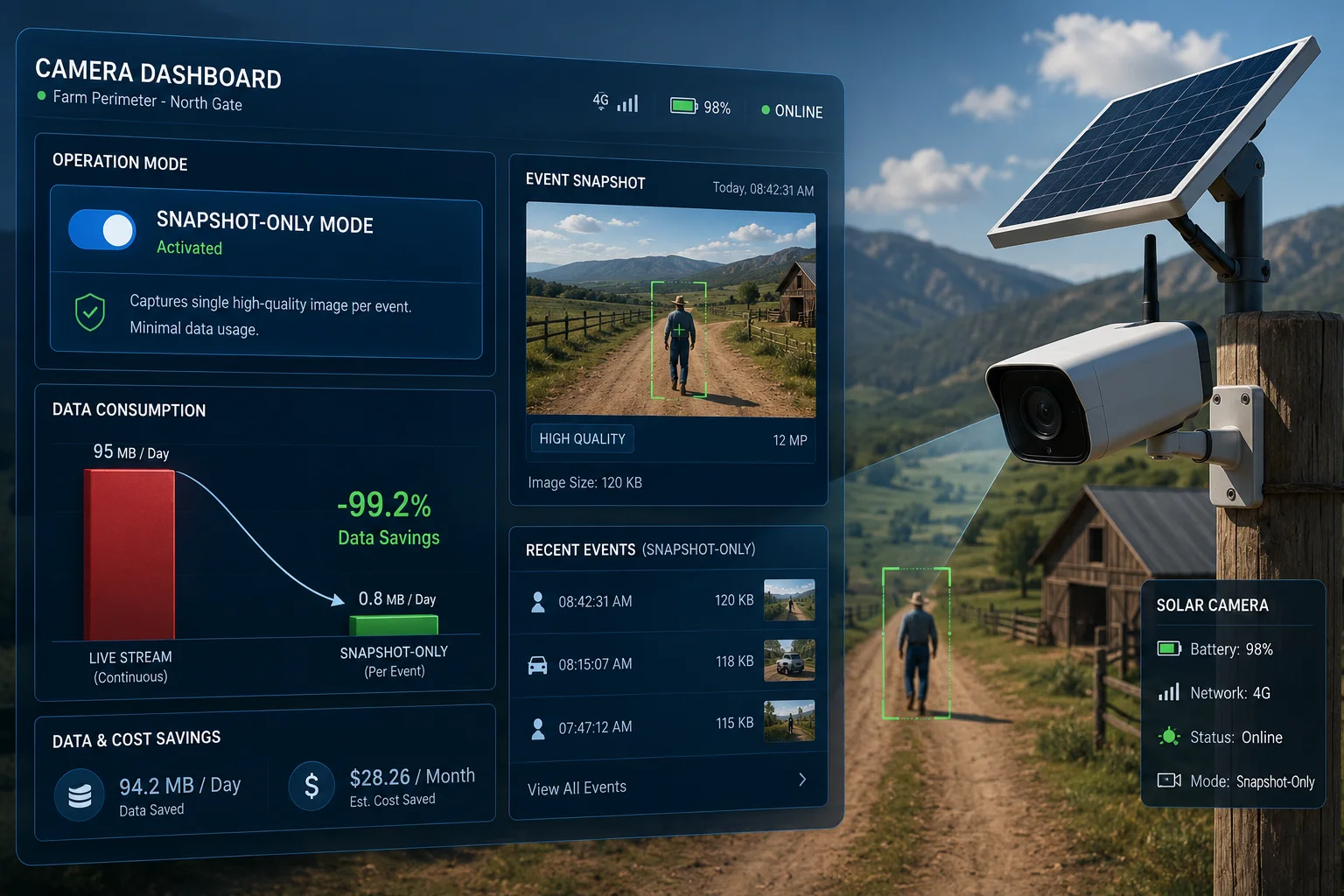
Yes, you can configure the system to transmit only AI-triggered snapshots and suppress all live video streaming over 4G. This mode can reduce monthly data consumption by over 90% compared to continuous streaming.
How Snapshot-Only Mode5 Works
In the camera’s network settings, you can set the transmission policy to ‘Event-Driven Upload6 Only.’ This tells the firmware: do not push any video stream to the cloud or VMS unless I manually request it. Only send data when the AI triggers an alert.
Data Consumption Comparison
| Mode | Monthly Data (Typical) | What Gets Sent |
|---|---|---|
| Continuous live stream (sub-stream) | 30–80 GB | 24/7 video feed |
| Event video clips (10s per event) | 3–8 GB | Short clips on each alarm |
| Snapshot-only (ROI crop + metadata) | 200–500 MB | One image per alarm event |
| Snapshot-only (full 4K JPEG) | 1–3 GB | Full resolution image per alarm |
The difference is massive. If your client has a 5 GB monthly plan, snapshot-only mode keeps you well within budget while still delivering actionable evidence for every alarm.
Configuring the Trigger Rules
You can go further than just “snapshot only.” The system lets you define exactly which AI events trigger an upload:
Trigger Granularity Options
- Human detection only: Ignore vehicles, animals, and motion. Only upload when a person is confirmed.
- Human + dwell time: Only upload if a person stays in the zone for more than 5 seconds. This filters out people walking past on a public sidewalk.
- Perimeter breach only: Only upload when someone crosses a defined line or enters a restricted zone.
- Vehicle + plate match: Only upload when a vehicle with an unrecognized plate enters the area.
Each of these rules reduces the number of uploads per day. On a quiet site, you might get 5 to 10 snapshots per day. On a busy perimeter, maybe 50 to 100. Either way, the data cost stays low.
Sub-Stream vs. Main Stream for Snapshots
If you want to save even more data, configure the snapshot source to use the sub-stream resolution (1080p) instead of the main stream (4K). The system can be set to only escalate to 4K when specific high-priority conditions are met. For example: upload 1080p for all human detections, but switch to 4K only when the AI classifies the event as “climbing” or “running.”
This hybrid approach gives you the best balance between evidence quality and data cost.
How Does the “Snapshot First” Logic Ensure I Get the Face of the Intruder Before the Link Drops?
I’ve had situations where the 4G signal lasted only 8 seconds after an alarm triggered. If the system wasted those 8 seconds trying to push a video clip, I got nothing. The snapshot-first approach exists to solve exactly this problem.
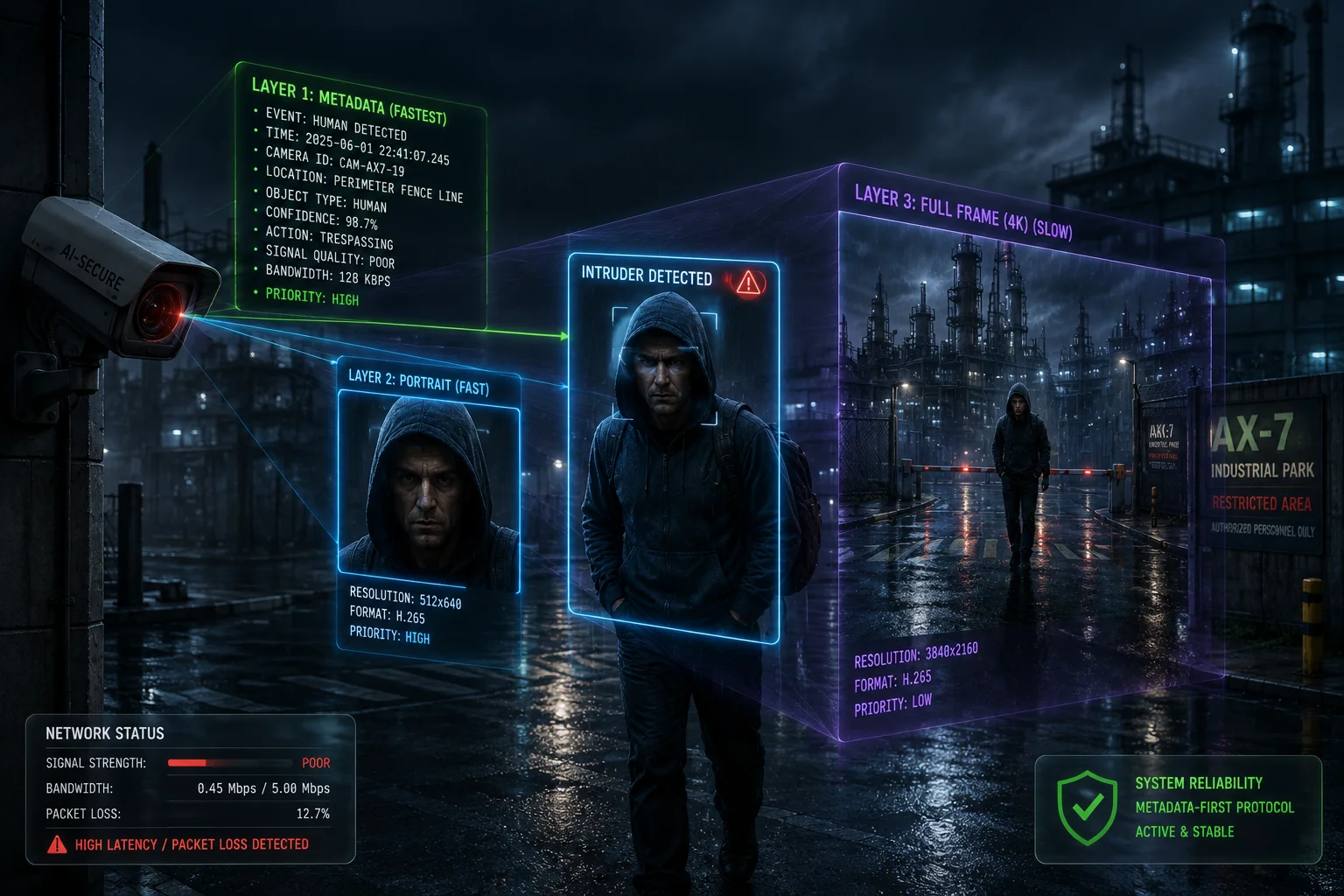
The system sends the smallest, most critical data first: text metadata in under one second, then the AI-cropped face image within 3 to 5 seconds. This “metadata-first, thumbnail-second” sequence ensures you receive identification-grade evidence before the link dies.
The Race Against Signal Loss
When the AI detects an intruder, a clock starts. The system does not know how long the 4G link will survive. It could be 30 seconds. It could be 3 seconds. So it treats every transmission as a race: get the most valuable data out first.
Transmission Priority Sequence7
Here is the exact order the system follows:
Priority 1 — Metadata (< 1 second): A tiny JSON packet goes out immediately. It contains: alarm type (human intrusion), timestamp, camera ID, GPS coordinates, and AI confidence score. This packet is under 2 KB. Even on a dying link, it gets through. Your phone receives a push notification with the alarm details.
Priority 2 — Face/Target Crop (3–5 seconds): The AI engine crops the detected target from the frame. If it found a face, you get a tight headshot. If it found a person but no clear face, you get a full-body crop. This image is typically 50 to 100 KB. At even 64kbps, that takes about 8 to 12 seconds. At 128kbps, about 5 seconds.
Priority 3 — Full Scene Image (10–30 seconds): The complete wide-angle frame showing the full context. This is larger, usually 500 KB to 2 MB depending on compression settings.
Priority 4 — Video Clip (60+ seconds): A short pre-alarm and post-alarm video clip. This is the largest payload and only transmits if bandwidth allows.
What Happens When the Link Drops Mid-Transfer
If the connection dies after Priority 2 completes, you already have the intruder’s face. That is the design goal. The system does not try to send everything at once. It sends in layers of decreasing urgency.
If the link drops during Priority 2 (the face crop is only half uploaded), the system stores the complete image in the hardware buffer. When the link returns, even briefly, it resumes from where it stopped. It does not restart the upload from zero.
AI-Based Value Scoring8
The system can also rank multiple simultaneous alarms. If three cameras trigger at the same time on a weak shared 4G link, the system asks: which alarm is most critical?
You can configure threat-level priorities:
- Climbing alarm → highest priority
- Running in restricted zone → high priority
- Loitering → medium priority
- Vehicle detection → low priority
The system will upload the climbing alarm’s face crop first, even if the loitering alarm triggered 2 seconds earlier. This value-based sorting ensures the most dangerous event gets bandwidth first.
Buffer Management9 During Outages
All snapshots enter a high-speed hardware buffer inside the camera. This buffer holds images in timestamp order. The 4G module acts like a funnel: it pushes data out one packet at a time based on current throughput. If a packet fails, the system retries automatically until it receives an ACK from the backend server. Nothing gets deleted from the buffer until confirmed received.
Can I Retrieve the Full-Length Video From the SD Card Once the Signal Strength Improves?
I always tell my clients: the SD card is your insurance policy. If the 4G link fails completely, nothing is lost. It is just delayed.
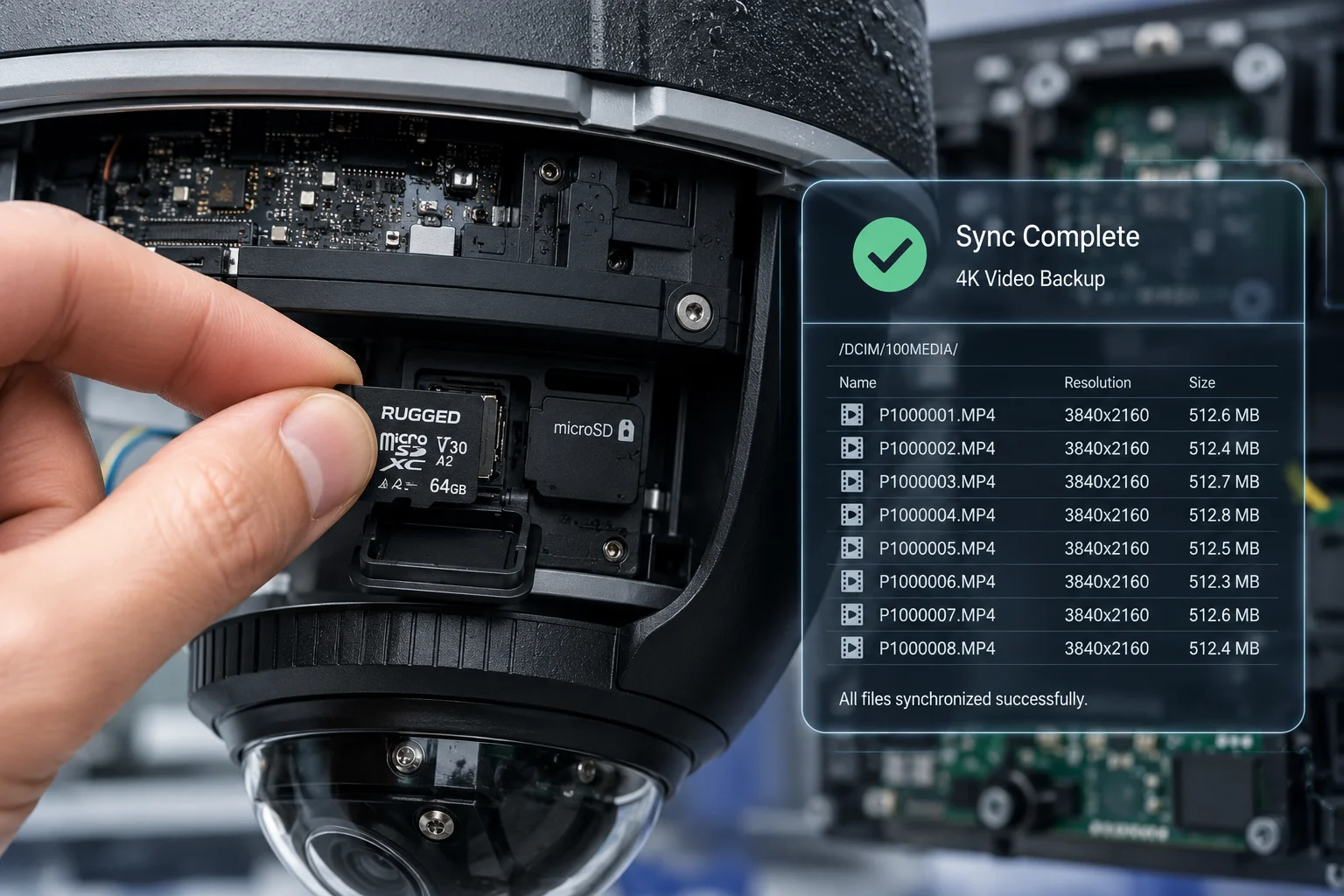
Yes, once 4G signal strength recovers, the system automatically syncs alarm-period recordings from the SD card to your cloud or VMS. You can also manually pull full-length video via remote playback when the connection stabilizes.
How Local Storage Works During Outages
When the 4G link drops completely, the camera does not stop recording. It continues writing to the local SD card at full resolution (4K, 25fps, main stream). The AI engine also continues running. Every detection event gets tagged with a timestamp and alarm type in the local database.
Recovery Sync Priority10
When the 4G signal returns, the system does not dump everything at once. It follows a smart sync order:
| Sync Priority | Content | Reason |
|---|---|---|
| 1st | Alarm-period snapshots | Most critical evidence, smallest files |
| 2nd | Alarm-period video clips (pre/post event) | Context around each alarm |
| 3rd | Continuous recording (non-alarm hours) | Background footage, lowest urgency |
This means you get the important stuff first. If the link is only stable for 10 minutes before dropping again, those 10 minutes are spent uploading alarm evidence, not hours of empty parking lot footage.
Manual Retrieval Options
You do not have to wait for automatic sync. If you need a specific time range immediately, you can:
- Remote playback: Connect to the camera through your VMS or app and play back directly from the SD card over the 4G link. This works even on slow connections because you control the playback stream quality.
- FTP push: Configure the camera to push specific time ranges to an FTP server on a schedule.
- Physical retrieval: On your next site visit, pull the SD card and copy files directly. The file structure is organized by date and hour, so finding specific events is straightforward.
SD Card Capacity Planning
For off-grid sites where outages might last days, SD card size matters. Here is a rough guide:
A 256 GB card holds approximately 7 days of continuous 4K recording at 8 Mbps bit rate. If you enable “alarm-only recording” (the camera only writes to SD during AI events), that same card can last 30 to 60 days depending on site activity.
Protecting the SD Card Data
The system supports SD card encryption. If someone steals the camera, they cannot read the card without the decryption key. The card also uses wear-leveling and error correction to prevent data corruption from power cycles, which happen frequently on solar-powered systems during cloudy days.
Combining SD Storage With Snapshot-Only 4G
The most data-efficient setup I recommend for expensive 4G plans is this: record everything locally to SD card at full quality, but only transmit AI snapshots over 4G. This gives you real-time alerts with face crops over cellular, and full video evidence stored locally for later retrieval. You get both: immediate awareness and complete forensic records.
Conclusion
The system uses a layered QoS approach: metadata first, face crop second, full image third, video last. This ensures you always receive critical evidence before the 4G link fails, while the SD card preserves everything for later retrieval.
1. Understand how QoS prioritizes critical data over congested networks. ↩︎
2. Learn how systems degrade quality to maintain functionality under limited bandwidth. ↩︎
3. ROI cropping focuses on the most important part of an image for efficient transmission. ↩︎
4. Smart H.265+ compression reduces file size while preserving detail in key areas. ↩︎
5. Configure cameras to send only images, drastically reducing data usage. ↩︎
6. Learn how event-driven uploads save bandwidth by sending data only when triggered. ↩︎
7. Understand how systems sequence data by importance to ensure critical information arrives first. ↩︎
8. AI value scoring ranks alarms by threat level to allocate bandwidth to the most critical events. ↩︎
9. Buffer management ensures data is stored and retried until successful transmission. ↩︎
10. Ensure critical evidence is synced first when bandwidth returns. ↩︎