
I’ve seen too many integrators buy “U.S.-ready” 4G cameras from China, only to find they can’t hold a signal on Verizon or T-Mobile in the field.
To confirm real support for Verizon B13 and T-Mobile B71, you must verify four layers: the 4G module hardware model, the AT command band readout, the antenna frequency range, and the FCC/PTCRB certification records. Spec sheet claims alone are not enough.
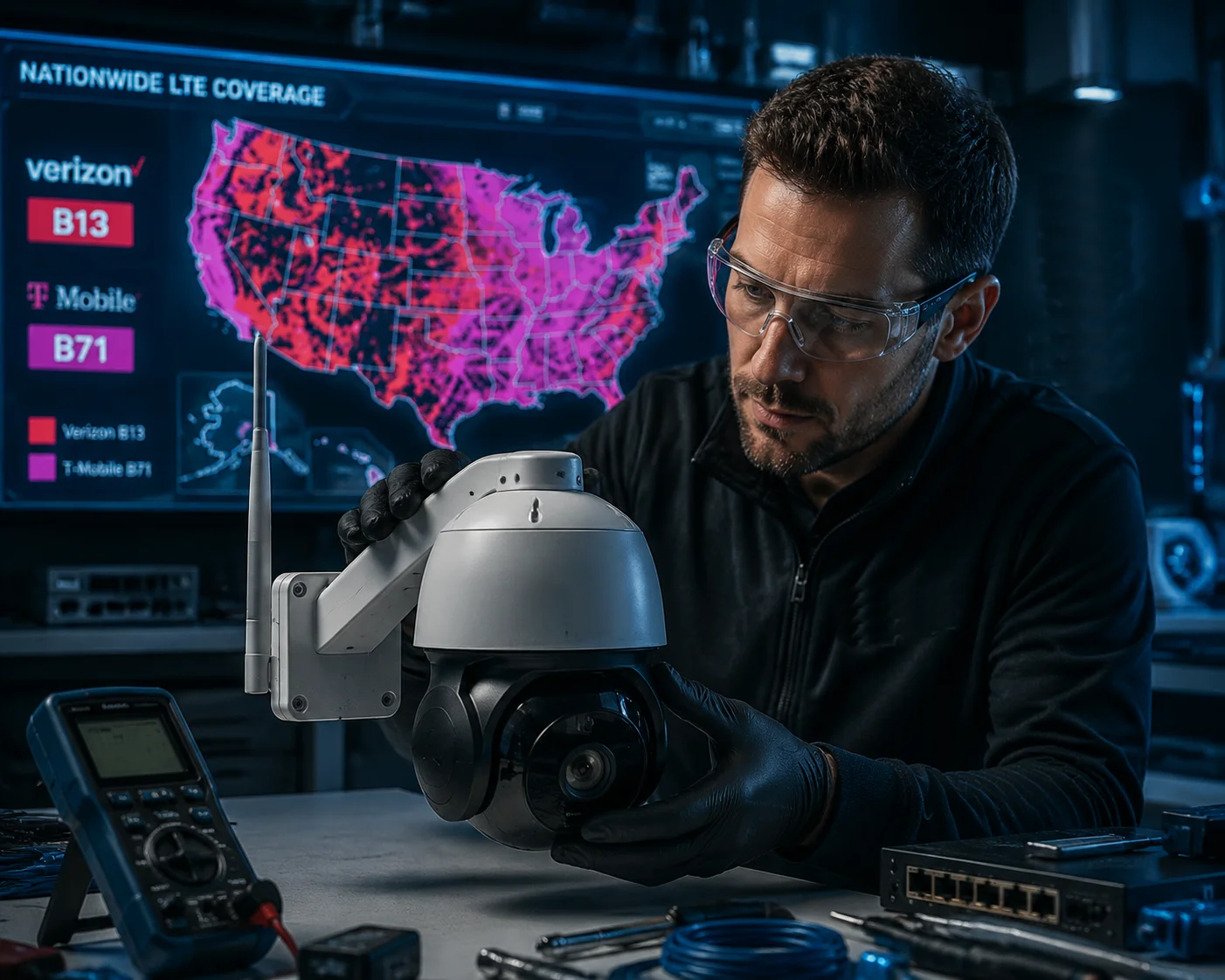
Below, I break down each critical question you should ask your supplier — and show you exactly how to verify the answers before you commit to a purchase order.
Table of Contents
Does Your 4G Module Cover the 600MHz B71 Band for Long-Range Rural Penetration?
Many suppliers say “yes, we support T-Mobile.” But when I dig into the module datasheet, B71 is nowhere on the list.
The 600MHz B71 band requires specific RF hardware inside the 4G module. Not all North American modules include B71. You must ask for the exact module model number and cross-check its official datasheet for Band 71 support.
Why B71 Matters for Rural Deployments
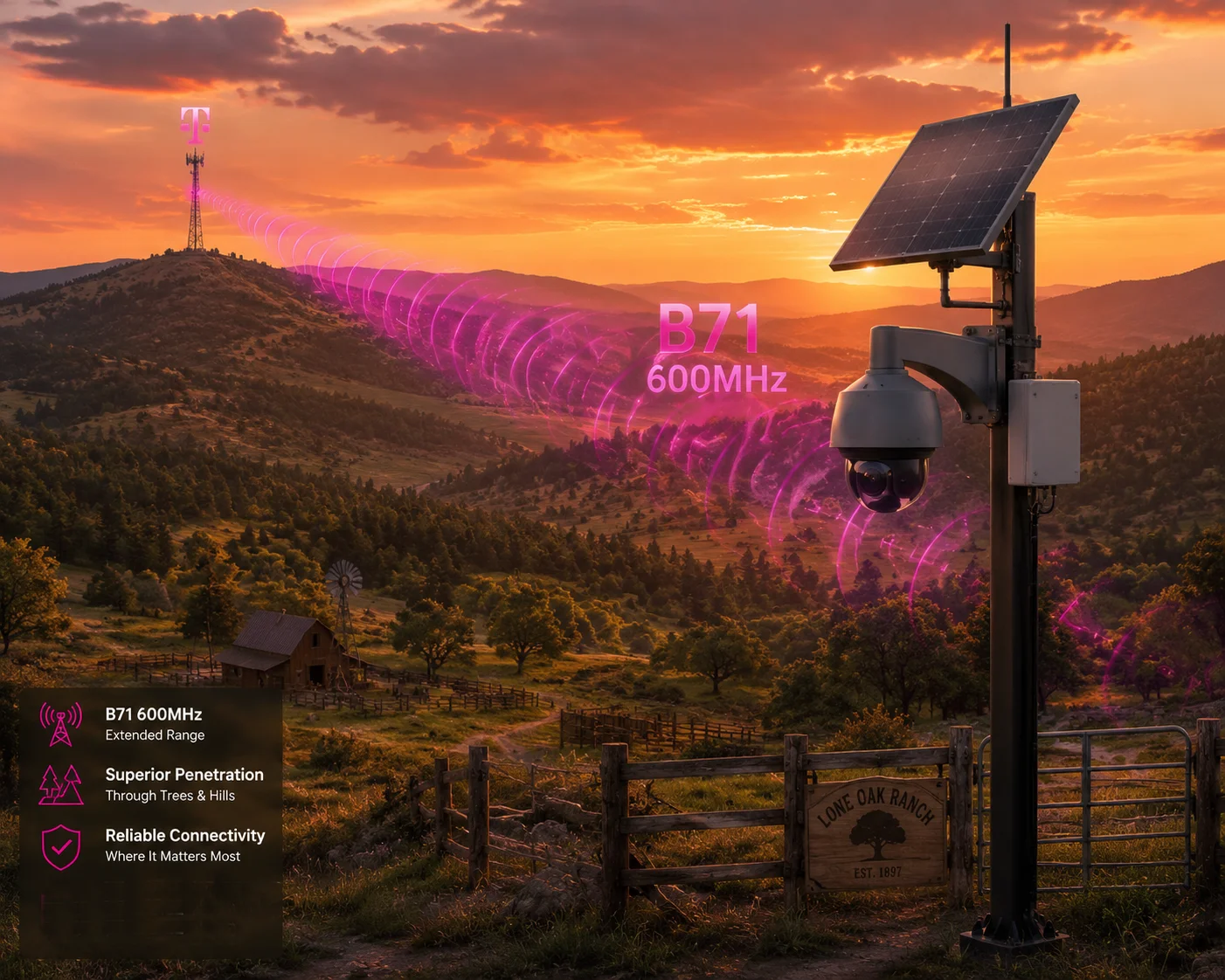
T-Mobile’s Band 711 operates at 600MHz. This is a low-frequency signal. Low-frequency signals travel farther and pass through trees, hills, and buildings better than high-frequency ones. For solar-powered PTZ cameras on farms, ranches, oil fields, or remote construction sites, B71 is often the only T-Mobile signal available.
Without B71, your camera might show “No Service” in areas where a T-Mobile phone works fine. That’s because modern phones support B71, but many cheap 4G modules do not.
How to Check the Module
Ask your supplier one simple question: “What is the exact 4G module model inside this camera?”
Then go to the module maker’s website and download the datasheet. Look for the LTE band list2. Here is what to look for:
| Module Model | Maker | B13 Support | B71 Support | Notes |
|---|---|---|---|---|
| EC25-AFX | Quectel | ✅ Yes | ✅ Yes | Current standard for North America industrial use |
| EC25-A (early version) | Quectel | ✅ Yes | ❌ No | Older version, missing B71 RF filter |
| EC25-E | Quectel | ❌ No | ❌ No | European version, no B13 or B71 at all |
| SIM7600NA-H | SIMCom | ✅ Yes | ✅ Yes | North America version with B71 |
| SIM7600E-H | SIMCom | ❌ No | ❌ No | Global/EU version, missing U.S. low bands |
The “A” Suffix Rule
Here is a quick rule of thumb. If the module model does not contain an “A” or “NA” (North America) suffix, it almost certainly lacks the RF filter circuits for B13 and B71. A global version or European version cannot gain B71 support through a firmware update. The hardware is physically different.
What I Tell My Clients
At Loyalty-Secu, when a client like David tells me his cameras will go on rural Texas ranches or Montana farmland, I always confirm the module is EC25-AFX or SIM7600NA-H3 before we even start quoting. I’ve seen projects fail because someone saved $3 on a global-version module and then spent $500 per site on truck rolls to swap hardware. That math never works out.
If your supplier cannot tell you the module model, or gives you a model that doesn’t list B71 on the maker’s official datasheet, walk away.
Will My Camera Lose Connection If It Lacks Band 13 Support in Deep Indoor or Wooded Areas?
I once helped a client troubleshoot cameras that kept dropping offline inside a warehouse. The root cause was simple: no Band 13 support.
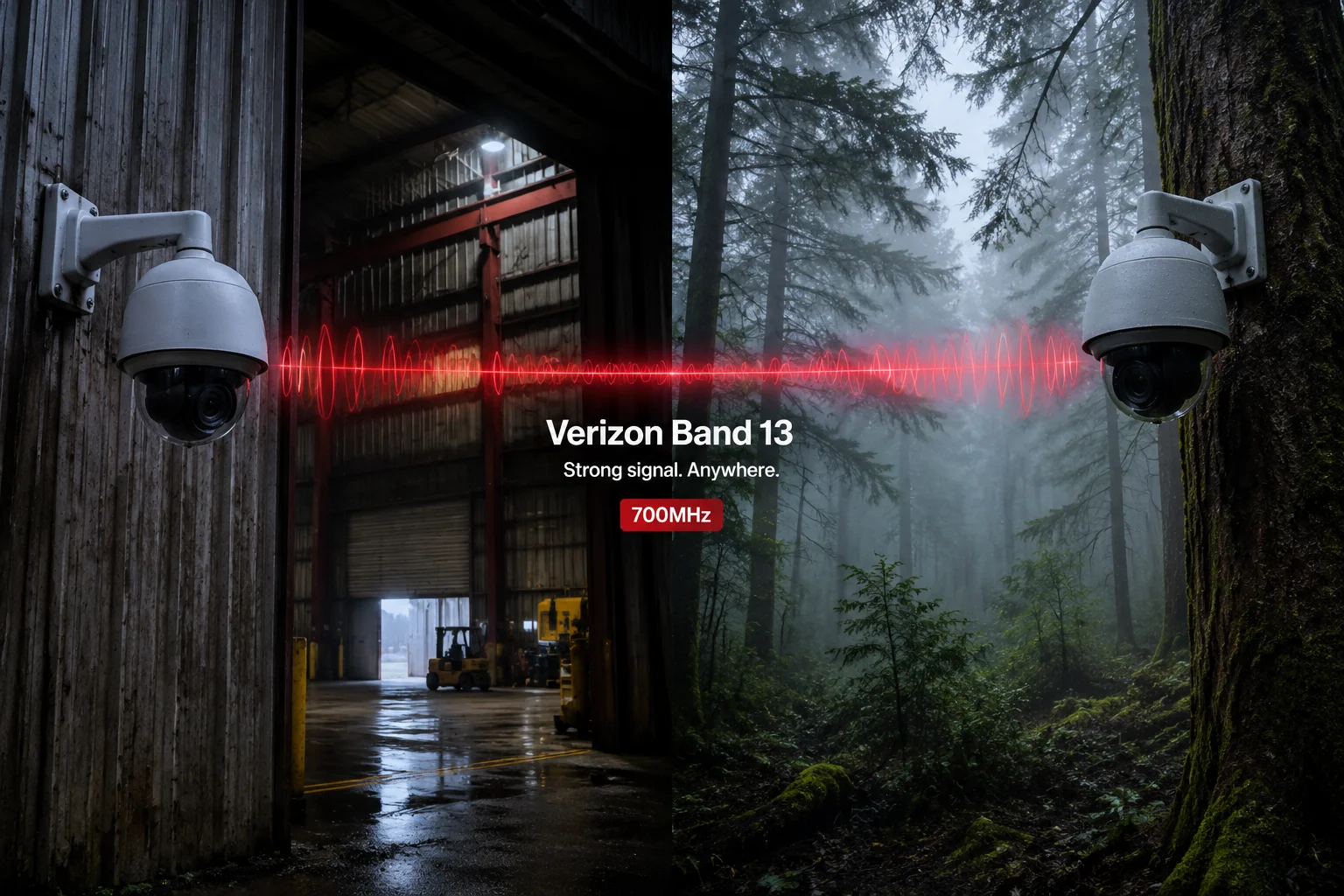
Yes, without Band 13, your camera will likely lose connection in deep indoor spaces, wooded areas, and valleys. B13 at 700MHz is Verizon’s primary low-frequency band for building penetration and wide-area coverage. Missing it means missing Verizon’s strongest signal layer.
What Makes B13 So Important for Verizon
Verizon built its entire 4G LTE backbone around Band 13. It was one of the first LTE bands Verizon deployed, and it remains the most widely available Verizon signal across the United States. Here are the key numbers:
- Uplink frequency: 746–757 MHz
- Downlink frequency: 776–787 MHz
- Band type: FDD-LTE
At 700MHz, radio waves bend around obstacles and pass through walls much better than signals at 1700MHz or 2100MHz (like Band 4). In a dense forest, a 700MHz signal can travel 2–3 times farther than a 2100MHz signal before it fades below usable levels.
What Happens Without B13
If your PTZ camera only supports Band 2 (1900MHz) and Band 4 (1700/2100MHz) on Verizon, it will work fine in open urban areas with strong towers nearby. But move it to any of these locations, and you will see problems:
- Inside a metal warehouse or shipping container
- Under heavy tree canopy
- In a valley or behind a hill
- More than 5 miles from the nearest Verizon tower
The camera might register on the network briefly, then drop. Or it might show one bar of signal but fail to maintain a stable video stream. For a security camera that needs to send alerts 24/7, this is unacceptable.
The Antenna Factor
Even with a B13-capable module, your antenna must perform well at 700MHz. Many generic “4G antennas” bundled with cheap cameras are tuned for 800–2700MHz. They technically cover 700MHz, but with poor gain — sometimes only 0.5 dBi at 700MHz versus 3 dBi at 1800MHz.
For Verizon B13 deployments in weak-signal areas, I recommend asking your supplier about the antenna’s gain curve. A good antenna for B13 should show at least 2 dBi gain at 700MHz and support MIMO (two antenna ports: Main + Diversity).
PTCRB and Verizon Network Access
There is another layer many buyers miss. Verizon requires devices to pass PTCRB certification4 before they can fully access the network. Without PTCRB, Verizon’s base station may allow your camera to register but refuse to assign a data IP address. The symptom looks like this: the camera shows “Registered” and even shows signal bars, but it cannot send any data.
Ask your supplier: “Does this device have PTCRB certification for Verizon?” If the answer is vague, request the PTCRB certificate number and verify it on the PTCRB website.
Can I See a Cellular Frequency Report From a Signal Analyzer for Your North American Models?
Spec sheets can be copied. Datasheets can be faked. I always tell my clients: trust the test report, not the sales pitch.
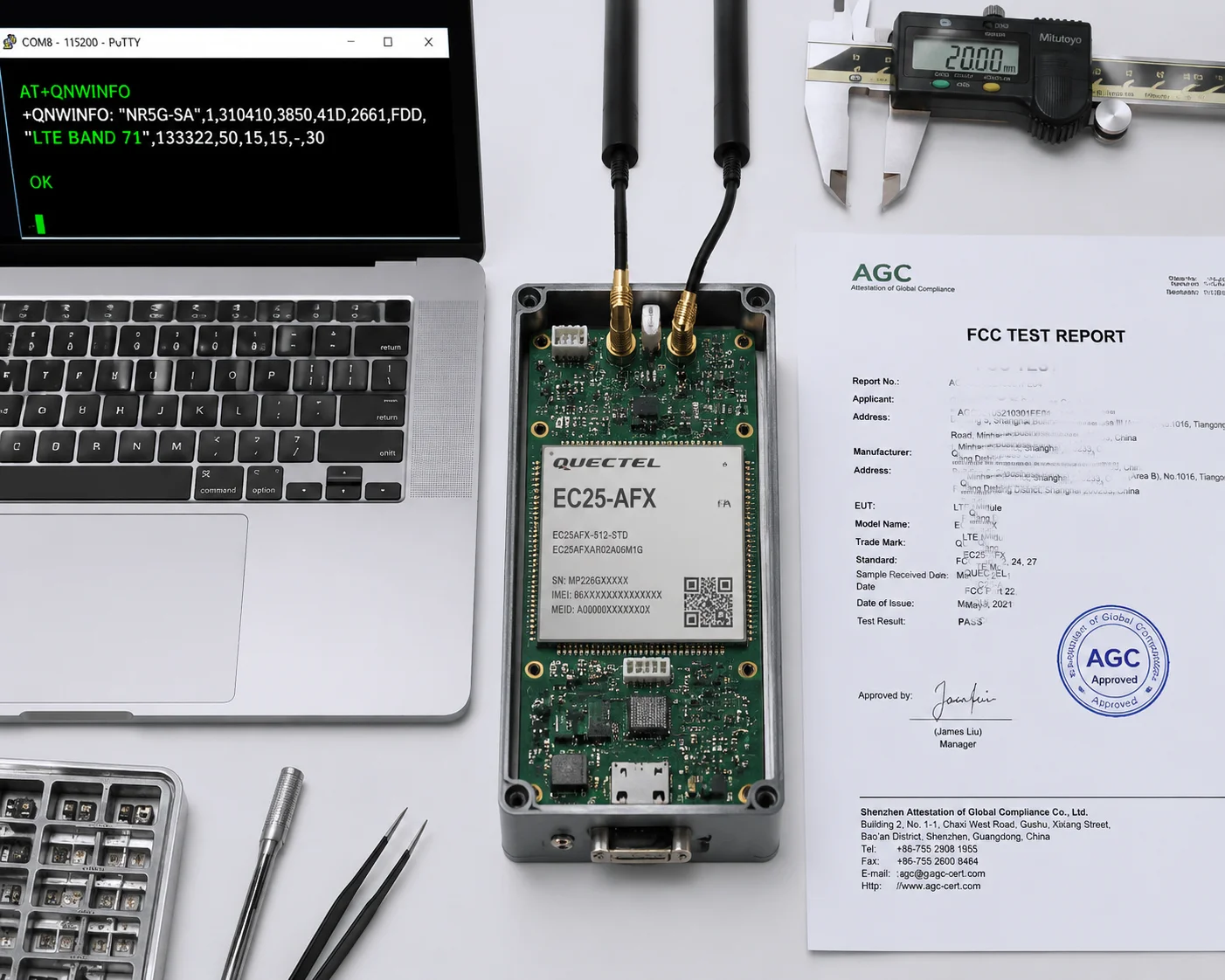
Yes, you should request a cellular frequency test report — either an FCC test report, a module-level RF measurement, or an AT command band readout from a live sample. These documents prove the hardware actually transmits and receives on B13 and B71.
Three Types of Evidence You Can Request
Not every supplier will have all three, but a serious manufacturer should provide at least two:
1. FCC Test Report
Every wireless device sold in the United States must have an FCC ID5. Ask your supplier for this number. Then go to fcc.io or the FCC’s equipment authorization search page. Enter the FCC ID and download the test report.
Inside the test report, look for:
- The list of tested LTE bands
- RF output power measurements for each band
- Whether Band 13 (700MHz) and Band 71 (600MHz) appear in the test data
If the FCC report only shows Band 2, Band 4, and Band 12, but not Band 13 or Band 71, then the device was not tested on those frequencies. This is a red flag.
2. AT Command Band Readout
During sample evaluation, you can connect to the camera’s 4G module through a serial port or web interface and send AT commands. For Quectel modules, the key commands are:
AT+QCFG="band"          → Shows all supported bands in the firmware
AT+QNWINFO              → Shows the current active band (with SIM inserted)
AT+QENG="servingcell"   → Shows detailed cell info including band number
A successful B13 test looks like this in the response:
+QNWINFO: "FDD LTE","311480","LTE BAND 13",5230A successful B71 test:
+QNWINFO: "FDD LTE","310260","LTE BAND 71",132If you see these responses, the hardware is confirmed working on those bands with a live carrier connection.
3. Module Datasheet Cross-Reference
| Evidence Type | What It Proves | Reliability Level |
|---|---|---|
| FCC Test Report | Device was tested on specific bands by an accredited lab | ⭐⭐⭐⭐⭐ Highest |
| AT Command Readout | Module firmware and hardware support the band | ⭐⭐⭐⭐ High |
| Module Datasheet | The module chip is designed for those bands | ⭐⭐⭐ Medium |
| Supplier’s Spec Sheet | Marketing claim only | ⭐ Low |
At Loyalty-Secu, we provide all three to our North American clients. We run AT command tests on every batch before shipping and include screenshots in our quality report. If a supplier refuses to show you any of these, that tells you something.
What to Watch Out For
Some suppliers will show you a test report for the 4G module alone, not for the complete camera assembly. This matters because the camera’s PCB layout, antenna design, and shielding can affect RF performance. A module that supports B71 on a test bench might perform poorly at 600MHz inside a camera housing with bad antenna routing.
Ask specifically: “Is this test report for the finished camera product, or just the module?”
How Do I Verify the Hardware’s RF Front-End Is Tuned for the Specific Frequencies of U.S. Carriers?
I’ve learned that “supports Band 13” on paper and “works well on Band 13 in the field” are two very different things.
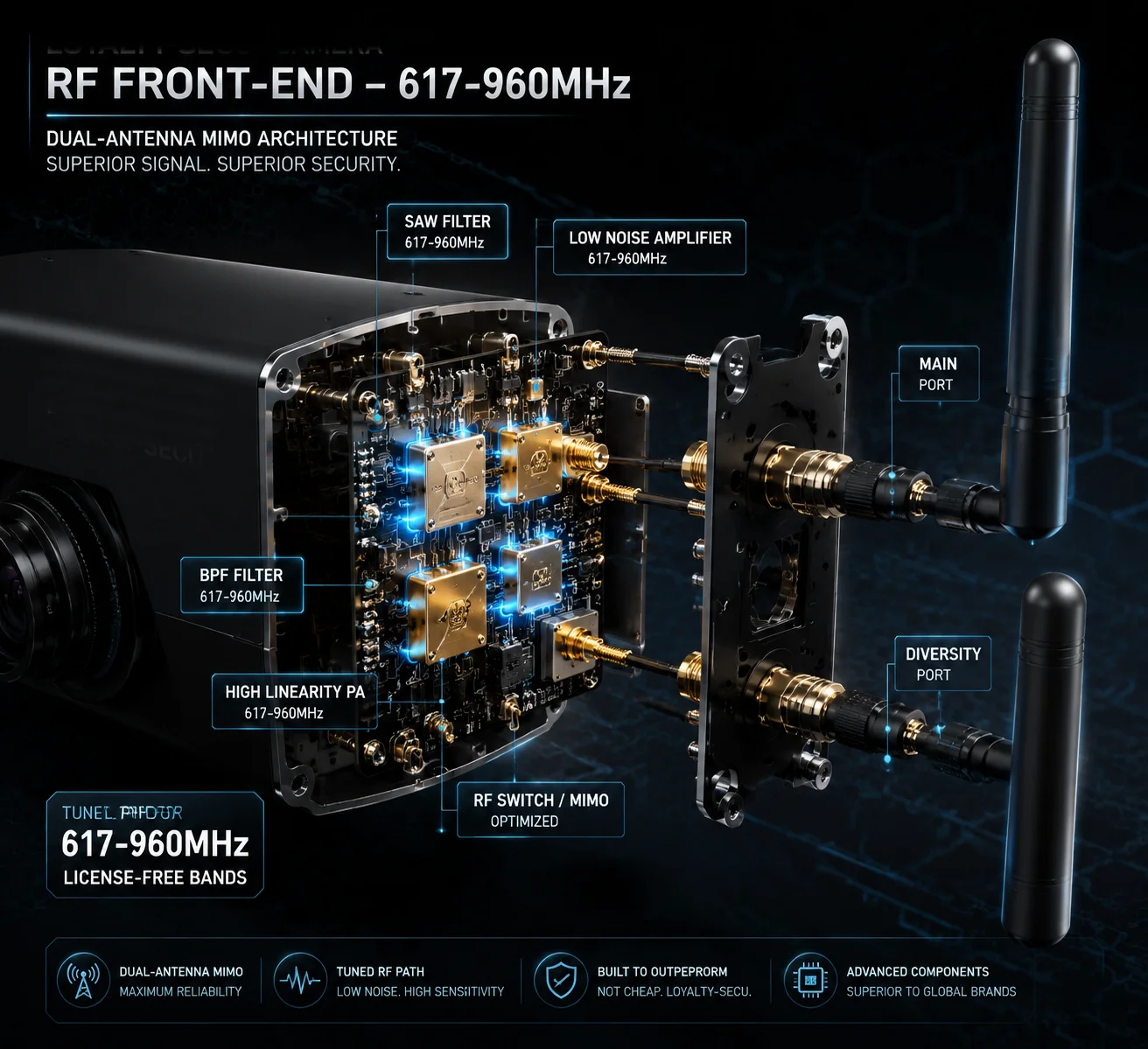
To verify the RF front-end tuning, check three things: the module’s North America variant designation, the antenna’s specified frequency range covering 617–960MHz, and the MIMO dual-antenna configuration. All three must align for stable low-band performance.
Understanding the RF Front-End
The RF front-end6 is the part of the 4G module that handles the actual radio signals. It includes filters, amplifiers, and matching circuits that are tuned to specific frequency ranges. For B13 (700MHz) and B71 (600MHz), the RF front-end needs components that work efficiently at these low frequencies.
A module designed for European bands (like B20 at 800MHz) has different filter circuits than one designed for B13 at 700MHz. Even though the frequencies are close, the filter passband, insertion loss, and harmonic rejection are all different. You cannot swap one for the other through software.
The Antenna Is Half the Equation
Even with the right module, a bad antenna will kill your low-band performance. Here is what to check:
Antenna Frequency Range
The antenna spec sheet should list a frequency range that starts at or below 617MHz (the bottom of B71’s downlink). Many antennas claim “698–2700MHz,” which covers B13 but misses the lower part of B71.
For full B71 support, look for antennas rated 617–960MHz at minimum for the low-band range.
Antenna Gain at Low Frequencies
Ask for the antenna’s gain chart or radiation pattern. At 600MHz, a good external antenna should provide at least 2–3 dBi gain. Internal antennas (built into the camera housing) typically provide 0–1 dBi at 600MHz, which is marginal for rural deployments.
MIMO Configuration
Modern 4G LTE uses MIMO7 (Multiple Input, Multiple Output) to improve data rates and connection stability. Your camera should have two antenna ports — Main and Diversity. In weak B71 signal areas, the diversity antenna provides spatial diversity that can improve connection stability by 30% or more.
If your camera only has one antenna connector, it is running in SISO mode. This works in strong signal areas but will struggle at the edge of B71 coverage.
APN and Carrier Settings
Beyond hardware, the camera’s firmware must have the correct APN8 (Access Point Name) pre-configured:
| Carrier | APN | Notes |
|---|---|---|
| Verizon | vzwinternet | Must be exact; wrong APN = no data connection |
| T-Mobile | fast.t-mobile.com | Standard T-Mobile data APN |
| AT&T | broadband | For reference if testing AT&T as backup |
Also confirm the device is Factory Unlocked. Some test samples from Chinese factories ship with carrier locks or restricted roaming profiles. These must be cleared before deployment.
My Recommendation for Buyers
Before you place a bulk order, request two sample units. Test one on Verizon and one on T-Mobile at your actual deployment site. Use the AT commands I listed earlier to confirm which band the camera connects to. If it connects on B2 or B4 but never on B13 or B71, even when those bands are available in your area, the RF front-end is not properly tuned.
At Loyalty-Secu, we ship North American samples with Verizon and T-Mobile APNs pre-loaded, and we include a test checklist so our clients can verify band support on day one. We also provide the module datasheet, FCC ID, and AT command instructions in every sample package. Because in this business, trust is built on evidence, not promises.
Conclusion
Verifying B13 and B71 support requires checking the module model, AT command output, antenna specs, and FCC/PTCRB records — never trust spec sheet claims alone.
1. Wikipedia page listing LTE bands including Band 71 (600 MHz) specifications. ↩︎ 2. Complete list of LTE bands with frequency ranges and carrier assignments. ↩︎ 3. SIMCom product page for the SIM7600NA-H North America variant with B71. ↩︎ 4. PTCRB official site where you can verify device certification for carrier networks. ↩︎ 5. FCC ID search tool to look up test reports and authorized bands for any device. ↩︎ 6. Analog Devices article explaining RF front-end components and tuning for LTE bands. ↩︎ 7. Qualcomm’s overview of MIMO (Multiple Input Multiple Output) technology for LTE. ↩︎ 8. Verizon support page explaining APN settings, including vzwinternet. ↩︎