
I have seen too many projects fail not because the camera broke, but because someone hacked into it. Firmware security is no longer optional. It is a deal-breaker.
Strict firmware cybersecurity audits include static code analysis (SAST), third-party penetration testing, CVE vulnerability scanning, and hardcoded credential checks. Most low-to-mid-range PTZ cameras from China ship without these audits. Only a few manufacturers targeting critical infrastructure markets conduct full, verifiable security testing before release.

Many integrators like David Miller ask me this question before they place a single order. They need proof, not promises. In this article, I break down each layer of firmware security — from forced password changes to CVE patching — so you know exactly what to demand from your supplier. Let me walk you through it.
Table of Contents
Does the Firmware Force a Password Change Upon the First Login to Prevent Hacks?
I once helped a client in Texas recover from a breach. The root cause? The installer left the default password admin:admin on 47 cameras. Every single one was compromised within a week.
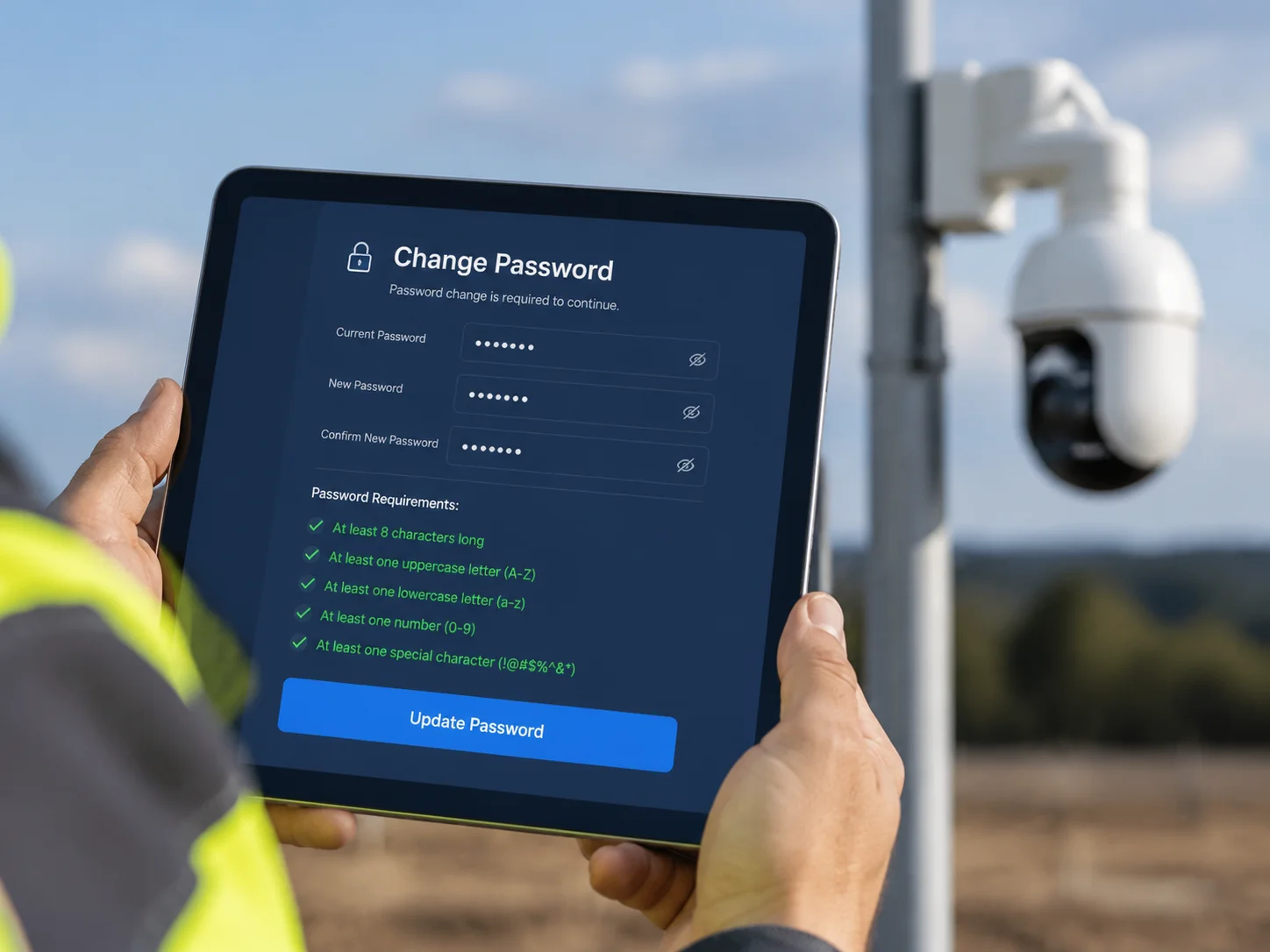
Secure PTZ camera firmware must force users to create a new, complex password on the very first login. This single step blocks the most common attack vector — default and weak credentials — which FBI reports and multiple CVE records confirm as the top entry point for camera hacks.
Why Default Passwords Are a Massive Problem
The numbers are clear. The FBI issued a Private Industry Notification (PIN) in 2024 warning that the HiatusRAT threat group was scanning the internet for cameras with known default passwords and unpatched CVEs like CVE-2017-79211 and CVE-2021-362602. These are not rare, targeted attacks. They are automated, large-scale sweeps.
CVE-2025-35452 makes this even more real. PTZOptics cameras running shared ValueHD firmware used the same default admin password across all units. That one flaw gave attackers full remote admin access to dozens of models across multiple brands. The root cause was simple: no forced password change on first boot.
What a Proper First-Login Policy Looks Like
I make sure our Loyalty-Secu firmware follows a strict first-login flow. Here is what happens:
| Step | Action | Purpose |
|---|---|---|
| 1 | Block all features until password is changed | Prevent any use with default credentials |
| 2 | Enforce minimum 8 characters with uppercase, lowercase, number, and special character | Stop weak passwords like 123456 |
| 3 | Reject passwords matching the device serial number or “admin” | Block predictable patterns |
| 4 | Lock the IP after 5 failed login attempts | Prevent brute-force attacks |
Beyond the First Login
A forced password change is only the first wall. I also configure our firmware to support periodic password expiration reminders and role-based access control (RBAC). This means the installer account and the admin account have different permission levels. If a field tech’s credentials leak, the attacker still cannot change the network settings or update the firmware.
Some clients ask me if this slows down deployment. It adds about 30 seconds per camera. That is 30 seconds versus a potential $50,000 breach recovery cost. I think the math is simple.
Can I See a “Penetration Test” Report for the Camera’s Web Interface and 4G Port?
I get this question a lot from government project integrators. They do not just want a data sheet. They want a report with a stamp on it. And honestly, they should.
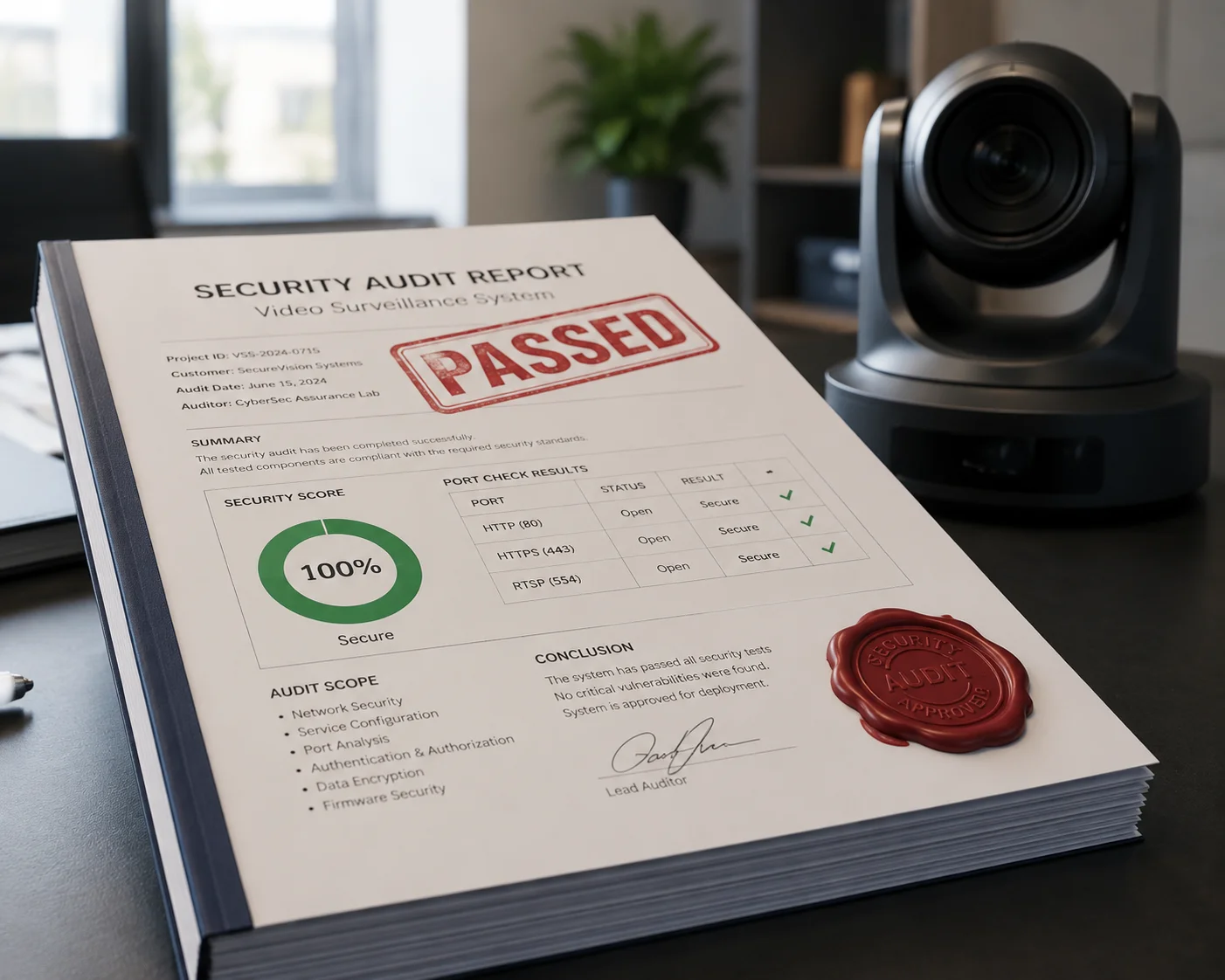
A penetration test report should cover the camera’s web management interface (HTTP/HTTPS), RTSP/ONVIF streaming ports, 4G modem interface, and any API endpoints. It must be performed by an independent third-party security firm, targeting the specific model and firmware version being purchased.
What a Real Pen Test Covers
I have learned that many buyers confuse a vulnerability scan with a penetration test. They are not the same thing. A vulnerability scan is automated. A penetration test has a human trying to break in, using the same tools and methods a real attacker would use.
For our PTZ cameras, I arrange pen tests that cover three areas:
Port and Service Audit
The tester scans every open port on the camera. For a properly configured camera, only ports 80 (HTTP), 443 (HTTPS), and 554 (RTSP) should be open. If the tester finds Telnet on port 23 or SSH on port 22 running by default, that is an immediate fail. I have seen competitor cameras ship with Telnet wide open. That is like leaving your front door unlocked and putting a sign on it.
Protocol Fuzzing
This is where the tester sends broken, oversized, or malformed data packets to the camera’s ONVIF, RTSP, and SDK interfaces. The goal is to crash the device or force it to behave in an unexpected way. CVE-2024-8957 is a perfect example. Attackers exploited weak input filtering in the ntp_client binary to achieve remote code execution. A proper fuzz test would have caught this before the firmware shipped.
Web Interface Testing Against OWASP Top 10
The camera’s web management page gets tested for the OWASP Top 103 vulnerabilities. This includes cross-site scripting (XSS), broken authentication, and security misconfigurations. I require the test to specifically check if the web interface transmits passwords in plaintext. Some Chinese IP cameras have been found sending admin:admin12345 in cleartext HTTP — visible to anyone sniffing the network.
What to Ask Your Supplier
If your supplier cannot provide a pen test report, that tells you something important. Here is what I recommend you request:
| Document | What It Proves | Red Flag If Missing |
|---|---|---|
| Third-party pen test report (for specific model and firmware version) | Independent verification of security | Supplier relies only on internal testing |
| CVE scan results against latest NVD database | No known high-severity vulnerabilities | Outdated firmware with unpatched CVEs |
| Firmware signing certificate details | Updates cannot be tampered with | Attacker can inject malicious firmware |
I provide these documents to my clients. If a supplier hesitates or says “it’s confidential,” push harder. Your project’s security depends on it.
How Does the Manufacturer Patch Newly Discovered CVE Vulnerabilities in the Field?
I track CVE databases every week. Not because I enjoy reading vulnerability reports, but because one unpatched flaw can turn a $200 camera into a $200,000 liability for my client.
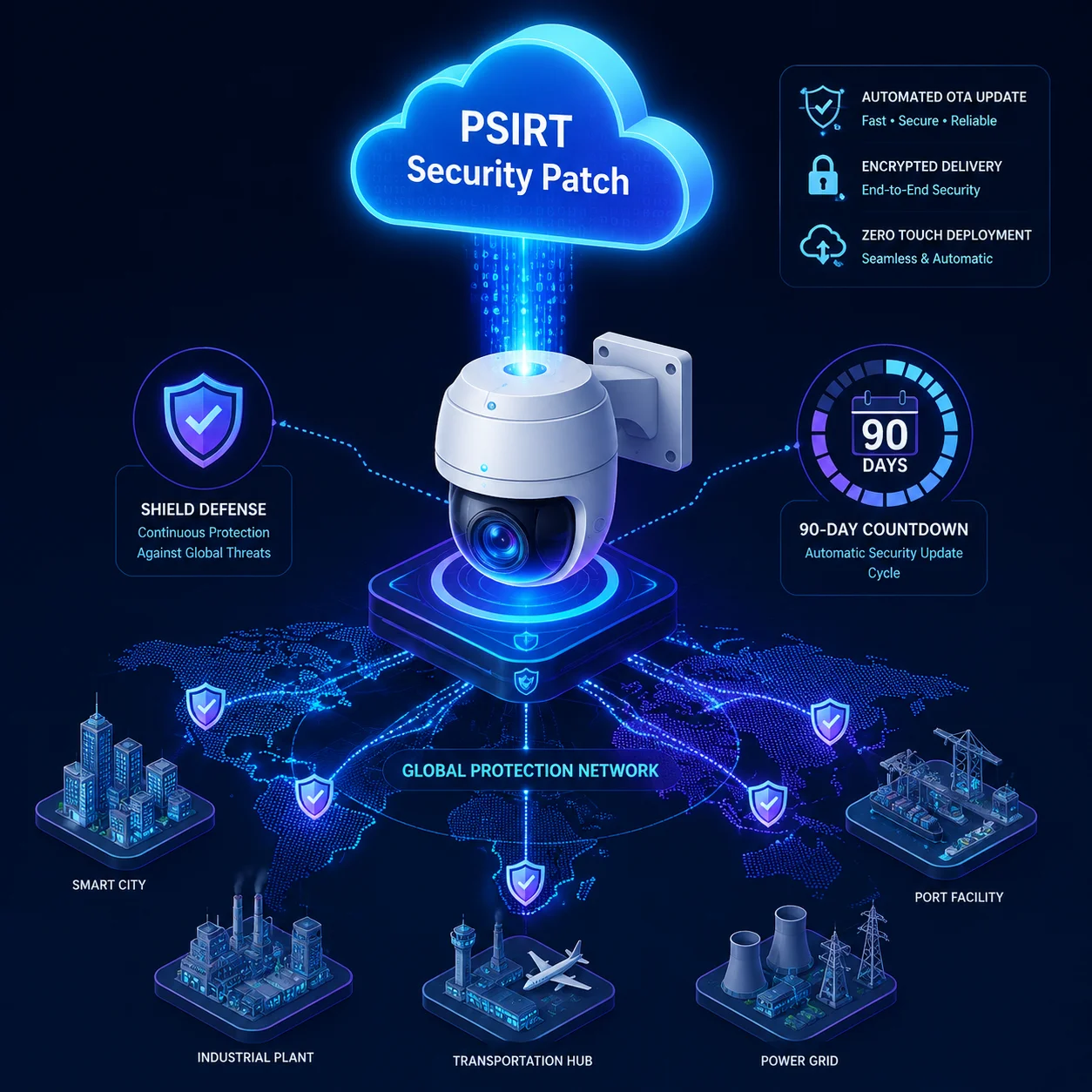
Responsible manufacturers maintain a Product Security Incident Response Team (PSIRT)4 that monitors global CVE databases, issues security advisories, and delivers signed OTA firmware patches within 90 days of a critical vulnerability disclosure. Without this process, cameras in the field remain permanently exposed.
The Problem With “Set and Forget” Firmware
Many cameras deployed in the field never receive a single update after installation. The Bleeping Computer report on CVE-2024-8956 and CVE-2024-8957 showed that PTZ cameras using Hisilicon Hi3516A V600 SoC with VHD firmware older than version 6.3.40 were fully exploitable. Attackers could take over the camera, pivot into the local network, and even recruit the camera into a botnet.
The issue is not just that vulnerabilities exist. Every software has bugs. The real issue is whether the manufacturer has a system to fix them fast and push updates reliably.
How I Handle CVE Patching at Loyalty-Secu
I built our patching process around four principles:
Monitoring and Triage
Our internal security team monitors the National Vulnerability Database (NVD)8, MITRE CVE list, and IoT-specific threat feeds daily. When a new CVE appears that affects any component in our firmware — including third-party libraries like OpenSSL or lighttpd — we classify it by severity using the CVSS score.
Patch Development and Testing
For critical vulnerabilities (CVSS ≥ 7.0), I require a patch to be developed and tested within 30 days. The patch goes through regression testing to make sure it does not break existing features like ONVIF discovery or RTSP streaming. I have seen cases where a security patch broke the camera’s web interface. That is not acceptable.
Signed OTA Delivery
Every firmware update package is digitally signed using our private key. Before the camera installs any update, it verifies the signature. If the signature does not match, the update is rejected. This prevents attackers from pushing a modified firmware file to the camera. I also support rollback protection — the camera will not accept a firmware version older than the currently installed one.
Customer Notification
I send a security advisory email to all registered integrators and distributors when a patch is released. The advisory includes the CVE ID, affected models, firmware versions, risk level, and download link. Transparency builds trust. Hiding vulnerabilities destroys it.
Is the UPnP Feature Disabled by Default to Prevent Unauthorized Network Entry?
I disabled UPnP on our firmware by default two years ago. It was one of the easiest security decisions I ever made, and I wish more manufacturers would do the same.
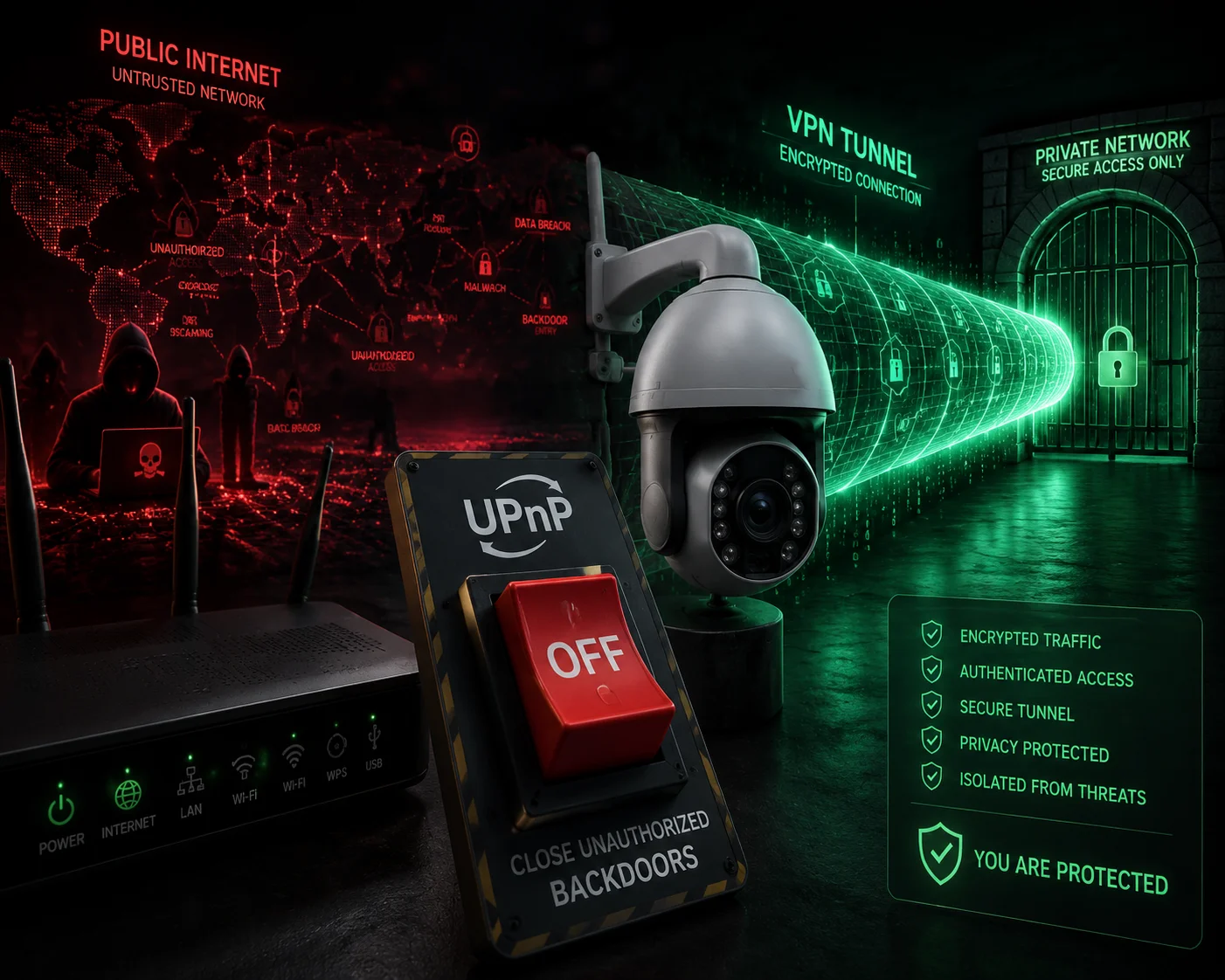
UPnP (Universal Plug and Play) should be disabled by default on all PTZ cameras. When enabled, UPnP automatically opens ports on the network router without user knowledge, creating direct pathways for attackers to access the camera from the internet. Disabling it by default significantly reduces the camera’s attack surface.
What UPnP Actually Does — and Why It Is Dangerous
UPnP was designed to make networking easy. A device connects to the router and says, “Hey, open port 8080 for me so people can reach me from the internet.” The router does it automatically. No questions asked. No authentication required.
For a consumer smart speaker, that might be acceptable. For a security camera protecting a construction site, a highway, or a power substation, it is a disaster. Here is why:
The Attack Path UPnP Creates
When UPnP opens a port, the camera becomes directly reachable from the public internet. An attacker can then:
- Scan for the open port using tools like Shodan5 or Censys.
- Identify the camera model and firmware version from the HTTP headers.
- Look up known CVEs for that model.
- Exploit the vulnerability — or simply try default passwords.
This is exactly how botnets like Mirai recruited hundreds of thousands of IP cameras. Many of those cameras had UPnP enabled by default.
Our Default Configuration Philosophy
I follow a simple rule: every port and service that is not strictly necessary should be closed or disabled by default. Here is how I configure our Loyalty-Secu PTZ cameras out of the box:
| Feature / Service | Default State | Reason |
|---|---|---|
| UPnP | Disabled | Prevents automatic port forwarding without user consent |
| Telnet | Disabled | Unencrypted remote shell — severe risk |
| FTP | Disabled | Unencrypted file transfer — not needed for normal operation |
| SSH | Disabled | Can be enabled by admin if needed, but off by default |
| HTTPS | Enabled | Encrypted web management interface |
| RTSP Authentication | Enabled | Prevents unauthorized video stream access |
| P2P Cloud Access | Optional, off by default | Reduces cloud-based attack vectors |
When a Client Needs Remote Access
Some of my clients do need to access cameras remotely. Instead of UPnP, I recommend using a VPN tunnel7 or a secure P2P connection with end-to-end encryption. This keeps the camera invisible to public internet scans. The camera only talks to the VPN server or the authorized app — not to the entire internet.
I also advise clients to segment their camera network from their main business network using VLANs6. Even if one camera is compromised, the attacker cannot reach the office computers, the billing system, or the customer database. Network segmentation is one of the cheapest and most effective security measures I know.
For 4G-connected solar PTZ cameras deployed in remote areas, this matters even more. These cameras often sit on cellular networks with public IP addresses. If UPnP were enabled, they would be sitting ducks. By keeping UPnP off and requiring VPN-based access, I make sure my clients’ remote cameras stay invisible to threat actors scanning the internet 24/7.
Conclusion
Firmware security is not a feature you can skip. From forced password changes to disabled UPnP, every layer matters. I build these protections into every Loyalty-Secu PTZ camera because my clients’ reputations — and their customers’ safety — depend on it. Ask your supplier for proof, not promises.
1. Critical authentication bypass flaw in Hikvision cameras; widely exploited in the wild. ↩︎ 2. Command injection vulnerability affecting Hikvision cameras; used in botnet recruitment. ↩︎ 3. The OWASP Top 10 is the industry-standard list of web application security risks. ↩︎ 4. A PSIRT is a dedicated team that manages vulnerability disclosures and coordinates patches. ↩︎ 5. Shodan is a search engine for internet-connected devices, often used by attackers to find exposed cameras. ↩︎ 6. VLANs segment network traffic, limiting the blast radius if a camera is compromised. ↩︎ 7. A VPN tunnel encrypts and authenticates remote access, keeping cameras off the public internet. ↩︎ 8. The NVD is the U.S. government repository of standards-based vulnerability management data. ↩︎