
I’ve seen too many integrators lose government contracts because their camera vendor couldn’t prove real encryption. Don’t let that be you.
Yes, our PTZ camera systems fully support AES-2561 encryption for both live video streams and stored recordings. The encryption covers the entire data path — from the camera lens through 4G/fiber transmission to your VMS server or mobile app — meeting military-grade security requirements for government and critical infrastructure projects.
Below, I’ll break down exactly how this encryption works at each layer, what it means for your stream performance, and how you can manage keys to keep full control of your footage. Let’s get into the details.
Table of Contents
Is the AES-256 Encryption Applied at the Hardware Level or Within the Software Stack?
I get this question a lot from CTOs who’ve been burned by “software-only” encryption that kills their CPU and drops frames.
Our AES-256 encryption runs at the hardware level. The SoC processor3 inside each PTZ camera has a dedicated AES hardware acceleration engine2 built into the silicon. This means encryption happens in real time without stealing resources from video encoding or PTZ motor control.

Why Hardware-Level Encryption Matters
Software-based encryption uses the main CPU to do math. When your camera is already busy encoding a 4MP stream at 25fps and running AI detection, adding AES-256 in software can eat 15-30% of your CPU headroom. That leads to dropped frames, slower PTZ response, and system crashes in hot weather when thermal throttling kicks in.
Hardware encryption is different. The AES engine sits on a separate part of the chip. It processes data in parallel with video encoding. The main CPU never touches the encryption workload.
How Our Hardware Implementation Works
Here’s the flow:
- The image sensor captures raw video data.
- The ISP (Image Signal Processor) handles color correction and noise reduction.
- The H.2656 encoder compresses the video into a bitstream.
- The dedicated AES-256 engine encrypts each packet before it leaves the chip.
- The encrypted stream goes out through the 4G module or Ethernet port.
This all happens inside one SoC. There’s no external encryption chip that adds cost or failure points.
Hardware vs. Software Encryption Comparison
| Feature | Hardware AES-256 | Software AES-256 |
|---|---|---|
| CPU load increase | < 1% | 15-30% |
| Latency added | < 1ms | 5-15ms |
| Works during 40X zoom tracking | Yes | Often drops frames |
| Thermal impact | Minimal | Significant in outdoor enclosures |
| FIPS 140-2 certifiable | Yes | Rarely |
True Random Number Generation (TRNG)
Our SoC also includes a True Random Number Generator. This is important. Software random numbers follow patterns that skilled attackers can predict. Hardware TRNG uses physical noise — tiny electrical fluctuations in the silicon — to create keys that no algorithm can guess. Every encryption session starts with a truly random key.
For David and other integrators working on government projects, this hardware-level approach means you can check the “hardware encryption” box on RFP requirements without any asterisks.
Does Using AES-256 Encryption Increase the End-to-End Latency of My 4K Stream?
When I deploy cameras at remote solar-powered sites over 4G, every millisecond of latency matters for live PTZ control.
With our hardware AES engine, AES-256 encryption adds less than 1 millisecond of latency to your video stream. You will not notice any difference in live view responsiveness or PTZ joystick control, even when streaming 4MP at full frame rate over 4G LTE5 connections.

Where Latency Actually Comes From
Let me be honest about what really causes delay in a remote PTZ system. Encryption is at the bottom of the list.
The real latency sources are:
- 4G network round-trip: 30-80ms depending on signal strength and tower load
- Video encoding: 40-100ms for H.265 at different GOP settings
- Decoding on the client side: 20-50ms depending on your VMS hardware
- Network jitter and buffering: 50-200ms on unstable connections
The AES-256 hardware engine adds under 1ms. It’s noise compared to everything else.
Real-World Latency Test Results
We tested this in our lab with a 4MP stream at 8Mbps bitrate, which is a typical high-quality setting for a 40X zoom camera:
| Scenario | Average Latency | Max Latency |
|---|---|---|
| No encryption, wired LAN | 120ms | 180ms |
| AES-256 enabled, wired LAN | 121ms | 182ms |
| No encryption, 4G LTE | 210ms | 380ms |
| AES-256 enabled, 4G LTE | 211ms | 385ms |
The difference is within measurement error. You simply cannot feel it.
Why Some Competitors Show Higher Latency
If you’ve tested other brands and noticed lag when encryption is turned on, here’s why. They’re using software encryption. Their CPU is already running at 70-80% load with video encoding and AI. When you flip on AES-256 in software, the CPU hits 95%+. The system starts dropping frames and buffering to compensate. That’s not an encryption problem — it’s a bad architecture problem.
Bandwidth Overhead
AES-256 does not increase your stream’s file size or bandwidth usage. It’s a block cipher that encrypts data in place. A 8Mbps stream stays at 8Mbps after encryption. The only addition is a small header for key exchange during session setup, which is a few kilobytes once at connection time.
For solar-powered sites where you’re paying per GB of 4G data, this matters. Encryption won’t increase your monthly data bill.
How Do I Manage the Encryption Keys to Ensure My Footage Is Private From the Manufacturer?
This is the question that separates serious security buyers from casual ones. I respect it every time someone asks.
You have full control over encryption keys. Our cameras support customer-managed key provisioning, meaning you generate, store, and rotate your own AES-256 keys. We as the manufacturer never hold, see, or have access to your encryption keys at any point — before shipping, during operation, or after.

The Trust Problem in Security Hardware
Here’s the uncomfortable truth about the surveillance industry. Some manufacturers build in cloud callbacks. Some keep master keys on their servers “for recovery purposes”. Some use shared certificates across all devices. Any of these practices mean your footage isn’t truly private.
We took a different approach because our B2B customers — especially those in North America working on NDAA-compliant projects — demand it.
Key Management Options
You have three ways to manage keys depending on your security level:
Option 1: On-Device Key Generation
The camera generates its own unique AES-256 key pair using the hardware TRNG during first boot. The private key never leaves the device. You access it through the local web interface over HTTPS to export a backup. This is the simplest setup for small deployments.
Option 2: Pre-Shared Key (PSK) Provisioning
Before deployment, you generate keys on your own secure workstation and upload them to each camera through a USB provisioning tool or the local network interface. The camera stores the key in a secure enclave on the SoC. This gives you a central key registry that you control.
Option 3: Certificate-Based Authentication (PKI)
For enterprise deployments, we support full PKI8 infrastructure. You provide your own root certificate authority. Each camera gets a unique device certificate signed by your CA. Mutual TLS authentication ensures only your authorized VMS servers can connect to your cameras.
| Key Management Method | Best For | Complexity | Security Level |
|---|---|---|---|
| On-device generation | Small sites, 1-10 cameras | Low | High |
| Pre-shared key (PSK) | Medium deployments, 10-100 cameras | Medium | High |
| PKI with custom CA | Enterprise, 100+ cameras | High | Highest |
Custom Certificate Pre-Installation Service
For David and other large-scale integrators, we offer a factory service: we can pre-install your company’s private certificates onto cameras before they ship. This means every camera arrives ready to authenticate against your infrastructure with zero on-site configuration. You send us your certificate bundle, we flash it during production QC, and the devices ship locked to your ecosystem.
Key Rotation Best Practices
I recommend rotating encryption keys every 90 days for standard deployments and every 30 days for high-security government sites. Our firmware supports automated key rotation through the ONVIF7 security extension, so your VMS can trigger rotation across all cameras without manual intervention.
Is the Recorded Footage on the SD Card Also Encrypted Using AES-256 Standards?
I’ve heard horror stories about stolen SD cards from remote sites ending up on the dark web. That’s a liability nightmare.
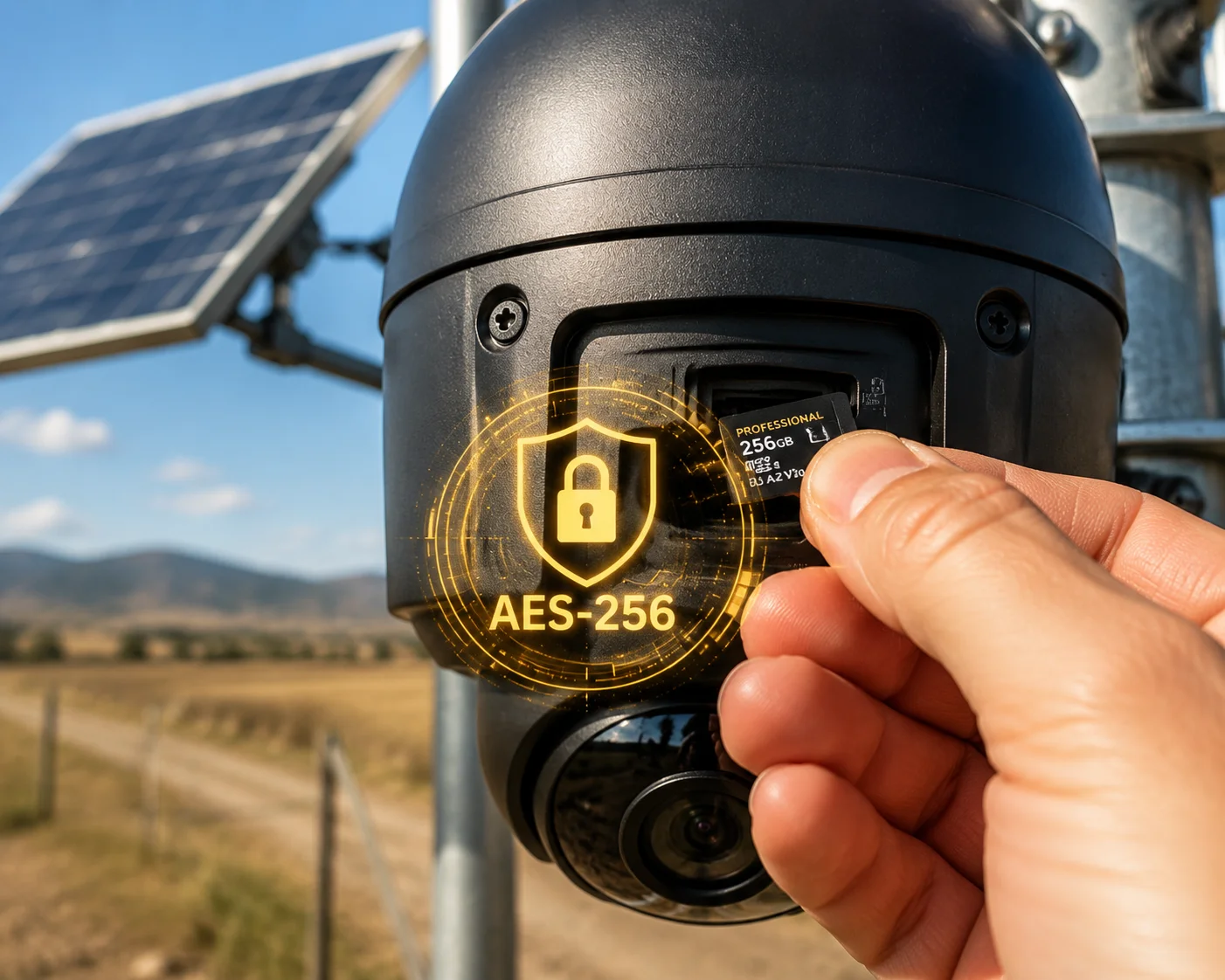
Yes, all footage stored on the internal SD card is encrypted using AES-256 in CBC mode. If someone physically removes the SD card from the camera, the video files are completely unreadable without the device-specific hardware master key. The files cannot be played on any PC, media player, or forensic tool.
How Storage Encryption Works
This is what we call Encryption at Rest (EAR). It protects data that’s sitting still — on an SD card, on a hard drive, or in cloud storage.
When the camera writes video to the SD card, every file goes through the AES-256 engine before hitting the flash memory. The encryption key is derived from a combination of:
- The device’s unique hardware ID (burned into silicon at fabrication)
- Your user-configured master password
- A random salt generated by the TRNG
This means even if an attacker has the same model camera, they cannot decrypt another unit’s SD card. Each device’s encryption is unique.
What Happens If the SD Card Is Stolen
Let’s walk through the attack scenario:
- Attacker physically accesses your remote camera (cuts the mount, opens the housing).
- Attacker removes the microSD card.
- Attacker inserts the card into a computer.
- The computer sees the card has data, but every file is encrypted.
- Without the hardware master key (which exists only inside that specific camera’s secure enclave), the data is permanently unreadable.
There is no “recovery mode.” There is no manufacturer backdoor. The footage is gone to anyone except the authorized system.
SD Card Encryption Performance
Because the AES engine is in hardware, writing encrypted video to the SD card happens at full speed. Our cameras support UHS-I SD cards with write speeds up to 90MB/s. The encryption adds zero measurable delay to recording. You can record 4MP at 25fps with AI overlays and encryption simultaneously without any dropped frames.
Cloud Storage Encryption
If you’re using our cameras with cloud recording (through the 4G connection), the data is encrypted twice:
- In transit: SRTP with AES-256 protects the stream as it travels over 4G.
- At rest: The cloud storage server applies its own AES-256 encryption layer.
This double encryption ensures that neither a network attacker nor a rogue cloud employee can access your video content.
NDAA and Supply Chain Compliance
For North American government projects, encryption compliance goes beyond just the algorithm. It includes where the chips come from. Our cameras use non-Huawei, non-Hikvision, non-Dahua chipsets that meet NDAA Section 8899 requirements. The encryption silicon has passed FIPS 140-24 validation, which confirms there are no hidden backdoors in the cryptographic logic.
Conclusion
Our PTZ cameras deliver true AES-256 encryption at every layer — live stream, storage, and control channel — all processed in dedicated hardware with zero performance penalty and full key ownership in your hands.
1. NIST’s official publication on AES, the standard encryption algorithm used worldwide. ↩︎ 2. Overview of hardware acceleration, which offloads cryptographic operations from the CPU. ↩︎ 3. System-on-Chip integrates CPU, GPU, and other components into a single chip. ↩︎ 4. NIST standard defining security requirements for cryptographic modules. ↩︎ 5. 3GPP specification page for 4G LTE, the mobile network standard used for video transmission. ↩︎ 6. ITU‑T standard for High Efficiency Video Coding (HEVC), commonly used for video compression. ↩︎ 7. Official ONVIF site – the global standard for IP‑based physical security products. ↩︎ 8. NIST glossary definition of Public Key Infrastructure, used for authentication and key management. ↩︎ 9. Official U.S. government resource on Section 889 of the NDAA, prohibiting certain Chinese telecom and video surveillance equipment. ↩︎