
I once saw a weak 4G link turn a smooth live view into a frozen mess, and that kind of delay can hurt trust fast.
Yes, many modern systems can auto-switch or auto-optimize between TCP and UDP based on 4G link quality6, but they do it in a smart way, not in a random way. TCP1 is better for control and guaranteed delivery, while UDP2 is better for low-latency live video. The best systems choose the protocol based on the task, signal health, and packet loss.
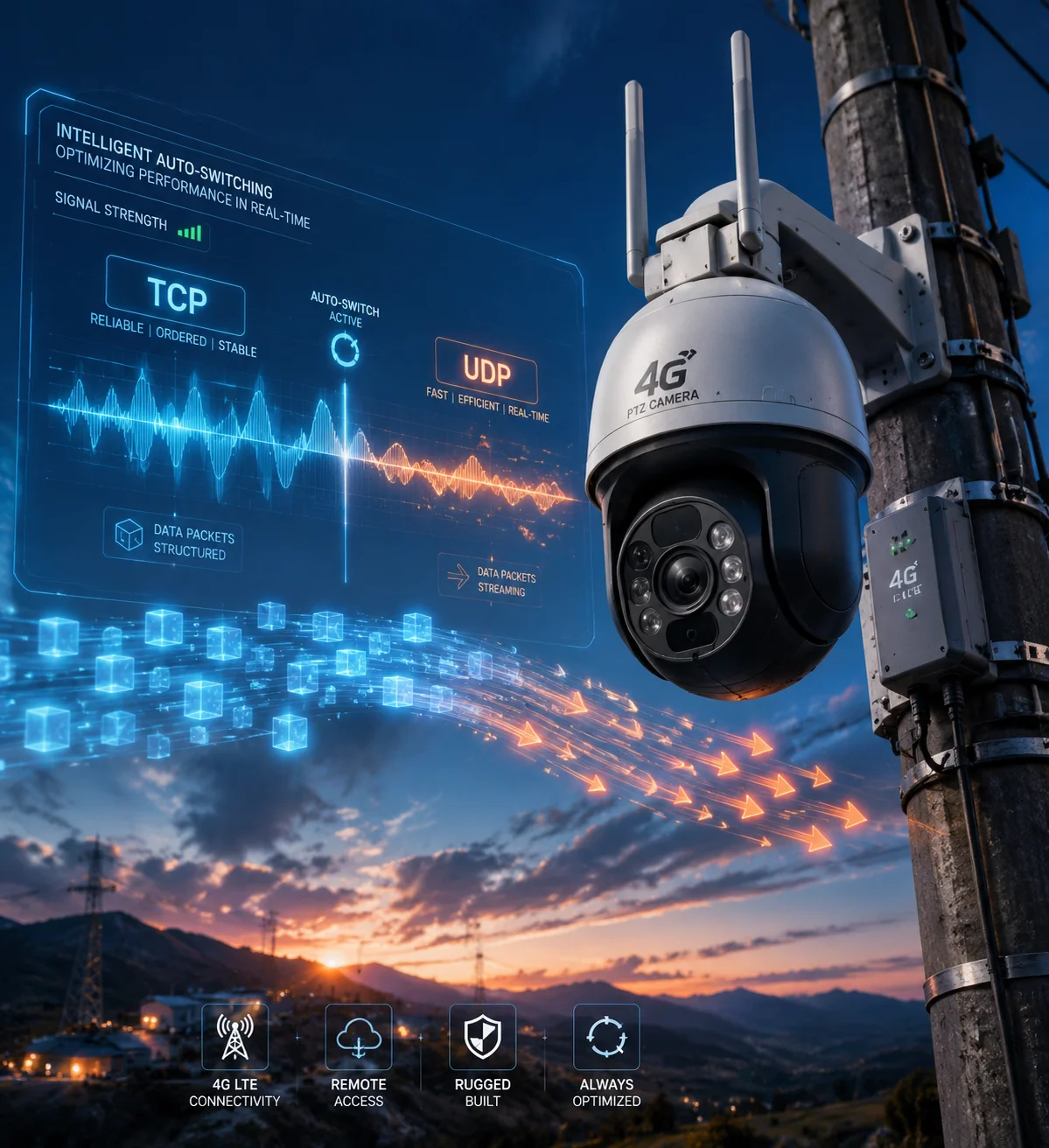
I want to break this down step by step, because the real answer is not just “TCP or UDP.” It is about how each part of the system behaves under bad signal, busy links, and real field use.
Table of Contents
Will the system prioritize TCP for “error-free” video playback during critical forensic reviews?
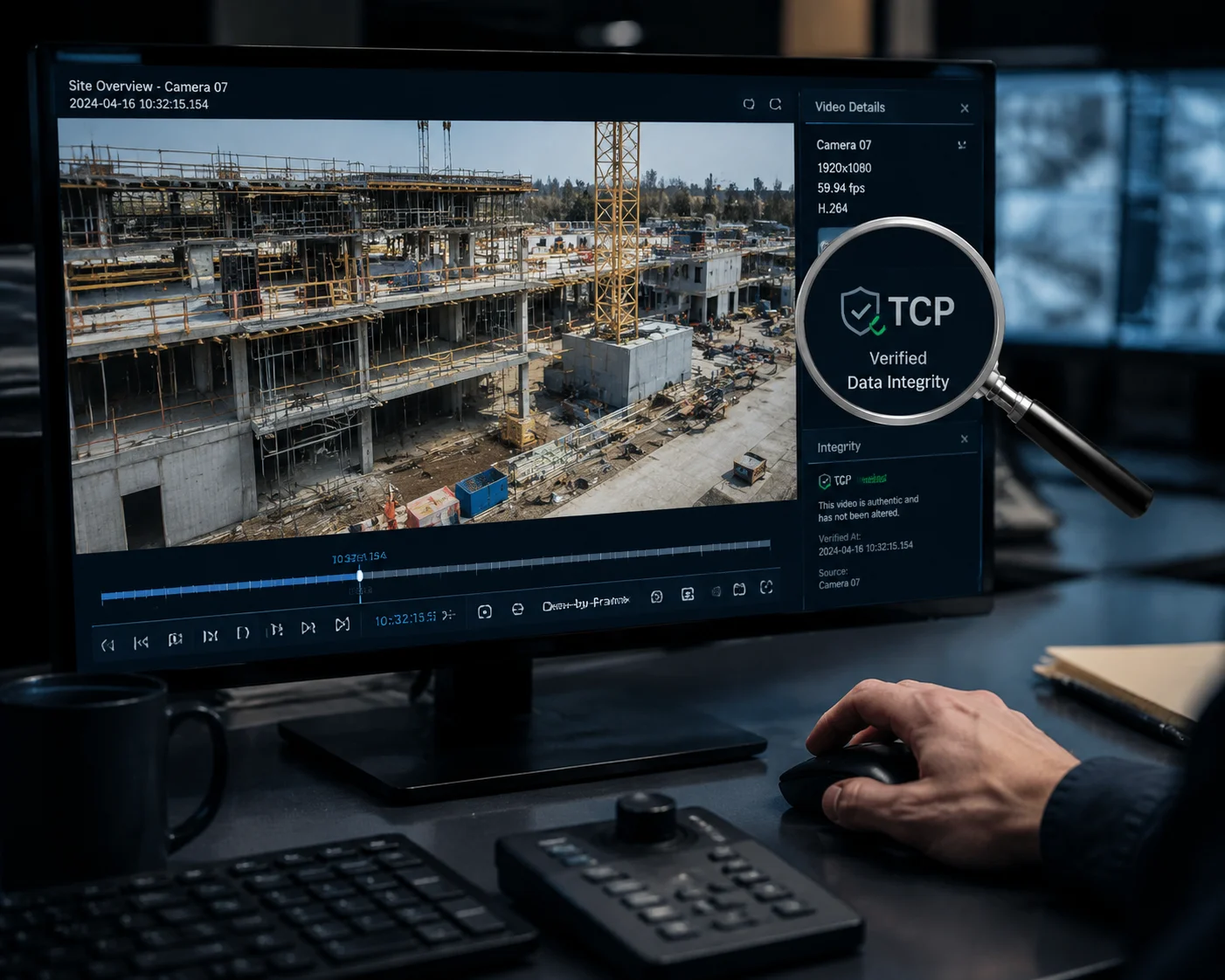
I have worked with enough field installs to know that one lost frame can become a big problem when a client needs proof. In a forensic review5, I care more about clean delivery than fast delivery.
Yes, the system often gives TCP a higher role for critical review tasks because TCP helps make sure data arrives in order and without loss. If the goal is evidence review, playback stability matters more than low delay, so TCP is often the safer choice for that job.
Why I do not treat all video the same
I do not think every video stream should use the same rule. A live preview for a guard on duty is not the same as a recording review for a case file. Live preview needs speed. Review needs accuracy. That simple split changes the way I think about the whole transmission stack.
When I look at a forensic case, I ask a few direct questions. Did the camera drop frames? Did the stream reorder packets? Did the player buffer too much? TCP helps reduce those risks because it retries lost packets and keeps the order. That is useful when a judge, manager, or client may ask, “Can you prove what happened?” In that moment, a delay of one or two seconds is often acceptable if the playback stays correct.
But I also know TCP has a cost. It can slow down when the link is weak. It can hold back new data while it waits for missing data. That can make the video feel stuck. So I do not see TCP as a magic fix. I see it as the right tool for a narrow job. If I only care about smooth live action, TCP may feel too heavy. If I care about proof, TCP becomes much more useful.
| Use case | Better protocol choice | Main reason |
|---|---|---|
| Live guarding | UDP | Lower delay |
| Forensic review | TCP | Better order and delivery |
| PTZ control | TCP | Command reliability |
| Weak 4G live view | UDP or adaptive mode | Less lag buildup |
How I balance playback quality and delay
I usually think about playback in layers. First, I look at the transport layer. Then I look at the camera encoder. Then I look at the player or VMS. If I only blame the protocol, I may miss the real cause. For example, a bad encoder setting can create too much load even on a good network. A weak player can also cause stutter even when packets arrive on time.
For critical reviews, I want the system to protect the evidence path. That means I want fewer dropped frames, fewer reorder problems, and less buffer chaos. TCP helps here because it keeps the stream complete. But I still watch the trade-off. If the 4G link is very weak, TCP retries can create long waits. That wait can make a stream appear to freeze, even if the network is still alive.
So my view is simple. If the client needs clean playback for review, I prefer TCP or a mode that behaves like TCP for the review path. I would rather see a short delay than a broken record of the event. That is especially true for project teams that need to show proof after an incident.
How does the “UDP First” logic reduce latency for real-time PTZ joystick controls?
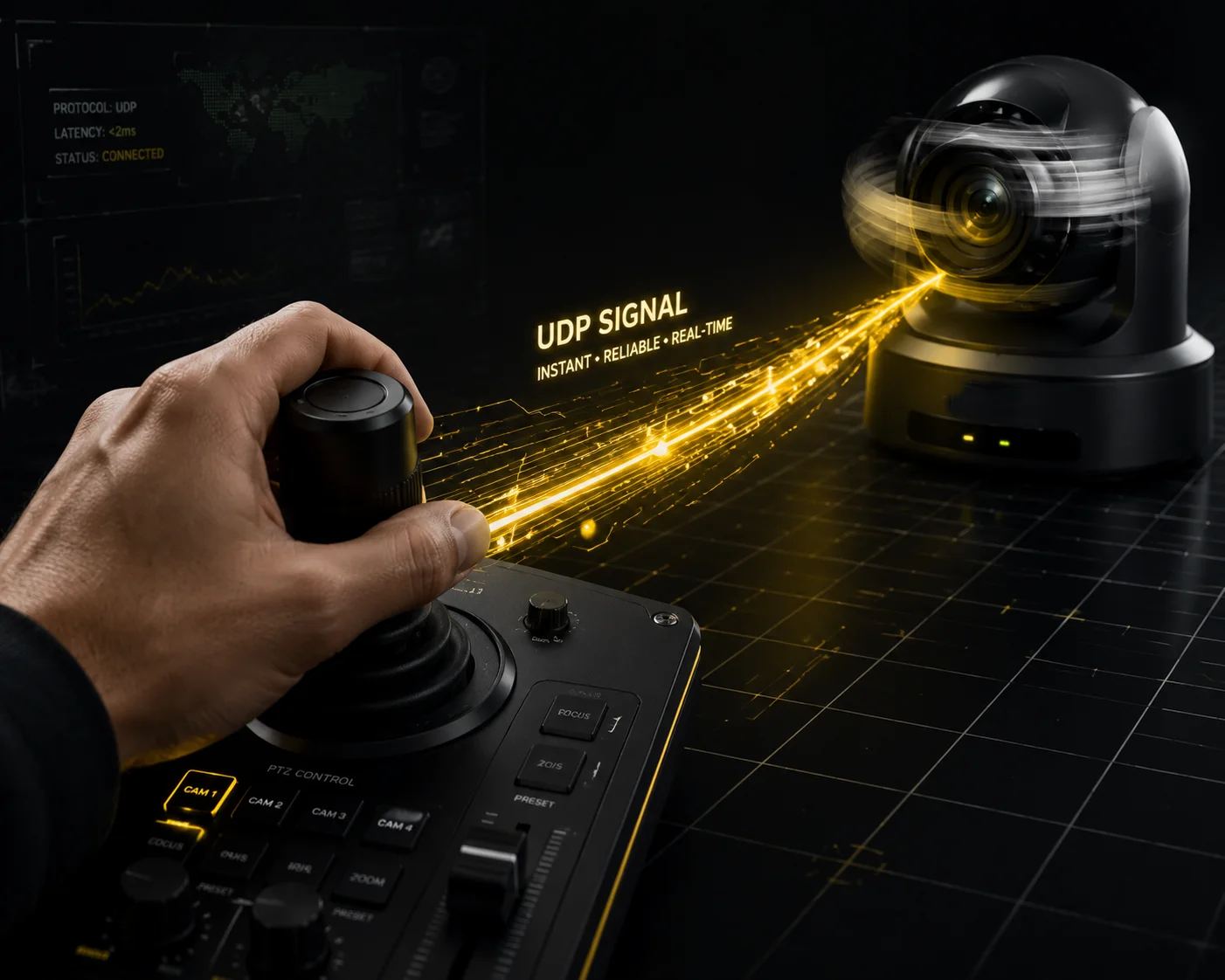
When I move a PTZ camera with a joystick, I want the camera to respond right away. A slow pan or delayed stop can make the whole system feel broken. That is why I care so much about command speed.
UDP First logic reduces latency because it sends control data without waiting for retries, and that keeps PTZ actions fast and direct. For real-time joystick work, that matters more than perfect delivery, because the next command usually matters more than a delayed old one.
Why PTZ control8 needs speed first
I see PTZ control as a live conversation, not a file transfer. When I push the joystick left, I expect the camera to move left now. When I release it, I expect it to stop now. If the stop command is late, the camera keeps moving, and that can ruin the shot.
UDP works well here because it does not force the sender to wait for confirmation before sending the next command. That keeps the delay very small. In a PTZ use case, this is very useful. A few lost control packets are usually less harmful than a long pause. The operator can send the next command right away. In many cases, the camera will catch up fast enough.
I also like UDP First logic because it keeps the control path light. It does not add extra overhead for each packet. That helps in 4G networks where every extra wait can create a bad user feel. A guard or installer does not want to think about network theory. They just want the lens to turn when they turn the joystick. UDP First helps make that feel natural.
Where UDP First can still fail
I do not want to pretend UDP is perfect. If the signal is very bad, a UDP command can still be lost. That can be a real issue if the stop packet drops. In that case, the camera may keep moving until the next command arrives. So I always treat PTZ control as a system problem, not just a protocol problem.
| PTZ element | Best practice | Why it matters |
|---|---|---|
| Direction change | UDP | Fast response |
| Stop command | TCP or confirmed control logic | Better safety |
| Preset call | TCP | Higher reliability |
| Continuous joystick move | UDP | Lower delay |
How I think about safety in real use
I prefer a design where the camera uses UDP for fast movement but keeps a safety layer around it. That can mean a command timeout, a repeat packet, or a fallback to TCP for important actions. I do not want a pure speed design if it can cause unsafe motion. A PTZ camera on a tower, at a farm gate, or in a city site must stop when the user says stop.
So I see UDP First as a speed choice, not a full system choice. It helps most when the user is actively controlling the camera. It helps less when the system is doing a more important one-time action. That is why the best products do not blindly use one rule for everything. They split control and video, then tune each one for the job.
Can I manually force the camera to stay in TCP mode to prevent image tearing in weak signal?
I have heard this question many times from buyers who work in remote sites. They see tearing, block loss, or a broken preview, and they want one simple fix. I understand that instinct because weak 4G can be painful.
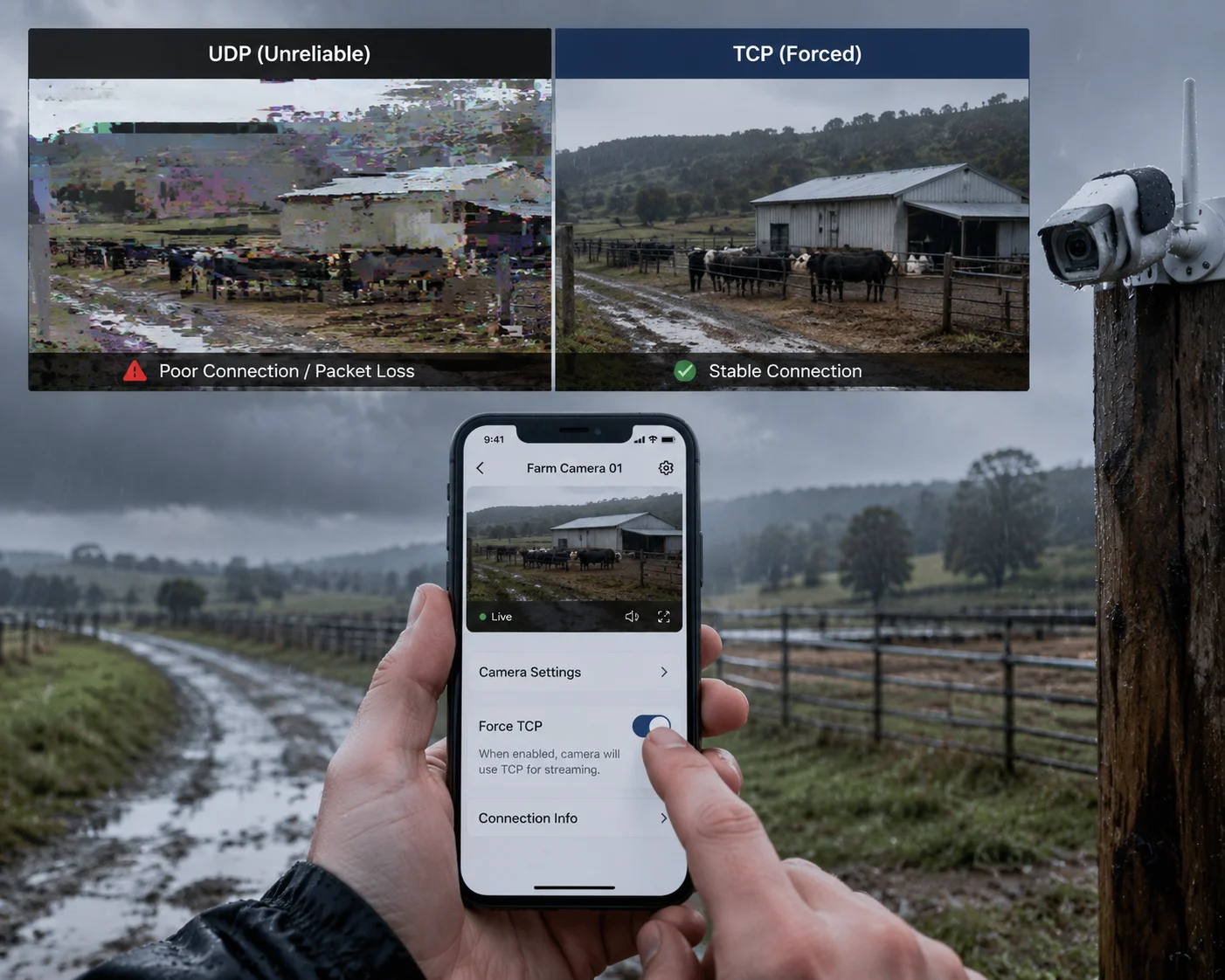
Yes, you can often force TCP mode in some systems, and that can help reduce image tearing in weak signal, but it may also raise delay and make live view feel slower. I usually treat TCP as a stability choice, not a speed choice, and I only force it when the use case really needs it.
Why I sometimes choose TCP on purpose
When I deal with unstable 4G, I first ask what the customer values most. If the customer wants a live guard view, I may still prefer UDP or adaptive mode. If the customer wants a cleaner picture during slow review or low-motion monitoring, I may lean toward TCP. TCP can help keep the frames in order, and that can reduce the tearing effect that some users notice.
I also think about the network path. Some carrier NAT setups, firewalls, and long-distance routes handle TCP more predictably than UDP. In those cases, forcing TCP can improve connection success. This is useful in projects where the camera is deployed on a remote farm, a construction site, or a border area with poor signal and weak network stability.
But I never hide the cost. TCP will try harder to recover lost packets. That means a bad link can create a bigger delay. If the camera is too far behind, the operator may think the video is stuck, even though the stream is still alive. So I see TCP as a way to protect image continuity, not a way to create perfect real-time performance.
What I check before I force TCP
Before I lock a camera into TCP mode, I check a few things. First, I look at the signal level. Second, I check whether packet loss is the real cause. Third, I test whether the VMS or app supports the same mode well. A bad player can make a good stream look bad, so I never stop at one symptom.
| Checkpoint | What I look for | My decision |
|---|---|---|
| Signal quality | RSRQ, SINR, RSSI | Weak signal may favor TCP |
| Playback issue | Tear, freeze, delay | Decide if stability or speed matters more |
| Platform support | ONVIF, RTSP, VMS behavior | Confirm compatibility first |
| Field goal | Live view or review | Choose the right mode |
My practical rule for weak 4G sites
My rule is simple. If the site needs clean viewing and the delay is acceptable, I may force TCP. If the site needs fast response and the video is only for live awareness, I keep an adaptive or UDP-based setup. I also prefer cameras that let me change the mode from the app or VMS, because field conditions can change after deployment.
For David Miller and other technical buyers, this flexibility matters a lot. It reduces truck rolls, lowers support calls, and gives the installer a real tool instead of a guess. A good camera should not lock me into one path. It should let me tune the system to match the job, the network, and the risk.
Does the transmission stack automatically detect packet loss and adjust the protocol overhead?
I have seen many buyers assume the system is passive, but good systems are not passive at all. They watch the link and react. That is the whole point of adaptive transmission.
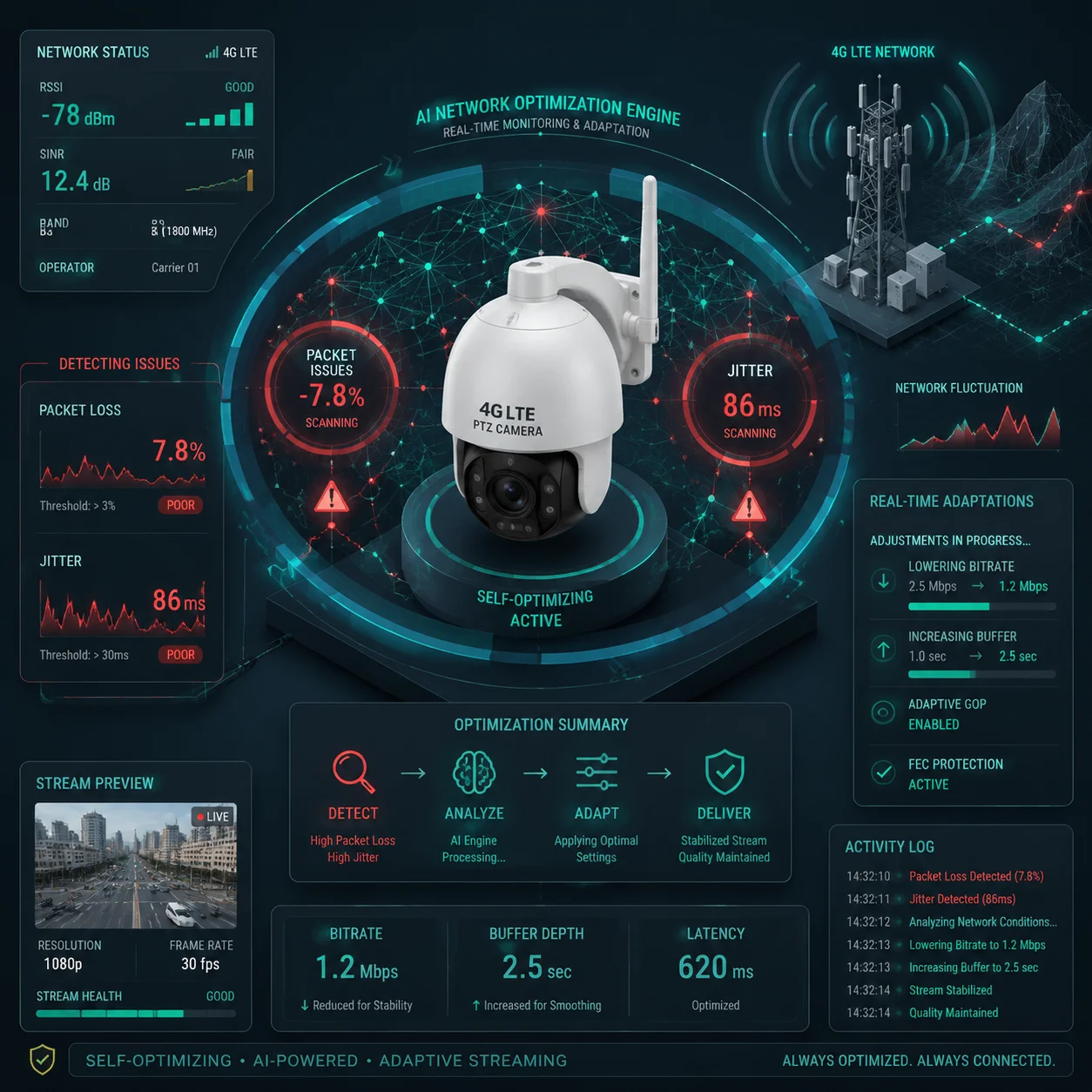
Yes, a well-designed transmission stack can detect packet loss3, jitter, and link weakness, then adjust overhead, resend behavior, or even protocol choice to fit the current 4G condition. This makes the stream more stable because the system can respond before the user sees a serious problem.
Why packet loss detection matters to me
Packet loss is not just a number on a screen. It changes how the whole stream feels. A little loss may only create a small blur. A lot of loss can break the stream, cause freeze frames, or force the decoder to wait. If I sell a camera into a remote project, I cannot ignore that risk.
That is why I value systems that can sense loss fast. A smart stack may watch retransmission rate, jitter, buffer depth, or decode error patterns. If the data says the link is getting worse, the system can lower bitrate4, increase FEC (Forward Error Correction)7, change packet size, or switch transport mode. I like this because it gives the camera a chance to adapt before the user gives up.
This is also where the idea of overhead becomes important. More overhead can mean more safety, but it also means more bandwidth use. Less overhead can mean faster delivery, but it can also mean less protection. So the system has to find a middle point. It should not waste bandwidth in a clean network. It should not be too thin in a rough network.
How I think about overhead in a 4G camera system
I treat overhead like a safety net. Too small, and the stream falls hard when the link shakes. Too big, and the link becomes slow and crowded. In 4G, that balance matters a lot because the network may already be shared, unstable, or shaped by the carrier.
If I were designing a system for SI partners, I would want a stack that changes in steps. I do not want it to switch every second. I want it to use hysteresis. That means the system waits for a real pattern before it changes modes. That avoids flapping. It also helps the user avoid sudden jumps in quality.
| Adaptive action | What it helps | Trade-off |
|---|---|---|
| Lower bitrate | Reduces congestion | Less detail |
| Add FEC | Handles packet loss better | Uses more bandwidth |
| Increase buffering | Smoother playback | More delay |
| Switch protocol | Matches link condition | Possible mode change delay |
Why I trust adaptive logic more than fixed rules
I trust adaptive logic because field networks change all the time. A camera may work fine in the morning and fail in the afternoon. A tower may have one set of conditions in summer and another in winter. A fixed rule cannot handle that well. A smart stack can at least try.
For me, the best product is not the one that claims one perfect protocol. It is the one that knows when to shift, when to hold steady, and when to protect the user experience. That is what David Miller usually wants too. He wants less risk, fewer returns, and fewer calls after install. Adaptive transmission helps support that goal by making the camera behave more like a field tool and less like a lab device.
Conclusion
I do not see TCP and UDP as rivals. I see them as tools. The best 4G camera systems use each one where it fits best, then adapt when the link changes.
1. TCP guarantees delivery and order, which is crucial for reliable video evidence. ↩︎ 2. UDP prioritizes speed over reliability, ideal for real-time video and PTZ control. ↩︎ 3. Packet loss disrupts video quality and triggers adaptive transmission adjustments. ↩︎ 4. Bitrate control helps manage bandwidth usage and video quality in weak signal conditions. ↩︎ 5. Forensic review demands error-free video, often favoring TCP to ensure complete data delivery. ↩︎ 6. Understand the basics of 4G networks and how signal strength affects video transmission. ↩︎ 7. FEC adds redundant data to recover lost packets without retransmission, reducing latency. ↩︎ 8. PTZ cameras require fast, reliable control commands, making protocol choice critical. ↩︎