
I often hear this question because patrol mode should do more than move. I want my camera to think, detect, and follow.
Yes, it does. Our industrial PTZ system1 can detect people or vehicles during patrol or cruise, pause the route, and switch into auto-tracking2 without losing control of the target. This is ideal for off-grid and high-risk sites.
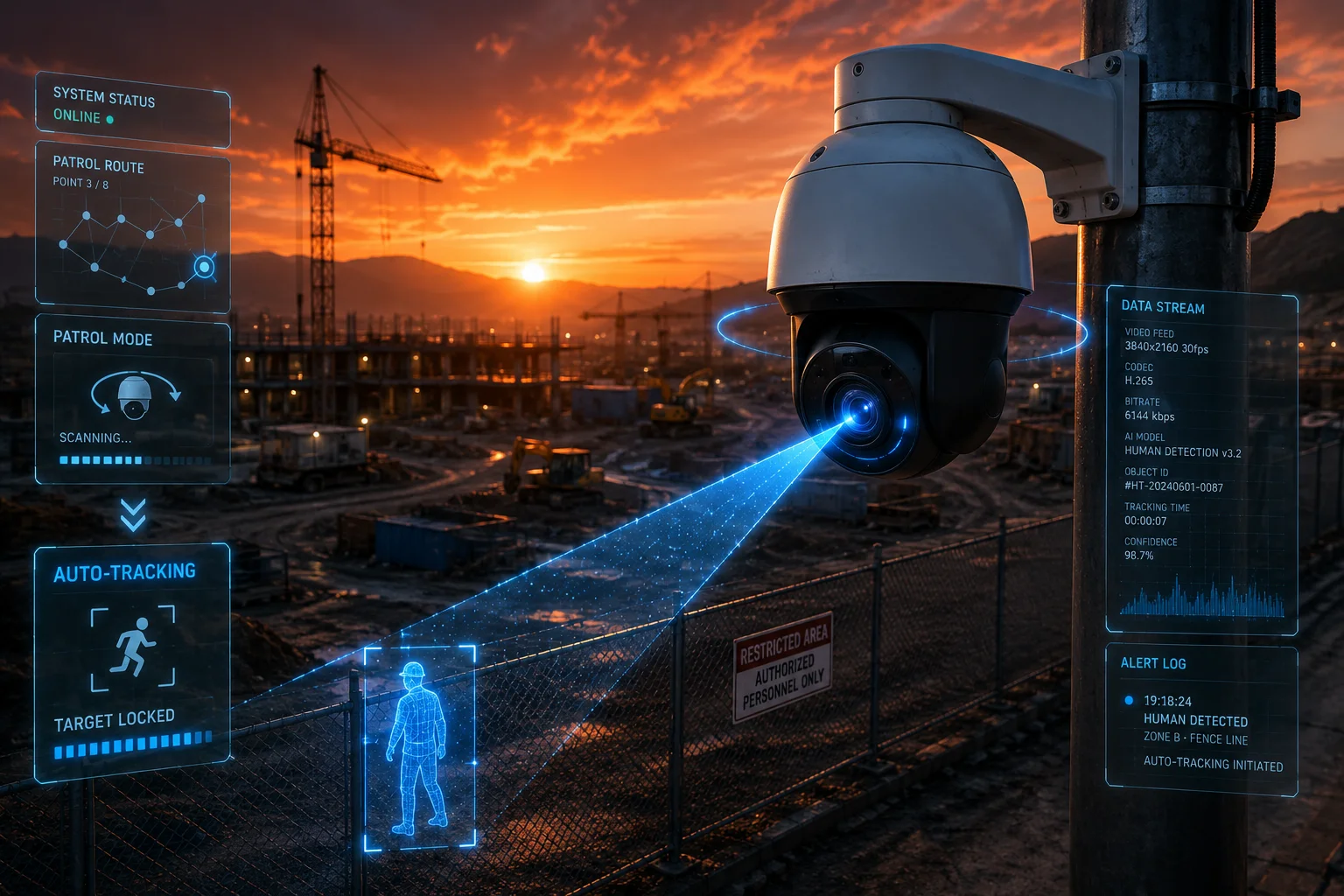
I know many buyers want a system that does not just “look around.” I want it to protect the site while moving, and I want it to return to patrol after the threat is gone.
Table of Contents
Will the camera pause its 360-degree cruise if it spots a person in one of the presets?
I worry about this a lot when I design a patrol plan, because a moving camera that misses a person is almost useless.
Yes. When the camera spots a person during a preset4 stop, it can pause the cruise, lock on the target, and start tracking. The patrol path is held, and the system gives priority to the detected person until the tracking task is done.
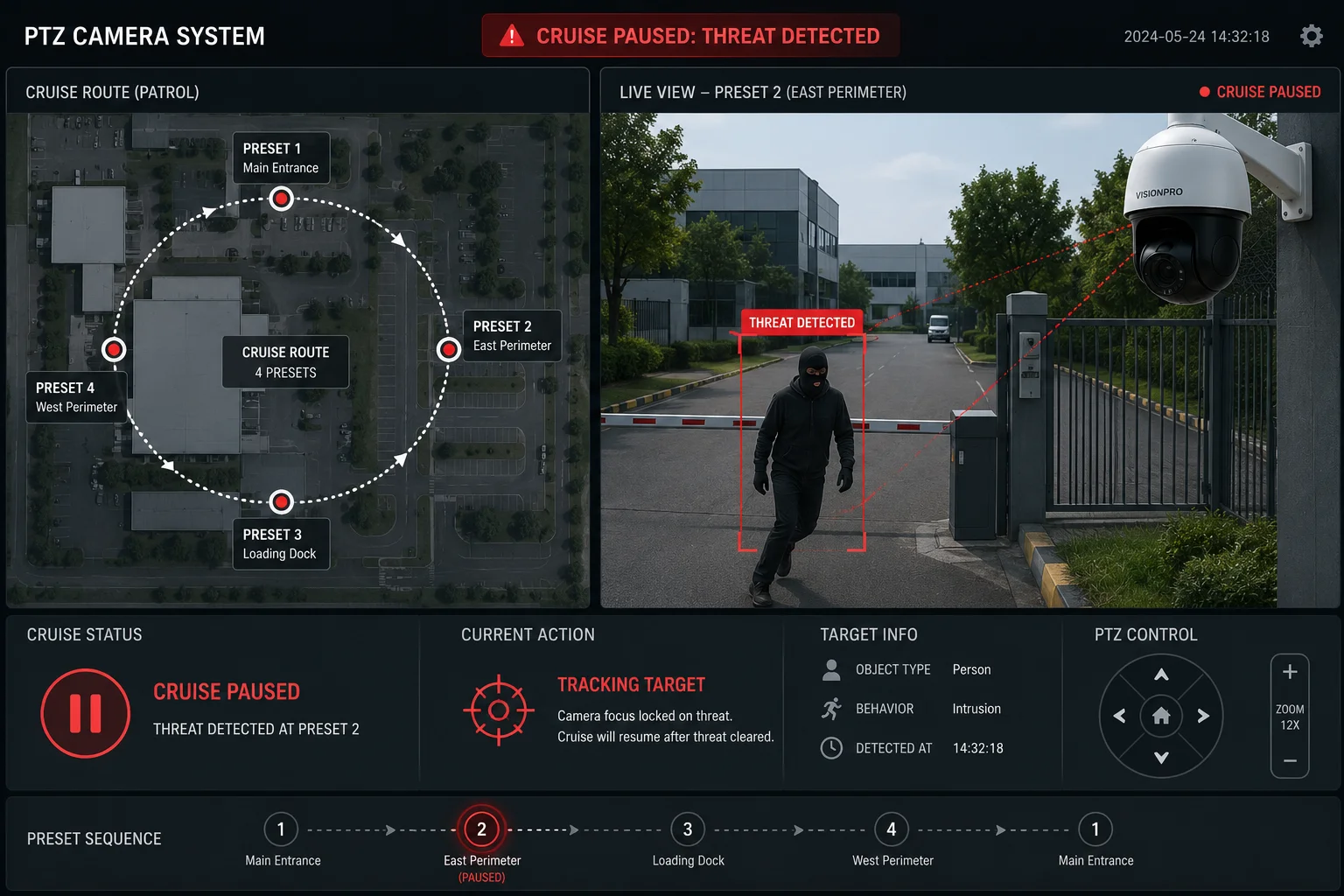
I build this logic for real sites, not for demo rooms. In patrol mode3, the camera does not just stop and sit there. It keeps AI detection active while it reaches each preset. If I set a stop at a gate, a fence corner, or a fuel tank area, the camera can scan that view for a few seconds. If it sees a person, it pauses the cruise at once. This matters in places like farms, yards, construction sites, and utility stations. In those places, the threat often appears during motion, not after the camera has already settled.
How the detection works during cruise
I use motion compensation5 to help the AI read the scene while the PTZ is moving. The camera is turning, so the image background also moves. The system filters that motion and focuses on real targets. That means a tree branch moving with the wind does not always trigger the same way a person does. I can also set dwell time6 at each preset, so the camera has a short scan window at the most useful spots. If I want stronger attention at the gate and weaker attention at the road, I can tune that too. This gives me a better balance between coverage and false alarms.
Why this matters for off-grid security
In off-grid jobs, I do not want to send a truck every time the system misses a target. I want one camera to do the work of a guard who keeps moving and keeps watching. A patrol camera with detection during cruise helps me reduce blind spots. It also gives me a better chance to catch the first moment of entry, which is often the most important moment. If I am protecting an empty site at night, that early alert can save me a lot of trouble later.
Key patrol behavior
| Patrol event | Camera action | Result |
|---|---|---|
| Camera reaches a preset | Scans for people or vehicles | Detection stays active |
| Target appears during dwell | Cruise pauses | Tracking starts |
| Target leaves the scene | Tracking stops after delay | Camera resumes patrol |
| Multiple objects appear | Priority rule is used | Best target is selected |
How does the system prioritize which preset to return to once the tracking task is finished?
I always ask this when I plan patrol logic, because a bad return rule can waste the whole patrol cycle.
The camera can return to the next preset in the patrol list, or it can go back to a fixed watch position. I set the priority based on the site risk. If the interrupted preset is important, the camera can resume from that point. If the site needs a strict route, it can continue the patrol from the next stop instead.
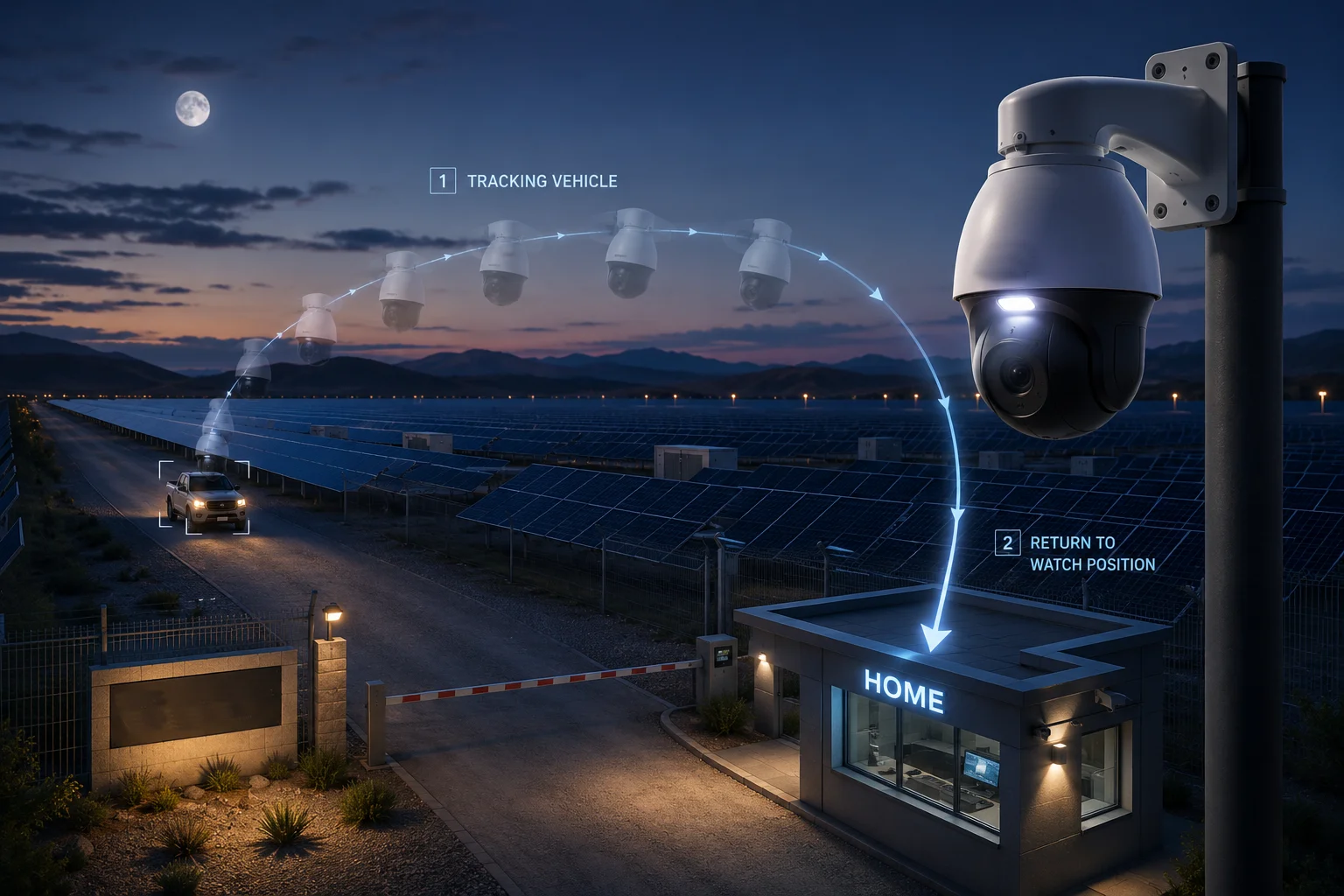
This part sounds simple, but it matters a lot in real work. If my camera tracks a person for 40 seconds and then stops, I do not want it to behave in a random way. I want a clear rule. In many projects, I define one of two methods. The first method is “continue from where patrol was paused.” The second method is “return to the main guard point first.” I prefer the second method when the front gate is the most important place. I prefer the first method when the route itself must stay complete, such as on a long fence line or a wide industrial yard.
Two common return strategies
When I set up the system, I usually choose from these patterns:
| Return strategy | Best use case | Benefit |
|---|---|---|
| Resume patrol from paused preset | Long patrol routes | Keeps full route coverage |
| Return to watch position first | Gates, entrances, and main access points | Protects the most important area |
| Return to next preset | Fast patrol loops | Saves time and keeps motion smooth |
How I decide which rule to use
I look at the site layout first. Then I ask what the main risk is. If the site has one valuable target, such as a warehouse gate or a transformer yard, I want the camera to go back there fast. If the site is large and the risk is spread out, I want the patrol to stay on schedule. I also think about what the customer will use for review. A security team may prefer a fixed return point because it is easy to predict. A site manager may prefer route continuation because it gives a cleaner patrol cycle. I like systems that let me choose both.
Why predictable return logic matters
A predictable return rule makes the camera easier to trust. It also helps with alarm review. If I know the camera will always go back to preset 1 after tracking, I can build a simple response plan. If I know the camera will resume from the same place it left, I can keep the patrol loop balanced. In both cases, the key point is control. I do not want the camera to drift. I want it to do one task, finish it, and then get back to work fast.
Can I set specific “Detection Presets” where the AI is more sensitive during a patrol?
I want this feature because not every part of a site should be treated the same.
Yes. I can set detection presets7 where the AI is more sensitive during patrol. This lets me focus on high-risk spots like gates, loading zones, or fenced edges, while keeping lower sensitivity in areas with more safe movement.

This is one of the most useful parts of a smart patrol system. I do not want the same detection rule for every location. A front gate is not the same as a public road. A yard entrance is not the same as a storage wall. So I can define key presets as high-attention zones. I can make the camera spend more time there, or I can make it alert faster there. That way, I do not waste alarm events on low-risk areas. I also avoid missing real threats in the places that matter most.
Why sensitivity should change by preset
If I use one fixed rule for the whole route, I may get bad results. For example, a camera at a roadside zone may see cars, shadows, and people on the street. If I set it too sensitive, I get too many alarms. If I set it too low, I may miss someone near the fence. So I need zone-based control. I can set detection presets for the gate, the warehouse door, the solar power cabinet, or the loading bay. Then the AI knows where to look more carefully.
What I usually tune in a detection preset
I often adjust these items:
| Setting | What I change | Why it helps |
|---|---|---|
| Sensitivity | Higher or lower AI trigger level | Fits the local scene |
| Dwell time | How long the camera stays at the preset | Gives AI more time to scan |
| Target type | Human, vehicle, or both | Reduces bad alarms |
| Alarm response | Track, record, or notify | Matches the job need |
How I use this in real projects
In a solar farm, I may set the fence corners as sensitive presets because intruders often enter there. In a construction site, I may set the material storage area as a high-risk preset because theft often happens there. In a logistics yard, I may care more about trucks, so I focus on vehicle detection at the gate and human detection near restricted doors. This kind of setup helps me use the same PTZ camera in many ways without changing the hardware. I only change the rules. That makes the system flexible and easier to sell to different customers.
Why this helps buyers like David Miller
A technical buyer wants fewer false alarms and less site noise. He also wants a camera that can fit the site, not fight it. Detection presets help me do that. They let me make the camera smart where it should be smart, and calm where it should be calm. That is important for long-term use because an alarm-heavy system often gets ignored. I want the system to stay useful, so I tune each preset to the real risk around it.
Does the “Cruise-to-Track” handoff happen instantly without a video freeze?
I care about this because even a short freeze can hide the first move of a threat.
Yes. The handoff is designed to be fast, and the system can switch from cruise to track without a visible freeze in normal conditions. The camera keeps the scene active, so the transition feels smooth and immediate.
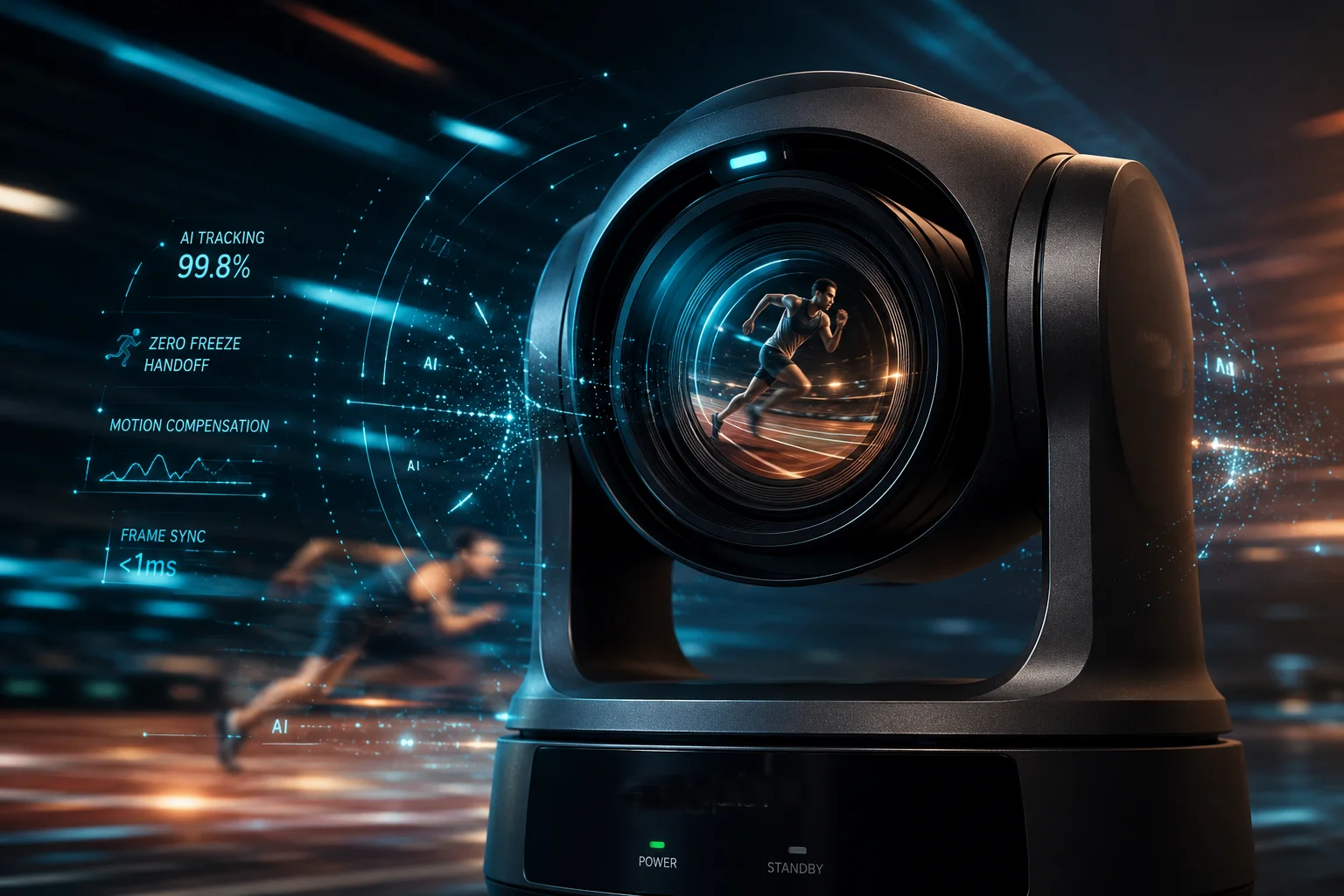
This is a key point for serious security work. If the camera freezes during the handoff, I may lose the first step of a person entering the site. I may also lose vehicle direction, body posture, or face angle. So the system needs a clean switch. In my view, a good patrol camera should not feel like a toy that stops, thinks, and then moves again. It should feel like one continuous system. When the camera sees a target, it should move into tracking with very little delay. That is the kind of response that makes the patrol useful in the field.
Why smooth handoff matters
A smooth handoff protects evidence. It keeps the video more usable for review. It also helps the operator trust the system. If the camera jumps too much, the target may slip out of frame. If the video freezes, the operator may think the camera lost the target. That creates doubt. I want the target to stay in view while the camera adjusts position, zoom, and focus. That is why motion control and AI detection must work together. One part alone is not enough.
What can still affect the handoff speed
I also need to be honest. Real-world speed depends on several things:
| Factor | Effect on handoff | My note |
|---|---|---|
| Target distance | Far targets may need more zoom time | Faster at close range |
| Patrol speed | Very fast cruise can shorten scan time | Medium speed is safer |
| Scene lighting | Low light can slow recognition | Good IR helps |
| Network load | Heavy streaming can add delay | Stable bandwidth helps |
How I keep the transition clean
I usually choose a balanced patrol speed. I do not rush the cruise too much. I also keep the preset points well placed, so the camera can scan useful areas instead of empty sky or road. If the system supports it, I also turn on optical zoom tracking8 and strong low-light support9. That way, the camera has a better chance to stay on target during the switch. For off-grid projects, I care even more about this because remote sites do not get second chances. If the camera misses the first second, I may lose the whole event.
What this means for installers and integrators
For installers, a smooth handoff means fewer complaints from the end user. For integrators, it means fewer support calls and fewer questions about “why did the camera pause?” For buyers, it means better proof that the system can work under pressure. I always tell customers that patrol-to-track is only useful if the switch feels natural. If the camera can detect, pause, track, and then go back to patrol with little delay, then it is doing real security work. If not, it is only moving.
Conclusion
I use smart patrol cameras because they can detect, track, and return to duty without human help. That is what makes them strong for remote security sites.
1. Understand the basics of pan-tilt-zoom cameras and their industrial applications. ↩︎ 2. Learn how auto-tracking enables cameras to follow moving targets automatically. ↩︎ 3. Explore how patrol mode sequences presets to cover large areas automatically. ↩︎ 4. Definition and use of preset positions for PTZ camera surveillance. ↩︎ 5. Find out how motion compensation helps AI filter background movement during PTZ motion. ↩︎ 6. Understand dwell time as the period a camera pauses at a preset position. ↩︎ 7. See how detection presets allow different sensitivity settings per position. ↩︎ 8. Learn how optical zoom maintains image quality while tracking distant targets. ↩︎ 9. Understand how low-light technology enhances camera performance at night. ↩︎