
I lost count of how many times a client asked me: “Han, can your camera think locally AND verify in the cloud?” The answer matters more than you think.
Yes, we fully support Hybrid AI architecture8. Our system runs fast detection on the camera’s edge processor first, then sends only critical events to the cloud for deep analysis like facial recognition and license plate matching. This two-layer approach gives you real-time speed and high accuracy without burning through your 4G data plan.
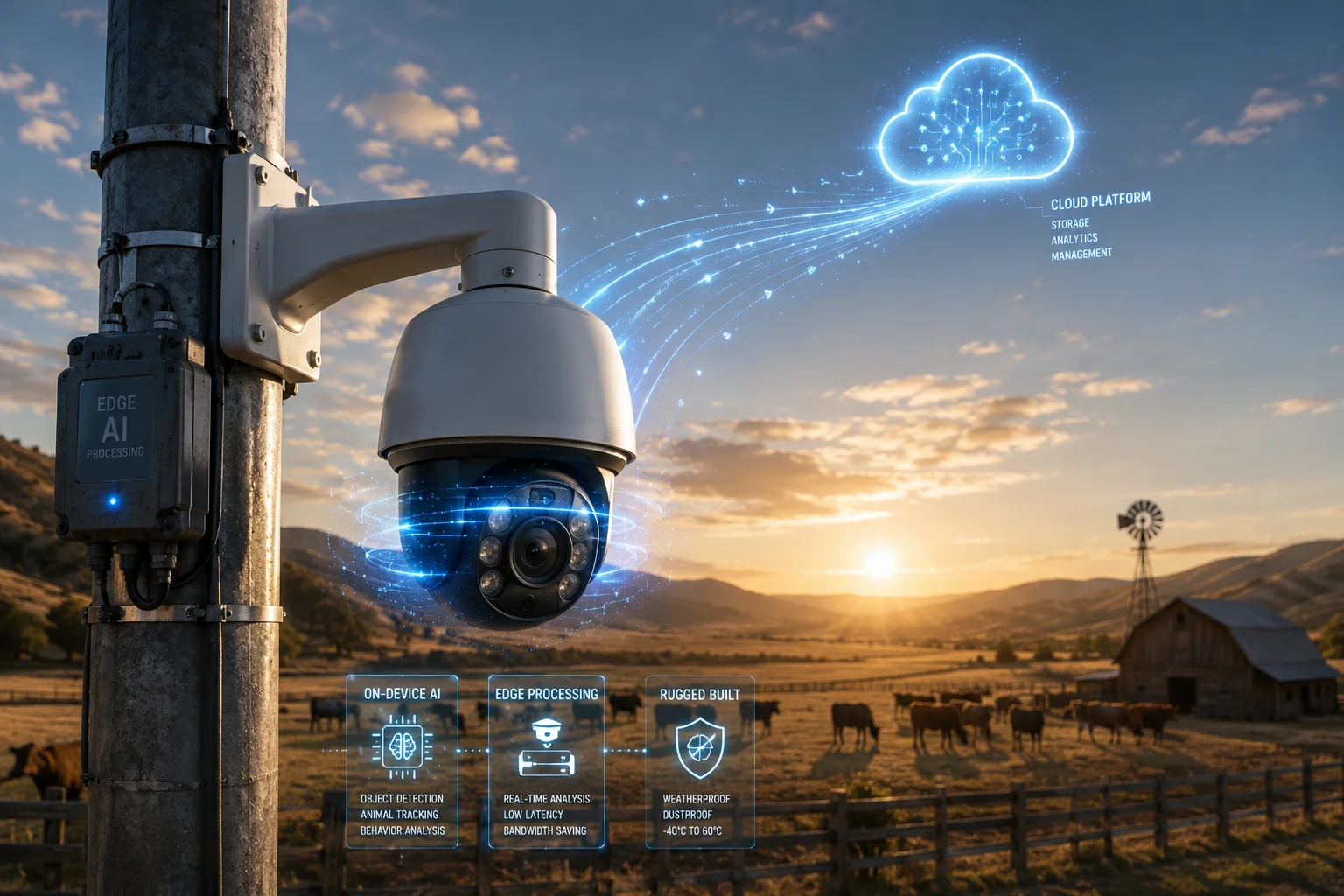
Below, I break down exactly how this works for each common question I get from integrators like David Miller who deploy in off-grid locations across Texas, Alberta, and rural Europe. Let me walk you through the details.
Table of Contents
Can the Camera Do Basic “Human Filtering” on the Edge and Send the Clip for “Facial ID” in the Cloud?
I hear this question every week from system integrators who need fast alerts but also need to know exactly who triggered them.
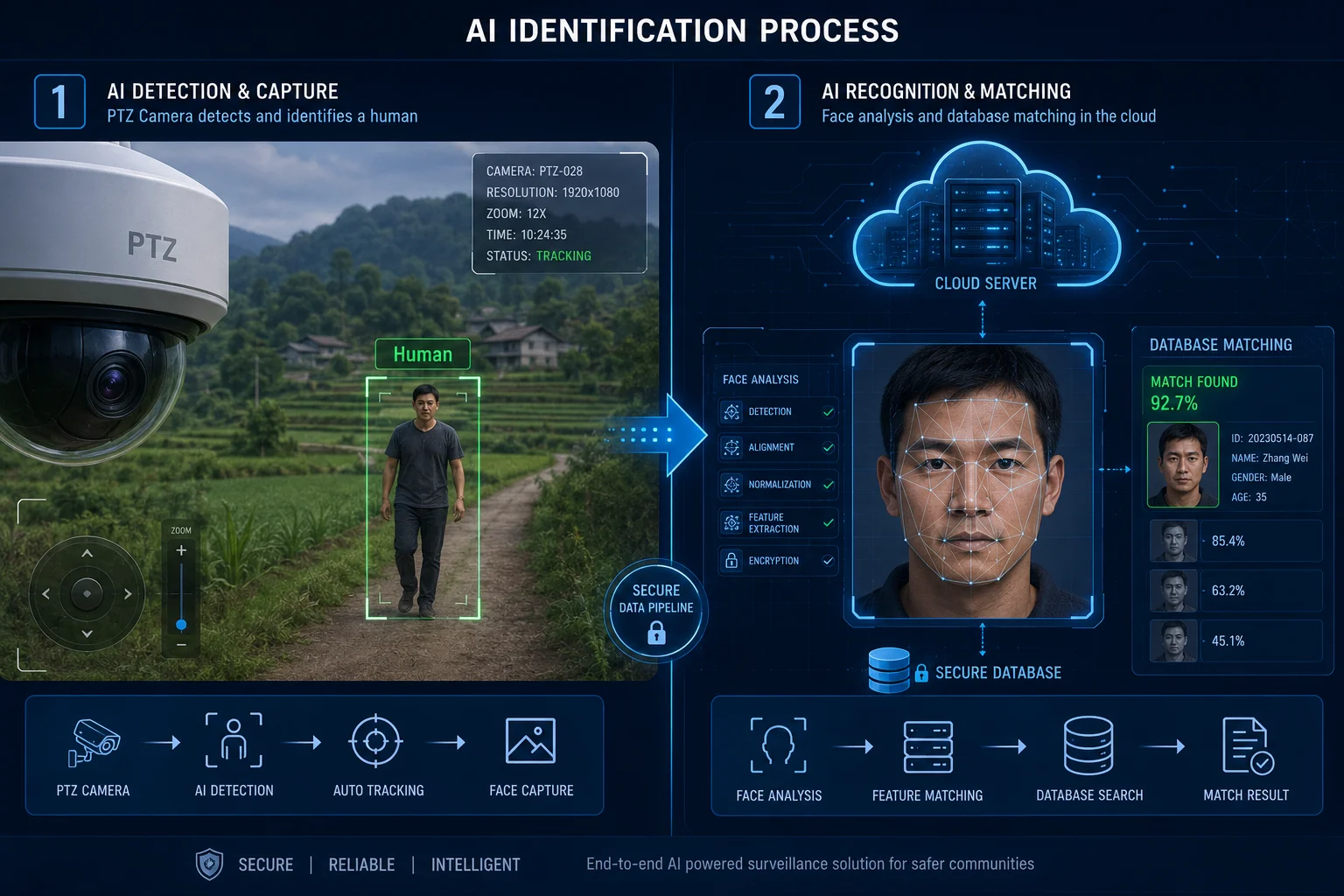
Yes, the camera runs human detection locally in under 50 milliseconds. When it spots a person, it captures a snapshot and sends only that small image to the cloud server for facial recognition against your whitelist or blacklist. The edge handles speed. The cloud handles identity.
How the Two-Step Process Works
The edge processor inside our PTZ camera1 uses a lightweight neural network. This network is trained to separate people from animals, vehicles, and background noise like swaying trees or shifting shadows. It runs 24/7 without any internet connection. The moment it classifies a moving object as “human,” two things happen at the same time:
- The camera triggers local actions — PTZ tracking, siren, white light, and SD card recording.
- The camera packages a high-resolution JPEG snapshot (typically 50-150 KB) and queues it for upload.
That small file travels over 4G to your cloud server. On the cloud side, a much larger AI model performs facial feature extraction. It compares the face against your stored database. If there is a match on your blacklist, the system pushes an alert to your phone with the person’s name and photo side by side.
Why Not Run Facial ID on the Edge?
Facial recognition models are heavy. They need large memory and strong GPU power. Running them on a camera’s SoC would slow down the real-time tracking and increase heat output. By splitting the workload, we keep the camera responsive and cool, while the cloud handles the heavy math.
Data Flow Breakdown
| Step | Location | Action | Data Size |
|---|---|---|---|
| 1. Motion detected | Edge (Camera) | Classify object type | 0 KB (internal) |
| 2. Human confirmed | Edge (Camera) | Trigger PTZ track + snapshot | 50-150 KB |
| 3. Upload snapshot | 4G Network | Send JPEG to cloud | 50-150 KB |
| 4. Facial comparison | Cloud Server | Match against database | Result: ~1 KB |
| 5. Alert pushed | Cloud to App | Notify user with match result | ~5 KB |
The total data used per event is under 200 KB. Compare that to streaming full video at 2-4 Mbps. You save massive amounts of bandwidth.
What If the 4G Signal Drops?
The edge never stops working. It keeps recording locally. Once the connection returns, queued snapshots upload automatically. You never lose evidence. You just get the cloud confirmation a bit later.
How Does Hybrid AI Balance the Need for High-Speed Local Tracking and High-Power Cloud Logic?
Speed and accuracy often fight each other. I have spent years tuning this balance so our clients do not have to choose.
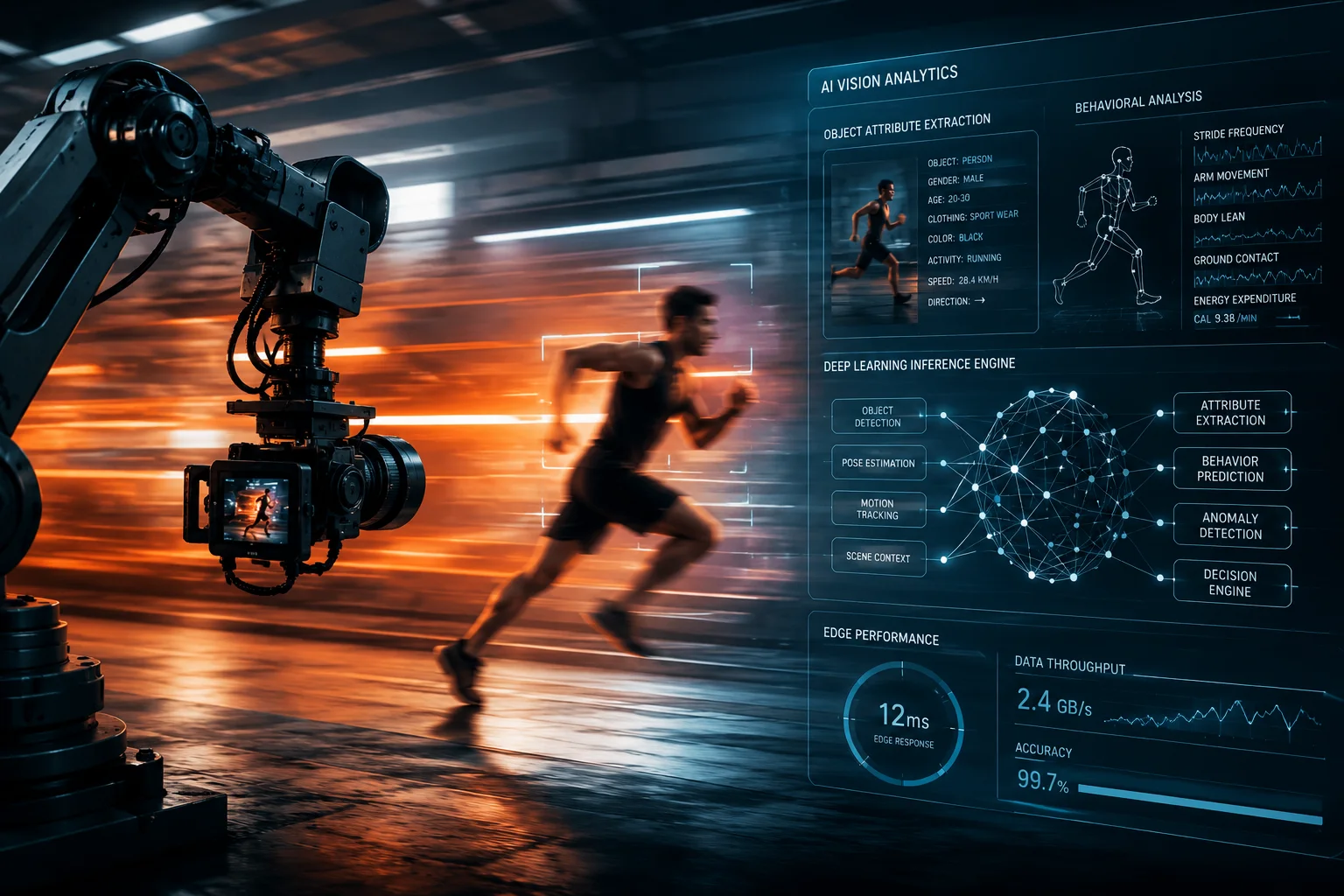
Hybrid AI solves this by giving each layer a clear job. The edge handles all time-sensitive tasks like PTZ auto-tracking within 50 milliseconds. The cloud handles all accuracy-sensitive tasks like attribute extraction and cross-referencing. Neither layer waits for the other to finish its primary job.
The Speed Layer: What Happens on the Edge
Our camera’s onboard SoC runs a pruned YOLO-based model2. It is optimized for three things: detect fast, classify fast, and trigger fast. When a person or vehicle enters the frame, the PTZ motor starts moving within 50 milliseconds. The siren can fire in under 100 milliseconds. None of this requires a network connection.
This is critical for David Miller’s ranch projects in Texas. A trespasser can cross a fence line in 2-3 seconds. If the system waited for cloud confirmation before tracking, the person would already be out of frame. Edge speed solves this.
The Accuracy Layer: What Happens in the Cloud
Once the edge has locked onto the target and started tracking, it sends metadata and snapshots upstream. The cloud then performs deeper analysis:
- Clothing color and type — Is the person wearing a high-vis vest (worker) or dark clothing (potential intruder)?
- Carried objects — Is the person holding a tool, a bag, or nothing?
- Vehicle details — Make, model, color, license plate, and even company logos on the side.
- Behavioral patterns — Is the person loitering, running, or walking normally?
Why This Split Makes Engineering Sense
Think of it like a security guard with a radio. The guard (edge) sees the intruder first and reacts immediately — shines a flashlight, shouts a warning. Then the guard radios the control room (cloud) with a description. The control room checks the database, pulls up records, and decides the next step. Neither the guard nor the control room could do the other’s job as well.
Latency Comparison
| Task | Edge Response Time | Cloud Response Time | Who Handles It |
|---|---|---|---|
| Object detection | <50 ms | N/A | Edge |
| PTZ auto-tracking | <100 ms | N/A | Edge |
| Siren/light trigger | <100 ms | N/A | Edge |
| Facial recognition | N/A | 1-3 seconds | Cloud |
| License plate lookup | N/A | 1-2 seconds | Cloud |
| Attribute extraction | N/A | 2-5 seconds | Cloud |
| False alarm filtering | Basic (edge) | Advanced (cloud) | Both |
The edge never waits for the cloud to act. The cloud never slows down the edge. They work in parallel, not in sequence.
What Happens When Both Disagree?
Sometimes the edge flags something as a person, but the cloud determines it was a false positive — maybe a mannequin or a poster. In that case, the cloud suppresses the push notification. You only get alerts that pass both layers. This dual-check system cuts false alarms by over 90% compared to edge-only setups.
Will the Hybrid Mode Reduce My Overall 4G Data Usage Compared to Full Cloud-Based AI?
Data costs kill off-grid projects. I have seen integrators abandon solar camera deployments because the monthly 4G bill exceeded the hardware cost.
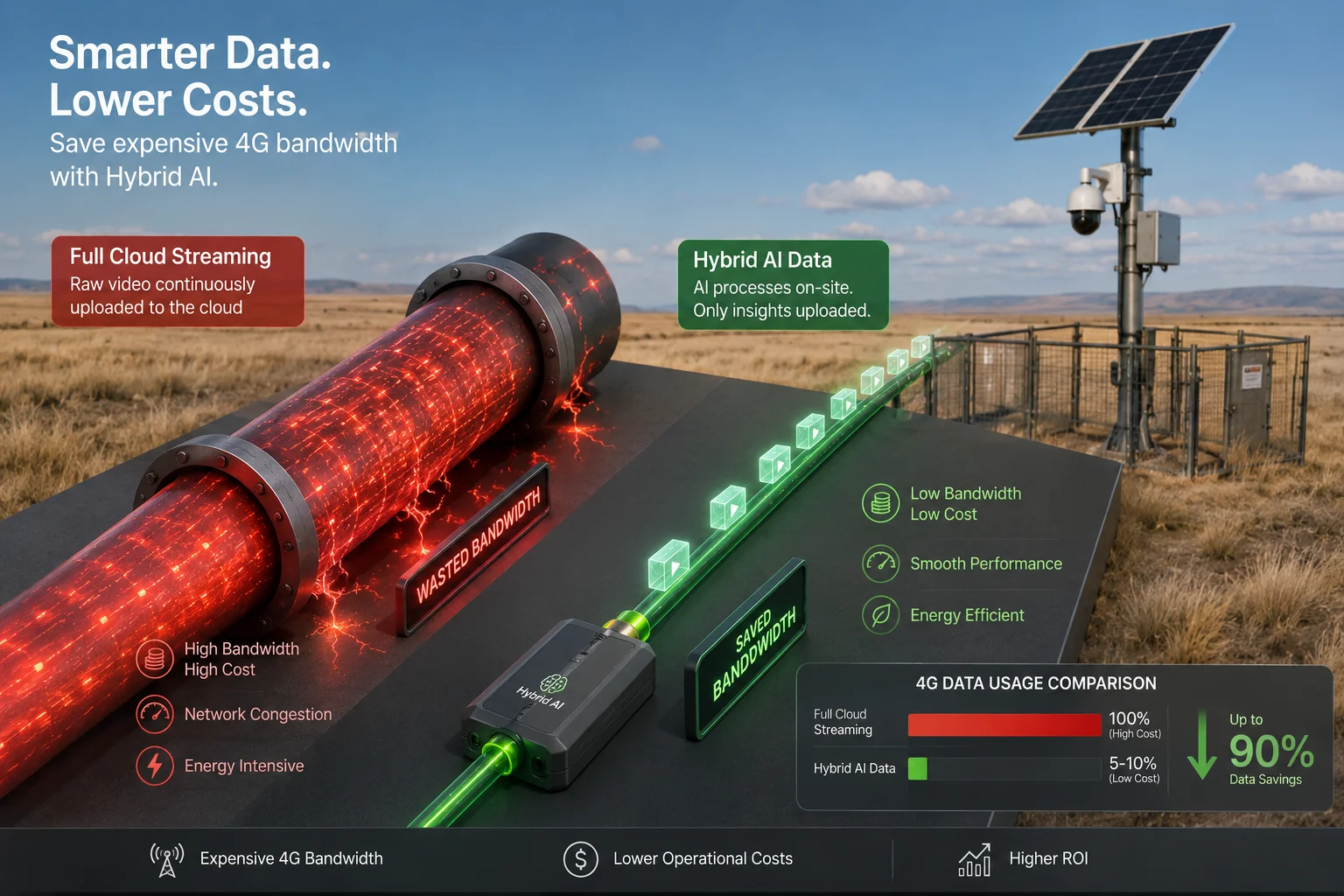
Yes, Hybrid AI reduces 4G data usage by 80% or more compared to full cloud-based AI. Instead of streaming continuous video to the cloud for analysis, our system only uploads small event-triggered snapshots and metadata. Most processing stays on the camera itself.
The Math Behind the Savings
A full cloud-based AI system needs to stream video to the cloud 24/7 so the cloud can analyze it. Even at a compressed 1 Mbps stream, that is:
- 1 Mbps × 3,600 seconds = 3,600 Mb per hour = 450 MB per hour
- 450 MB × 24 hours = 10.8 GB per day
- 10.8 GB × 30 days = 324 GB per month per camera
Now look at Hybrid AI. The camera processes video locally. It only uploads when an event occurs. A typical ranch camera might detect 10-30 real events per day. Each event uploads a 100-200 KB snapshot plus a few KB of metadata.
- 30 events × 200 KB = 6 MB per day
- 6 MB × 30 days = 180 MB per month per camera
That is a reduction from 324 GB to 0.18 GB. In percentage terms, you save over 99% of bandwidth in low-activity scenes.
What About Uploading Short Video Clips?
Some clients want the cloud to receive a 5-10 second video clip instead of just a snapshot. Even then, the numbers stay low:
- A 10-second H.2657 clip at 2 Mbps = about 2.5 MB
- 30 events × 2.5 MB = 75 MB per day
- 75 MB × 30 days = 2.25 GB per month per camera
Still far below the 324 GB of full cloud streaming. And you get much richer data for the cloud to analyze.
Real Cost Impact for David Miller
David runs 8 cameras on a Texas ranch. His 4G plan charges $10 per GB after the first 50 GB.
| Mode | Monthly Data (8 cameras) | Monthly 4G Cost |
|---|---|---|
| Full Cloud AI (streaming) | 2,592 GB | $25,420+ |
| Hybrid AI (snapshots only) | 1.44 GB | Within base plan |
| Hybrid AI (short clips) | 18 GB | Within base plan |
The difference is not marginal. It is the difference between a viable project and an impossible one.
Adaptive Upload Quality
Our system also adjusts upload quality based on signal strength. If the 4G connection is weak, it sends a lower-resolution snapshot first to guarantee delivery, then uploads the full-quality version when bandwidth improves. This prevents failed uploads and retransmission loops that waste even more data.
Local Storage as a Safety Net
Every frame of full-resolution video stays on the camera’s SD card or onboard NVR storage. The cloud only gets the highlights. If you ever need the full footage — for court evidence or insurance claims — you can retrieve it during a site visit or through a scheduled bulk upload during off-peak hours.
Can I Integrate My Own Custom Cloud AI Server With Your Edge Detection Cameras?
Not every integrator wants to use our cloud platform. Some have their own servers, their own models, and their own rules. I respect that.
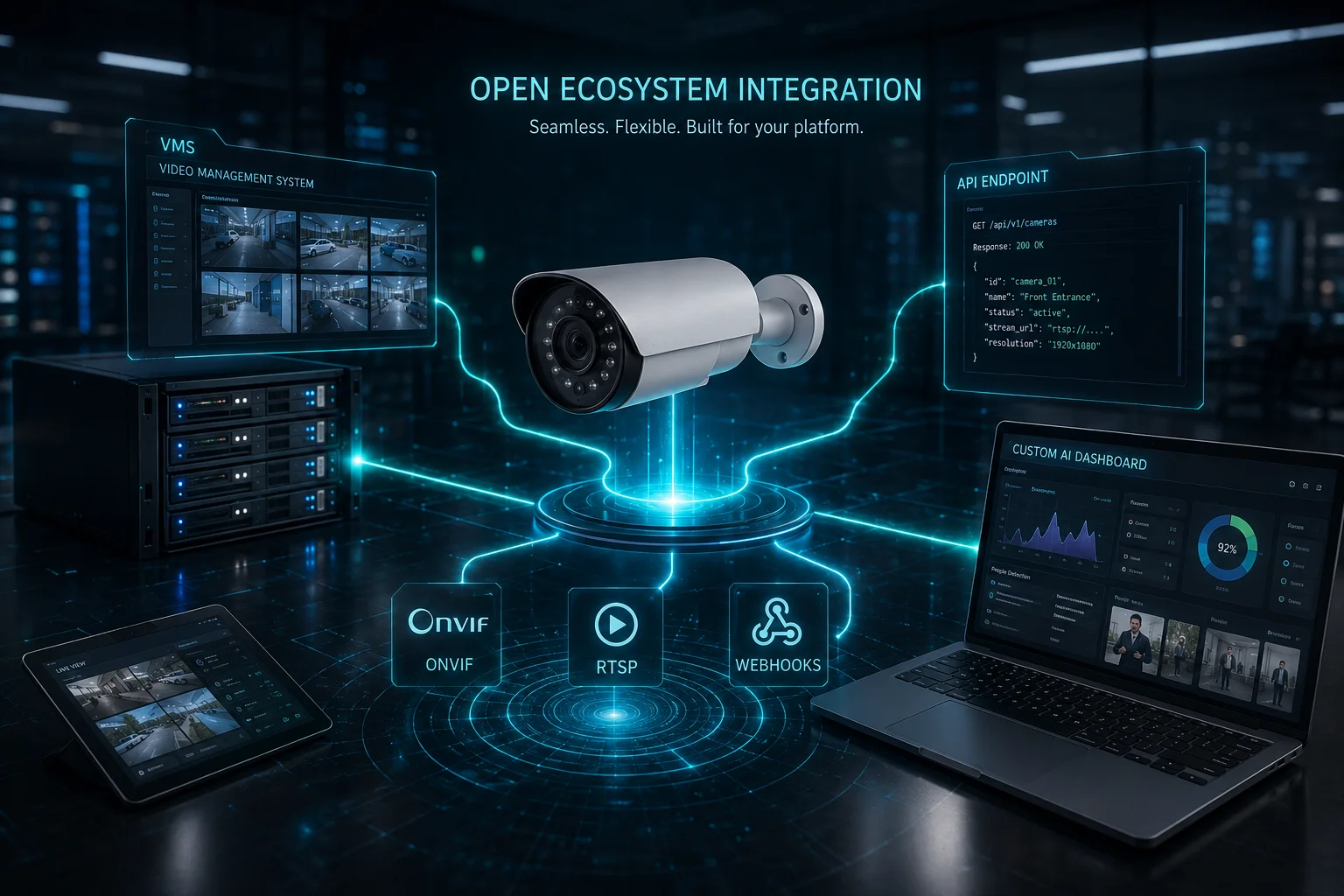
Yes, our cameras support open protocols including ONVIF3, RTSP, and HTTP webhook callbacks. You can point event-triggered uploads to any cloud server you control. We provide API documentation so your custom AI backend can receive snapshots, metadata, and alarm events directly from our edge cameras.
How the Integration Works
Our cameras can push data to external servers in several ways. The most common method for custom cloud integration is the HTTP POST callback. When the edge detects an event, it sends a structured JSON payload to your server’s endpoint. That payload includes:
- Timestamp
- Event type (person, vehicle, motion)
- Confidence score
- Snapshot image (base64 encoded or as a separate file upload)
- Camera ID and location metadata
- PTZ position at time of detection
Your server receives this data and runs whatever model you want — your own facial recognition engine, your proprietary vehicle database, or a custom behavior analysis algorithm.
Supported Protocols and Formats
We do not lock you into a proprietary ecosystem. Our cameras speak standard languages:
- ONVIF Profile S/T — For video streaming and event subscription
- RTSP4 — For pulling live or recorded video streams into your own VMS
- HTTP Webhooks — For pushing event data to your API endpoints
- FTP/SFTP — For uploading snapshots and clips to your file server
- MQTT5 — For lightweight IoT-style messaging to your broker
What About VMS Compatibility?
David Miller’s team uses Milestone XProtect6 on most projects. Other clients use Blue Iris, Genetec, or custom NVR software. Our cameras integrate with all major VMS platforms through ONVIF. The edge AI events appear as standard analytics events in your VMS timeline. You can set rules, trigger recordings, and generate reports just like any native camera.
Building Your Own Hybrid Pipeline
Here is a typical custom integration flow:
- Camera edge detects a person → triggers local PTZ tracking
- Camera sends HTTP POST with snapshot to your AWS/Azure/on-prem server
- Your server runs your custom model (face match, uniform detection, etc.)
- Your server returns a result (allow/deny/alert)
- Camera receives the result and can trigger secondary actions (unlock gate, sound alarm, etc.)
This round-trip typically takes 1-3 seconds depending on your server location and model complexity. The edge keeps tracking the whole time regardless of the cloud response.
OEM/ODM Customization Options
If you need deeper integration — like a custom firmware module that formats data specifically for your platform — we offer ODM services. We have built custom output formats for clients running proprietary analytics engines. Our R&D team in Shenzhen can modify the camera’s event output structure, add custom metadata fields, or implement specific authentication methods your server requires.
The key point: you are not buying a closed box. You are buying a capable edge device that plays well with whatever backend you already have.
Conclusion
Hybrid AI gives you the best of both worlds — instant edge response and deep cloud intelligence — while cutting your 4G costs by over 80%. If you need off-grid cameras that work with your own cloud backend, reach out to me at sales05@.com and I will spec a system that fits your exact workflow.
1. Discover how pan-tilt-zoom cameras enhance surveillance coverage. ↩︎ 2. Read about YOLO (You Only Look Once) object detection algorithm. ↩︎ 3. Understand the ONVIF standard for IP camera interoperability. ↩︎ 4. Learn about the Real-Time Streaming Protocol for video streams. ↩︎ 5. Explore the MQTT protocol for lightweight IoT messaging. ↩︎ 6. See the features of Milestone’s video management software. ↩︎ 7. Learn about the H.265 (HEVC) video compression standard. ↩︎ 8. Learn about hybrid AI combining edge and cloud processing. ↩︎