
I get this question a lot from system integrators who want full control. You build a custom platform, but the camera’s AI feels like a black box. You need to call the shots, not the firmware.
Yes, AI auto-tracking start and stop commands can be called via a custom SDK. Most industrial-grade PTZ cameras expose tracking as an “arming status” through private SDKs in C++, C#, or Python. This lets your software start, stop, and tune AI tracking with millisecond response.
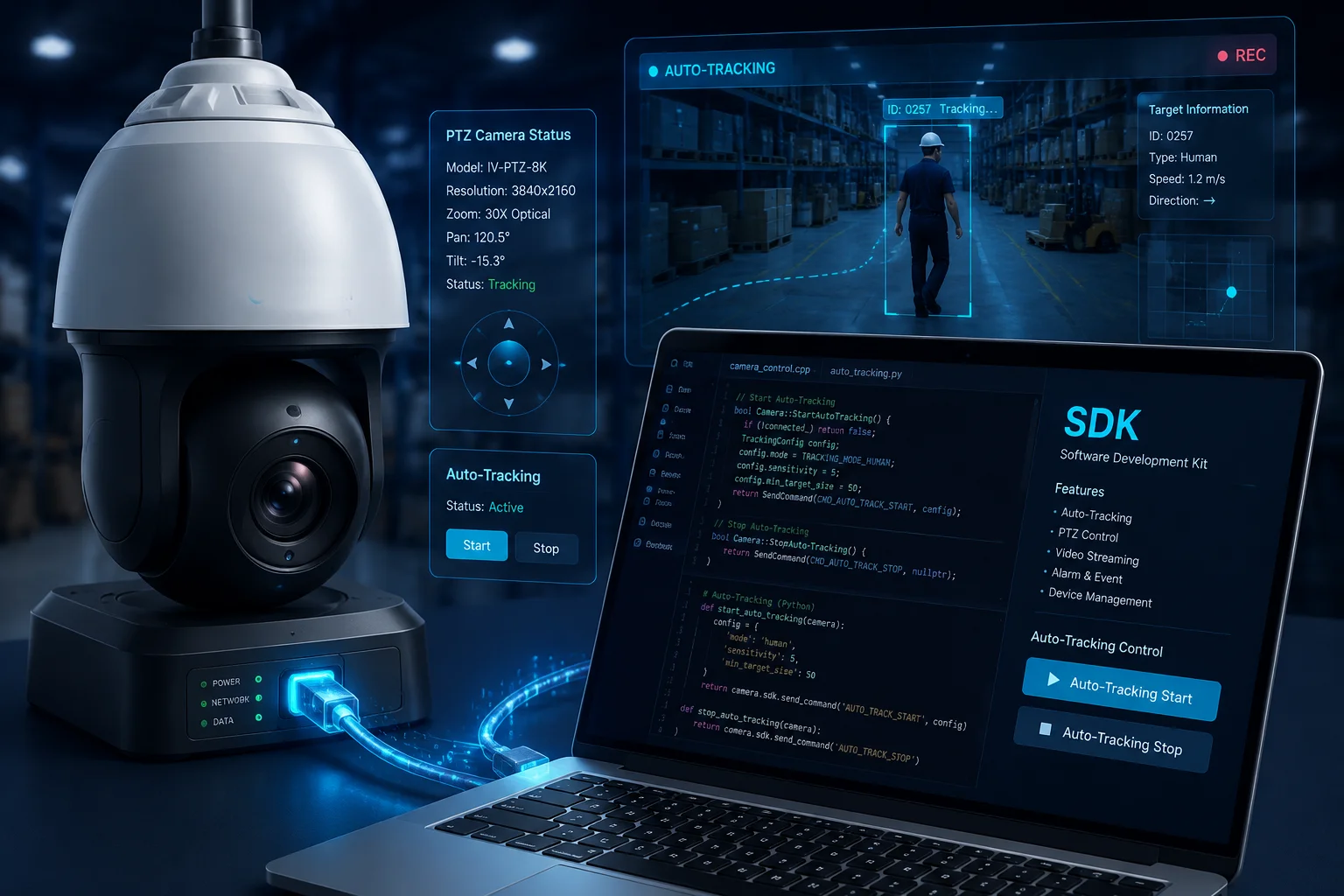
Below, I will walk you through the four most common questions I hear from CTOs like David. Each answer comes from real B2B project experience, not just spec sheets.
Table of Contents
Can my own software take control of the AI tracking for specific high-priority targets?
I know how painful it is when a generic tracking algorithm chases the wrong target. You need your software to say, “Track this VIP, ignore the rest.” Good news: you can.
Yes, your software can take full control of AI tracking for high-priority targets. Through the SDK, you can pass target coordinates, bounding boxes, or object IDs, forcing the PTZ to lock on a specific person or vehicle while ignoring lower-priority movements in the same frame.
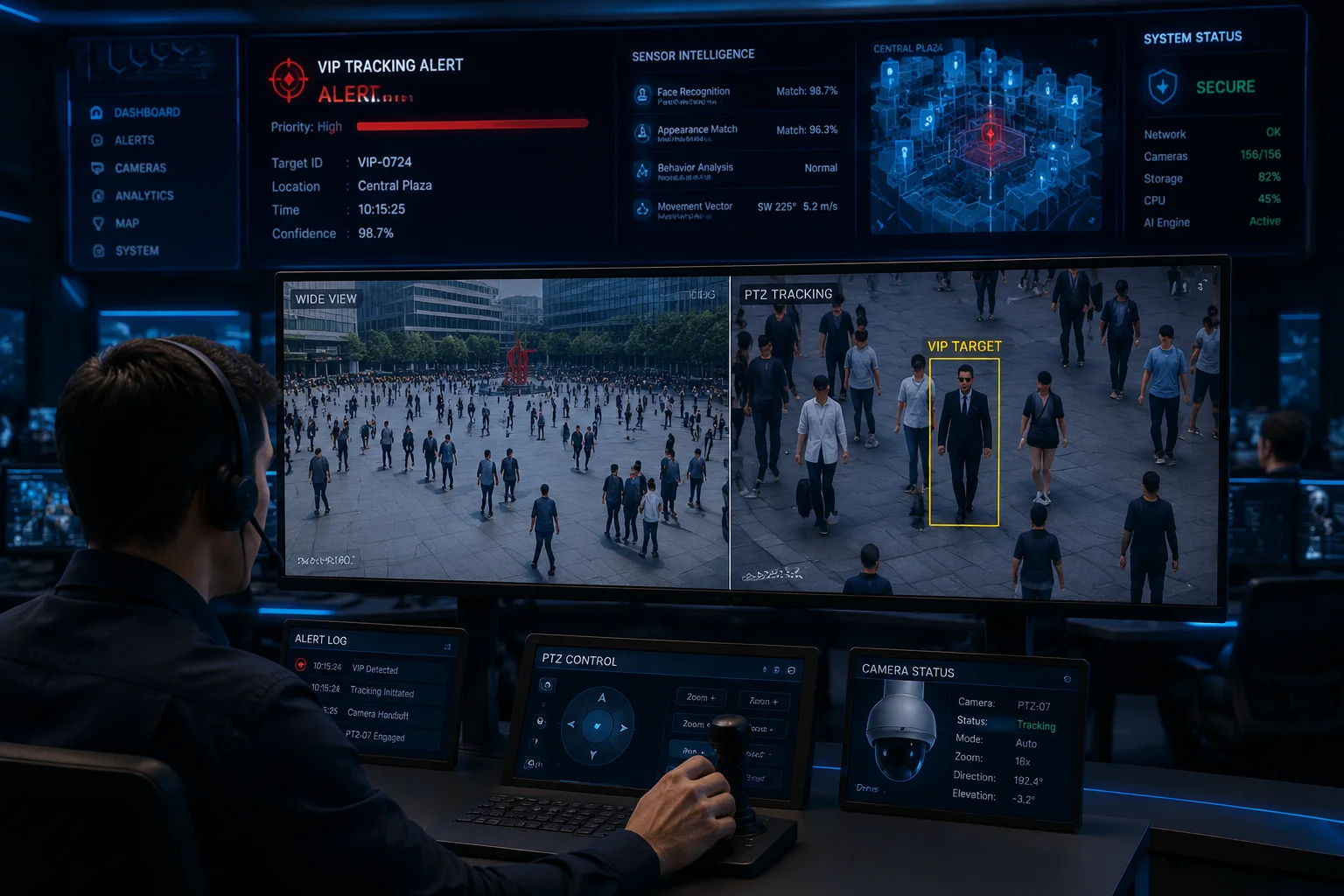
When I work with integrators on projects like access gates or VIP zones, the priority logic is the real value-add. The PTZ does not know who matters. Your software does. So you push that intelligence down through the SDK.
How priority targeting actually works
The flow is simple. An external trigger (a face match, an RFID scan, a radar hit) fires inside your platform. Your code then calls the SDK with target coordinates or an object ID. The camera turns, locks, and starts tracking. If a second target appears, your software decides whether to switch or stay.
Common priority rules I see in the field
| Trigger Source | SDK Action | Use Case |
|---|---|---|
| RFID badge scan1 | Lock track on coordinate | VIP escort in a lobby |
| License plate match2 | Force track vehicle ID | Parking lot enforcement |
| Radar detection3 | Slew + start tracking | Perimeter intrusion |
| Manual click on map | Override current track | Operator command |
Why this matters for your project
Without SDK control, the AI picks targets based on motion or size. That is fine for general surveillance. But when you sell a project to a client, the client wants their rules to win. With SDK control, you can hard-code rules like “always track the closest target to gate 3” or “ignore anyone wearing a staff uniform color.” This kind of logic turns a $300 camera into a $3,000 solution. That is where your margin lives.
Is there a Python or C# SDK that allows for deep integration into my management app?
I have seen too many integrators stuck with only a clunky C++ SDK. They want Python for fast scripting or C# for their Windows VMS. The market has moved on, and so should your tools.
Yes, most professional PTZ manufacturers, including us, provide Python and C# SDK wrappers built on top of the core C++ libraries. These wrappers expose the same tracking, PTZ, and metadata functions, making integration into modern apps like .NET services or Python-based AI pipelines straightforward.
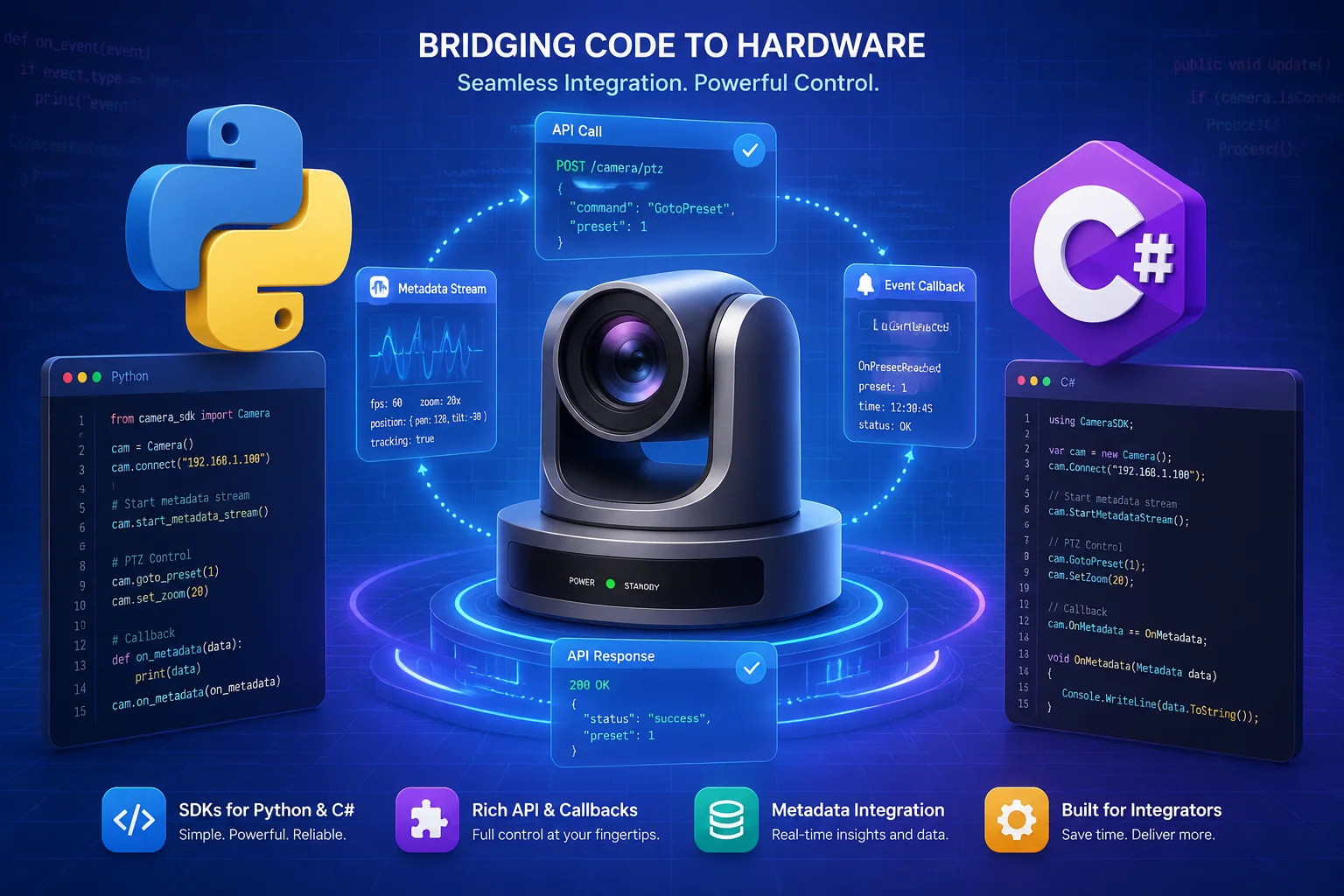
When David’s team asks me about language support, my answer is always: pick the one that fits your existing stack. Forcing a Python shop to learn C++ just slows the project down by months.
SDK language options I recommend
| Language | Best For | Typical File |
|---|---|---|
| C++ | Embedded gateways, low latency | .so / .dll |
| C# | Windows VMS, Blue Iris4 plugins | .dll + wrapper |
| Python | AI pipelines, n8n5 bridges, prototypes | ctypes binding |
| Java | Enterprise backends | JNI wrapper |
What “deep integration” really means
Deep integration is not just calling Start and Stop. It means subscribing to metadata streams, handling PTZ feedback, syncing presets with your database, and reacting to camera events in real time. A good SDK gives you callbacks, not just commands. If the SDK only offers fire-and-forget functions, you will spend weeks writing polling loops to fake event-driven behavior.
My advice for picking a wrapper
Ask the factory for a sample project, not just a PDF. A real .sln file or a pip install package tells you the SDK is alive and maintained. If they only send you a 2018 header file, walk away. I always ship sample code with every SDK delivery because I know engineers learn by running, not reading.
How do I manage the “Handover” between manual control and AI auto-tracking in my code?
This is where many projects break. An operator grabs the joystick, the AI keeps fighting back, and the camera jitters. I have debugged this exact issue on site more than once.
You manage the handover by treating manual control as a higher-priority interrupt. When your code detects manual PTZ input, it sends a Stop Tracking command first, then passes the movement command. After manual idle time, your code re-arms the AI with a Start Tracking call.
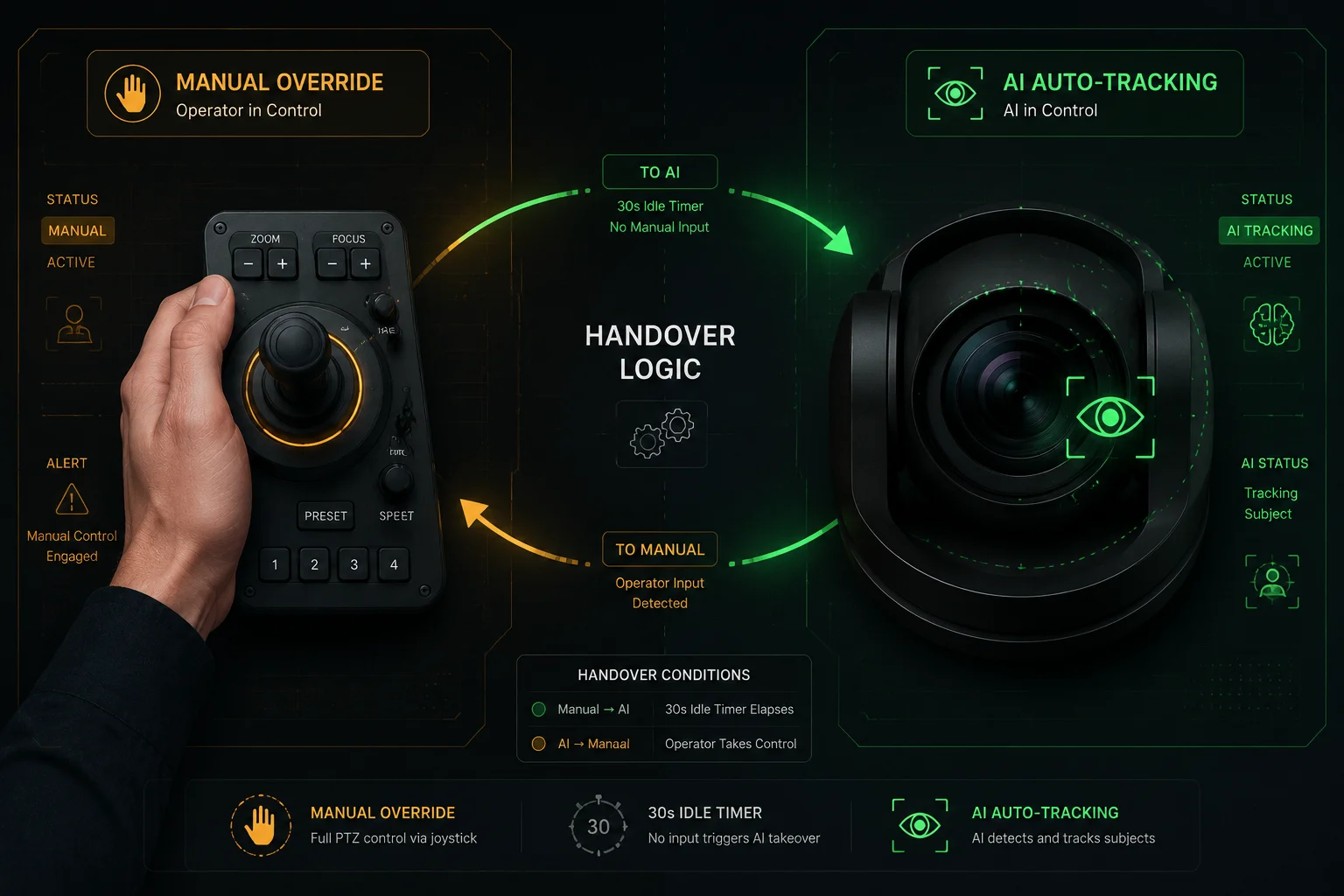
The handover logic is small but critical. If you skip it, the camera behaves like two drivers fighting for one wheel. The user blames the hardware, but the real fix is in your state machine.
A clean handover state machine8
Here is the basic logic I use in production code:
- AI tracking is ON by default.
- Operator moves joystick → code sends
StopTracking, thenPTZControl. - Operator stops for X seconds (e.g., 30s) → code sends
StartTrackingagain. - If a high-priority alarm fires during manual mode → code asks operator to confirm or auto-resumes after timeout.
Handover timing table I share with clients
| State | Trigger | SDK Call | Delay |
|---|---|---|---|
| Auto → Manual | Joystick input | StopTracking | 0 ms |
| Manual → Auto | Idle timer | StartTracking | 30 s |
| Manual → Alarm | High priority event | Prompt + Override | 5 s |
| Auto → Preset | Schedule | StopTracking + GotoPreset7 | 0 ms |
Why polling beats assumption
After every state change, I always poll the camera with GetTrackingStatus. Network jitter on 4G links can drop a command. If you assume the camera obeyed, you will get bug reports forever. A 200 ms poll after every command costs nothing and saves your reputation. For David’s solar 4G deployments6 in remote sites, this polling step is non-negotiable. The cost of a truck roll to a Texas oil field is far higher than two extra lines of code.
Does the SDK provide a “Success/Fail” callback when a tracking command is executed?
Nobody likes blind commands. You send a Start, and you have no idea if it worked. I felt the same frustration when I first integrated PTZ cameras into a custom dashboard ten years ago.
Yes, professional SDKs provide success or fail return codes for every tracking command, and most also offer asynchronous callbacks for state changes. You get an immediate response on command acceptance, plus event callbacks when tracking actually starts, loses target, or stops.
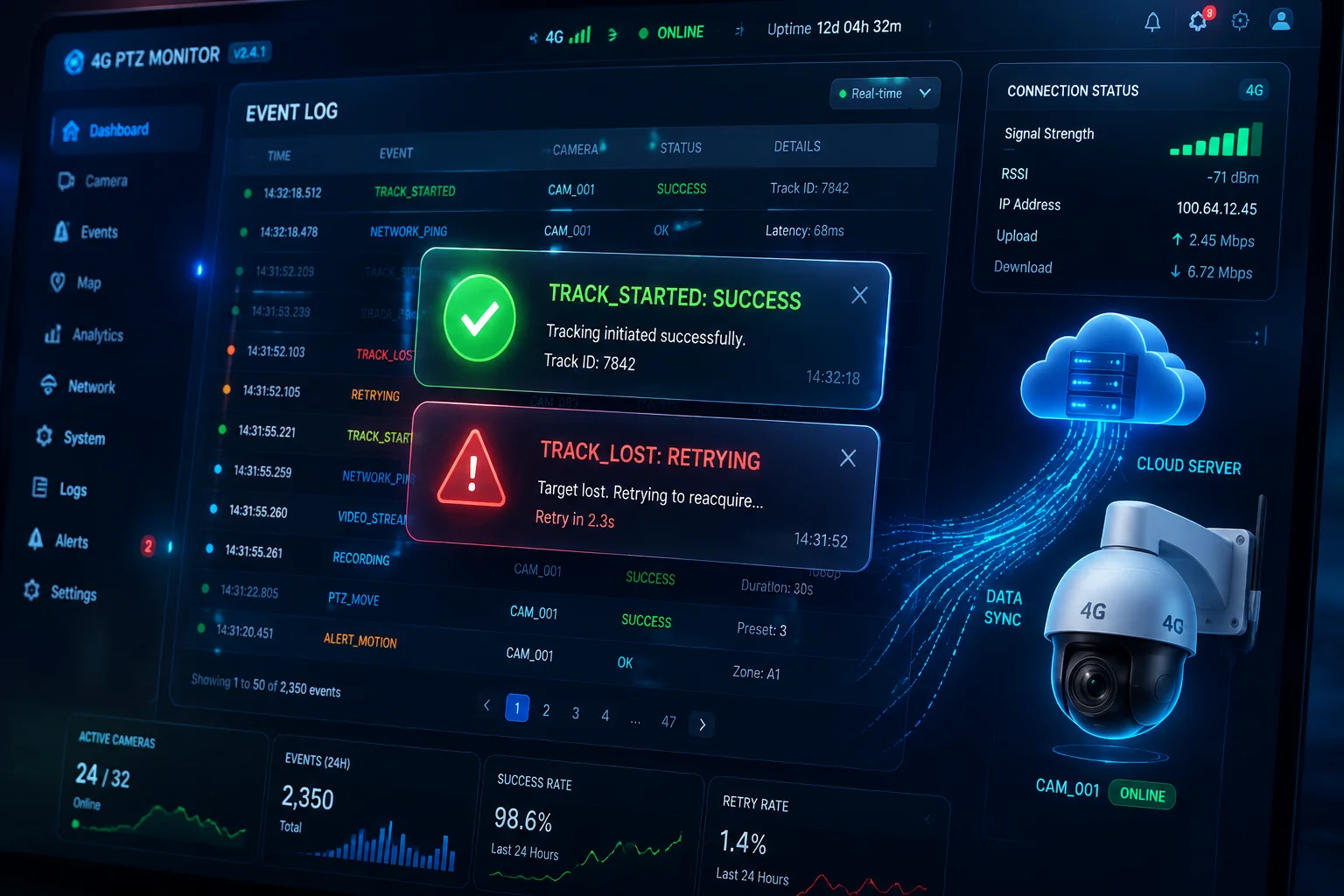
There is a difference between “command received” and “tracking active.” A good SDK tells you both. A weak one only tells you the first. Always check before you ship.
Two layers of feedback you should expect
The first layer is the synchronous return value. Did the camera accept the API call? This catches network errors, auth failures, and bad parameters. The second layer is the asynchronous callback. Did the AI actually engage? Did it find a target? Did it lose the target after 5 seconds?
Typical callback events I rely on
| Callback Event | Meaning | Action in My Code |
|---|---|---|
TRACK_STARTED | AI engaged a target | Update UI, log start time |
TRACK_LOST | Target out of frame | Return to preset, alert |
TRACK_STOPPED | Manual or API stop | Clean up state |
TRACK_ERROR | Algorithm failure | Restart service, notify |
Handling failures the right way
When a command fails, do not just log it and move on. Build a retry policy. For example: retry once after 500 ms, then escalate to an alert. For 4G deployments, I also recommend caching the last known good state. If the camera reboots, your software can re-arm tracking without operator action. This makes the system feel rock-solid even on shaky networks. Clients notice this. They renew contracts because of it.
Conclusion
Yes, you can fully control AI tracking through a custom SDK. Pick the right language, build clean handover logic, and always check callbacks. That is how reliable projects ship.
1. Overview of RFID technology used for access control and priority triggering. ↩︎ 2. How automatic number plate recognition (ANPR) works for vehicle tracking. ↩︎ 3. Radar sensor technology used for perimeter intrusion detection and PTZ cueing. ↩︎ 4. Popular Windows-based video management software (VMS) that supports SDK plugins. ↩︎ 5. Workflow automation tool that can bridge camera SDKs with other services. ↩︎ 6. Details on 4G cellular networks used for remote surveillance connectivity. ↩︎ 7. Explanation of PTZ preset positions and how they are used in scheduling and handover. ↩︎ 8. Concept of state machines used to manage handover between manual and AI control. ↩︎