
I’ve watched too many projects promise 4K at 30fps1 on paper. Then reality hits—frames drop, video stutters2, and the angry client calls asking what went wrong.
Most 4K PTZ security cameras3 cap at 30fps by hardware design. To keep a truly stable 30fps, you need a high-performance SoC with processing headroom4, PoE+ (802.3at)5 power delivery, and H.265+ smart encoding6. Going above 30fps at full 4K resolution7 is not realistic for most security-grade PTZ cameras on the market today.
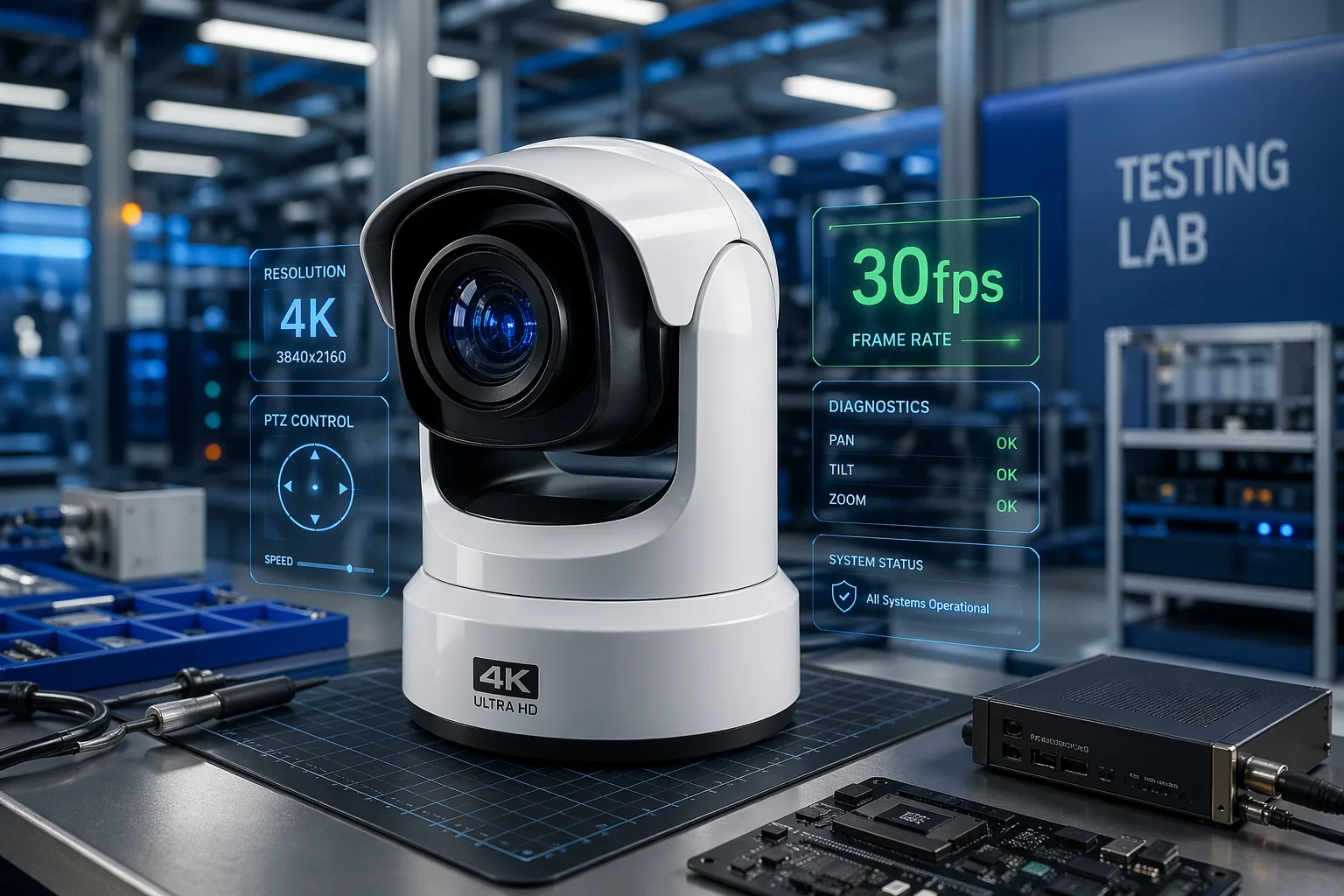
Below, I break down the four biggest questions I hear from system integrators about 4K frame rate performance. These are the real answers I’ve learned from years of field testing and factory R&D work at Loyalty-Secu.
Table of Contents
Why Does My 4K Video Drop Frames When I Enable All AI Features?
I once helped a client deploy 200 units for a city project. They turned on every AI feature at once. Within one week, every camera had dropped to 15fps. Nobody noticed until the recordings failed a police review.
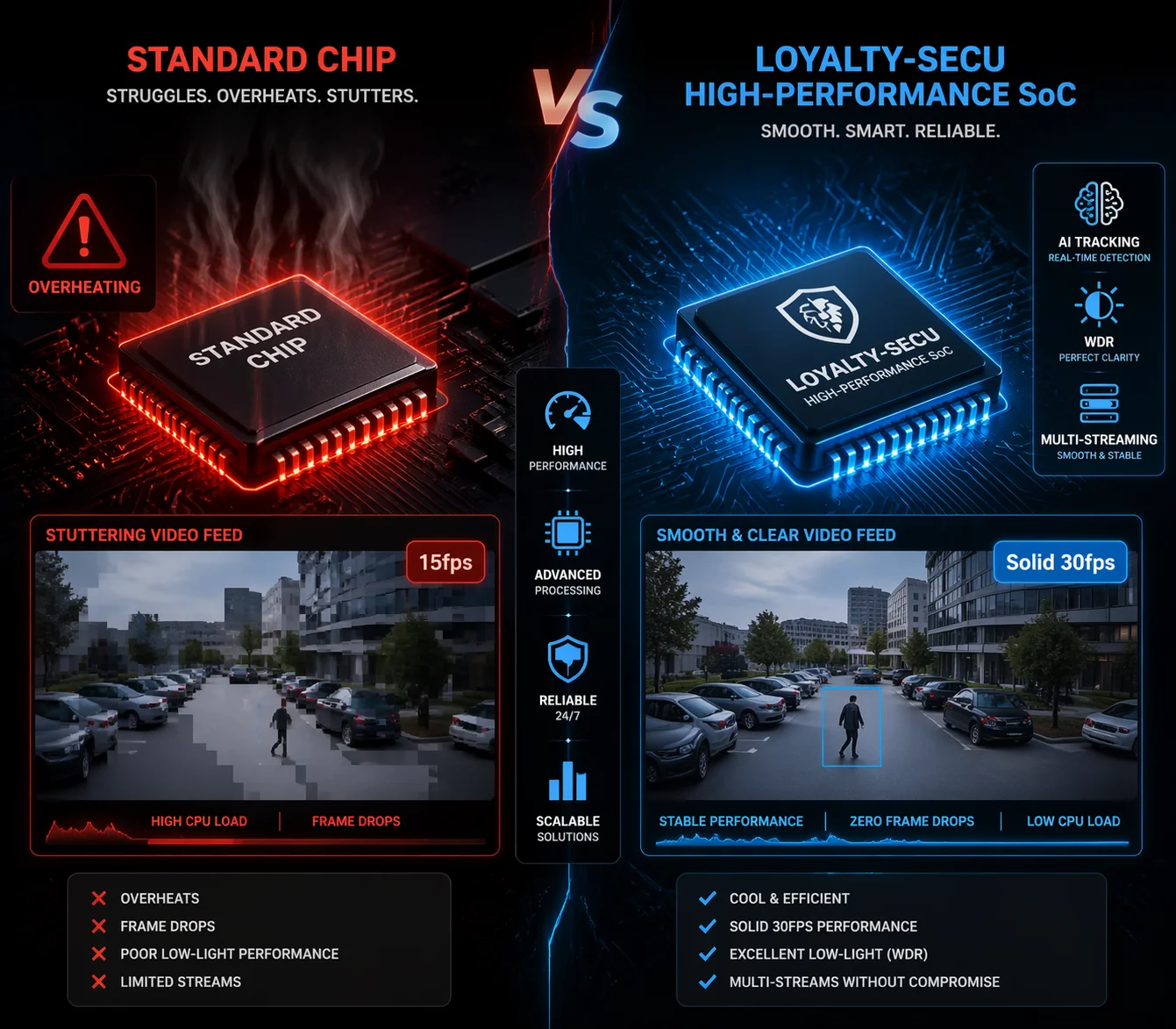
When AI auto-tracking8, WDR, and multi-stream output9 all run at the same time, SoC processing load spikes sharply. Low-end chipsets trigger thermal throttling10 under heavy load, silently cutting the real frame rate to 15–20fps—while the camera interface11 still displays 30fps.
What Thermal Throttling Actually Does to Your Camera
Here is the dirty secret most camera sellers won’t tell you. Many 4K PTZ cameras use chips designed for 4K at 30fps—but only under ideal conditions. “Ideal” means single-stream output, no AI running, and a cool room temperature. The moment you stack features, the chip heats up.
When the chip gets too hot, the firmware quietly lowers the clock speed. This is called thermal throttling. The result? Your frame rate drops from 30fps to maybe 18fps or even 15fps. But the web interface still shows “30fps” because it displays the configured value, not the actual output.
How Feature Stacking Eats Your Processing Budget
Think of your camera’s SoC like a pie chart. Each feature takes a slice:
| Feature | Typical SoC Load | Impact on Frame Rate |
|---|---|---|
| 4K encoding (H.265, single stream) | ~40% | Baseline |
| AI auto-tracking | +20–25% | Moderate risk |
| WDR (Wide Dynamic Range) | +10–15% | Low-moderate risk |
| Multi-stream output (3 streams) | +15–20% | Moderate risk |
| All features combined | 85–100% | High risk of frame drops |
At Loyalty-Secu, our 4K PTZ cameras use SoCs rated for 4K at 60fps but locked at 30fps. This provides a 50% processing headroom, ensuring that when all AI and multi-stream features are active, the output remains a rock-solid 30fps without throttling.
How Can I Ensure 30fps Stability During High-Speed Panning and Tilting?
High-speed pan-and-tilt is where cheap cameras fall apart. I’ve watched live feeds turn into slideshows during fast PTZ moves—exactly when smooth video matters most.
Stable 30fps during fast PTZ movement requires three things: PoE+ (802.3at) power to prevent voltage drops when motors spin, a sensor with high signal-to-noise ratio (SNR)12 to reduce ISP workload, and a SoC with enough headroom to handle encoding and mechanical control at the same time.

The Three Pillars of PTZ Frame Rate Stability
I tell every integrator to check these three things before deploying a 4K PTZ:
| Factor | What to Check | Minimum Requirement |
|---|---|---|
| Power delivery | PoE standard on switch port | PoE+ (802.3at), 30W per port |
| Sensor quality | SNR1s value on datasheet | ≥ 38dB for stable low-light performance13 |
| SoC headroom | Rated vs. actual setting | SoC rated for 60fps, locked to 30fps |
Does the Bitrate Increase Significantly When I Set My Camera to 30fps at 4K?
I get this question every single week from integrators planning storage budgets. The answer: 4K at 30fps generates roughly double the data of 15fps.
The Real Storage Math: 15fps vs. 30fps vs. 60fps
Based on typical urban surveillance footage14 with moderate activity using H.265 encoding15:
| Setting | Average Bitrate | Storage per Day | 30-Day Storage |
|---|---|---|---|
| 4K @ 15fps (H.265) | 6 Mbps | ~63 GB | ~1.9 TB |
| 4K @ 30fps (H.265) | 12 Mbps | ~126 GB | ~3.8 TB |
| 4K @ 30fps (H.265+) | 6–8 Mbps | ~63–84 GB | ~1.9–2.5 TB |
| 4K @ 60fps (H.265) | 24 Mbps | ~252 GB | ~7.6 TB |
H.265+ Is Where You Save Real Money
At Loyalty-Secu, our cameras support H.265+ smart encoding. It uses scene-adaptive algorithms to reduce bitrate during static periods. This can save your client 30–50% in storage costs without sacrificing forensic detail.
Will My Local Network Bandwidth Support 30fps 4K Streaming from Multiple Units?
I’ve seen projects fail because nobody checked the switch backplane capacity before installing 32 cameras on one network segment.
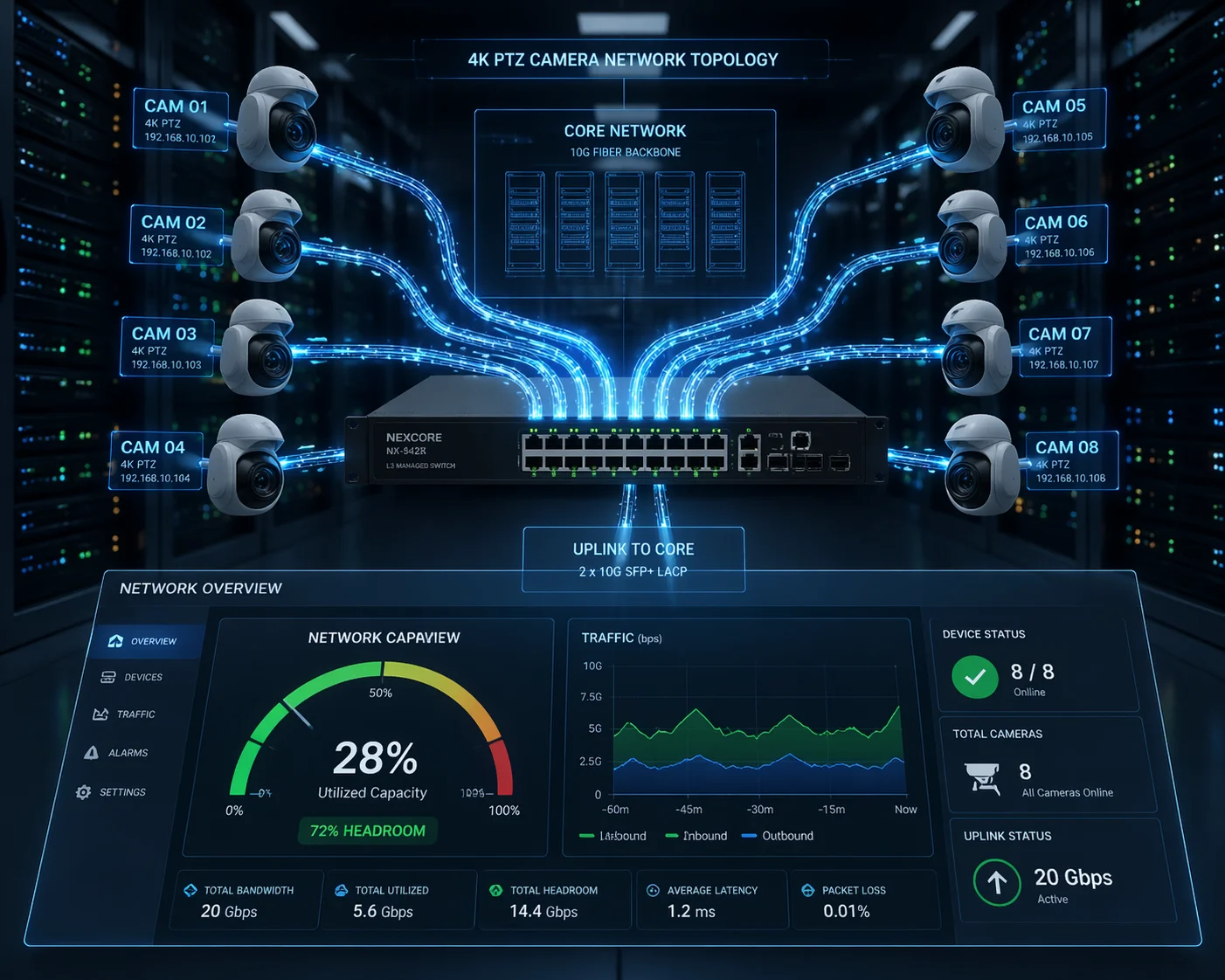
A single 4K 30fps H.265 stream needs 8–16 Mbps of sustained bandwidth. For multi-camera deployments, network switches must have sufficient backplane throughput, each uplink must handle the aggregate bitrate, and the NVR16 interface must not become the bottleneck.
The NVR Bottleneck Most People Miss
Don’t trust the “channel count” on the box. Most mid-range NVRs are calculated for 1080p at 15fps. For a camera deployment17 at full 4K 30fps, you must check the Total Incoming Bandwidth spec. If your 16 cameras require 192 Mbps and your NVR is capped at 160 Mbps, you will suffer silent frame loss.
Conclusion
A stable 4K 30fps is achievable with the right SoC, proper PoE+ power, and H.265+ encoding. Plan your processing headroom, power delivery, and network capacity before deployment—not after.
-
Understanding the significance of 30fps can help you make informed decisions about video quality in your projects. ↩
-
Identify the common causes of video stutters to troubleshoot and improve your camera performance. ↩
-
Explore top-rated 4K PTZ security cameras to ensure you choose a reliable option for your surveillance needs. ↩
-
Understanding processing headroom can help you choose cameras that maintain performance under load. ↩
-
Understanding PoE+ can help you ensure your cameras receive adequate power for optimal performance. ↩
-
Learn about H.265+ smart encoding to optimize your video storage and bandwidth usage effectively. ↩
-
Discover the benefits of 4K resolution for enhanced detail and clarity in surveillance footage. ↩
-
Find out how AI auto-tracking enhances surveillance capabilities and improves monitoring efficiency. ↩
-
Understand the benefits of multi-stream output for flexible surveillance options. ↩
-
Discover how thermal throttling affects camera performance and what you can do to prevent it. ↩
-
Explore the importance of camera interfaces in managing and monitoring your surveillance system. ↩
-
Learn about SNR and its impact on image quality, especially in low-light conditions. ↩
-
Learn tips to enhance low-light performance for better surveillance in challenging lighting conditions. ↩
-
Learn strategies to enhance the quality of your surveillance footage for better monitoring and evidence. ↩
-
Learn about H.265 encoding to make informed decisions about video compression and quality. ↩
-
Get insights on selecting the right NVR to ensure it meets your camera deployment needs. ↩
-
Explore best practices for camera deployment to maximize effectiveness and coverage. ↩