
I’ve seen too many integrators lose hours debugging audio issues that should have been simple. The codec works on paper. But the VMS stays silent.
G.711u (PCMU) offers near-universal compatibility with U.S. VMS platforms like Milestone, Blue Iris, and Genetec. AAC provides higher audio quality but requires careful verification of VMS licensing, ONVIF Profile T support, and proper stream encapsulation to avoid silent playback or sync failures.
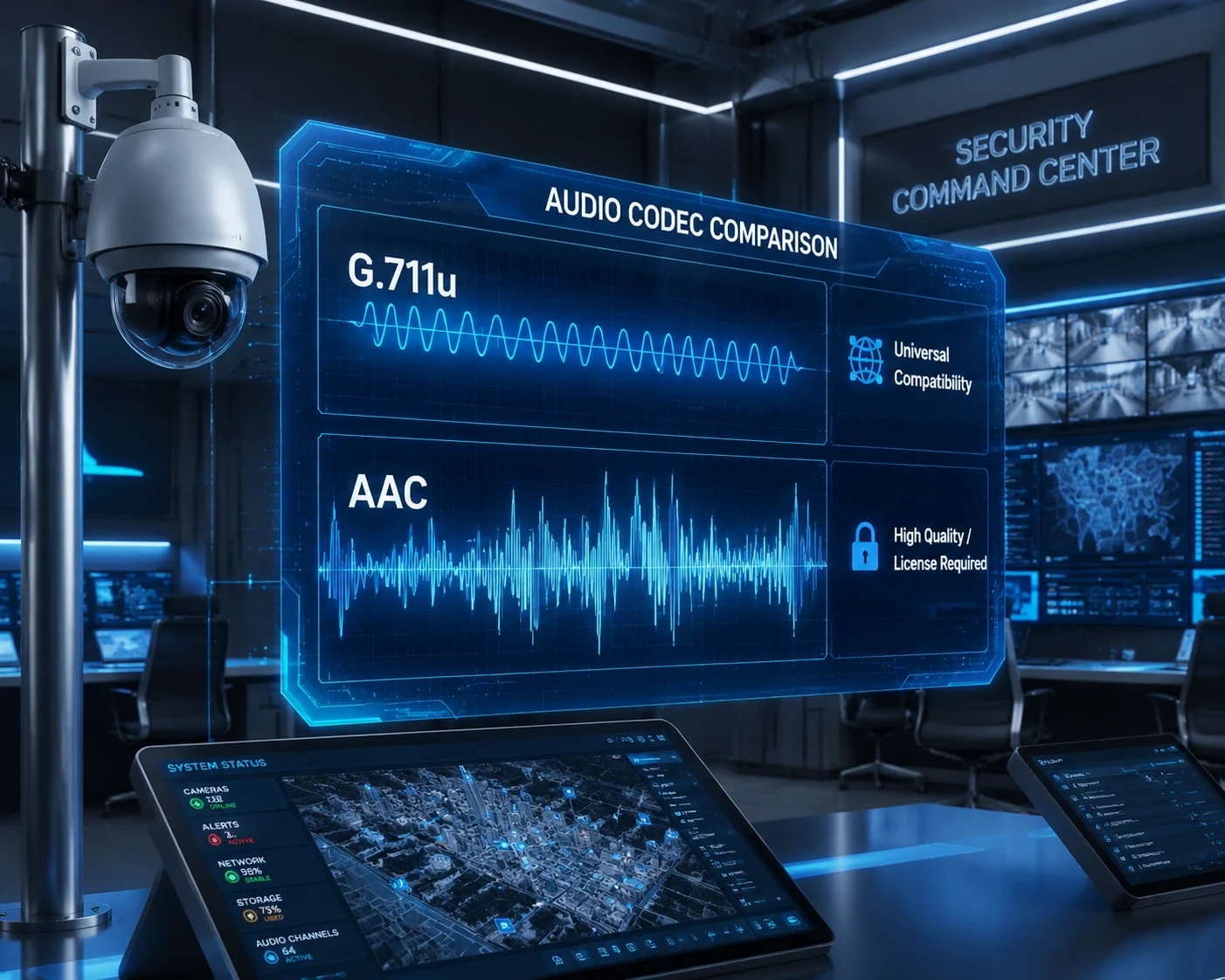
In this guide, I break down the real-world audio codec behavior across major U.S. VMS platforms. I cover G.711u, AAC, two-way intercom, sampling rate adjustments, and the specific pitfalls you will hit on 4G solar deployments. If you are an integrator or project manager planning a surveillance rollout in North America, keep reading. This will save you a truck roll.
Table of Contents
Will My Milestone or Blue Iris Software Recognize the AAC High-Fidelity Audio Stream?
I once had a client in Texas call me at 2 AM. His Milestone system showed video perfectly. But zero audio. The camera was fine. The codec was the problem.
Milestone XProtect and Blue Iris both support AAC audio, but recognition depends on your VMS version, ONVIF profile configuration, and whether your VMS license tier includes AAC decoding rights. G.711u works out of the box on virtually every U.S. VMS platform without extra configuration.
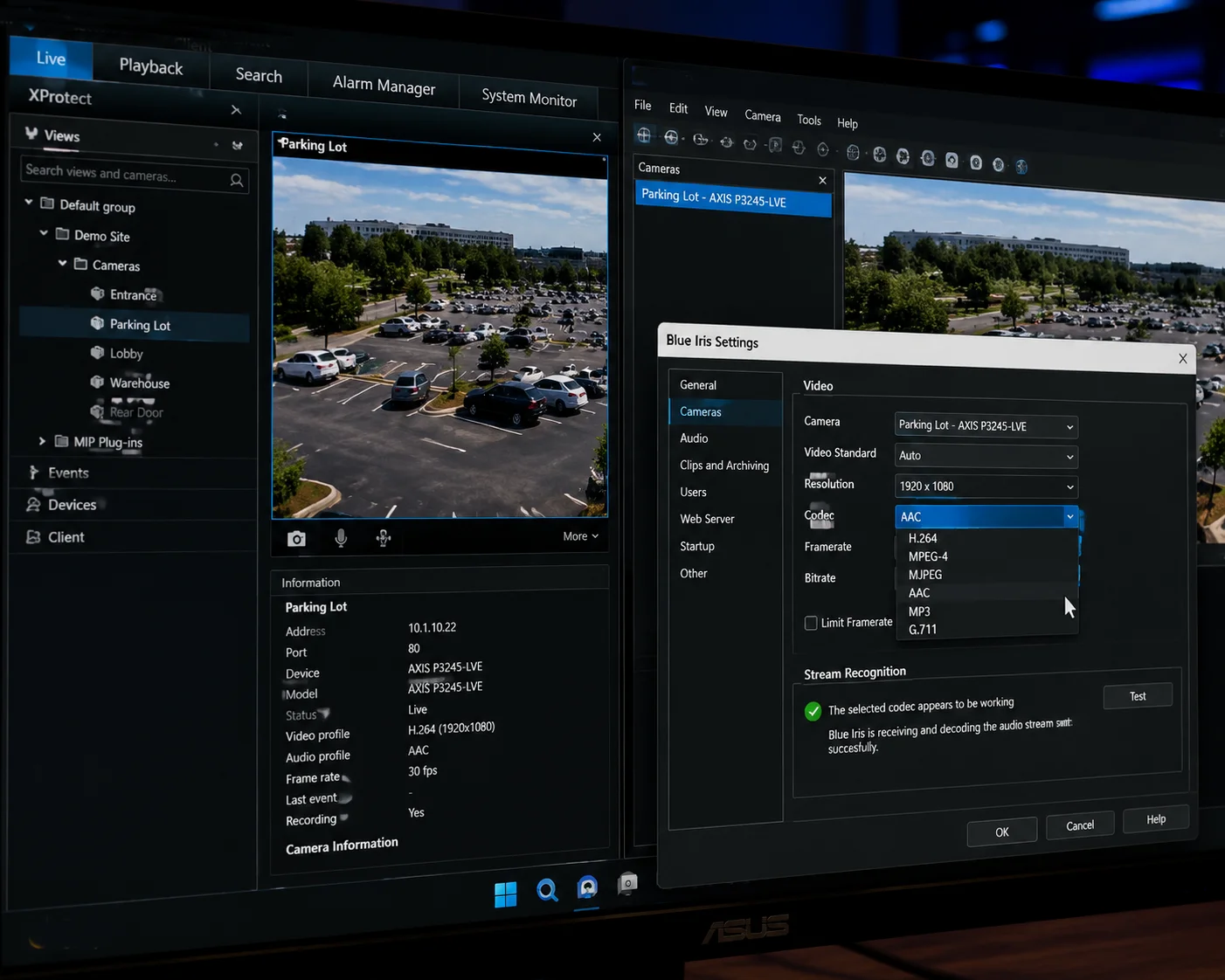
G.711u: The Safe Default for North American VMS
G.711u1 is the standard audio codec used in North American landline telephony. Every major VMS in the U.S. market supports it natively. There is no license fee. There is no special configuration. You add the camera. The audio plays.
The downside is simple. G.711u sounds like a phone call. It samples at 8kHz. The bitrate is fixed at 64kbps. You cannot adjust it. For basic surveillance audio — hearing voices, detecting alarms — it is enough. For AI-driven audio analytics like glass break detection or scream recognition, it falls short.
AAC: Higher Quality, Higher Risk of Failure
AAC delivers much better audio. It supports sampling rates from 16kHz up to 48kHz. At the same bitrate, AAC captures more environmental detail than G.711u. This matters for forensic review and for feeding audio into AI analytics engines.
But here is where integrators get burned. Not every VMS handles AAC the same way.
| VMS Platform | G.711u Support | AAC Support | Known AAC Issues |
|---|---|---|---|
| Milestone XProtect | ✅ Native | ✅ Conditional | Requires Profile T for ONVIF; some versions need manual codec mapping |
| Blue Iris | ✅ Native | ✅ Conditional | AAC works via RTSP direct; ONVIF discovery may default to G.711 only |
| Genetec Security Center | ✅ Native | ✅ Good | H.265 + AAC combo may cause A/V sync drift on older versions |
| ExacqVision | ✅ Native | ⚠️ Limited | Some license tiers exclude AAC decoding |
| Hanwha Wave (Wisenet) | ✅ Native | ✅ Good | Smooth with RTSP; ONVIF backchannel requires firmware update |
The Licensing Trap
AAC is not a free codec. It is covered by patents. Some budget NVR platforms and lower-tier VMS licenses skip the AAC royalty payment. The result? You get video. You get silence. There is no error message. The audio track simply does not decode.
Before you spec AAC into a project, confirm two things. First, check that your VMS license tier explicitly lists AAC support. Second, test it. Do not trust the datasheet alone. Connect the camera, start a recording, and play it back. If the playback has audio, you are good. If not, switch to G.711u or upgrade your VMS license.
My Recommendation for First-Time Setup
Start with G.711u. Get the audio working. Confirm the RTSP stream2 carries the audio track through your firewall and port mappings. Once you have a stable baseline, switch to AAC if your project requires higher fidelity. This two-step approach saves hours of debugging.
How Do I Resolve “Audio Sync” Issues When Recording High-Definition Video Over a 4G Link?
Audio-video sync problems are the silent killer of remote surveillance projects. The video looks fine. The audio plays. But they drift apart by 2–5 seconds. Your client notices. Your credibility takes a hit.
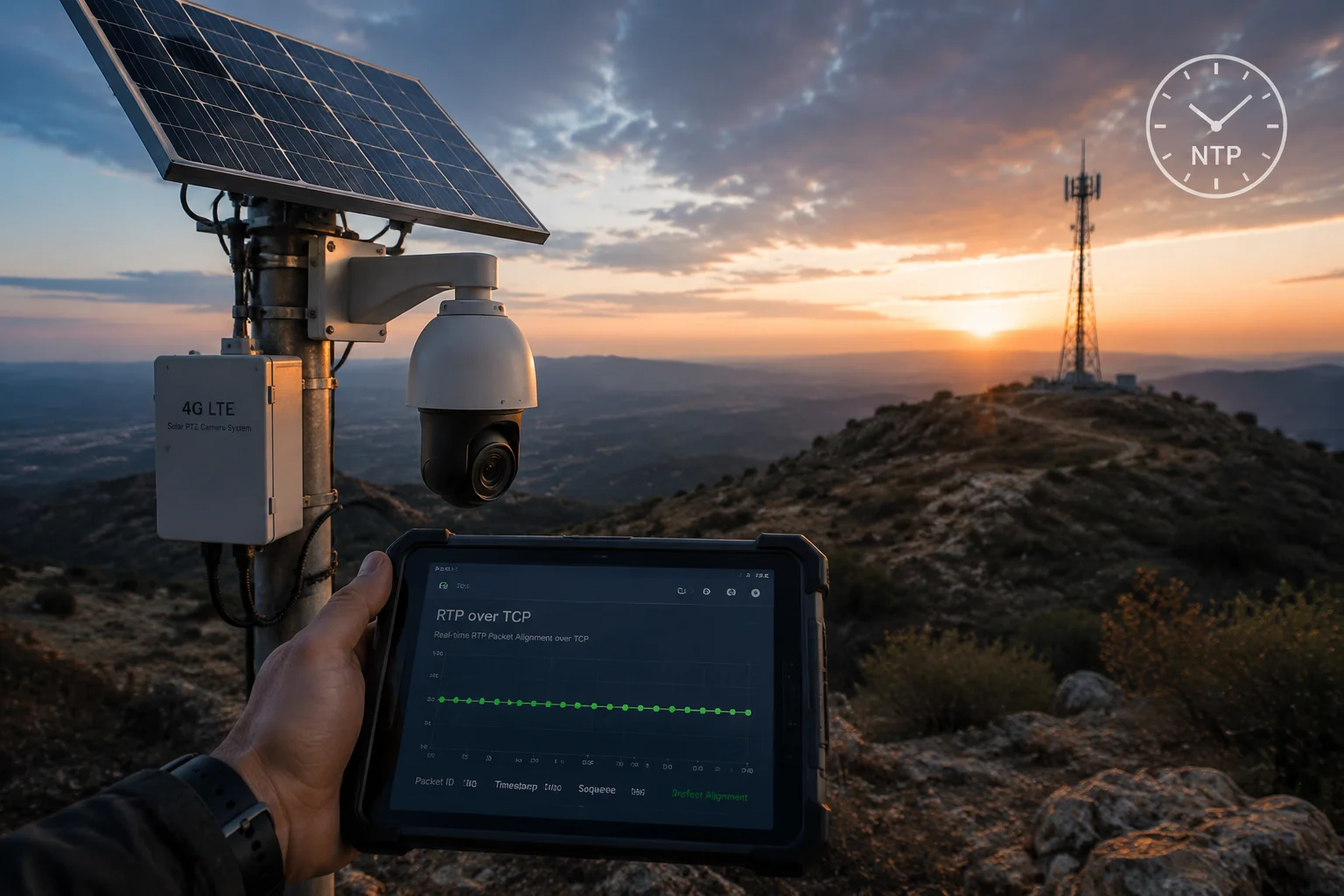
Audio sync issues over 4G links are typically caused by network jitter, mismatched NTP time sources between camera and VMS, or using UDP transport for audio packets. Switching to RTP over TCP, enabling NTP synchronization, and reducing the audio sampling rate to 16kHz or lower will resolve most sync problems.
Why 4G Makes Audio Sync Harder Than Wired Networks
On a wired Ethernet network, packets arrive in order. Latency is stable. Audio and video streams stay aligned because the network behaves predictably.
4G is different. Cell towers handle thousands of devices. Bandwidth fluctuates. Packet delivery times vary from 20ms to 500ms within the same minute. Video codecs like H.265 have built-in buffering to handle this. Audio codecs — especially G.711u — do not. G.711u sends a continuous stream of small packets. When some packets arrive late, the audio stutters or drifts ahead of the video.
The Three Root Causes and Their Fixes
Cause 1: UDP Transport for Audio
UDP does not guarantee packet delivery or order. On a stable LAN, this is fine. On a 4G link with jitter, UDP audio packets get lost or arrive out of sequence. Your VMS tries to play them anyway. The result is choppy, desynced audio.
Fix: Switch the RTSP transport to RTP over TCP3 . TCP guarantees packet order and retransmits lost packets. Yes, it adds a small amount of latency. But the audio stays clean and aligned with video.
Cause 2: NTP Time Mismatch
Your camera timestamps every audio and video packet. Your VMS uses those timestamps to align the streams during playback. If the camera clock and VMS clock are not synchronized, the timestamps diverge. The VMS sees audio packets that appear to belong to a different time than the video.
Fix: Point both your camera and your VMS server to the same NTP server. I recommend using time.nist.gov4 for U.S. deployments. Verify the time sync is working by checking the camera’s system info page. The clock should match your VMS server within 1 second.
Cause 3: High Audio Sampling Rate on a Congested Link
A 48kHz AAC stream generates significantly more data than an 8kHz G.711u stream. On a 4G link that is already carrying a 4MP H.265 video stream, the extra audio bandwidth can push the connection past its limit. The 4G modem starts dropping packets. Audio suffers first because video packets are usually prioritized.
Fix: For 4G deployments, keep the audio sampling rate at 8kHz or 16kHz. This keeps the audio bitrate low and leaves more bandwidth for video.
| Sampling Rate | Codec | Approximate Bitrate | Recommended For |
|---|---|---|---|
| 8 kHz | G.711u | 64 kbps (fixed) | 4G sites, two-way intercom, low-bandwidth links |
| 16 kHz | AAC | 32–64 kbps | 4G sites needing better-than-phone audio quality |
| 44.1 kHz | AAC | 96–128 kbps | Wired LAN, forensic-grade audio capture |
| 48 kHz | AAC | 128–256 kbps | Studio-grade; rarely needed in surveillance |
A Real-World 4G Debugging Sequence
When I help a client troubleshoot audio sync on a solar 4G PTZ site, I follow this exact order:
- Set audio to G.711u, 8kHz.
- Set RTSP transport to TCP.
- Confirm NTP sync on both camera and VMS.
- Record 10 minutes. Play it back. Check sync.
- If sync is good, upgrade to AAC 16kHz if needed.
- If sync breaks again, the 4G link cannot handle the extra audio load. Stay on G.711u.
This method isolates variables one at a time. It is boring. It works.
Is the G.711u Codec Supported for Low-Bandwidth Two-Way Intercom on My Mobile App?
Two-way audio sounds simple until you try it over a mobile app on a 4G camera. The voice goes one way. Or it sounds like a robot. Or the app just shows a grayed-out microphone button.
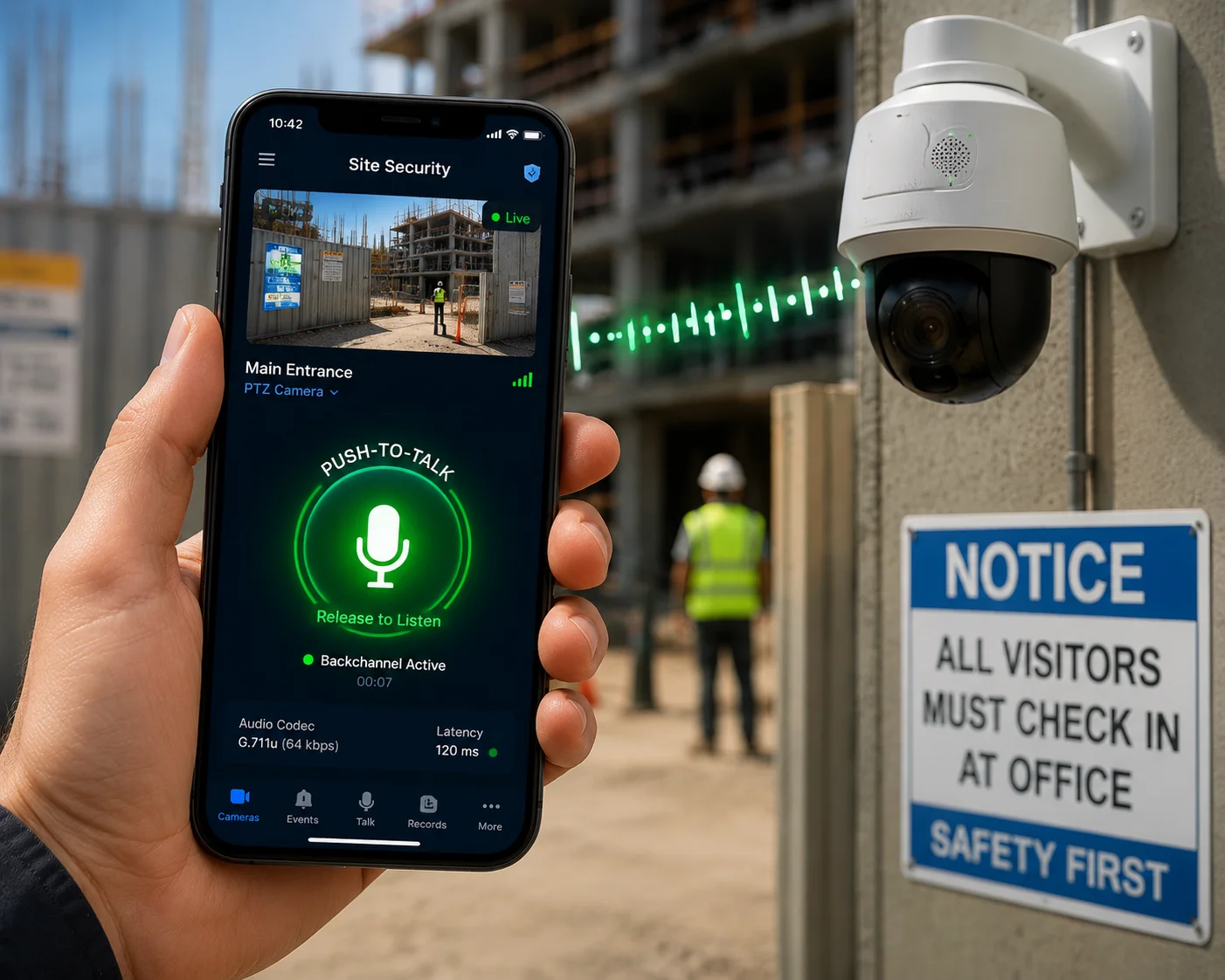
G.711u is the most widely supported codec for two-way intercom on mobile surveillance apps. It works reliably on low-bandwidth connections because of its fixed 64kbps bitrate and minimal processing overhead. However, your camera and app must both support ONVIF Profile T or a proprietary backchannel protocol for the “talk” function to work.
Why Two-Way Audio Fails More Often Than One-Way
One-way audio is straightforward. The camera captures sound. It encodes it. It sends it to the VMS or app inside the RTSP stream. The client decodes it and plays it through a speaker.
Two-way audio adds a reverse path. Your phone’s microphone captures your voice. The app encodes it. It sends it back to the camera. The camera decodes it and plays it through its built-in speaker. This reverse path is called the audio backchannel.
The backchannel is where most failures happen. Here is why.
ONVIF Profile S vs. Profile T: The Backchannel Gap
ONVIF Profile S5 was designed for basic video and audio streaming. It supports one-way audio only — from camera to client. There is no backchannel specification in Profile S.
ONVIF Profile T added the audio backchannel. If your camera supports Profile T6 and your VMS or mobile app also supports Profile T, two-way audio works through the standard ONVIF interface.
But many VMS platforms and mobile apps still only implement Profile S. In that case, even if your camera hardware supports a speaker and microphone, the software has no way to send audio back to the camera through ONVIF.
What Happens With Proprietary Apps
Some camera manufacturers — including us at Loyalty-Secu — provide proprietary mobile apps or SDKs that handle two-way audio outside of ONVIF. These apps use a direct SIP-like or custom protocol to establish the backchannel. This bypasses the Profile S limitation entirely.
If your project requires two-way intercom through a third-party VMS or app, you must verify Profile T support on both sides. If your project uses the manufacturer’s own app, G.711u two-way audio usually works without any special configuration.
Codec Choice for the Backchannel
Even when the backchannel is established, the codec must match on both ends. The camera’s speaker input expects a specific codec. If the app sends AAC but the camera expects G.711u, you get silence or distortion.
| Scenario | Recommended Backchannel Codec | Why |
|---|---|---|
| Mobile app over 4G to remote PTZ | G.711u (8kHz) | Lowest latency, lowest bandwidth, highest compatibility |
| VMS workstation to camera on LAN | G.711u or AAC (16kHz) | LAN has bandwidth headroom; AAC gives clearer voice |
| SIP-based intercom integration | G.711u | SIP standard defaults to G.711u in North America |
| Custom app with proprietary SDK | G.711u | SDK typically hardcodes G.711u for reliability |
Sampling Rate Mismatch: The “Robot Voice” Problem
This is a common issue I see with U.S. integrators. The VMS workstation captures the operator’s voice through a USB microphone at 44.1kHz or 48kHz. The camera’s speaker input only accepts 8kHz G.711u. If the VMS does not resample the audio down to 8kHz before sending it, the camera receives data it cannot properly decode. The result is a distorted, pitch-shifted voice that sounds robotic.
Some VMS platforms handle resampling automatically. Others do not. If you hear distortion during two-way audio testing, check the microphone input sampling rate on the VMS side. Manually set it to 8kHz if your VMS allows it. If it does not, use a third-party audio driver like Virtual Audio Cable8 to force the output to 8kHz before it reaches the VMS.
Can I Adjust the Audio Sampling Rate (8KHz to 48KHz) to Match My VMS Requirements?
Most integrators never touch the audio sampling rate. They leave it at the factory default. Then they wonder why the audio sounds muffled — or why it eats up their 4G data plan.
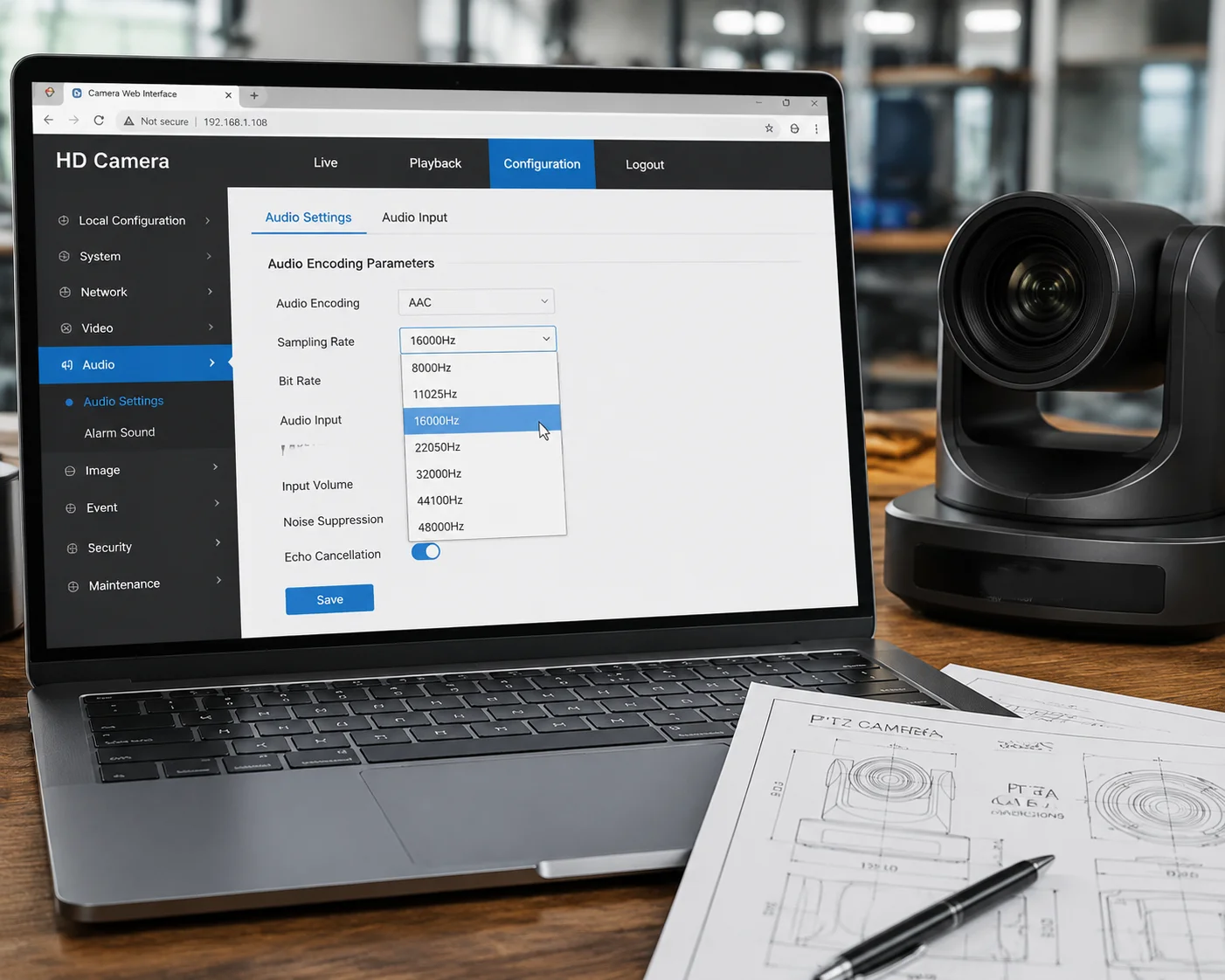
Yes, professional-grade PTZ cameras allow you to adjust the audio sampling rate from 8kHz up to 48kHz through the camera’s web interface. The right setting depends on your VMS requirements, available bandwidth, and whether you need basic voice capture or high-fidelity audio for AI analytics and forensic review.
What the Sampling Rate Actually Controls
The sampling rate determines how many times per second the camera’s microphone captures a snapshot of the sound wave. A higher sampling rate captures more detail. An 8kHz rate captures frequencies up to 4kHz — enough for human speech but not much else. A 48kHz rate captures frequencies up to 24kHz — well beyond human hearing and sufficient for detailed environmental sound capture.
For surveillance, the question is not “what sounds best?” The question is “what does my project actually need?”
Matching the Rate to Your Use Case
Basic Voice Monitoring and Intercom
If your project only needs to hear conversations and support two-way talk, 8kHz G.711u is the right choice. It uses the least bandwidth. It has the lowest latency. It works on every VMS. There is no reason to go higher.
AI Audio Analytics
If your VMS or analytics platform performs audio event detection — glass breaking, gunshots, screaming, vehicle horns — you need more frequency detail. These sounds contain high-frequency components that 8kHz cannot capture. Set the sampling rate to 16kHz or 32kHz with AAC encoding. This gives the analytics engine enough data to classify sounds accurately without overwhelming your network.
Forensic-Grade Audio Capture
For law enforcement or critical infrastructure projects where audio recordings may be used as legal evidence, 44.1kHz or 48kHz AAC provides the highest fidelity. But this only makes sense on wired networks with plenty of bandwidth. Do not use this setting on 4G links.
How to Change the Sampling Rate
On most professional PTZ cameras, including Loyalty-Secu models, the setting is in the camera’s web interface under Configuration > Audio > Encoding Parameters. You will see options for:
- Codec: G.711u, G.711a, AAC, G.726
- Sampling Rate: 8000, 16000, 32000, 44100, 48000
- Bitrate: Auto, 32kbps, 64kbps, 96kbps, 128kbps
Change the sampling rate. Save. Reboot the camera. Then re-add the camera in your VMS to force it to re-negotiate the audio stream parameters. Some VMS platforms cache the original codec settings and will not pick up the change until you remove and re-add the device.
The Bandwidth Impact You Cannot Ignore
On a 4G solar site, every kilobit matters. Your solar panel charges a battery. The battery powers the camera and the 4G modem. Higher audio bitrates mean more radio transmission time. More transmission time means more power draw. More power draw means your battery drains faster at night or on cloudy days.
I always tell my clients: on a 4G solar deployment, set audio to G.711u at 8kHz unless you have a specific, documented reason to go higher. Save your bandwidth and your battery for the video stream. That is where the real value is.
If your VMS requires AAC, use 16kHz with a bitrate cap of 64kbps. This is the sweet spot between audio quality and power efficiency for off-grid sites.
Conclusion
Audio codec compatibility is a detail that can derail an entire surveillance project. Start with G.711u for stability. Verify Profile T for two-way audio. Test AAC before you promise it. Match your sampling rate to your bandwidth and your use case — not to the highest number on the spec sheet.
1. Official ITU standard for G.711 μ-law audio codec, the default for North American VMS systems. ↩︎ 2. Real Time Streaming Protocol specification used to transport audio/video from cameras to VMS. ↩︎ 3. IETF standard for framing RTP over TCP, which improves audio reliability over lossy 4G links. ↩︎ 4. Official NIST internet time service recommended for U.S. surveillance deployments. ↩︎ 5. ONVIF Profile S specification for basic video and one-way audio streaming. ↩︎ 6. ONVIF Profile T specification for advanced streaming including audio backchannel. ↩︎ 7. ONVIF streaming specification explaining audio backchannel implementation for two-way intercom. ↩︎ 8. Software tool to reroute audio streams, useful for adjusting microphone sampling rates in VMS setups. ↩︎